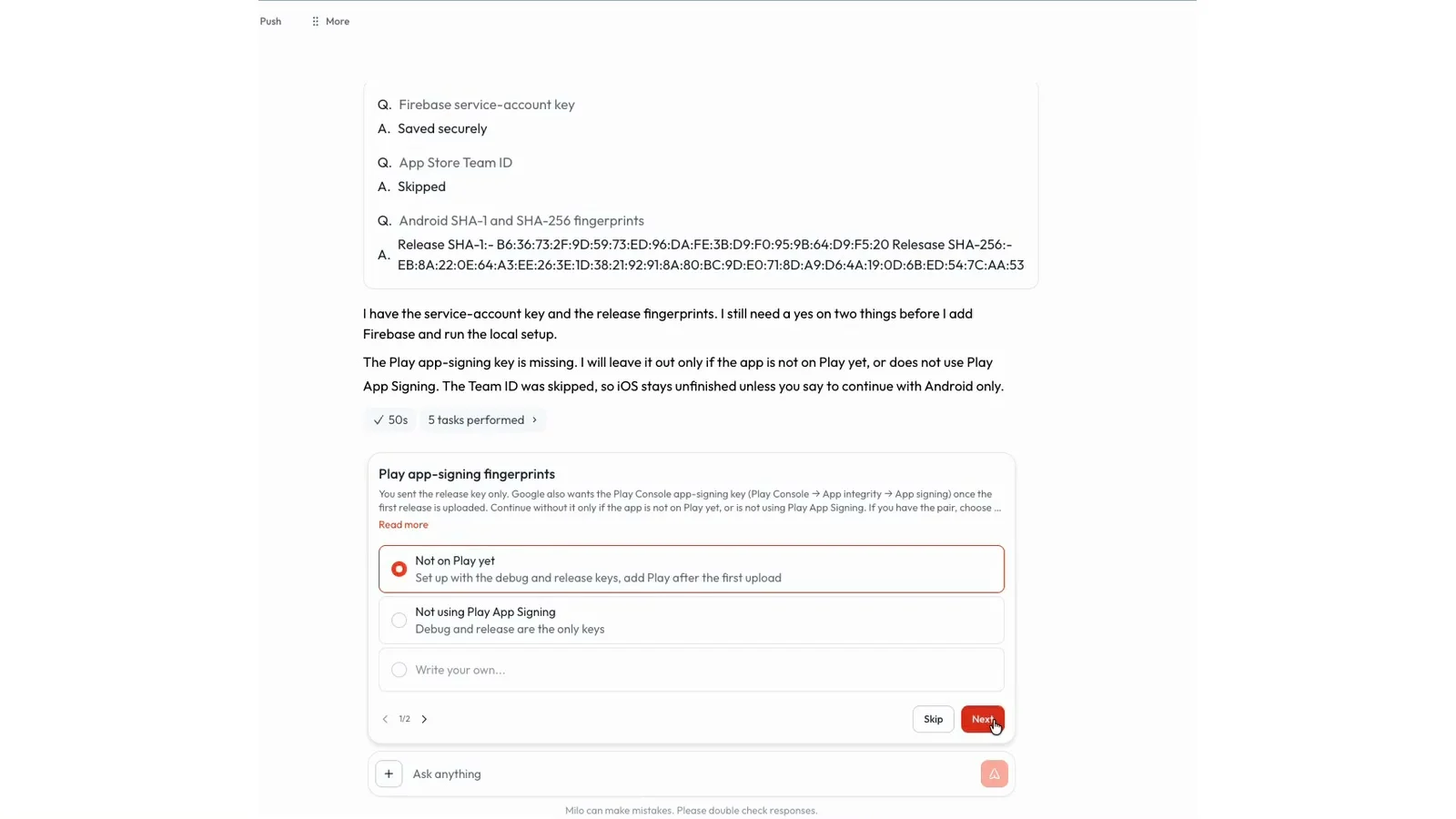


Builds from Milo: start a test or release build by asking
Ask Milo for a test or release build for iOS, Android or both. Milo confirms the details, then starts the build for you.

Making a new app build used to mean a trip to the builds page or a message to our team. Now you can ask Milo.
Try it with:
Help me release my app
Milo asks whether you want a test build or a release build, and for which platforms: iOS, Android or both. It confirms with you, then starts the build. Follow its progress on the Manage App Builds page in Studio.
Who can start which build
- On a free trial, you can start any build.
- After a trial ends without a plan, you can start Android test builds. Release builds need a plan.
- If Appbrew manages your app's signing keys, you can see your builds but can't start them from Milo yet. Ask your Appbrew team.