Markup calculator
Markup calculator
Work out your selling price and margin
Enter any two values. Markup is measured against your cost; margin is measured against your selling price. They are not the same number.
FAQ
Markup and margin, explained.
How do you calculate markup?
Markup is your profit as a share of your cost: (selling price − unit cost) ÷ unit cost × 100. A product that costs you $20 and sells for $32 makes $12 of profit, which is a 60% markup.
What's the difference between markup and margin?
Both start from the same profit. Markup divides it by your cost; margin divides it by the selling price. The $12 profit on a $32 product is a 60% markup but a 37.5% gross margin. Margin is always the smaller number, so pricing with one while thinking of the other leaves money on the table.
How do I turn a target margin into a markup?
Use markup = margin ÷ (1 − margin). A 40% target margin needs a 66.7% markup, and a 50% margin needs 100%. Choose "Cost + target margin %" in the calculator and it works this out for you.
How much should I mark up my product?
There is no single right percentage. Start from the gross margin you need once shipping, payment fees and ad spend are paid, then convert that margin into a markup. The gross margin calculator shows what is left after those costs.
What does break-even units mean?
It is how many units you need to sell to cover your fixed costs: fixed costs ÷ profit per unit, rounded up. With $12 of profit per unit and $1,200 of fixed costs, you break even at 100 units.
Does the selling price include tax and shipping?
No. The calculator works with the price of one unit before tax and shipping, so enter your unit cost the same way.
Why brands add an app
Your margins work harder in the app.
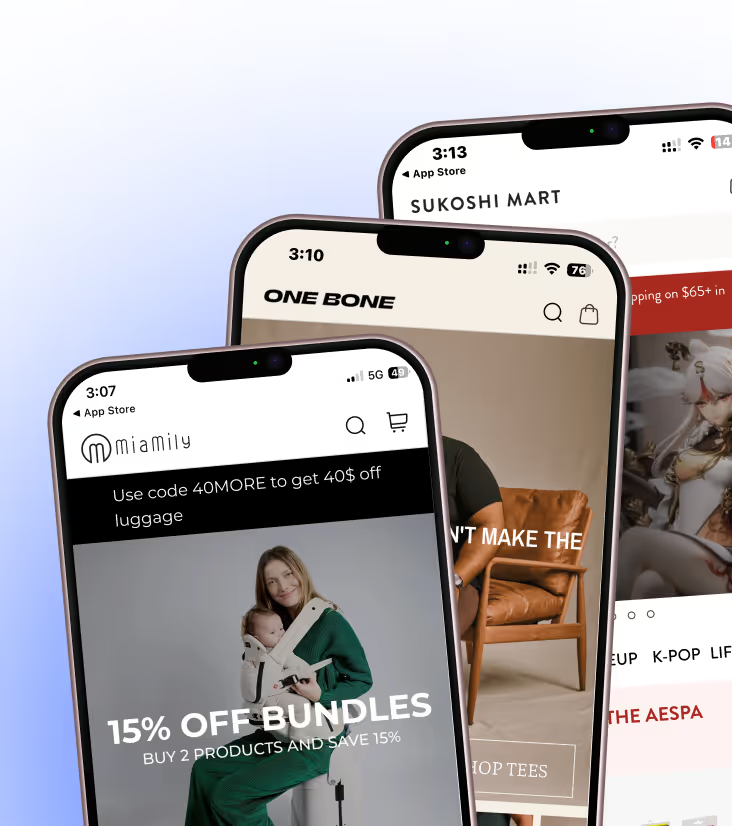
Same brand, same products. Shoppers convert more often, spend more per order and come back more often in the app than on mobile web.
- 3×
- higher conversion rate, app vs mobile web
- 1.2×
- higher average order value, app vs mobile web
- 6×
- higher customer lifetime value, app vs mobile web
Each brand's app against its own mobile web, from Appbrew case studies.
Your app starts with one sentence.
Install Appbrew from the Shopify App Store and ask Milo for the first screen. Every plan starts with a 30-day free trial.