


.avif)
.png)
The mobile web converts at roughly 1.2% for most Shopify stores, while a native app routinely does 3x that. You know a mobile app should be part of the plan. What stops most US brands is the assumption that getting one means a six-figure quote and a four-month build.
That was true a few years ago. It isn't anymore. A no-code mobile app builder turns your existing store into a native iOS and Android app in weeks, run by your marketing team, with no developers on payroll. The gap now isn't cost or capability. It's choosing the right tool from a category that has gotten crowded and noisy.
This guide ranks 14 no-code mobile app builders, grouped by what they're actually built for: ecommerce brands on Shopify, teams that need a general-purpose app, and builders who want code-level control.
For each one, we read the actual reviews, real US brand results, and listed verified pricing, so you can shortlist without sitting through five sales demos.
TL;DR
- A no-code mobile app builder lets non-technical teams launch native iOS and Android apps in weeks, not months, without hiring developers or paying for a custom build (which still runs $15,000 to $100,000+ in 2026).
- For ecommerce, the strongest picks are Appbrew, Tapcart and Shopney. These are purpose-built for Shopify and optimize for conversion and retention, not just putting your catalog in an app wrapper.
- For general-purpose apps (web apps, internal tools, MVPs), Adalo, Bubble, Thunkable, and Appy Pie cover most non-ecommerce use cases.
- For more control, low-code tools like FlutterFlow and BuildFire trade some simplicity for customization depth and code access.
- Push notifications are the reason app builders pay for themselves: they average a 9.6% open rate versus 1 to 3% for email.
- Appbrew ranks first for ecommerce, with a 5.0 rating on the Shopify App Store and first-party data showing 3x higher conversion, 1.3x higher AOV, and 6x higher customer lifetime value across 250+ brands. US brand Karma and Luck saw a 50% conversion lift after switching.
What Is a No-Code Mobile App Builder?
A no-code mobile app builder is a platform that turns your website or store into a working mobile app without you writing any code. You design screens and set up logic in a visual editor, and the platform generates the native app in the background.
Instead of a developer translating your requirements into Swift and Kotlin, you drag blocks, pick templates, and connect your data. The builder handles compilation, app store submission, and updates. For an ecommerce brand, that means your Shopify catalog, inventory, and checkout flow into a branded app that a marketer can manage from a dashboard.
The category splits into three groups, and mixing them up is how brands end up with the wrong tool. Ecommerce builders are tuned for storefronts and conversion. General-purpose builders handle everything from booking apps to internal dashboards. Low-code builders give you visual speed plus a code escape hatch for anything custom.
How We Ranked These 14 No-Code Mobile App Builders
We scored every tool against five criteria, weighted by what actually determines whether an app earns its keep after launch, not how good the demo looks.
Ratings and pricing are taken from the Shopify App Store, G2, and Capterra, current as of mid-2026.
Best No-Code Mobile App Builders: At a Glance
Pricing from each vendor's site; ratings from the Shopify App Store, G2, or Capterra, current as of mid-2026.
Best eCommerce no-code mobile app builders
These seven tools are built for storefronts. They sync your Shopify catalog in real time, handle checkout, and include the retention features (push, app-only offers, deep linking) that let an app pay for itself. If you run an ecommerce store, start here.
As you read, keep one question in mind: is the tool building you a genuine growth channel, or a faster version of the mobile site you already have?
1. Appbrew
Appbrew is an AI-native no-code mobile app builder tailored for eCommerce brands looking to create a high-performing mobile app that resonates with their brand identity.
This platform allows businesses to build fully native iOS and Android apps with a user-friendly interface, allowing eCommerce brands to create an app experience that’s both engaging and seamless for customers.

Where it shines.
The reason it leads this segment is performance tied to outcomes. Appbrew is built on React Native, the same stack behind apps like H&M, and its apps load in under a second against the 5 to 6 seconds typical of webview-based competitors.
That speed compounds: across 250+ Shopify brands, Appbrew's first-party data shows 3x higher conversion, 1.3x higher average order value, and 6x higher customer lifetime value on the app versus mobile web.
The AI layer is the real separator.
- Milo, Appbrew's AI growth assistant, lets a marketer change the app or draft and schedule push campaigns with plain-text commands, and it analyzes shopper behavior to suggest send times and write abandoned-cart flows, which is part of why app push performs the way it does.
- The AI Concierge helps shoppers find products and reduces cart abandonment in real time, and an AI skin analyzer serves beauty brands specifically.
- Depth is the other edge. Appbrew is Built for Shopify with 120+ native integrations, so the stack you already run keeps working in the app: Klaviyo and Attentive for messaging, Gokwik to smooth checkout, Judge.me and Loox to pull reviews straight onto the product page.
With Appbrew, push notifications come with deep linking, allowing brands to direct customers to specific product pages or offers, driving higher engagement and conversions. The no-code CMS offers an effortless way to manage content within the app, while advanced analytics allow businesses to track user behavior and app performance without needing technical expertise.
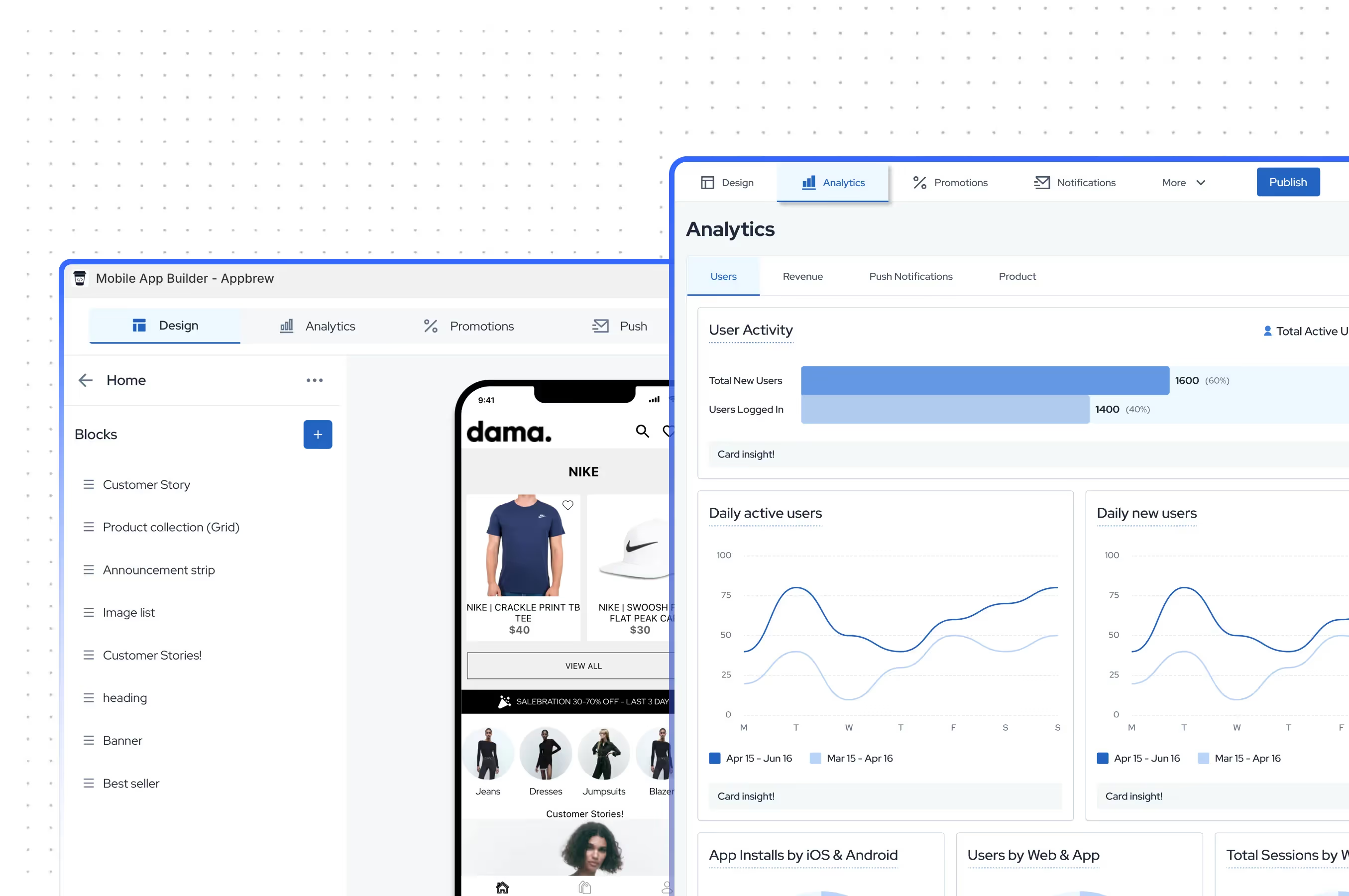
With Appbrew, push notifications come with deep linking, allowing brands to direct customers to specific product pages or offers, driving higher engagement and conversions. The no-code CMS offers an effortless way to manage content within the app, while advanced analytics allow businesses to track user behavior and app performance without needing technical expertise.
Where it falls short.
Appbrew is built only for Shopify and Shopify Plus, so a WooCommerce or custom-platform store is out of scope. The pricing suits growth-stage brands more than someone testing the water for the first time.
What customers say.
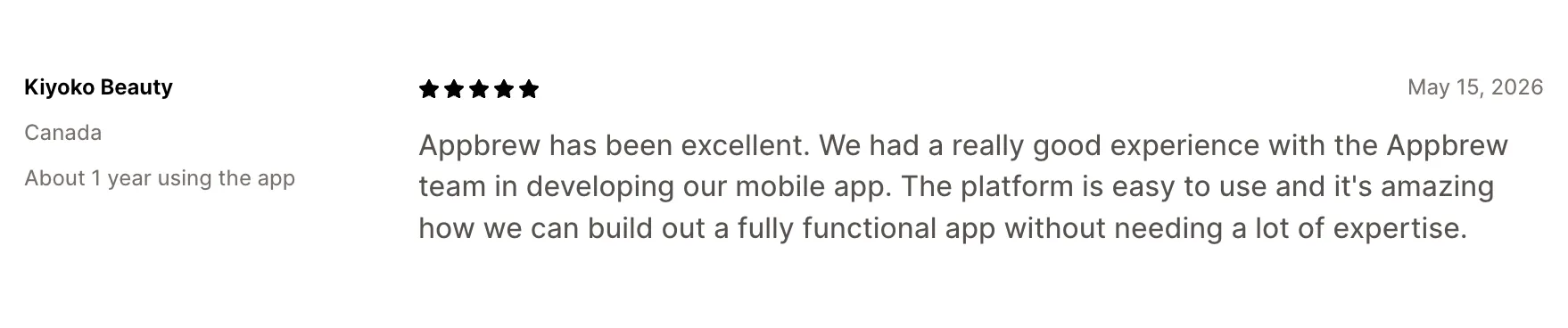
Appbrew holds a 5.0 across 64 Shopify App Store reviews, with a recurring theme of hands-on support and non-technical ease. Kiyoko Beauty wrote that the platform lets them "build out a fully functional app without needing a lot of expertise."
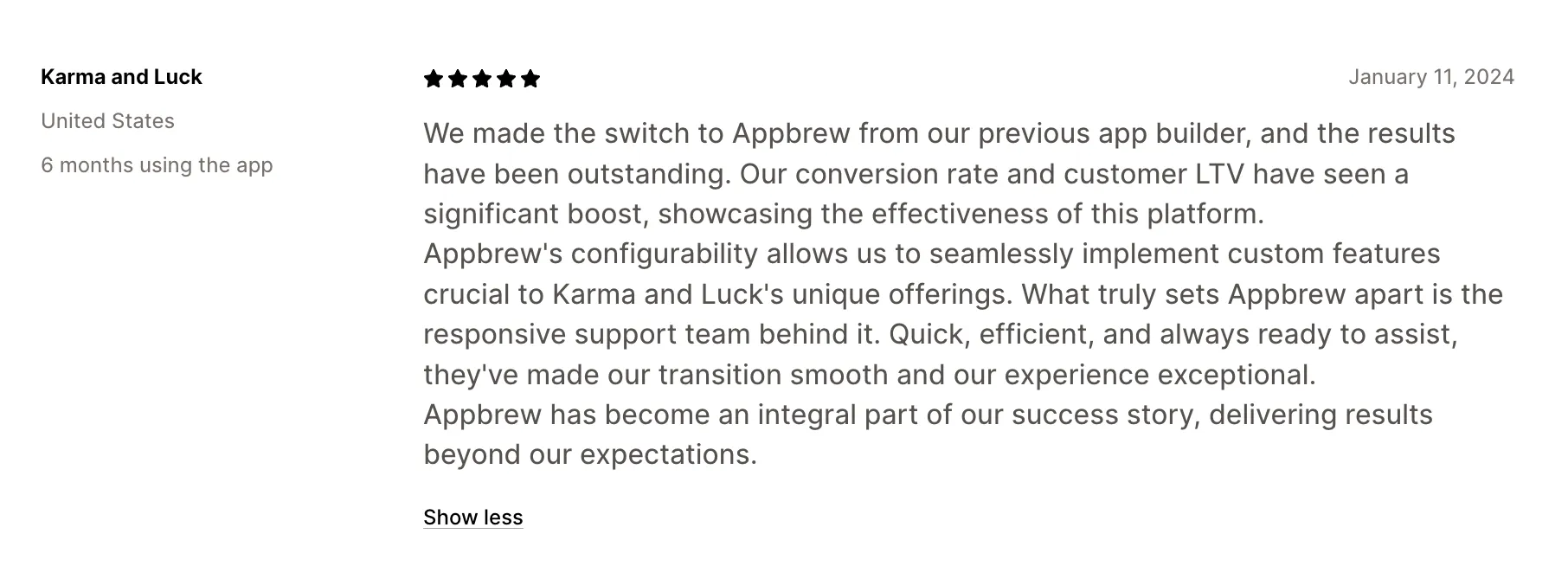
Karma and Luck, a spiritual jewelry brand founded in Las Vegas, migrated to Appbrew from a legacy builder that made their app look generic. After a full rebrand inside the app, custom features like a native discount page and a daily horoscope, and sign-in prompts, they saw a 50% increase in conversion rate, 25% AOV growth, and a 30% lift in sign-ups. The full breakdown is in the Karma and Luck case study.
Pricing. From $499/month on the Pro plan, with custom Enterprise pricing.
Best for. Shopify and Shopify Plus brands that want an AI-assisted app a marketing team can run, with the build handled during onboarding.
[[cta]]
2. Tapcart

Tapcart is the name in the category that most Shopify brands recognize, used by brands like Princess Polly, BÉIS, and Aviator Nation. You rebuild your store inside its block-based App Studio editor, and Tapcart generates the native iOS and Android apps around it.
Where it shines.
Stability and polish. Tapcart has spent years on crash rates and reliability, and it shows in the block-based architecture. It offers an integration marketplace of any Shopify builder, covering Klaviyo, Recharge, Yotpo, and Gorgias. For a team that wants the app to merchandise differently from the website and has the in-house resources to run it as its own channel, that separation is a feature, not a bug.
Where it falls short.
The recognizable brand names come with an enterprise posture that smaller teams should price in. Reviewers repeatedly cite cost that climbs as higher tiers add a share of app sales, and Android features that can trail iOS. Customization past the standard blocks needs the developer-oriented Custom Blocks feature, which brings back the technical overhead a no-code tool is meant to remove.
What customers say.
According to the Shopify App Store, The Wrap Life, a US store that ran Tapcart for over a year, said it's a good way to build your own app but felt some basics "should be standard and high on the priority list," pointing to push notifications that can't be edited after writing, so a single typo means starting the campaign over.
Limited customization is the thread running through the critical reviews: several merchants note the editor's fixed blocks leave little room to tailor the experience, and pushing past them usually means paying for custom development.

Pricing. From $250/month (Core), $500/month (Ultimate), plus custom Enterprise and add-ons.
Best for. Design-forward Shopify brands with the in-house resources to run the app as its own channel.
If Tapcart is on your shortlist, it's worth comparing it alongside other Shopify-first platforms before making a decision. Our Tapcart Alternatives guide covers feature differences, pricing, and the trade-offs between the leading solutions.
3. Vajro (Superfans)

Vajro, now rebranded as Superfans, is a long-running Shopify builder repositioned around retention. Its drag-and-drop editor turns your store into native apps with real-time sync, and the support team is hands-on during setup.
Where it shines.
Superfans lets you run interactive live streams inside the app and on Facebook with shopping built into the stream, a mechanic that drives strong conversion for brands where impulse matters. Around that sit unlimited segmented push, app-only drops and discounts, and in-app live chat, plus one of the broadest integration ranges for the price at 70+ apps.
Where it falls short.
The checkout is the main technical caveat: Superfans renders Shopify's web checkout inside the app rather than a fully native flow, so you don't get biometric authentication at the payment step, a small friction point native-checkout tools avoid. Reliability of specific integrations has burned some merchants, and a success fee applies on top of the monthly price, which changes the total cost math as you scale.
What customers say.
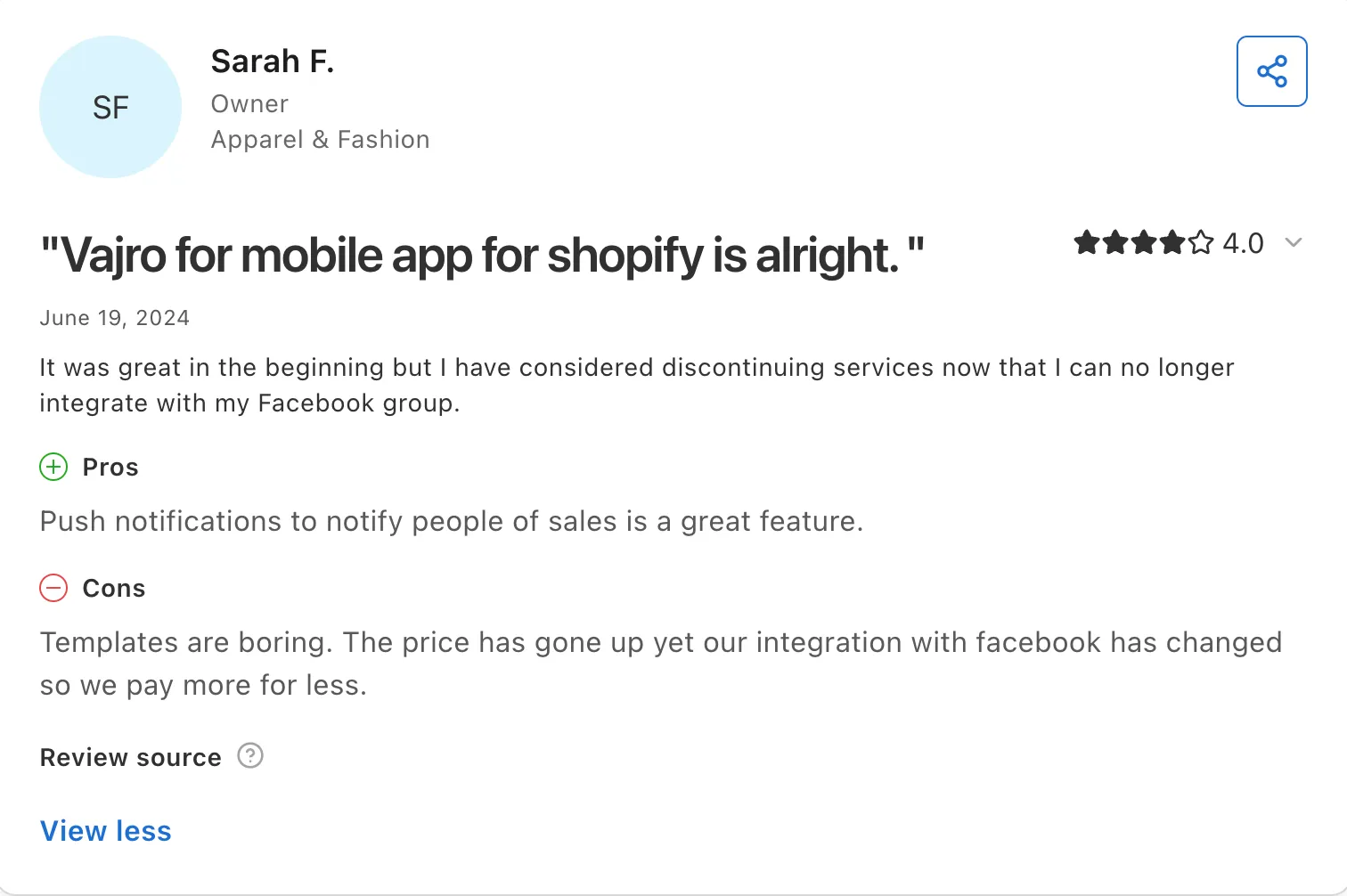
According to G2, Sarah F. (Owner, Apparel & Fashion) said Vajro's push notifications are a great way to alert customers to sales, but noted the templates feel dated and losing her Facebook group integration left her paying "more for less" as prices climbed.
It's a recurring pattern: the praise centers on fast onboarding and responsive support, while the critical reviews cluster around rising costs and integrations that don't work as promised, a frustration other merchants echo when advertised connections stop holding up.
Pricing. From $150/month (Starter) up to $1,000/month (Unlimited), plus a success fee.
Best for. Small and mid-sized Shopify stores that want live selling and a loyalty channel with a fast, supported launch.
4. Shopney

Shopney is built around getting a credible app live quickly with a lot of help along the way. You start from an industry-specific theme, customize it in a no-code editor, and Shopney's team handles the store submission.
Where it shines.
Support, unmistakably. The essentials are all there too: unlimited AI push on every plan, in-app live chat, AR previews, and Shopify Markets support for multiple languages and currencies, with no revenue share on any plan.
Where it falls short.
Customization is deliberately shallow past the home screen. The product, cart, and checkout screens follow set layouts, which is exactly what keeps launches fast but frustrates brands that want a heavily custom experience. Reviewers also flag a thin integration list, no native payment gateway, and pricing that feels steep for the smallest stores.
What customers say.
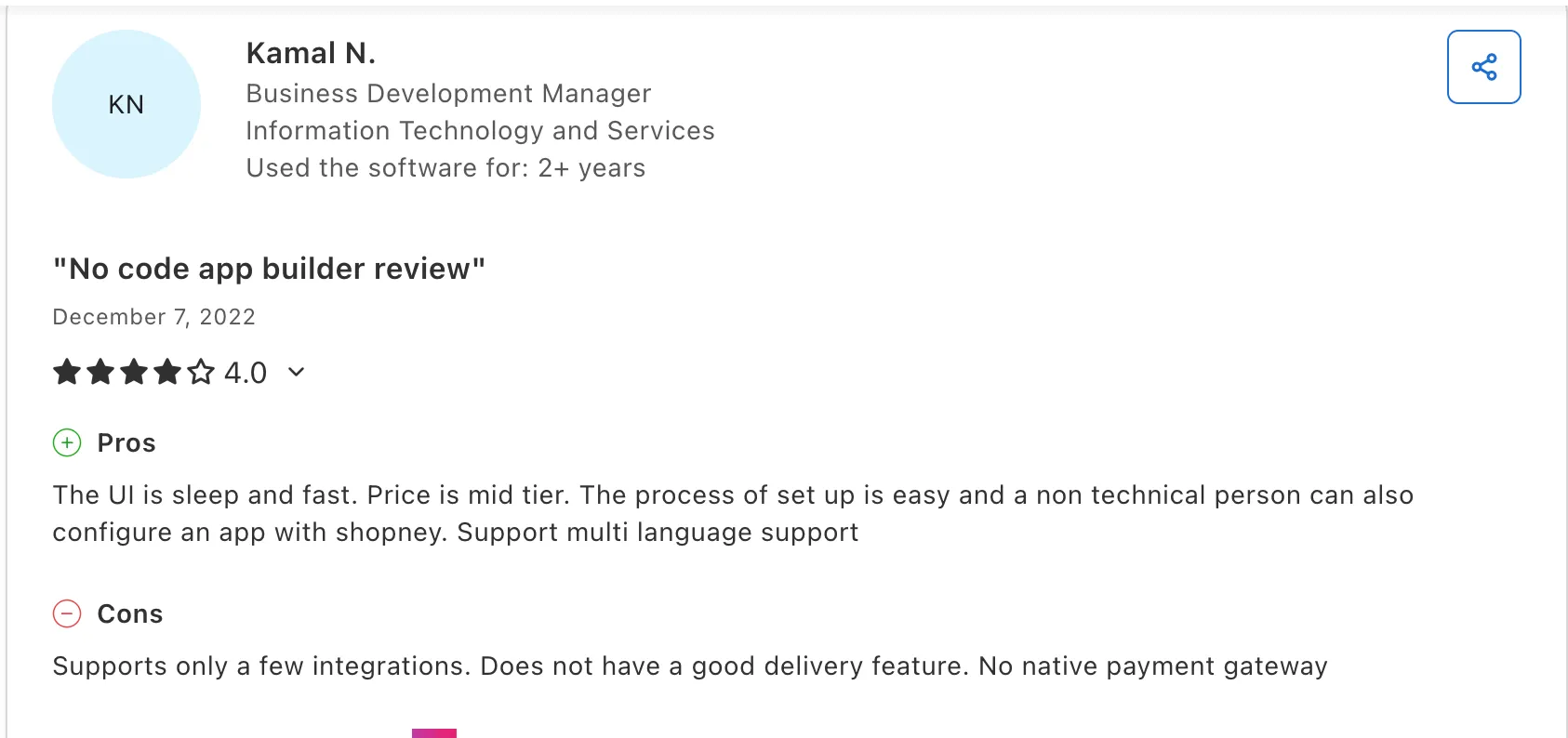
On Capterra, a merchant flagged the trade-off cleanly: it "supports only a few integrations" and lacks a native payment gateway, while praising how easy a non-technical person finds the setup.
Pricing. From $149/month (Silver) up to a $1,299/month Enterprise tier, no revenue fee.
Best for. Small and mid-sized Shopify stores that want a quick launch and lean on strong support.
5. MobiLoud

MobiLoud takes a different approach from the rest of this segment. Instead of rebuilding your store inside a separate CMS, it turns your existing website into native iOS and Android apps and manages the whole thing for you.
Where it shines.
There's no second storefront to maintain. Whatever you build for the web (new collections, theme changes, third-party integrations, custom features) flows into the app automatically, so the app never drifts out of sync with the site. It works beyond Shopify, including WooCommerce, Adobe Commerce, Salesforce Commerce Cloud, headless, and custom stacks, which makes it the natural fit for complex or non-Shopify brands.
Where it falls short.
Price is the obvious gate. It's the highest entry cost in this list, plus a one-time setup fee. It's also the wrong tool if you specifically want the app to run as its own separate channel with app-only merchandising managed in a distinct CMS, since the whole model is built on parity with your site.
What customers say.
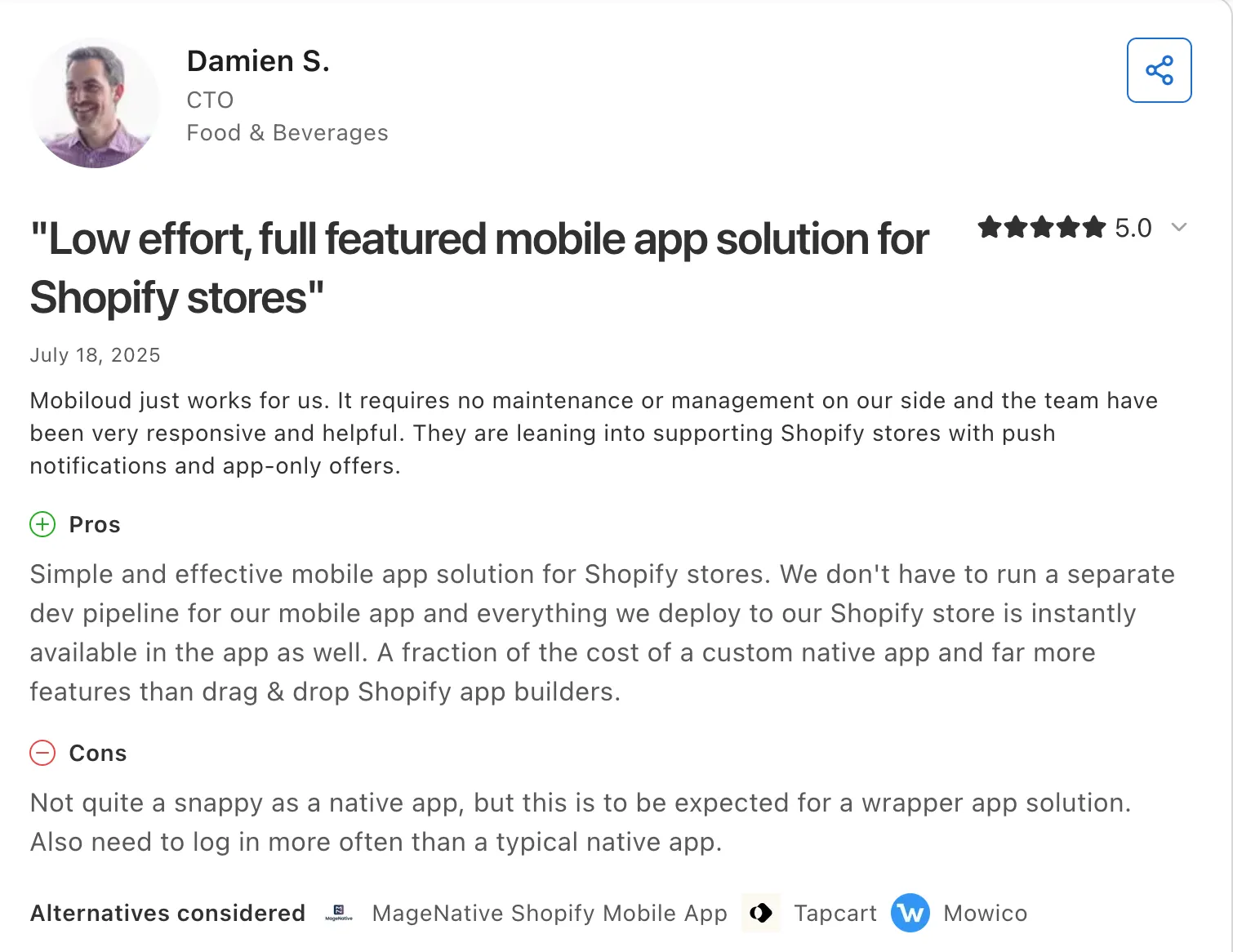
According to Capterra, Damien S. (CTO, Food & Beverages) said MobiLoud is a low-effort Shopify app that costs a fraction of a custom native build, but noted it's "not quite as snappy as a native app" because it's a wrapper, and that customers have to log in more often than they would in a fully native one.
It's the trade-off running through MobiLoud's reviews: consistent praise for low-maintenance setup, set against the reality that a webview app never feels as fast as a truly native build.
Pricing. From $1,499/month.
Best for. Mid-market and enterprise brands that want a managed app on their existing stack with full feature parity.
6. SimiCart

SimiCart is a Built for Shopify app focused on speed to launch and low cost, made by BSS Commerce, a team with more than a decade in ecommerce. You turn your store into native iOS and Android apps using a drag-and-drop editor with real-device preview, and SimiCart publishes to both stores with no success fee.
Where it shines.
There's a genuine free plan and paid plans start low. It carries the Built for Shopify badge, covers the essentials (real-time sync, unlimited push, wishlists, reviews, app-exclusive discounts), and the support team help through setup and store submission.
Where it falls short.
Depth. SimiCart ships only three prebuilt themes, and it isn't a true free-form drag-and-drop builder: you work within a set structure and can't freely move components or build custom screens from scratch. Integrations are basic compared with the flagship tools. Support is usually praised, but it isn't flawless, and a few merchants have hit slow responses at the wrong moment.
What customers say.
SimiCart holds a 4.6 across 38 Shopify App Store reviews. A boutique owner of 12 years said the templates were ready to go so "the entire process was smooth and stress-free." A dissenting review described an app that showed only some offers and support that went quiet, prompting an uninstall.
Pricing. Free plan available; paid plans from $49/month.
Best for. Small and mid-sized Shopify brands that want an affordable, fast launch with solid core features.
7. Twinr
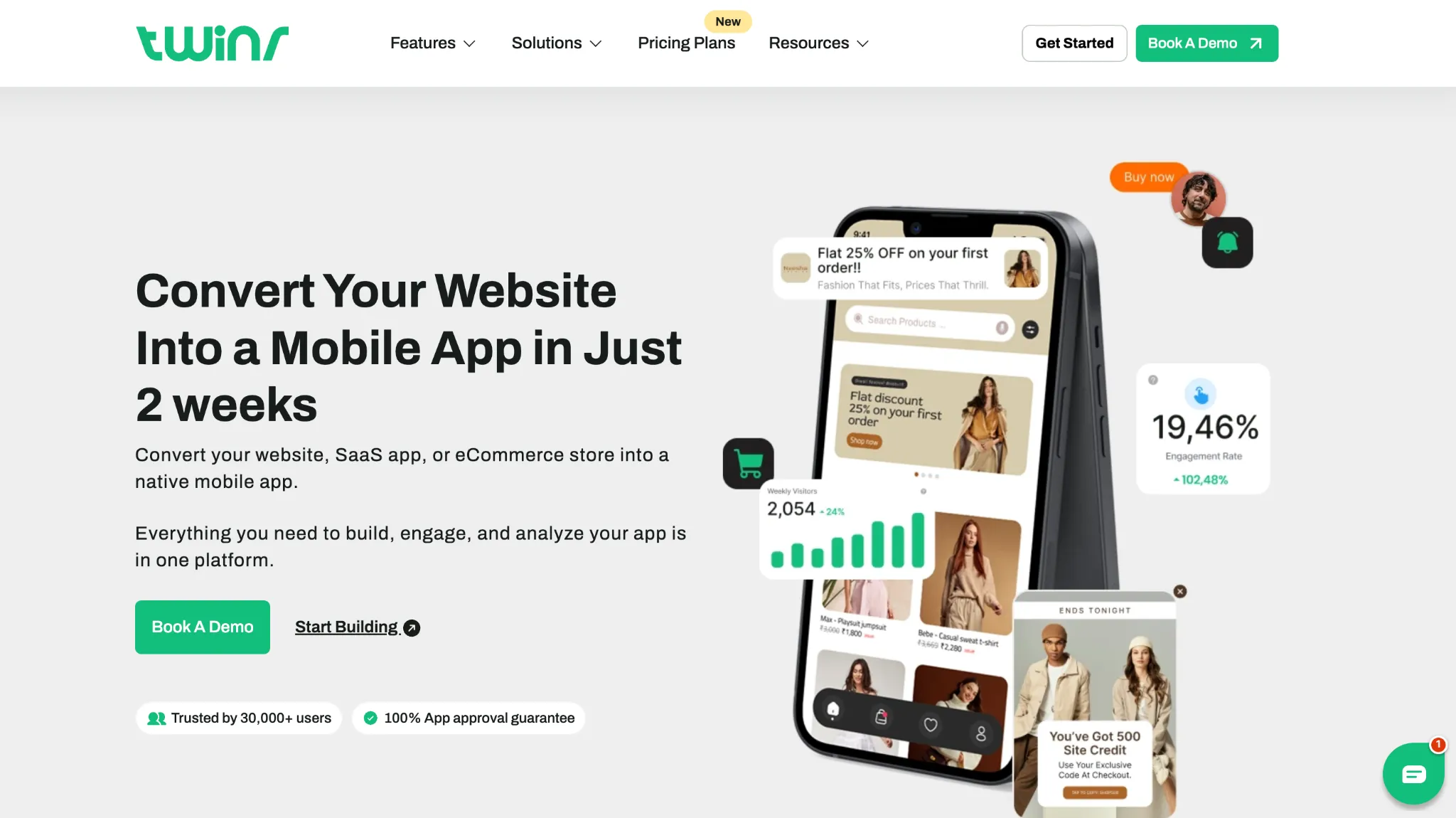
Twinr is an affordable builder that converts an existing website into a native app in minutes. It works with Shopify, WooCommerce, WordPress, Wix, and custom sites, which makes it flexible for merchants who aren't on Shopify or who run more than one platform.
Where it shines.
Price and reach. It's one of the lowest entry points in the category, works across platforms rather than being locked to Shopify, and gets an app live fast with managed store submission.
Where it falls short.
Twinr is closer to a polished wrapper of your existing site than a fully rebuilt storefront, so you get less native merchandising control than the flagship Shopify tools. Reviewers point to thin beginner documentation and some fiddliness setting up features, particularly on the Apple side. The public review base is also smaller than the established players, so there's less signal to go on.
What customers say.
Twinr's reviews on G2 and Trustpilot skew positive on ease of use and support, with the common gripe being setup guidance.

Pricing. From $25/month (Basic) after a 14-day free trial.
Best for. Cost-conscious stores, including non-Shopify ones, that want a functional app without a big spend.
If you're still deciding between platforms, our comparison of the 16 best Shopify mobile app builders in 2026 goes deeper into pricing, AI features, integrations, and merchant reviews.
Best General-Purpose No-Code App Builders
Not every app is a storefront. If you're building a booking app, a marketplace MVP, an internal tool, or a customer-facing app that isn't tied to Shopify, these four are where non-technical teams get the most done. This is also where non-technical teams building production apps without engineers tend to land.
8. Adalo

Adalo pairs AI-powered generation with a visual multi-screen canvas, so you can design and publish native iOS, Android, and web apps from a single project. Its Magic Start feature generates a full app foundation from a description, and Magic Add builds new features from natural language.
Where it shines.
It's the most beginner-friendly path to a genuinely native app. A built-in relational database with unlimited records makes it a strong fit for data-driven apps like marketplaces and booking systems, and the flat pricing means your bill doesn't balloon as users grow.
Where it falls short.
It can lag on highly complex projects, and there's no code export, so you're committed to the platform once you build. Teams needing very custom business logic will hit a ceiling that Bubble wouldn't impose.
What customers say.
Reviewers on G2 consistently describe the canvas as approachable, with the visual builder often compared to assembling slides. The most common critique is performance on ambitious builds.
Pricing. From $36/month, flat rate.
Best for. Non-technical founders and teams building native mobile apps quickly, especially data-driven ones.
9. Bubble

Bubble is a visual programming platform for full web applications, and it's the go-to when the data model and workflows exceed what simpler tools handle.
Where it shines.
Raw power. Nothing else here matches Bubble for complex logic, multi-user apps, and custom workflows, backed by a huge plugin ecosystem and an active community. For a web-based marketplace or SaaS product, it's the most capable option on this list.
Where it falls short.
The learning curve is steep, and reaching production quality often takes months of practice or a hired Bubble expert. Its mobile output relies on a web wrapper rather than true native compilation, so it's web-first at heart. The pricing is the real trap: usage-based Workload Units can climb sharply, and a moderately active app can add well over $1,000/month on top of the base plan.
What customers say.
Bubble shows one of the sharpest platform splits in software: roughly 4.4 to 4.6 on G2 from users who love the product, against a far lower Trustpilot score driven by billing complaints. Both are real, and the gap tells the story: people rate the builder highly and the billing model poorly.
Pricing. From $29/month, with usage-based Workload Units that can escalate at scale.
Best for. Startups and teams building complex web-based SaaS or marketplace MVPs.
10. Thunkable
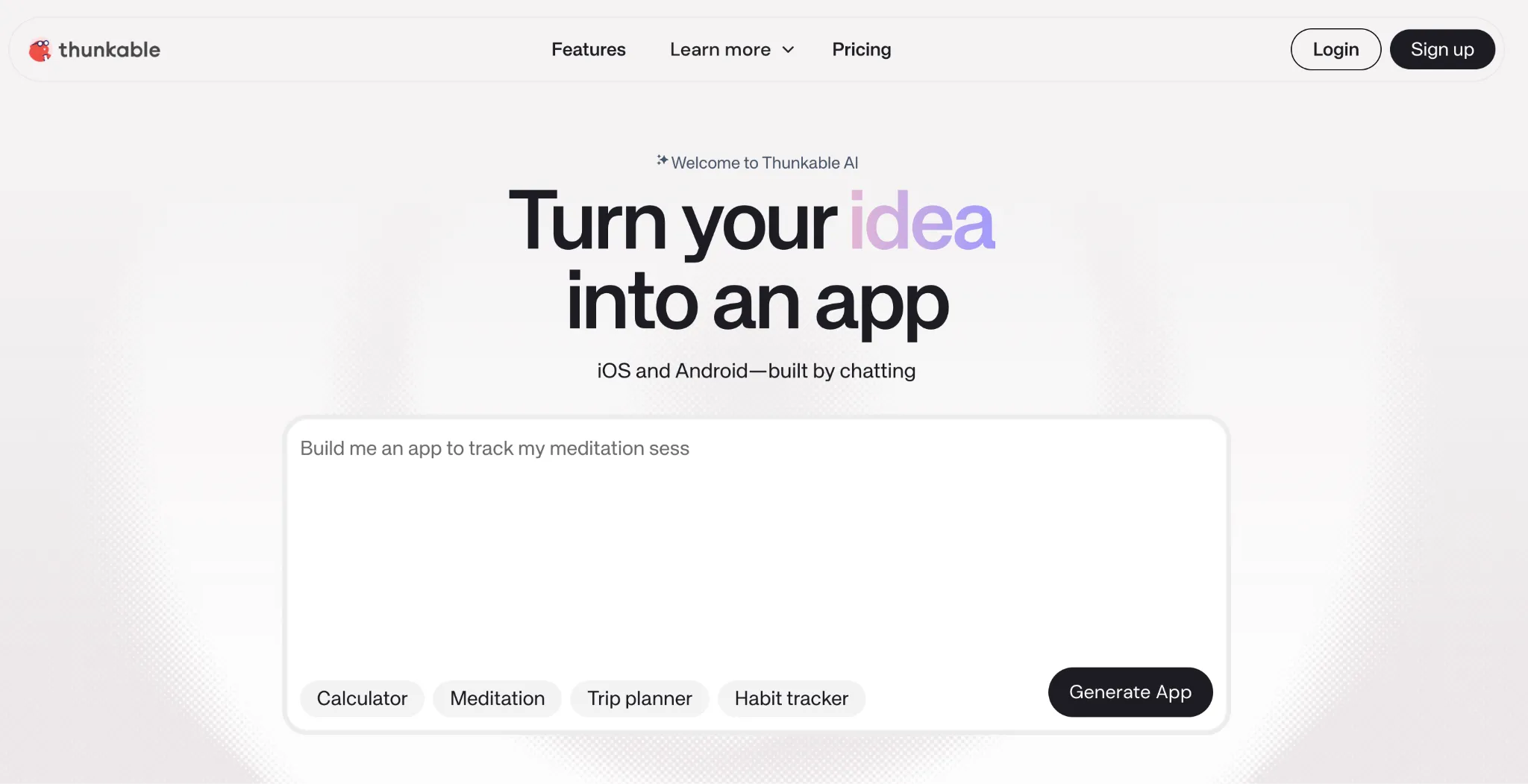
Thunkable builds cross-platform native apps using block-based logic, the same visual style as MIT App Inventor. It's a favorite in US education for exactly that reason: the drag-and-snap logic blocks make app development easy to learn.
Where it shines.
The block-based model is genuinely beginner-friendly and excellent for teaching, with strong tutorials and an education community behind it. It produces cross-platform native output from one project and connects to external databases like Airtable, Xano, and Google Sheets.
Where it falls short.
App store publishing is gated behind paid tiers with steep jumps between them, and token-based usage limits can restrict larger apps. For production business apps, it's less sophisticated than Adalo or Bubble, and the block model that makes it approachable becomes cumbersome as complexity grows.
What customers say.
Reviewers on G2 praise the learning experience and cross-platform reach, while the recurring frustration is the pricing structure and the leap in cost when you move past the entry tier to publish.
Pricing. Free tier; publishing from $37/month (annual, single app), up to $189/month for unlimited.
Best for. Students, educators, and hobbyists building cross-platform apps and prototypes.
11. Appy Pie
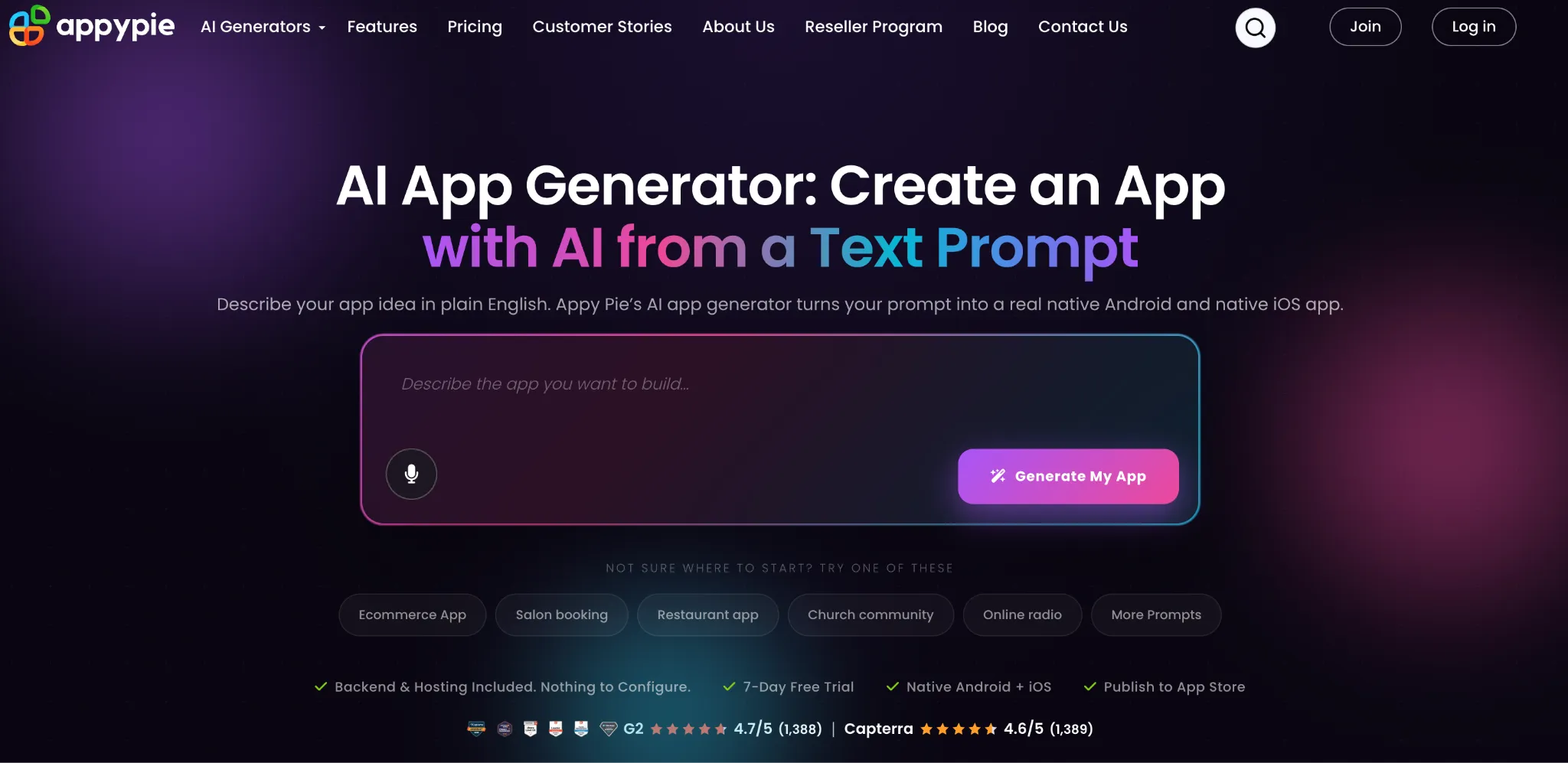
Appy Pie is the entry-level option for simple apps on the smallest budgets. You generate an app from a text prompt using its AI, then customize it from a large template library covering verticals like restaurants, fitness, and events.
Where it shines.
Price and speed. It's the cheapest entry point in this list, and when your use case matches an existing template, you can stand up a basic presence app fast, with native Android and iOS publishing and a large integration count.
Where it falls short.
Customization depth is limited by the template-heavy approach, so straying far from the presets is hard. iOS publishing sits on a pricier tier than Android-only, and you can't remove Appy Pie branding except on the Enterprise plan, which undercuts the professional feel for a customer-facing app.
What customers say.
Appy Pie holds around a 4.6 on G2. Reviewers value the low cost and template speed, while the common note is that quality varies by template and deeper customization runs into walls.
Pricing. From $16 per app per month; iOS support sits on a higher tier around $60/month.
Best for. Small businesses and beginners building simple, template-based apps on a tight budget.
If you're evaluating multiple no-code app builders, our AppMySite Alternatives guide compares AppMySite with other top platforms across features, pricing, integrations, customization, and merchant reviews.
Best Low-Code Builders for More Control
Low-code tools sit between pure no-code and custom development. You get visual speed with a code escape hatch, which suits teams that want to start fast but keep the option to go deeper.
12. FlutterFlow
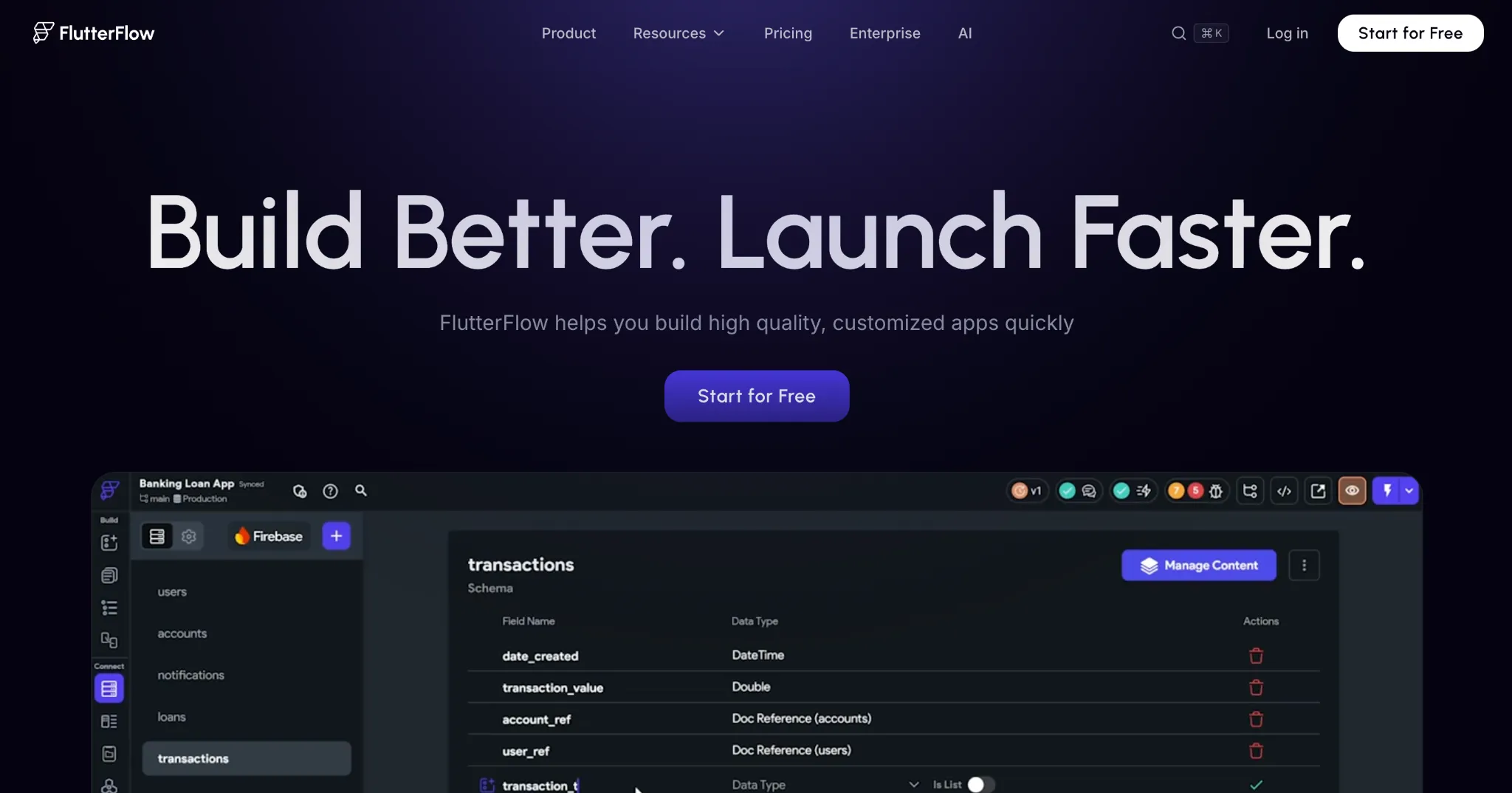
FlutterFlow is built on Google's Flutter framework and bridges no-code speed with professional code flexibility. It gives near-pixel-perfect design control and, crucially, full Flutter code export, so you own what you build.
Where it shines.
Design fidelity and ownership. You get fine-grained control over the interface and can export the underlying Flutter code, which removes the platform lock-in that most no-code tools impose. Native cross-platform output from a single codebase makes it a favorite for developer-adjacent teams.
Where it falls short.
It's the least beginner-friendly tool in this group. There's a real learning curve, it's better suited to people with some Flutter familiarity, and it doesn't include a database, so you set up and pay for something like Firebase separately. Pricing is per seat regardless of how many users your app has.
What customers say.
FlutterFlow holds around a 4.6 on G2, with reviewers praising the design control and code export while noting the learning curve and the extra work of wiring up a backend.
Pricing. From roughly $30/month per seat, scaling with tier.
Best for. Developer-adjacent teams that want no-code speed with the option to export and own the code.
13. BuildFire
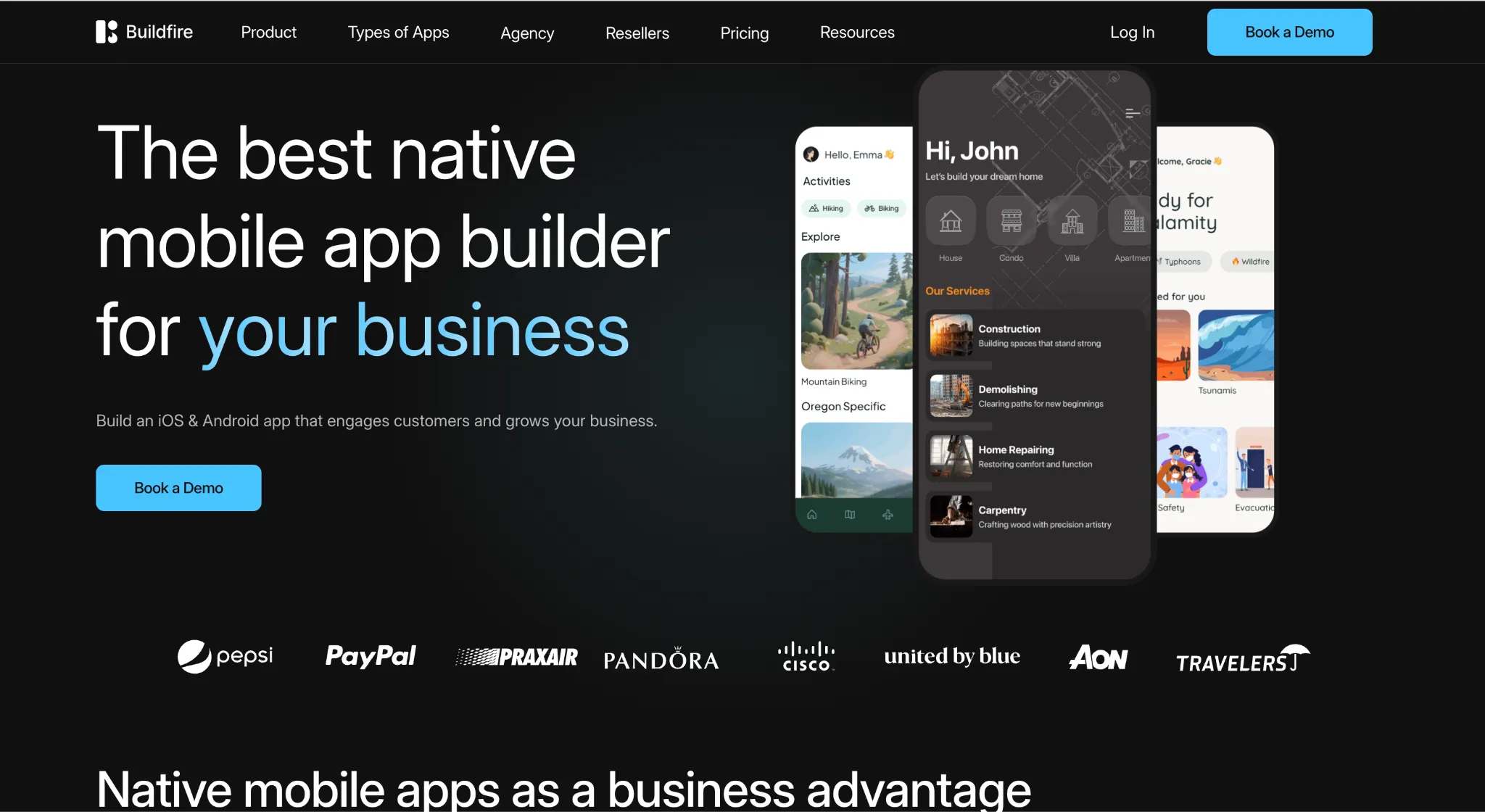
BuildFire is a no-code builder with a click-and-edit interface and a marketplace of more than 100 plugins, plus a developer SDK for teams that want to go further. It serves a wide range of industries, from events and media to fitness and education.
Where it shines.
The plugin ecosystem extends functionality fast, and the developer SDK gives a path to custom work when you outgrow the presets. Support is well regarded in reviews, and the white-label reseller program appeals to agencies building apps for clients.
Where it falls short.
Price is the recurring complaint: it runs high for smaller projects, with entry plans well above newer tools. Some third-party plugins haven't been updated in years, which introduces bugs, and the dashboard looks dated next to modern builders.
What customers say.
BuildFire holds around a 4.5 on G2, where support and ease of use draw praise. On Capterra, the trade-off is blunt: one reviewer called it the best web app builder they'd used, then added the "pricing is just way too high."
Pricing. From $100/month, rising to $159/month for higher usage.
Best for. Content, event, and community apps that benefit from a plugin ecosystem and don't mind a higher price.
BuildFire works well for many general-purpose apps, but ecommerce brands often have different requirements. Our BuildFire Alternatives guide compares platforms purpose-built for online stores.
14. Andromo
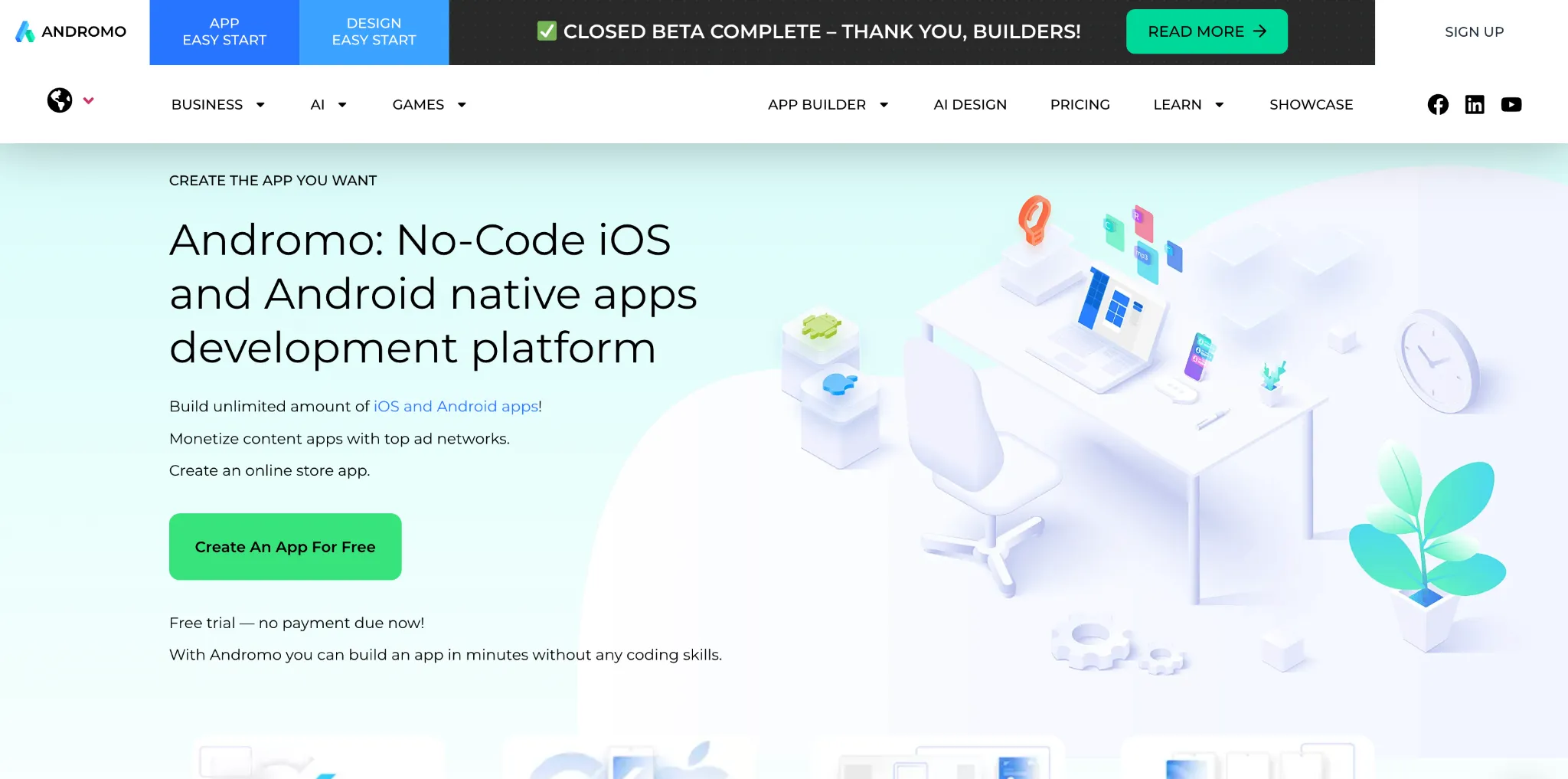
Andromo is a Flutter-based builder focused on content and ecommerce apps, with a distinctive angle: built-in ad monetization through AdMob. If your plan is to publish content and earn from ads or paid access, it's designed for exactly that.
Where it shines.
Monetization is baked in rather than bolted on, which suits creators (bloggers, musicians, photographers) who want to wrap content in an app and earn from it. It ships with templates for content, ecommerce, and game apps, and the point-and-click builder gets a simple app live in minutes.
Where it falls short.
It only produces native mobile apps, with no web output, which caps your reach. And it's template-bound, so complex or highly custom requirements quickly exceed what it's built for.
What customers say.
Andromo holds around a 4.5 on G2, where reviewers highlight how quickly non-technical people build usable apps, while noting it fits simple app requirements more than complex ones.
Pricing. From $32/month, rising to around $130/month depending on app complexity.
Best for. Bloggers, musicians, and creators building content apps designed around ad revenue.
How to Choose the Right No-Code Mobile App Builder
The wrong tool costs you more than money. It costs you the months you spend building on it before you realize it can't do what you need. A few checks before you commit will save you that.
1. Confirm it produces a truly native app, not a web wrapper.
A native app loads faster, feels smoother, and gets full access to device features like push and biometric login. Some "app builders" render your mobile site inside a container, which is quicker to set up but closer to your existing mobile web. For ecommerce, that difference shows up directly in conversion.
2. Check how the app stays in sync with your store.
Most builders have you rebuild your storefront inside their editor, which means maintaining two storefronts. A smaller number, like MobiLoud, runs the app off your existing site so changes flow through automatically. Decide how much double-work your team can own.
3. Add up the total cost, not the sticker price.
Several tools take a success fee or a percentage of in-app sales on top of the monthly base. Others use usage-based pricing that climbs with traffic. A tool that looks cheap at signup can become your largest line item once the app does real volume.
4. Verify your critical integrations before you build.
If your store depends on a specific loyalty app, subscription tool, or reviews widget, confirm it's supported first. Rebuilding around a missing integration after launch is the most common regret in this category.
5. Match the tool to your category.
An ecommerce brand and a team building an internal tool have almost nothing in common in what they need. Use the ecommerce builders for storefronts. Use the general and low-code tools for everything else. Picking across categories is how brands end up fighting their own software.
Pro tip: judge builders on app contribution, not monthly price. The number that matters six months in is what share of revenue the app drives. Strong Shopify brands often see the app grow to 15 to 25% of total online revenue within the first half-year. If a builder gives you no realistic path to that (because it's a webview wrapper of your mobile site rather than a native, personalized channel), the low monthly fee isn't a saving, it's a ceiling.
If you're still deciding whether a native app is the right investment, our guide on how to turn your Shopify store into a mobile app walks through the complete process, from choosing a platform to launching on the App Store and Google Play.
The Real Question Isn't Whether to Build an App
Your most loyal customers are already shopping on their phones. The only question is whether they're doing it in a slow mobile browser or on your icon on their home screen, getting push notifications you send for free. Every builder in this guide closes that gap. What separates them is fit: native performance for ecommerce, flexibility for everything else, and pricing you can live with at scale.
If you're on Shopify and want an app your marketing team can run without a developer, book a demo with Appbrew and see what your store looks like as a native app.
FAQs: No-Code Mobile App Builders for eCommerce
1. Which is the best no-code mobile app builder for eCommerce stores?
Appbrew is the best no-code mobile app builder for eCommerce businesses, offering deep Shopify integration, native app performance, and conversion-driven features without requiring any coding. It lets brands launch high-quality iOS and Android apps quickly, with full customization and real-time sync for products and inventory.
2. How much does a no-code mobile app builder cost in 2026?
Entry pricing ranges from around $16/month for a basic template app (Appy Pie) to $1,499/month plus setup for a fully managed service (MobiLoud). Dedicated Shopify builders mostly sit between $149 and $499/month. Watch for success fees, revenue shares, and usage-based charges, which can exceed the base price as your app scales.
3. Are no-code mobile app builders suitable for eCommerce businesses?
Yes, no-code mobile app builders are ideal for eCommerce brands because they include essential features like product syncing, push notifications, cart functionality, analytics, and real-time inventory updates. They help launch sales-ready apps quickly without development costs.
4. Can I customize the design with no-code mobile app builders?
Absolutely. No-code mobile app builders like Appbrew allow customization of layouts, branding, navigation, colors, fonts, banners, and UI components, so your app reflects your visual identity and delivers an engaging shopping experience.
5. Can a non-technical team build a production-ready app without developers?
Yes. That's the entire point of no-code builders. Visual editors, prebuilt components, and AI generation let marketing, ops, and founders build and run production apps without engineering. For ecommerce, tools like Appbrew hand you a fully built app after onboarding, so your team manages campaigns and content rather than infrastructure.
6. Do no-code mobile app builders create real native apps or just web wrappers?
It varies. Tools like Appbrew, Adalo, FlutterFlow, and Thunkable compile true native iOS and Android apps. Others render your existing website inside a native container, which is faster to set up but performs closer to your mobile site. For ecommerce, native performance directly affects load speed and conversion, so it's worth confirming before you commit.










