

.webp)

.webp)


Create professional mobile apps without developers using these best app creators. Compare no-code platforms, features, and pricing to launch your app faster in 2026.
Building a mobile app shouldn’t start with hiring developers, burning budgets, and waiting months to see results. Yet, that’s the reality for most teams.
Hiring mobile app developers can cost anywhere from $15 to $150 per hour, and a medium-complexity app can easily run into hundreds of thousands of dollars. On top of that, recruitment fees, long interview cycles, and senior team time quickly add up. Even after hiring, development timelines stretch into thousands of hours before an app is ready to launch.
This is exactly why many businesses are rethinking how apps get built.
AI and no-code app creators now make it possible to design, build, and launch apps without writing code or managing developers. Companies save significant costs, build faster, and iterate without technical bottlenecks.
No-code app creators are also easier to use and dramatically speed up prototyping and launch timelines.
In this blog, we share the 8 best app creators that help you build apps without developers.
Let’s dive right in!
Top 8 App Creators to Build Apps Without Developers
After a comprehensive research, these came out to be our best app creator platforms picks for different use cases:
1. Appbrew: Best for Shopify Mobile Apps
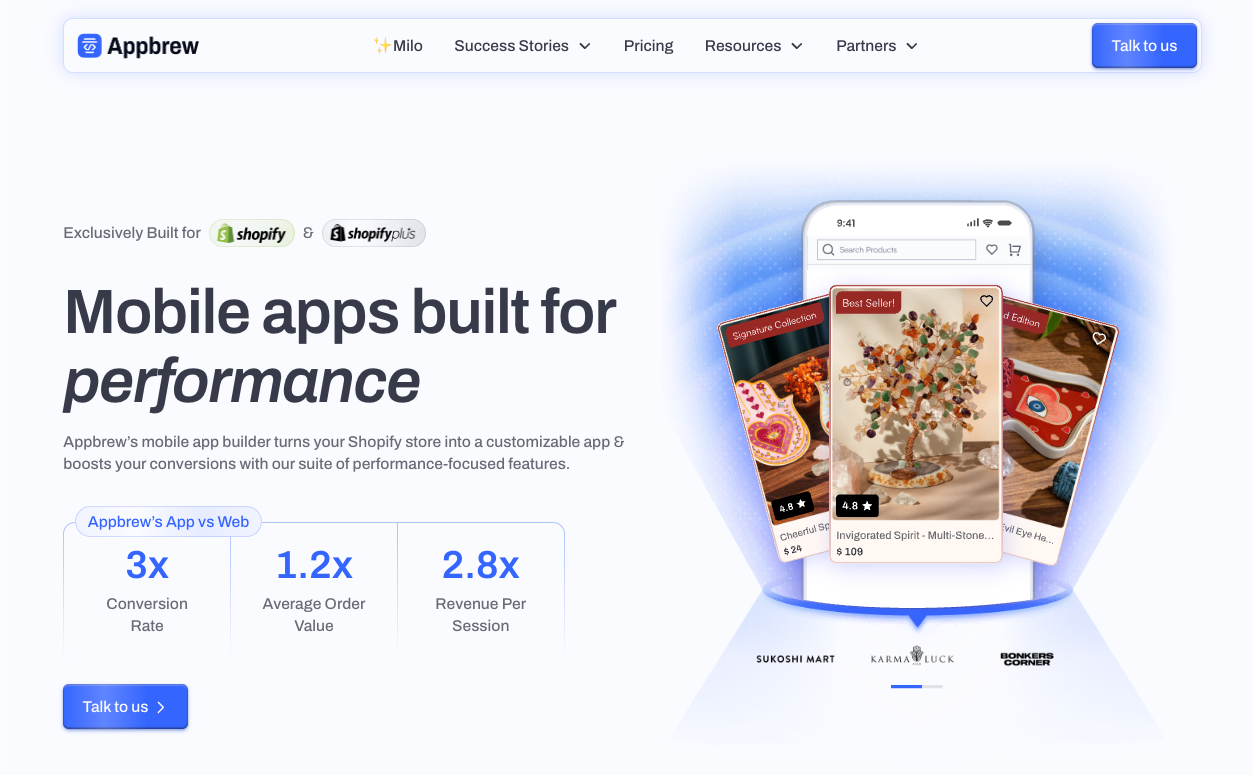
Appbrew stands apart as the most conversion-focused Shopify mobile app creator on the market, converting your online store into a high-performing native mobile experience in just seven days. And yes, you don’t need to hire even one developer for this.
Built on an optimized React Native framework, Appbrew creates very lightweight apps, nearly 4x smaller than competitors while offering the same or more functionality, resulting in higher install rates and superior performance that drives 3-5x better conversion rates compared to mobile websites.
Effortlessly Simple, Powerfully Sophisticated
Appbrew eliminates the technical complexity traditionally associated with mobile app development. The platform features an AI-powered CMS that gives marketing teams complete autonomy over themes, design blocks, and custom pages without touching a single line of code.
<image of AI-powered CMS>
The intuitive drag-and-drop builder, combined with built-in AI copywriting and image generation, allows you to maintain perfect brand consistency while creating unlimited custom landing pages in minutes.
Native Performance That Converts
Unlike hybrid or progressive web app solutions, Appbrew delivers genuinely native iOS and Android applications built specifically for Shopify. This native architecture ensures sub-one-second checkout load times and eliminates the friction that kills conversions. It takes months to implement the same with your custom development team.
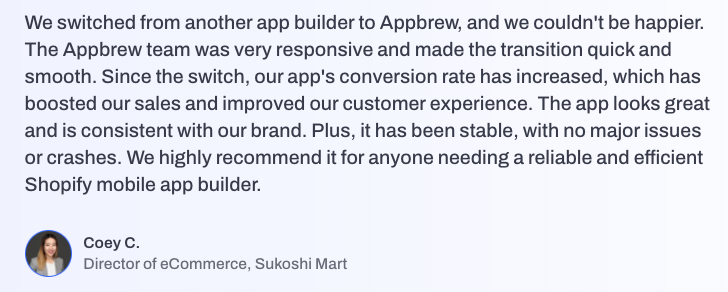
Salty Jewelry saw a 3.5x higher conversion rate on their Appbrew app than on their website, while Sukoshi Mart saw a 30% increase in conversion rate after switching to Appbrew.
AI-Powered Intelligence That Drives Revenue
Appbrew's proprietary AI features improve the shopping experience beyond standard mobile commerce. If you go the custom development route, you will have to hire AI engineers to implement this. But with Appbrew, these features come out of the box and can be implemented in minutes.
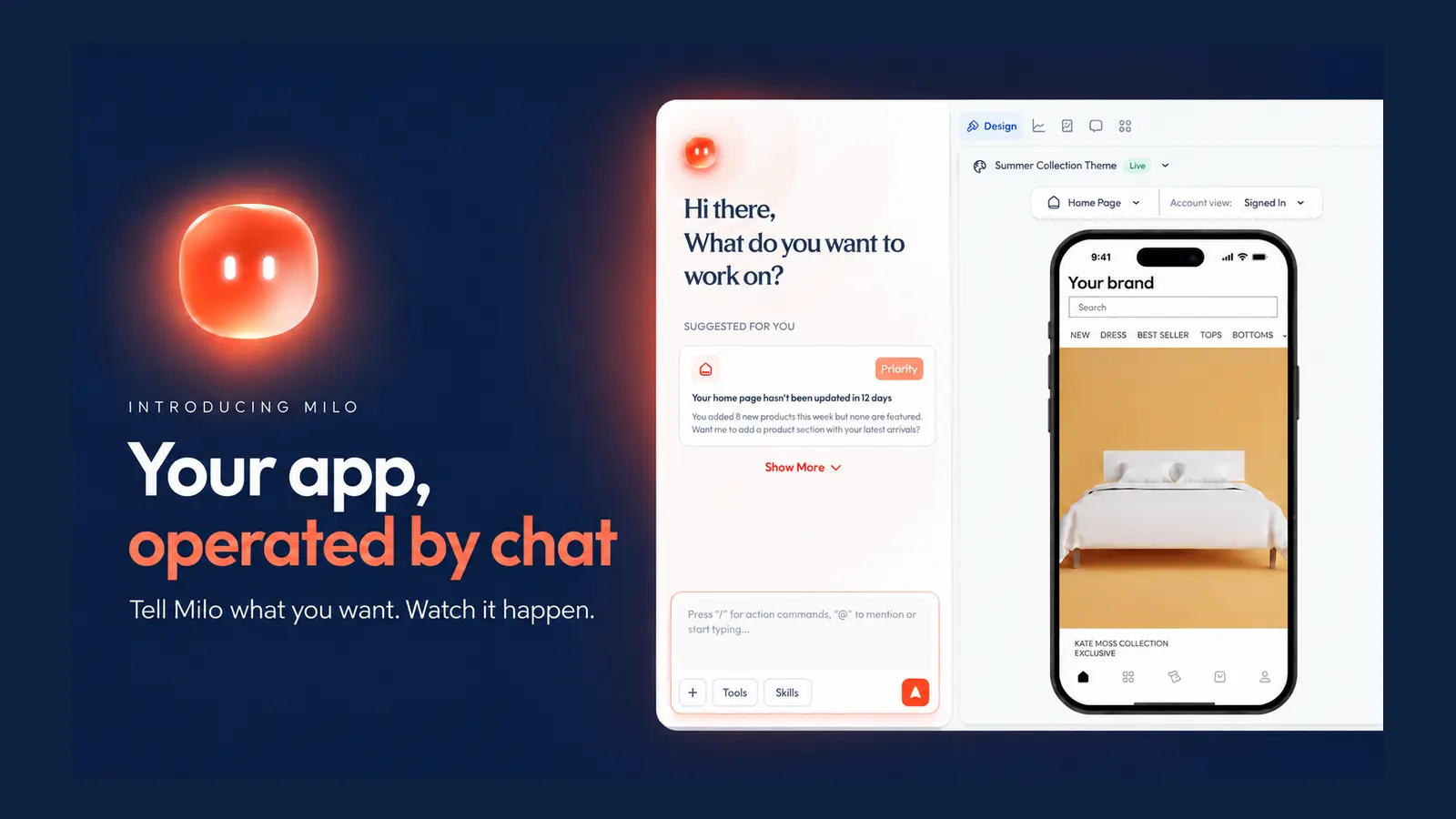
Milo, the AI growth agent, provides real-time performance insights, automates campaign creation, and personalizes content blocks based on user behavior, all through natural language commands.
Additional AI capabilities, including the Skin Analyzer and AI Concierge, create premium, personalized experiences that significantly boost conversion rates.
{{cta}}
Key Features
- True Native Architecture: Built on an optimized React Native framework offering significantly better performance on both iOS and Android devices
- No-Code Visual Builder: Drag-and-drop interface with pre-built templates and design blocks
- Lightning-Fast Checkout: Sub-one-second checkout load times with modal flows and one-tap payment options (Apple Pay, Google Pay) that eliminate friction and reduce cart abandonment by up to 40%
- Intelligent Product Discovery: AI-powered search capabilities, including visual search, style matching, smart filters, and dynamic product recommendations
- Behavioral Personalization Engine: Real-time content adaptation based on user location, browsing behavior, purchase history, and device data
- Rich Product Pages: Showcase products with enhanced content, including customer reviews, size guides, 360° views, wishlist integration, pre-order capabilities, and intelligent cross-sell suggestions
- Automated Retention Tools: Built-in push notification system with unlimited sends, abandoned cart recovery sequences, deep linking, QR code generation, and in-app promotional popups
- Unified Data Dashboard: Single-view analytics combining mobile app and web metrics with seamless integrations to Meta Ads, Google Analytics, Klaviyo, and major CRM platforms for complete attribution tracking
- Post-Purchase Excellence: Native functionality for loyalty programs, subscription management, gift options, hassle-free returns, order modifications, and real-time shipment tracking - all within the app experience
- Ecosystem-Ready Integrations: Over 100 pre-built integrations spanning search providers, review platforms, logistics partners, marketing automation tools, analytics systems, and payment gateways
- White-Glove Launch Service: Dedicated customer success team handles App Store optimization, Play Store submissions, technical setup, and ongoing support to ensure a flawless launch within 7 days
{{cta2}}
2. Bubble: Best for Complex Web Applications
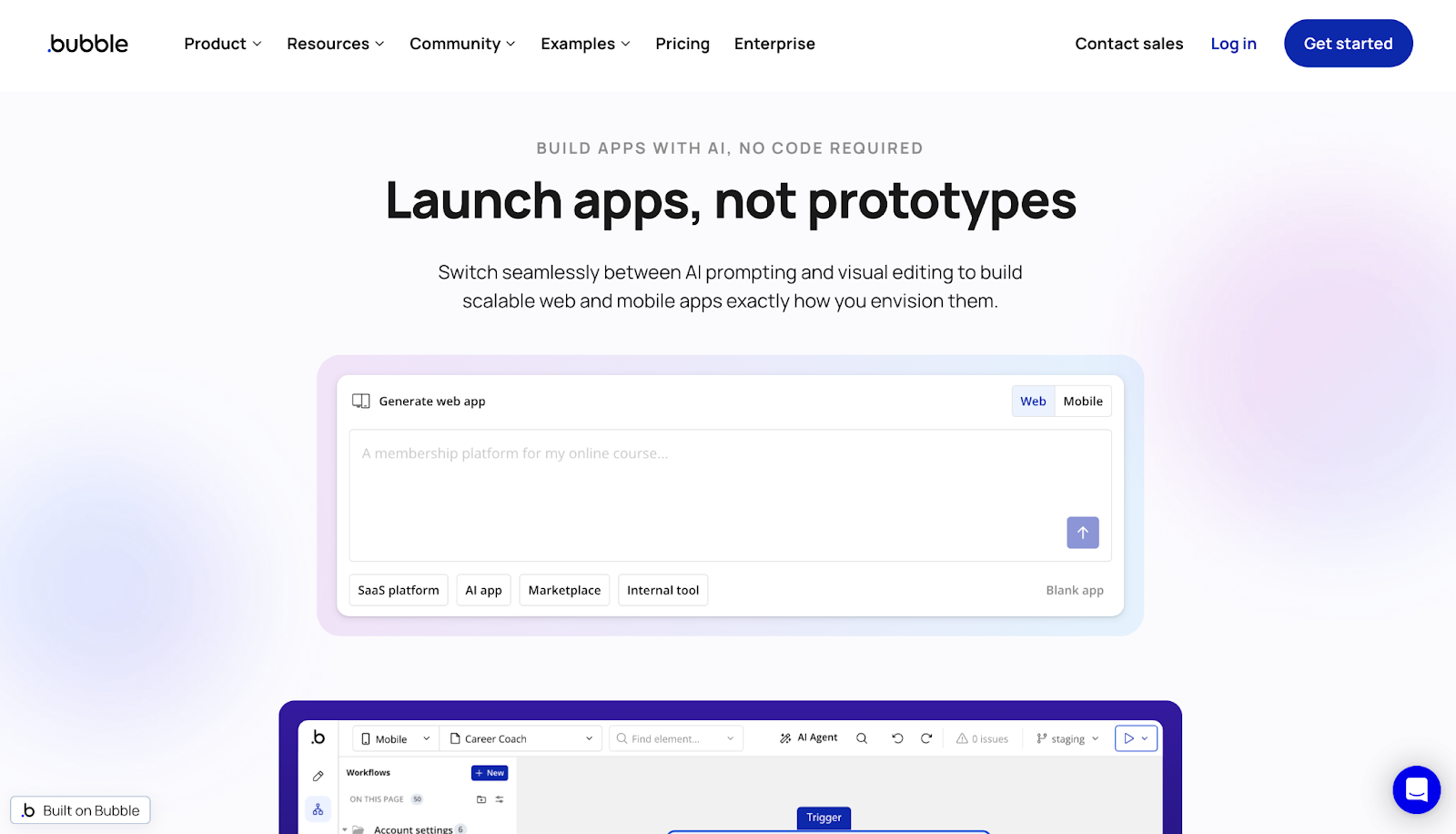
Bubble is a powerful no-code web app creator that allows users to create sophisticated, database-driven web apps without traditional coding.
Known for its extensive customization capabilities and visual programming interface, Bubble allows entrepreneurs and businesses to build everything from simple MVPs to enterprise-grade SaaS platforms.
The platform provides complete control over logic, workflows, and user experiences, making it the go-to choice for technically-minded founders who need more than basic app functionality.
Key Features:
- Advanced visual programming interface with custom workflow automation and conditional logic
- Built-in database management with relational data structures
- 500+ third-party integrations and robust API connectivity
- Responsive web design capabilities with pixel-perfect control
- Multi-user collaboration and version control features
- Scalable infrastructure for enterprise-grade applications
Limitations:
- Steeper learning curve compared to simpler builders; requires investment in learning
- Web-only platform; mobile wrapper option has limitations and additional costs
- The workload unit system can make pricing unpredictable as apps scale
- No native mobile app capabilities
Pricing:
- Free plan available
- Starter at $59/month (175,000 workload units)
- Growth at $209/month (250,000 workload units)
- Team at $549/month (500,000 workload units)
3. FlutterFlow: Best for Cross-Platform Native Apps
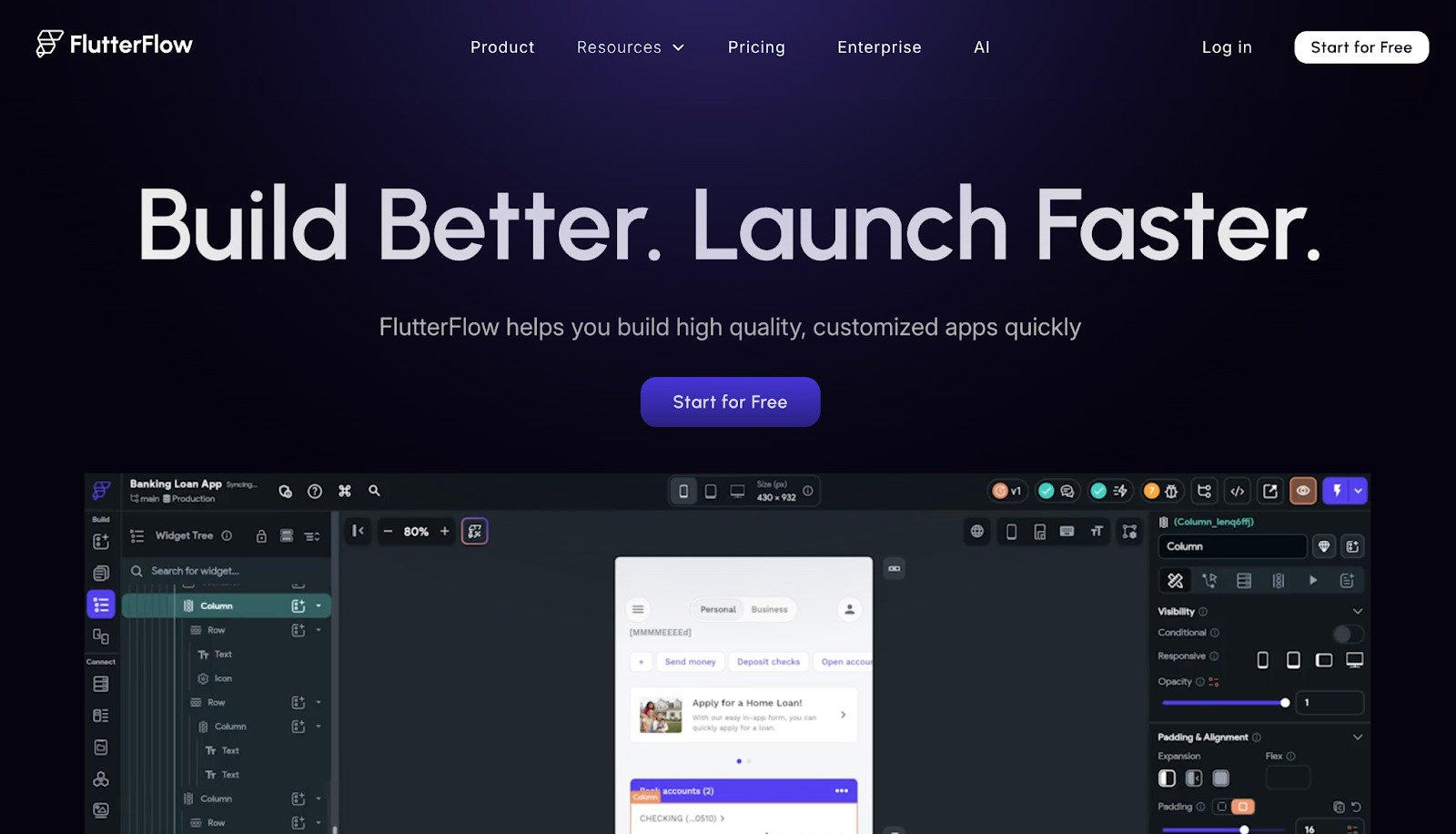
FlutterFlow is a visual app development platform built on Google's Flutter framework, enabling users to create native iOS, Android, and web applications with a drag-and-drop interface. What sets FlutterFlow apart is its ability to export clean, production-ready Flutter code, giving developers the option to take full ownership of their codebase and customize further if needed. This unique combination of no-code simplicity and code ownership makes it ideal for startups and businesses that want rapid prototyping without sacrificing future flexibility.
Key Features:
- True native mobile app development for iOS and Android with single codebase
- Full code export capability for Flutter projects
- Native Firebase integration for backend, authentication, and real-time databases
- AI-powered development features to accelerate app building
- Real-time preview and testing on actual devices before publishing
- Custom code extensibility for advanced functionality
Limitations:
- Requires basic understanding of app logic and data structures for complex apps
- Limited pre-built templates compared to competitors like Adalo
- Steeper learning curve than purely visual builders
Pricing:
- Free plan available
- Standard at $30/month
- Pro at $70/month
- Teams at $70/user/month
- Enterprise custom pricing
4. Adalo: Best for Visual Mobile App Design
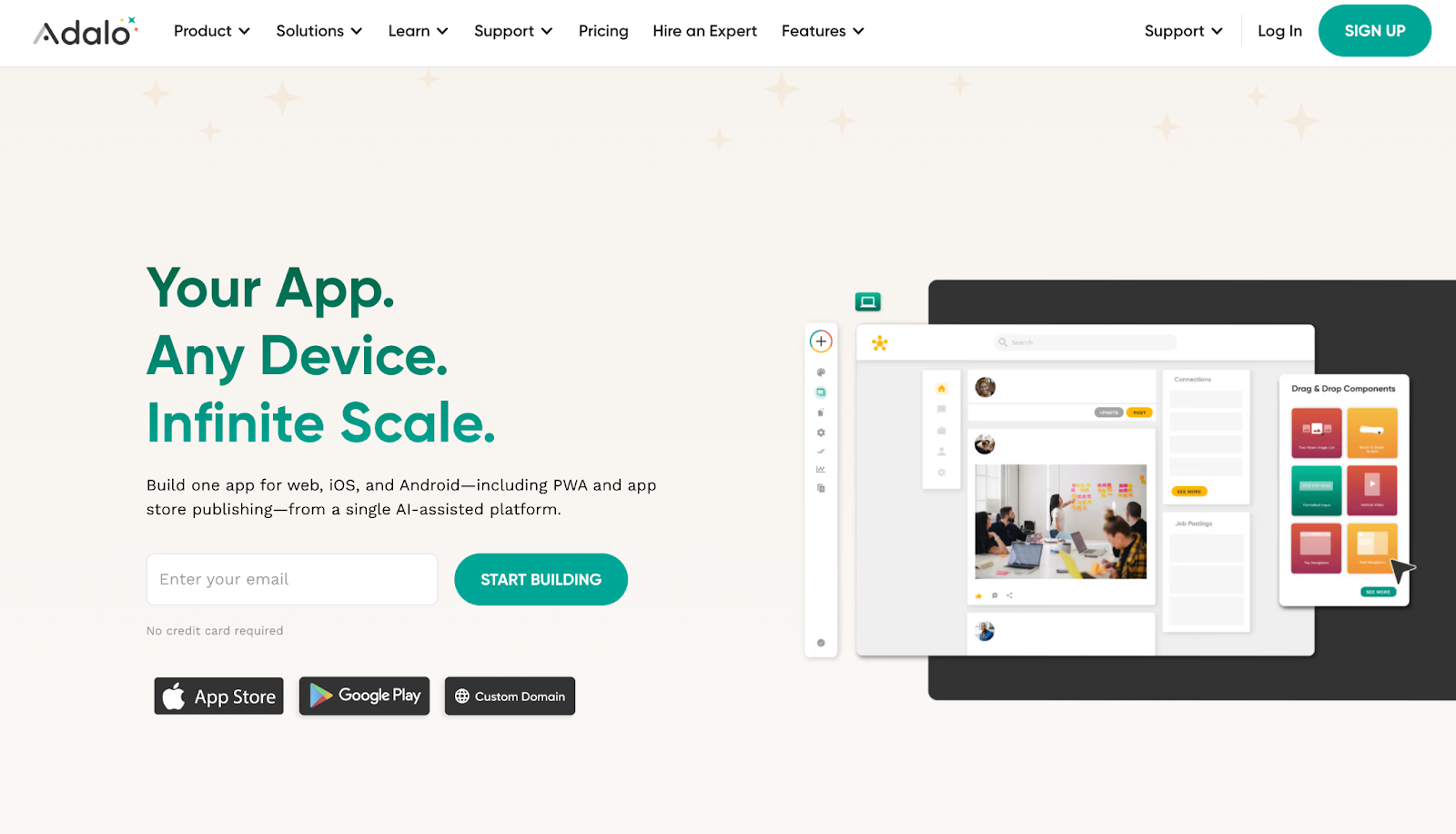
Adalo is a user-friendly no-code platform focused on creating native mobile applications through an intuitive drag-and-drop interface. Designed specifically for entrepreneurs and small businesses without technical backgrounds, Adalo simplifies the entire app development process from design to deployment. The platform recently introduced AI features that allow users to describe their app in plain language and watch Adalo build it automatically, making mobile app creation more accessible than ever.
Key Features:
- Zero coding knowledge required with a fully visual development interface
- AI-powered app generation from plain language descriptions
- Direct publishing to iOS App Store and Google Play Store
- Built-in database with no external dependencies required
- Unlimited usage and no record limits on paid plans
- No usage-based App Actions charges, eliminating bill shock
Limitations:
- Limited advanced customization for complex enterprise applications
- Fewer integration options compared to Bubble or FlutterFlow
- Less suitable for data-heavy or backend-intensive applications
Pricing:
- Free plan available
- Starter at $36/month (unlimited usage, both app stores)
- Plus at $52/month (2 apps, push notifications)
- Professional at $160/month; Business at $200/month
5. Glide: Best for Data-Driven Simple Apps
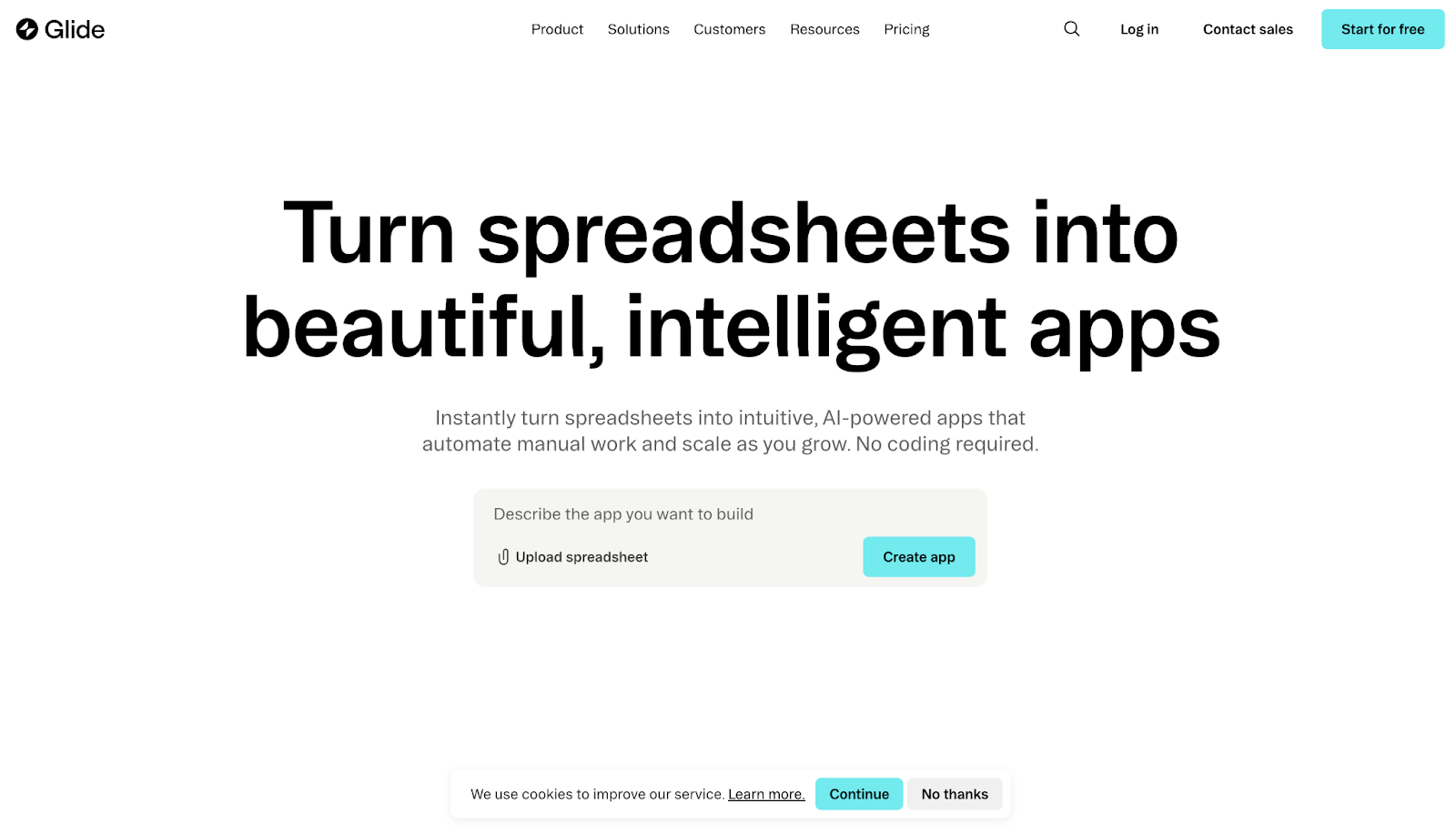
Glide revolutionizes app development by transforming Google Sheets and spreadsheets into functional mobile and web applications in minutes. Built for speed and simplicity, Glide is the fastest way to turn existing data into interactive tools without any coding. Its spreadsheet-based approach makes it exceptionally intuitive for business users who already work with data tables, enabling them to create inventory management systems, directories, dashboards, and internal tools with minimal setup.
Key Features:
- Instant app creation from Google Sheets, Airtable, and Excel spreadsheets
- Exceptionally beginner-friendly with minimal learning curve
- Real-time data synchronization with connected spreadsheets
- 30% higher user retention rates compared to traditional apps
- Responsive design that works on mobile, tablet, and desktop
- Progressive Web App (PWA) support for mobile-like experience
Limitations:
- Limited design customization and visual flexibility
- Best suited for simple, data-centric use cases rather than complex workflows
- Update limits and usage caps can make scaling costs unpredictable
- Pricing tied to updates, rows, and user types can become expensive
Pricing:
- Free plan (25,000 records, 500MB storage)
- Business starting at $199/month (30 users included, $5-6 per additional user, 5,000 updates, 100,000 records)
- Enterprise custom pricing
6. Softr: Best for Internal Tools and Dashboards
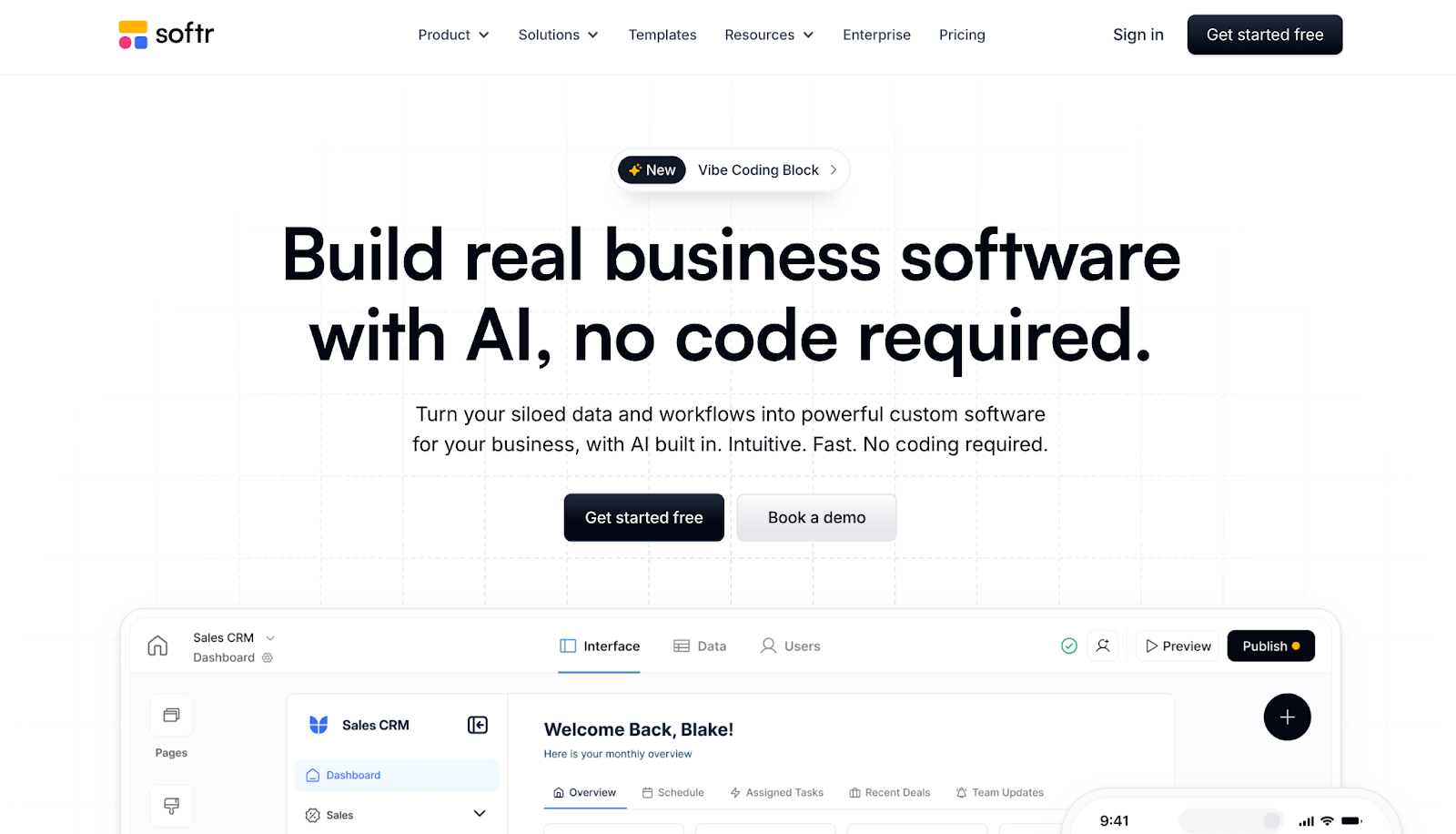
Softr specializes in rapid web application development with a focus on business tools, client portals, membership sites, and internal dashboards. With 90+ production-ready templates and 60+ modular blocks, Softr enables teams to build full-stack business applications in hours instead of weeks. The platform's strength lies in its native connections to popular business data sources like Airtable, HubSpot, Notion, and SQL databases, allowing companies to build apps on top of data they already use.
Key Features:
- 90+ production-ready templates designed for business use cases
- 60+ modular blocks for drag-and-drop customization
- 17+ native data source integrations including Airtable, Notion, Google Sheets, SQL, and HubSpot
- AI-powered app generation to accelerate development
- Predictable pricing with no update fees or usage caps
- Custom user groups and advanced permission management on Professional plans
Limitations:
- Primarily focused on web applications; mobile experience through responsive design only
- Less suitable for consumer-facing mobile apps compared to native builders
- Advanced data sources (SQL, BigQuery) count differently in usage limits
Pricing:
- Free plan available (unlimited apps, 3 users)
- Starter at $49/month
- Professional at $139/month (100 users, 500K records)
- Business at $269/month (500 users, 1M records)
- Enterprise custom pricing; 30% discount for nonprofits and educational institutions
7. Thunkable: Best for Native Device Features
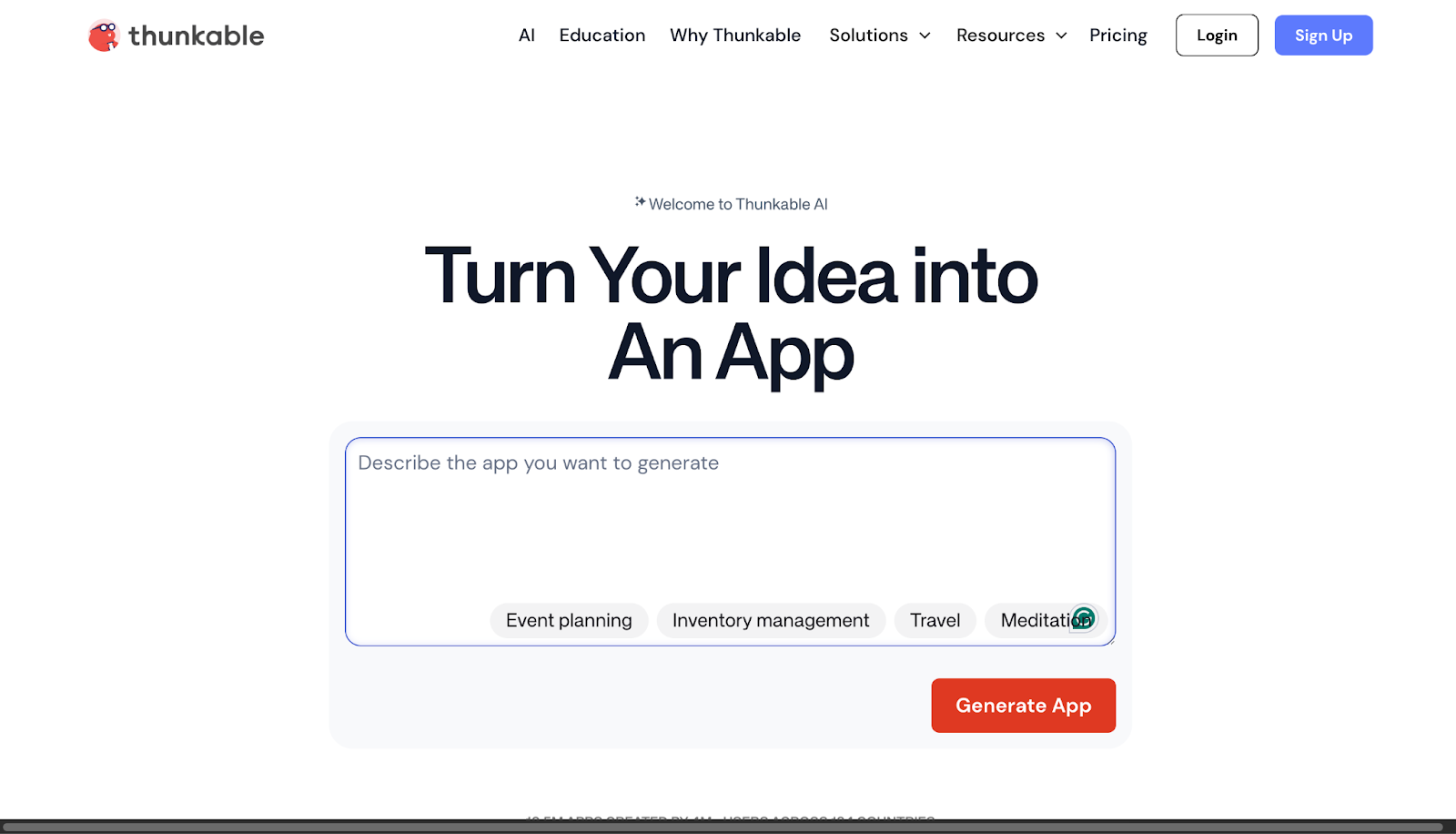
Thunkable is a cross-platform mobile app builder that excels at accessing native device hardware features like cameras, GPS sensors, accelerometers, and microphones. Designed for educators, hobbyists, and businesses that need apps with deep device integration, Thunkable provides a visual development interface that makes creating feature-rich mobile applications accessible to non-developers. The platform supports both iOS and Android publishing while offering real-time testing on actual devices before submission to app stores.
Key Features:
- Native access to device hardware including camera, GPS, sensors, and storage
- Real-time testing on physical devices before app store submission
- Visual drag-and-drop interface with no coding required
- Cross-platform development for iOS and Android with single project
- Live preview functionality to see changes instantly
- Support for complex app logic and conditional workflows
Limitations:
- Charges additional fees for in-app payments processed through Stripe
- App collaboration features limited except on most expensive plans
- Fewer pre-built templates compared to competitors
Pricing:
- Free plan available
- Accelerator at $18/month (or $216/year)
- Builder at $37/month (or $449/year)
- Advanced at $99/month (or $1,199/year)
- Education tier has custom pricing
8. Jotform Apps: Best for Form-Based Applications
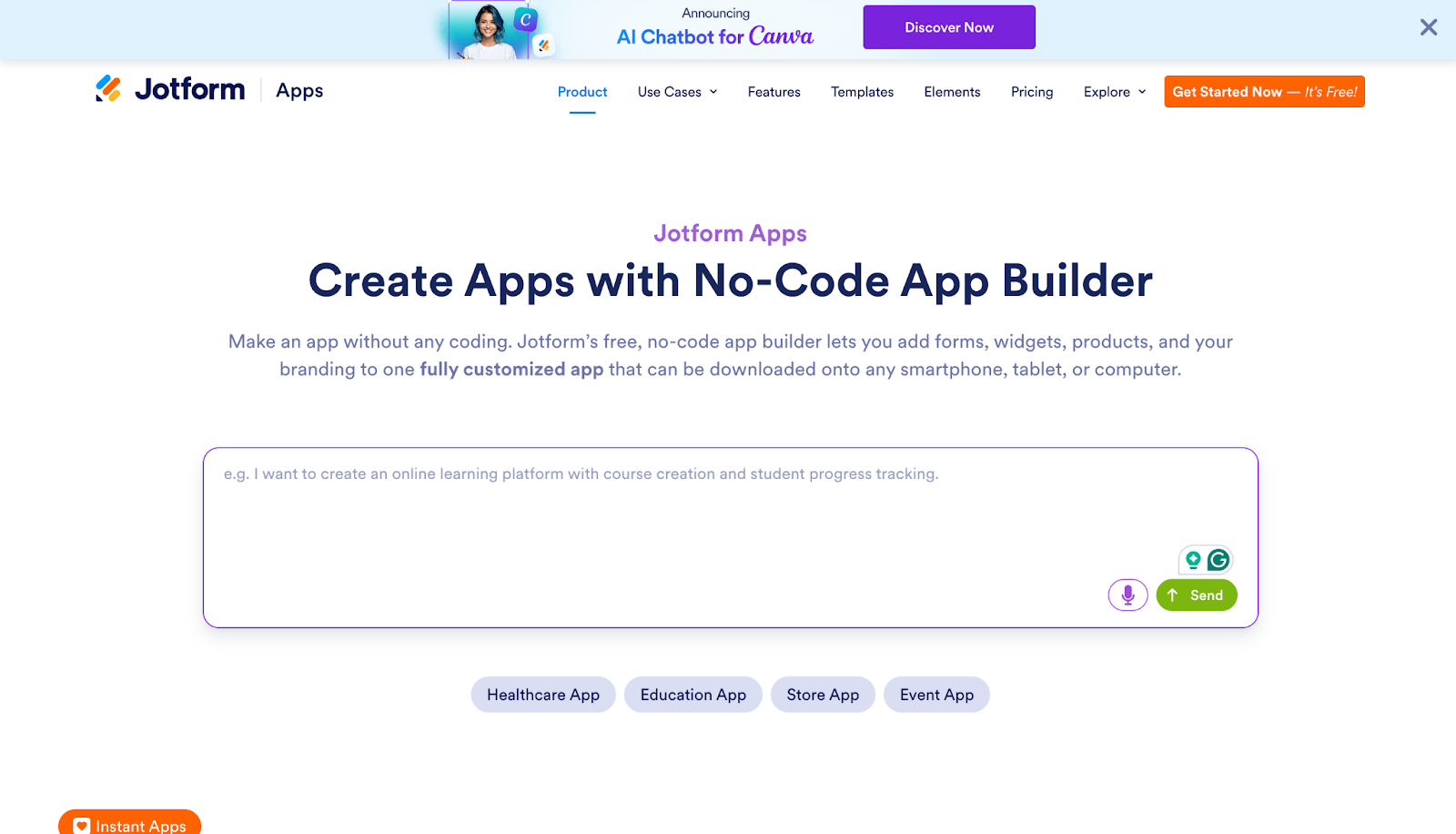
Jotform Apps transforms online forms and workflows into fully functional mobile and web applications using AI-powered technology. Built on Jotform's industry-leading form builder platform, this tool is ideal for service providers, event organizers, and businesses that need customer portals, booking systems, and data collection apps. With 700+ pre-built templates and a text-to-app AI generator, users can create professional business applications by simply describing what they need in plain language.
Key Features:
- AI app generator creates functional apps from text descriptions
- 700+ professional templates across industries and use cases
- No coding required with fully visual development interface
- Native integration with Jotform's form ecosystem and 100+ business tools
- Built-in payment processing, appointment scheduling, and workflow automation
- Real-time data synchronization and reporting
Limitations:
- Storage limits vary by plan, potentially restricting data-heavy applications
- Best suited for form-centric and data collection apps rather than complex software
- Mobile experience through responsive design rather than true native apps
Pricing:
- Free plan available
- Bronze at $34/month
- Silver at $39/month
- Gold at $99/month
- Enterprise custom pricing
- All paid plans billed per single user
Conclusion
No-code and AI app creators have changed what it takes to build a great app. You no longer need to hire developers, manage long build cycles, or invest heavily upfront just to get to launch. These platforms handle the heavy lifting for you, from infrastructure to updates, while letting you focus on design, features, and growth.
Performance is no longer a concern either. Many app creators now match, and often exceed, what custom-built apps deliver because they are built for specific use cases.
A good example is Appbrew, a Shopify mobile app creator, with native integrations, optimized performance, and features designed specifically for eCommerce. Replicating this level of depth, speed, and reliability with a custom dev team would require months of work and ongoing maintenance.
If you want to build a high-quality app without developers, no-code platforms are the smarter path.
👉 Explore Appbrew and start building without Shopify mobile app faster, without developer.
FAQs
1. Do I need coding experience to use no-code app builders?
No. True no-code platforms require zero coding knowledge; you build by dragging and dropping components and configuring settings through visual interfaces. 85% of users find no-code platforms significantly easier than traditional development.
2. How much can I save using no-code platforms?
Businesses save up to 70% on development costs compared to hiring developers. Traditional app development costs $144,000-$300,000 for medium-complexity apps, while no-code platforms often cost $200-$1000/month.
3. Can no-code apps handle complex functionality?
Yes. 75% of no-code apps meet or exceed performance expectations. Platforms like Appbrew are the gold standard; apps built by it are native and, in most cases, beat the benchmark set by custom development.
4. How long does it take to build an app with no-code tools?
No-code platforms create prototypes 8x faster than traditional development. Simple apps can be built in hours, while more complex applications take days instead of months. Appbrew specifically launches Shopify mobile apps in 7 days.
5. Can I publish no-code apps to app stores?
Yes. Platforms like Appbrew, Adalo, FlutterFlow, and Thunkable all support direct publishing to the iOS App Store and Google Play Store.