



.webp)

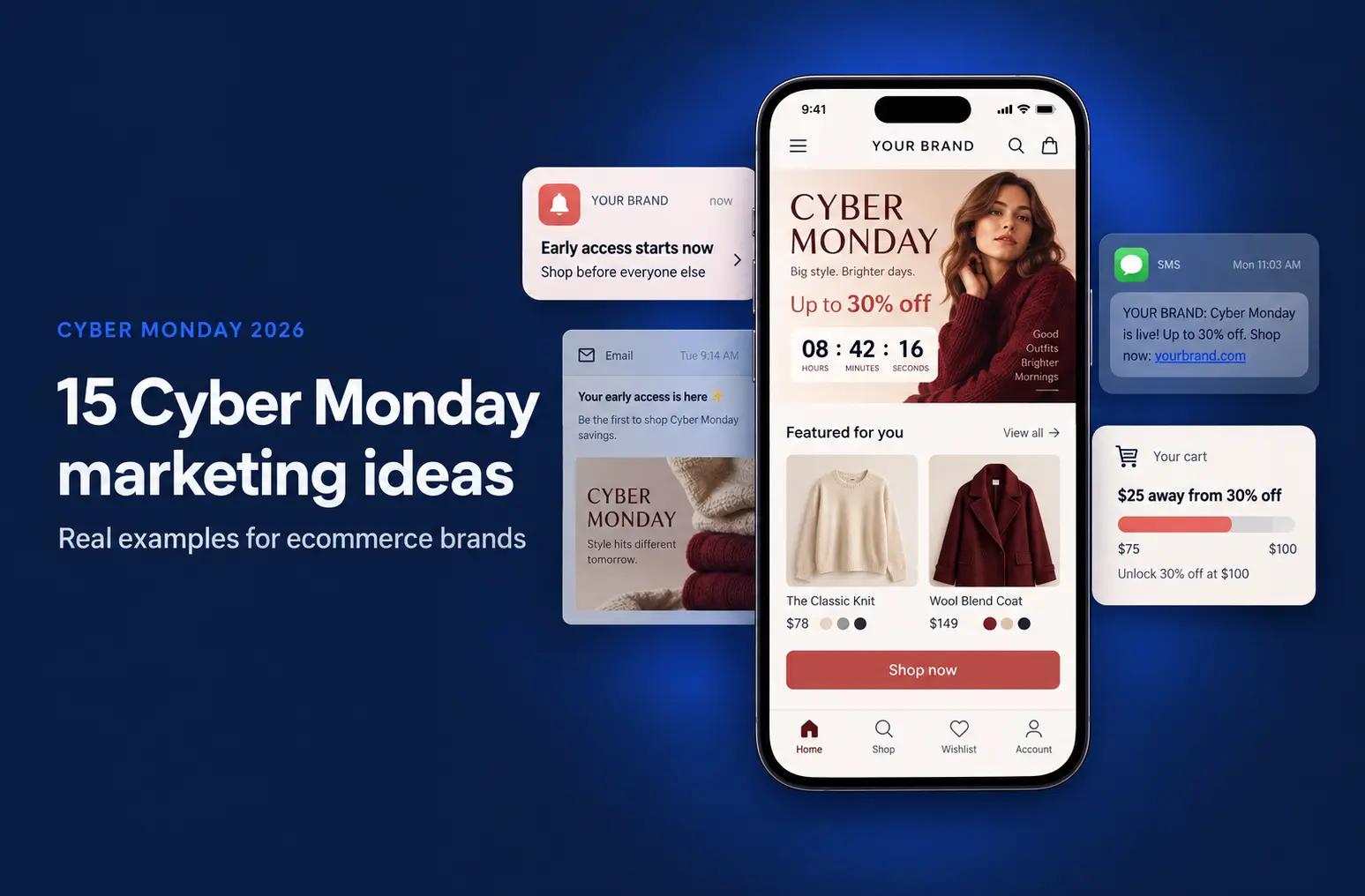
Struggling with a high cart abandonment rate? Here are some tips from Shopify experts - for brands with an eCommerce app and those who don’t.
Abandoned carts remain to be one of the most significant challenges eCommerce businesses face. Customers (and us included) love browsing for products, and often add to cart.
Most often too, we leave without completing the purchase. This results in lost sales for the brand, not to mention the sunken costs of acquiring an interested user in the first place.
In this post, we’ll explore how and why this happens and what you can do to convert abandoned carts into revenue.
What is cart abandonment?
To put it very clearly, a cart is considered ‘abandoned’, when a customer adds products from a brand online to their shopping cart but doesn’t complete the purchase and leaves the site or app instead.
Check out this study that shows current industry-wise cart abandonment rates:

High cart abandonment rates directly impact your brand’s bottom line, leading to a loss in potential loyal customers.
For example, in every 100 possible customers who become intrigued by an ad or a product, and feel convinced to purchase, around an average of 85 of them leave without finishing it.
Why does cart abandonment happen?
In the age of constant distraction, cart abandonment is very common. A poorly timed (for the brand) notification from a customer’s social media app, email, or just life getting in the way are also possible reasons.
This is why checkout or your cart page are such critical junctures of your customer’s journey and care must be taken to reduce all possible friction points.
For example, some might leave after finding out about unexpected shipping or tax costs, or after getting frustrated by a complicated checkout process.
Check out this breakdown of the common causes of cart abandonment in this graph below:

Finding out the core reason is essential, and will have a marked difference in the result you get from any strategy you employ to tackle the root cause.
By addressing these immediately, routinely, and quickly, you can significantly reduce cart abandonment and boost your sales. And keep your ad team happy!
How can you reduce cart abandonment and convert it into sales?
Once you’ve zeroed into the main reason why they are leaving your store without placing an order, try some of these tips below.
We’ve broken down this section into two parts: tips for those with an app and general advice for everyone.
Abandoned cart recovery tips for those who have a Shopify store mobile app
There are several reasons why we recommend eCommerce brands have an app if they really want to improve their cart abandonment rate.
For example:
- Communication with customers through the app has an open rate of 90%
- They appear directly and instantly on their device
- Brands can add rich media and deep links
- You can avoid spam issues
- There is real-time engagement tracking to modify your campaigns on the fly
As a result, apps have a unique advantage over website stores in tackling this challenge.
Now, let’s dive into how you can effectively use your app to boost your conversion rate from abandoned carts:
1. Send Reminder Push Notifications
Many times, the reason is just that the customer got distracted. Assuming this as a common reason, the first thing brands should do is simply remind the customer that their cart is pending.
Nudge them back to complete the purchase. The timing is this is critical, as it should be sent soon after the user has left the site, to maintain the tone of urgency,
While doing this, it’s important to keep your message short, personalized, and engaging.
Template: “Still thinking about your [product name]? It's waiting for you!”
2. Send Discounts via App Notifications
The time for convincing them isn’t at the previous stage since such customers are already a step ahead in their buying journey, and were intrigued enough to add to cart.
But if they also ignored your reminder message, try to add in an exclusive discount.
Incentivizing them is key to creating more urgency and encouraging prompt checkout and a time-limited offer can be a great tool to enable that.
Template: “10% off if you complete your purchase in the next 24 hours”
3. Offer Assistance Through Live Chat
Sometimes, the friction comes from a customer having some doubts but is unable to find the answer or solution for them.
At this stage, they are looking for support that quickly solves their unanswered questions about sizing, delivery times, or payment issues.
To tackle this, add a live chat to your app.
Customers get immediate assistance, they feel reassured, and their hesitation or uncertainty is removed.
When such bottlenecks are resolved instantly, brands can enjoy higher conversions.
4. Ensure Mobile-Friendly Payment Modes
More and more people are using their smartphones to shop because of the boom in safe, secure mobile payment modes.
This is important for minimizing friction during checkout as no longer do customers need to ‘finish the order on a desktop’.
While adding these modes to your app, make sure to include one-click payment options, digital wallets like Google Pay or Apple Pay, and even local payment options.
5. Show Product Recommendations
Sometimes, the reason why customers abandon carts is because they’re uncertain about that specific product, but still want something from that category.
Or maybe your brand is still intriguing to them, but they no longer want the product they may have come for initially.
In such cases, recommending complementary or alternative options can help and turn them into loyal customers.
For example, if they’ve added phone cases, you can recommend screen protectors or any accessory that will pair well with it.
6. Display Social Proof
Reassurance about a product needn't come only from live support. Many times, users don’t want to speak to the brand.
In such cases, seeing word-of-mouth appreciation from peers comes in handy.
Since online stores don’t have the option for touching or experiencing the product live, if they see a brand’s past customer reviews, they can feel reassured about the quality of the products in their cart and feel like ordering is the right action.
So in your product description page (PDP), make sure to add user reviews, ratings, or testimonials (verified ones are even better!).
7. Leverage User-Generated Content (UGC)
A subset of the previous point, where you feature real customer photos or videos they may have posted on their social media pages, tagging the brand.
These also build trust and encourage them to complete their order.
Customers will also tend to find your brand after viewing such proof of quality more relatable, creating a stronger connection with the brand.
Cart recovery tips if you don’t have a mobile app
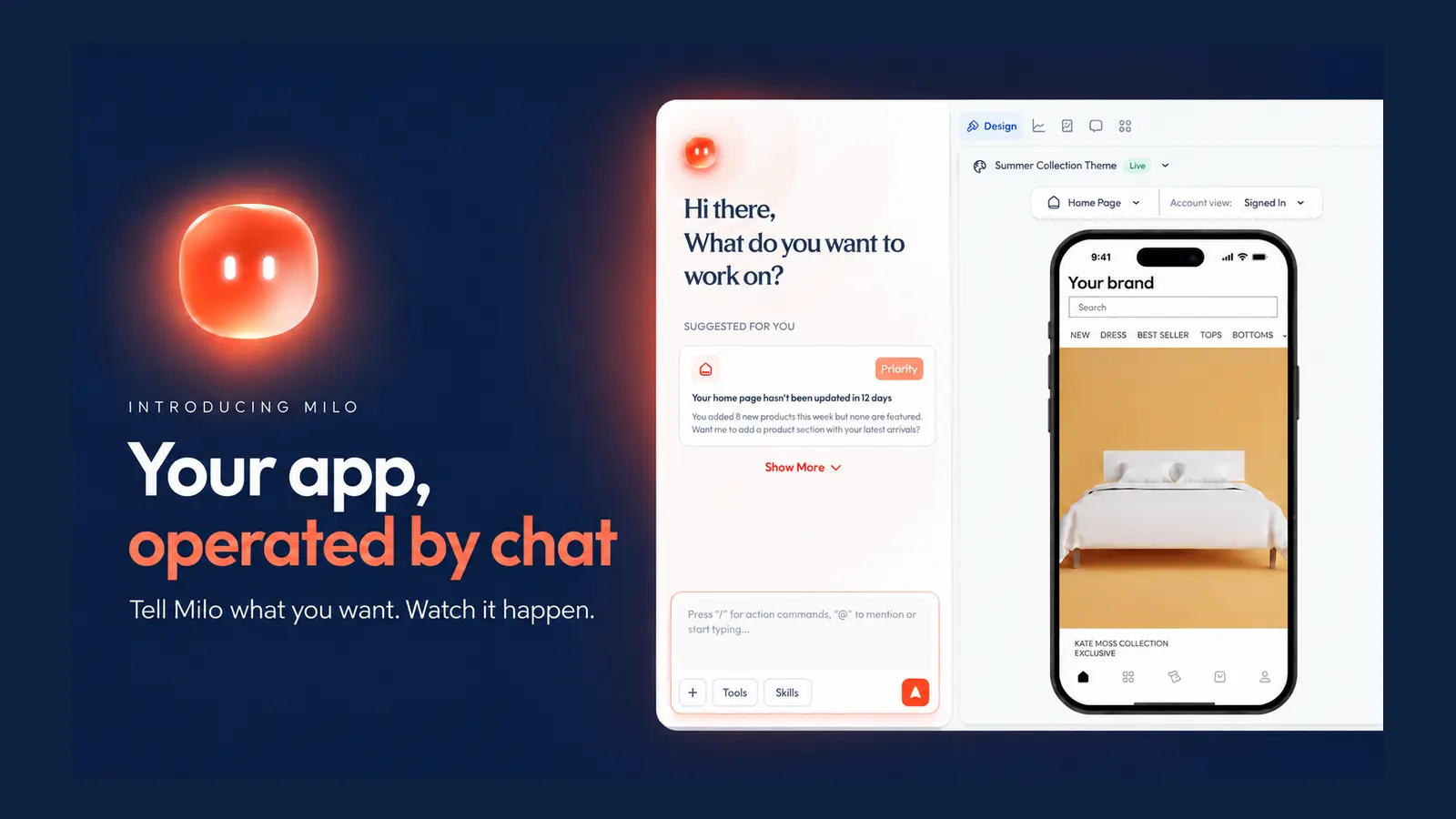
Only have a website? We’ve got you covered - you can turn your Shopify store into a mobile app with Appbrew right away.
Or you could try the below-recommended tips to reduce your cart abandonment rate:
1. Enable Guest Checkout
Try to avoid forcing customers to create an account.
We know it’s very attractive to do so since you guarantee to be able to reach out to the customer in more personalized ways.
But it can become a barrier to placing an order.
By forcing customers to create an account, you make them fill in long input fields, eventually causing them to close your brand’s store from their tabs.
To solve this, enable guest checkout to make it easier for first-time buyers to complete their purchases.
You can always offer an option to create an account post-purchase, which they are more likely to do if they’re satisfied after placing the order.
2. Simplify the Checkout Process
After all that you have done to intrigue, nudge, and convince them to add to your cart, don’t make the last critical step of checkout frustrating or long.
Minimize the number of steps in the checkout journey to make it quick and intuitive.
A lengthy or complicated checkout process will lead to a higher abandoned cart rate.
Reduce the number of steps involved, ensure any forms are easy to fill out, and pre-fill details for returning customers wherever possible.
You can also add a progress bar to show your customers how close they are to completing their purchases to keep them going to bill payments.
3. Provide Transparent Pricing
Many times customers add to their cart only to find out what their final bill amount is going to be.
To avoid this, be upfront about any additional costs like shipping or taxes to prevent last-minute surprises.
You can show these either on the product page or in the cart.
With transparency, brands can build trust and reduce surprises at checkout.
4. Offer Multiple Payment Options
Include popular payment methods like credit cards, wallets, and Buy Now, Pay Later (BNPL) options to accommodate diverse preferences.
Customers prefer flexibility when it comes to payment. Ensure you offer multiple methods, including credit and debit cards, PayPal, digital wallets, and Buy Now, Pay Later (BNPL) options. BNPL, in particular, can appeal to budget-conscious shoppers and increase conversions.
5. Send SMS Recovery Messages
No access to push notifications? SMS campaigns can step in!
SMS recovery campaigns are highly effective due to their immediacy.
Make sure to include a link that takes customers directly to their cart, and that the message is short and snappy.
If you time this well, say within an hour or day of abandonment, you can increase your sales.
6. Send Email Recovery Campaigns
Like SMS, compelling recovery emails will also bring customers back to their carts.
Email despite new channels coming to the fore remains a powerful tool for re-engagement.
Here’s a pro tip: Instead of a single reminder email, create a series of emails with compelling subject lines, personalized content, and a clear call-to-action (CTA).
Make sure to include images of the products in their cart, and allay any pending doubt by including testimonials, and even a discount to get them back.
Conclusion
Cart abandonment is a critical challenge every eCommerce brand needs to remain on top of.
You must proactively address them and create the right mix of strategies and campaigns tailored to your store and brand.
From sending personalized reminders, simplifying your checkout process, or using push notifications, these tips can significantly improve your Shopify cart abandonment rate and boost your sales.
Recovering abandoned carts is not just about recovering lost sales—it’s about creating an engaging, reassuring, and seamless shopping experience that builds customer trust and loyalty with each step in the buying funnel.
Ready to start implementing these strategies today and watch your conversions grow? Reach out to our team here!














