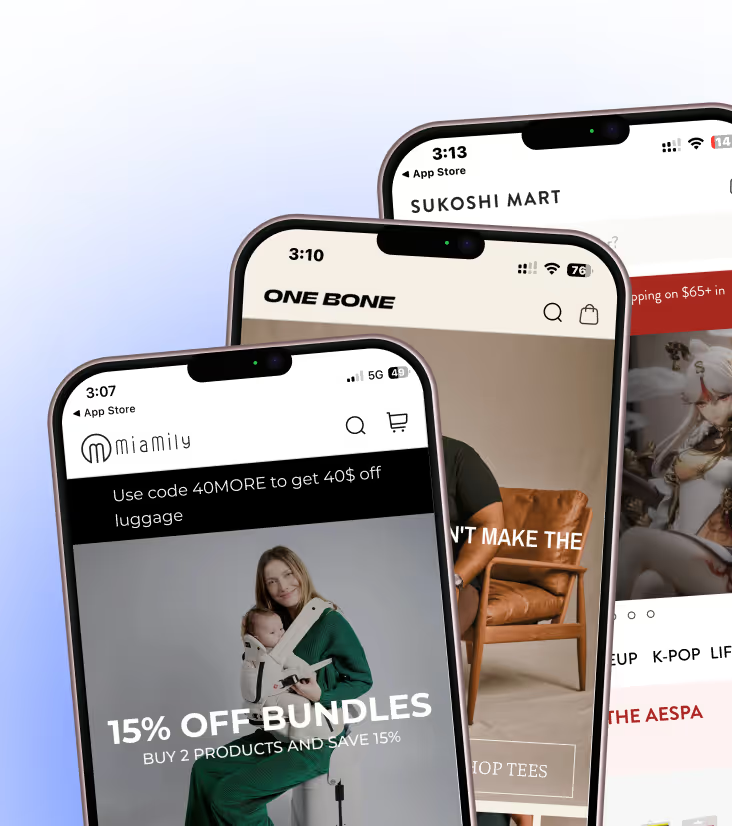


.webp)
Compare the 13 best Shopify upsell apps for 2026, with verified pricing and ratings. Find the right app for cart, checkout, post-purchase, bundles and AOV.
One of the easiest ways to tell whether someone has actually grown a Shopify store is to ask them which upsell app they recommend. Anyone who's spent enough time doing this knows there isn't one answer.
A store selling protein powder has completely different opportunities from a jewellery brand. A catalog with 40 products behaves differently from one with 40,000. Some stores make most of their extra revenue before checkout. Others barely touch the cart and make it after the payment goes through.
Yet if you browse the Shopify App Store, almost every app promises the same outcome: higher AOV(average order value). That's what makes choosing one harder than it should be.
We've gone through the leading Shopify upsell apps, looked at where they fit in the buying journey, who they're actually built for, and where they fall short. If you're trying to decide between Rebuy, AfterSell, ReConvert, Zipify, Fast Bundle, iCart, or the dozens of other options, this guide should save you a few hours of comparing feature lists that look almost identical.
TL;DR
- Upselling and product recommendations drive 10–30% of ecommerce revenue, and post-purchase upsells convert at 15–25%.
- The best app depends on placement. Cart-drawer tools, post-purchase one-click apps, and bundle apps solve different problems and rarely overlap.
- Pricing model matters as much as features. Libautech Bundles & Upsell is the only app here with a hard $49.99/mo ceiling, while ReConvert, Zipify and Bold all bill on a percentage of upsell revenue or on views.
- For placement coverage, ReConvert (post-purchase), AfterSell (checkout), and Selleasy (free cross-sell) own the highest-ROI moments.
- Free plans worth using: ReConvert, Honeycomb, Selleasy, iCart, and Fast Bundle.
- Keep any upsell within about 30% of the original item price. Push past that and abandonment spikes 40%+ (Scandiweb, 2026).
The 13 best Shopify upsell apps at a glance
There isn't a single "best" Shopify upsell app. Some are built around post-purchase offers. Others focus on cart drawers, bundles, AI recommendations, or Shopify Plus checkout. If you already know what kind of upsell experience you're looking for, the table below is the quickest way to narrow your options. If you don't, keep reading, we'll walk through how experienced Shopify merchants choose an upsell app before diving into detailed reviews.
|
App |
Best for (store profile) |
Main upsell placements |
Starting paid price |
Free plan/trial |
|
Stores wanting many offer types with billing tied to results |
PDP, cart, cart drawer |
$9.99/mo (revenue-banded, capped at $49.99) |
No free plan; 7-day trial |
|
|
Any store optimizing checkout and thank-you page |
Cart, checkout (Plus), post-purchase, thank-you |
$4.99/mo (+0.75% upsell revenue) |
Free plan + free trial |
|
|
Shopify Plus and checkout-focused brands |
Checkout (Plus), post-purchase, thank-you |
$34.99/mo (scales with orders) |
Free plan + free trial |
|
|
Mid-to-high AOV DTC with a funnel mindset |
PDP, cart, checkout (Plus), post-purchase, Shop app |
$8/mo base (scales with upsell revenue) |
30-day free trial |
|
|
Larger catalogs wanting AI personalization |
Home, PDP, cart, checkout, post-purchase |
$99/mo |
Free trial |
|
|
Scaling and Plus stores, higher AOV |
PDP, cart, checkout (Plus), post-purchase |
$9.99/mo (view-based) |
Free to install + free trial |
|
|
Growing brands that want to A/B test |
PDP, cart, checkout (Plus), post-purchase, thank-you |
$49.99/mo |
Free plan |
|
|
Budget-conscious stores wanting cross-sell |
PDP, cart, checkout, post-purchase |
$8.99/mo |
Free up to 50 orders/mo |
|
|
Catalog-heavy stores wanting PDP bundles |
Product page, cart |
$19.99/mo (flat) |
Free trial |
|
|
Stores wanting clean one-click upsells |
PDP (add-to-cart), slide cart, checkout, post-purchase |
$39.99/mo |
Free plan |
|
|
Mid-market brands maximizing the cart |
Cart drawer, cart popup, full cart |
$9/mo |
Free plan (first 100 orders/mo) |
|
|
Brands wanting a branded cart drawer |
Cart drawer |
$29.99/mo |
Free (dev stores) + 14-day trial |
|
|
Multi-buy and bundle-driven catalogs |
PDP bundles, cart, POS |
$19/mo |
Free plan + free trial |
Pricing taken from each app's Shopify App Store listing as of July 2026; Libautech verified August 2026. Several apps (ReConvert, Zipify, AfterSell, Bold) charge usage or revenue-based fees on top of or instead of a flat rate, so your real monthly cost scales with volume. Confirm current tiers on the App Store listing before you commit.
Types of Shopify upsell apps (and when to use each)
"Upsell app" is a loose label, because these apps do not solve the same problem. Once you know where you want to influence the purchase, the shortlist shrinks fast. Here are the five categories and the moment each one owns.
1. Product page and in-cart upsell apps
These are the apps most merchants start with because they're the easiest to introduce. They're a good fit when customers often leave with just one product and there are obvious add-ons or complementary items worth surfacing. If shoppers already build larger baskets on their own, another cart widget is unlikely to move the needle.
2. Checkout upsell apps
Checkout is one of the last chances to increase order value before payment. Keep offers simple here. A relevant accessory or shipping upgrade can work well; asking customers to rethink their entire purchase usually doesn't. If you're considering this category, make sure the app supports your Shopify plan, as some checkout experiences require Shopify Plus or Checkout Extensibility.
3. Post-purchase upsell apps
These appear after the order is confirmed, which changes customer behaviour completely. The purchase decision has already been made, so there's less risk of distracting someone from completing checkout. They're often the best choice for upgrades, replenishment products, or limited-time add-ons that feel like a continuation of the order rather than another sales pitch.
4. Bundle and volume discount apps
Bundle apps work best when customers already have a reason to buy multiple products. Think skincare routines, supplement packs, matching apparel, or pantry staples. If shoppers rarely purchase more than one item, creating bundles won't change that on its own
5. AI recommendation apps
AI recommendations become useful when manual merchandising stops being practical. If you're managing a few dozen products, it's still possible to decide which items should be paired together. Once your catalog grows into the hundreds or thousands, keeping those recommendations relevant becomes a much bigger job than most teams expect.
13 Best Shopify Upsell Apps in 2026
Every app in this list can increase average order value. The difference is how they do it. Rather than ranking them from "best" to "worst," we've looked at where each app fits, who it's built for, and where you'd probably be better off choosing something else.
1. Libautech Bundles & Upsell
Shopify rating: 4.9/5 (35 reviews)
Libautech packs nine offer types into a single Built for Shopify app — fixed bundles, volume discounts, complete-the-look sets, BOGO, free gifts, frequently bought together, product-page add-ons, cart popups and cart drawer upsells. What sets it apart is the billing: plans are banded by the incremental revenue the app generates, and the top tier is hard-capped at $49.99 a month.
Best for: Stores that want broad offer coverage without a fee that climbs with order volume regardless of results, particularly lower-AOV catalogs penalised by order-based pricing.
Where it shows: Product page, cart, and cart drawer, including progress bars toward a free-shipping or reward threshold.
What it does differently: Tiers are gated by revenue attributed to the app, not by orders, views, clicks or total store revenue. A store doing 2,000 orders a month pays the same as one doing 200 if the app earns them the same amount, and the $49.99 Unlimited tier removes the band entirely.
Pros:
- Nine offer types in one app at the low end of the category's price range, with Built for Shopify certification and 25+ storefront languages.
- A hard $49.99 ceiling, so cost cannot climb with scale the way percentage-of-revenue or per-order models do.
Cons:
- The smallest review base on this list at 35, against category leaders with thousands, so less merchant-verified track record at scale.
- No free plan, only a 7-day trial, where several direct competitors are free to install.
Who should avoid it: Shopify Plus brands whose primary goal is native in-checkout upsells, and stores that want cart, checkout and post-purchase offers in one interface — post-purchase needs a second Libautech app, which is free but still a second install.
Example use case: A homeware brand runs a frequently-bought-together block on product pages, a volume discount on candle multipacks, and a free-shipping progress bar in the cart drawer, all from one app. The offers drive roughly $1,400 in incremental monthly revenue, putting the store on the $14.99 Starter tier.
2. ReConvert Post Purchase Upsell (Upsell.com)
Shopify rating: 4.9/5 (~5,000 reviews)
ReConvert owns the moment right after the sale. It turns the thank-you and order-status pages into a configurable canvas and layers one-click post-purchase offers on top, so buyers accept without re-entering payment or shipping details.
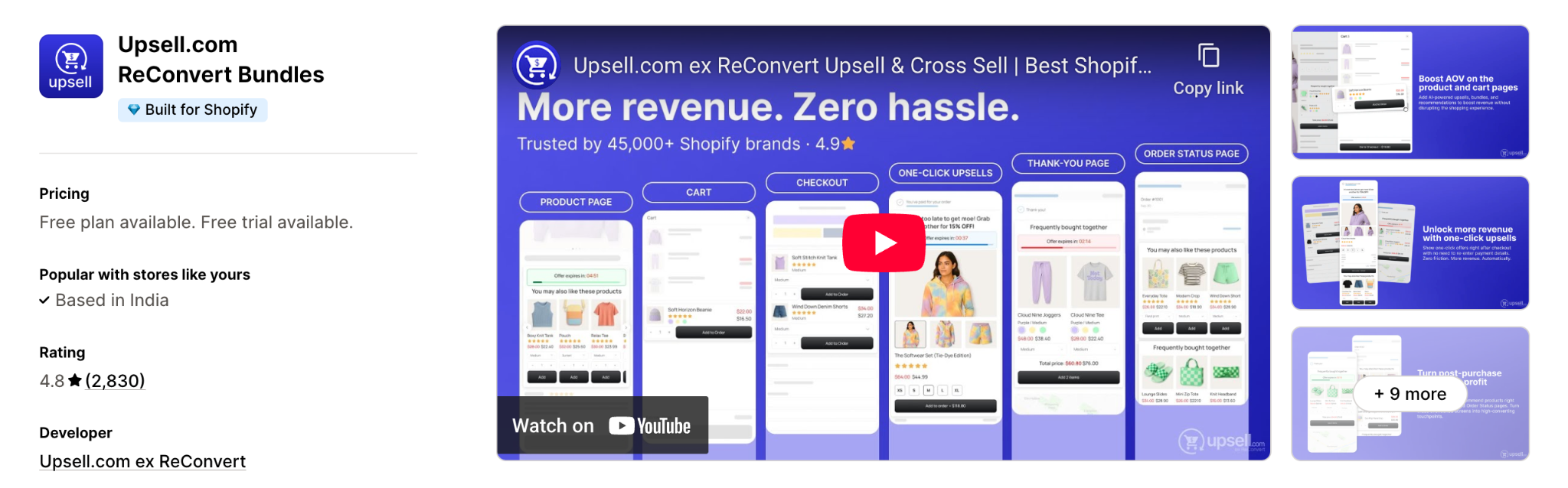
Best for: Stores of any size that already convert well but treat the post-purchase window as dead space, especially mid-AOV brands.
Where it shows: Checkout (Plus), post-purchase one-click offers, and the thank-you and order-status pages, with funnels that can span cart to post-purchase.
What it does differently: It turns the thank-you page into a drag-and-drop canvas (upsells, reorder buttons, birthdays, surveys) and pairs it with true one-click post-purchase funnels and segmentation.
Pros:
- Deepest thank-you page and post-purchase toolkit in the category.
- Free entry tier plus low starting price, so most stores can test it risk-free.
Cons:
- Post-purchase is the strength, so you may still want a cart tool for rich in-cart upsells.
- The 0.75% fee on upsell revenue adds up for higher-volume stores.
Who should avoid it: Brands that only want simple in-cart widgets and will not touch the checkout or thank-you flow.
Example use case: A supplement brand shows a one-click 60-day refill after checkout, then a thank-you page block that collects birthdays and offers a subscription upgrade.
3. AfterSell by Rokt
Shopify rating: 4.8/5 (~800 reviews)
AfterSell specializes in checkout and post-purchase upsells, and it is one of the cleaner ways to add native offers inside Shopify Plus checkout. Rokt's AI picks the offer each shopper is most likely to take.
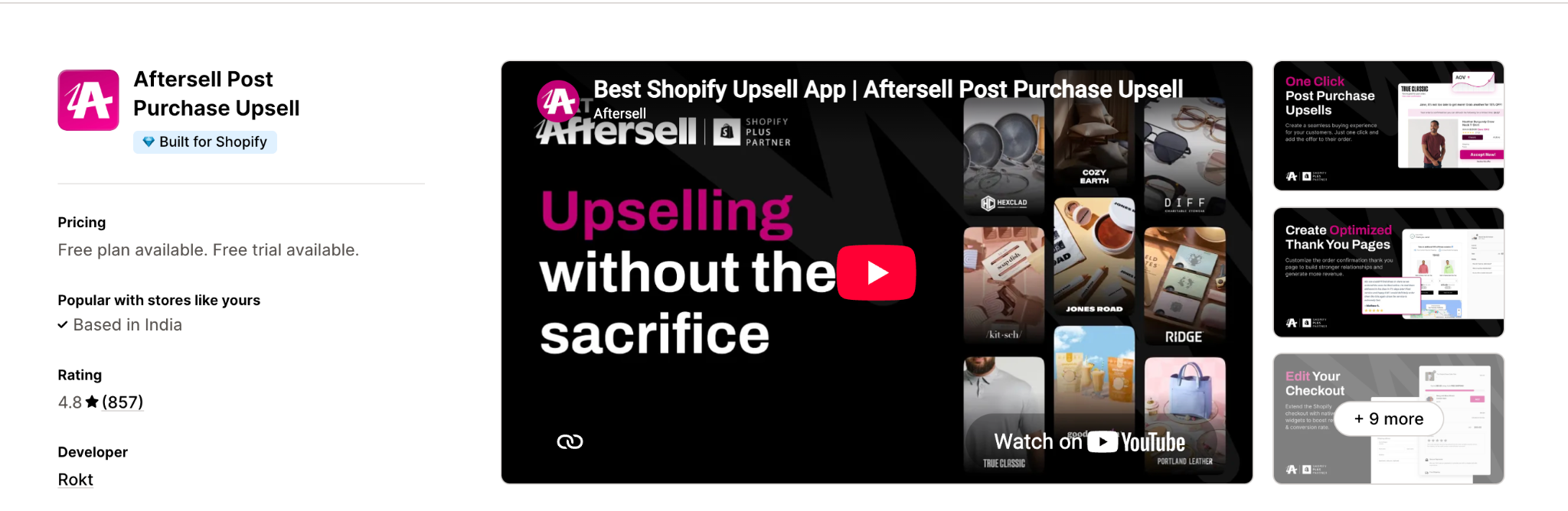
Best for: Shopify Plus brands and higher-volume stores that want to monetize the checkout step itself, not only before or after it.
Where it shows: In-checkout upsells and social proof (Plus), post-purchase one-click offers, and the thank-you page.
What it does differently: Native Checkout Extensibility blocks load inside checkout with no redirects, and Rokt Thanks can surface paid partner offers on the confirmation page for extra revenue.
Pros:
- Cleanest native in-checkout upsells available on Plus.
- Strong A/B testing and per-offer revenue attribution.
Cons:
- The most powerful checkout features require Shopify Plus.
- The starting price is higher than most, and it scales with order volume.
Who should avoid it: Small non-Plus stores on a tight budget, which will get more value early on from Selleasy or ReConvert.
Example use case: A Plus beauty brand adds a checkout order bump for a travel size, then a post-purchase one-click offer for a refill subscription.
4. Zipify OneClickUpsell
Shopify rating: 4.5/5 (~520 reviews)
Zipify OCU is built around conversion-tested pre- and post-purchase funnel pages, with split testing baked in and the rare distinction of upsells inside Shopify's Shop app.
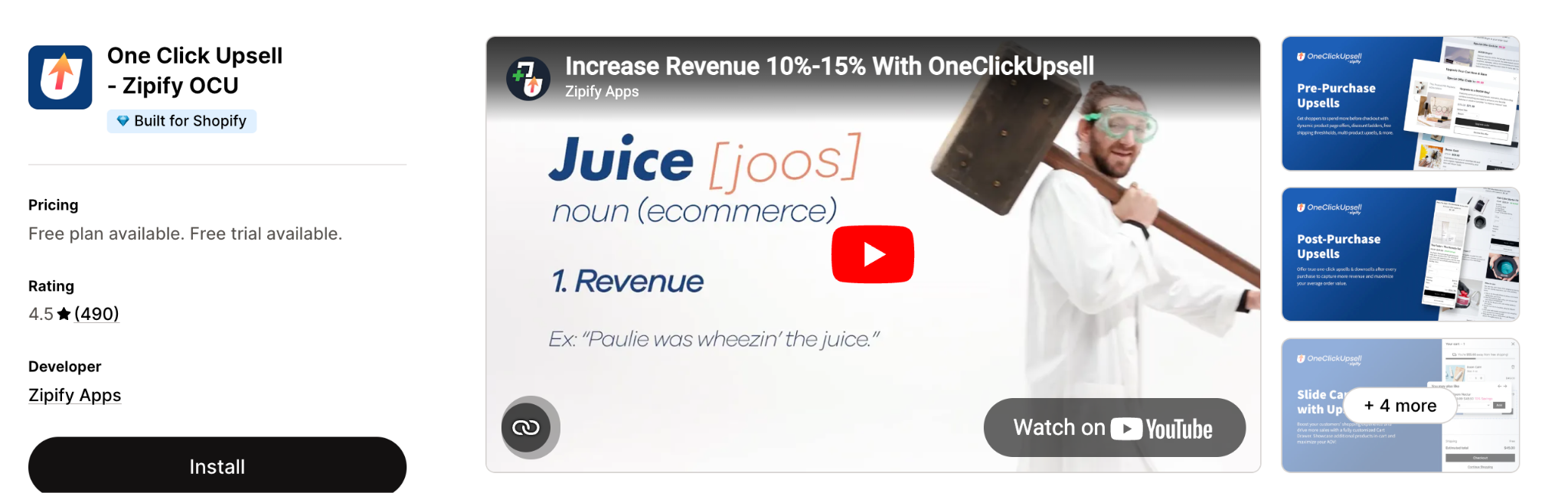
Best for: Mid-to-high AOV DTC brands that think in funnels and will actually run tests.
Where it shows: Cart and pre-purchase offers, post-purchase one-click pages, the order-confirmation page, checkout (Plus), and the Shop app.
What it does differently: It is the only upsell app that places offers inside Shopify's Shop app, and its post-purchase page is a genuine one-click flow rather than a confirm step.
Pros:
- True one-click funnels with mature split testing.
- Exclusive Shop app upsell placement extends reach beyond your storefront.
Cons:
- Revenue-share billing can climb as offers convert.
- Extra offer pages can feel aggressive for low-trust or very low AOV products.
Who should avoid it: Ultra-low-priced or single-item stores where extra funnel pages add friction without enough upside.
Example use case: A fitness brand runs an in-cart upsell for resistance bands, then a one-click post-purchase offer for a training program mirrored on the Shop app confirmation screen.
5. Rebuy Engine
Shopify rating: 4.9/5 (~570 reviews)
Rebuy is the AI-heavy option. It reads behavior and catalog data to place personalized recommendations across the whole journey, which is the exact problem large catalogs cannot solve with manual rules.
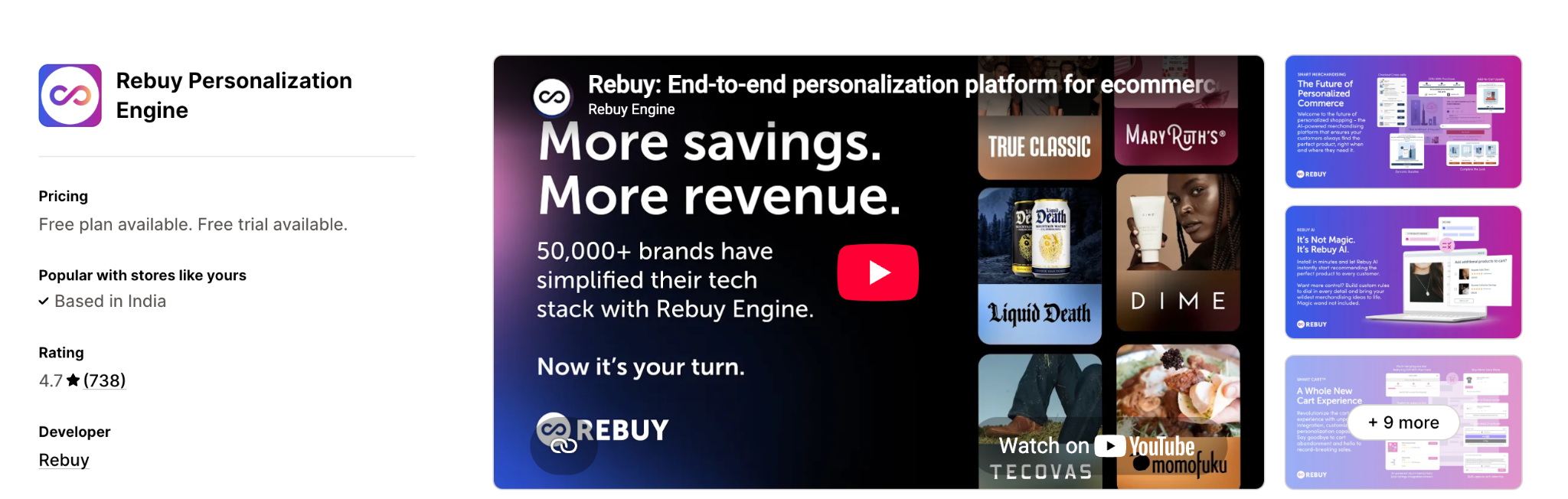
Best for: Scaling brands with enough traffic and SKUs to feed the recommendation engine.
Where it shows: Homepage, product page, Smart Cart, checkout, and post-purchase.
What it does differently: Its Smart Cart and data-driven recommendation engine tie the entire journey together, with deep Klaviyo and Recharge integrations for personalization.
Pros:
- Strongest AI personalization on this list for large catalogs.
- Fires clean events into Klaviyo for higher email-attributed revenue.
Cons:
- Premium pricing that starts at $99/mo and scales quickly.
- Setup and rule-building carry a real learning curve.
Who should avoid it: Small or single-product stores that will not generate the incremental AOV to justify the cost.
Example use case: An apparel brand uses Smart Cart to show "complete the look" items driven by browsing history, then a personalized post-purchase add-on.
6. Bold AI Upsell & Cross-Sell
Shopify rating: 4.4/5
Bold's upsell suite covers the full funnel with both AI and manual control, including true upsells, cross-sells, downsells, and in-checkout order bumps. It ties into Bold Subscriptions for subscribe-and-save offers.
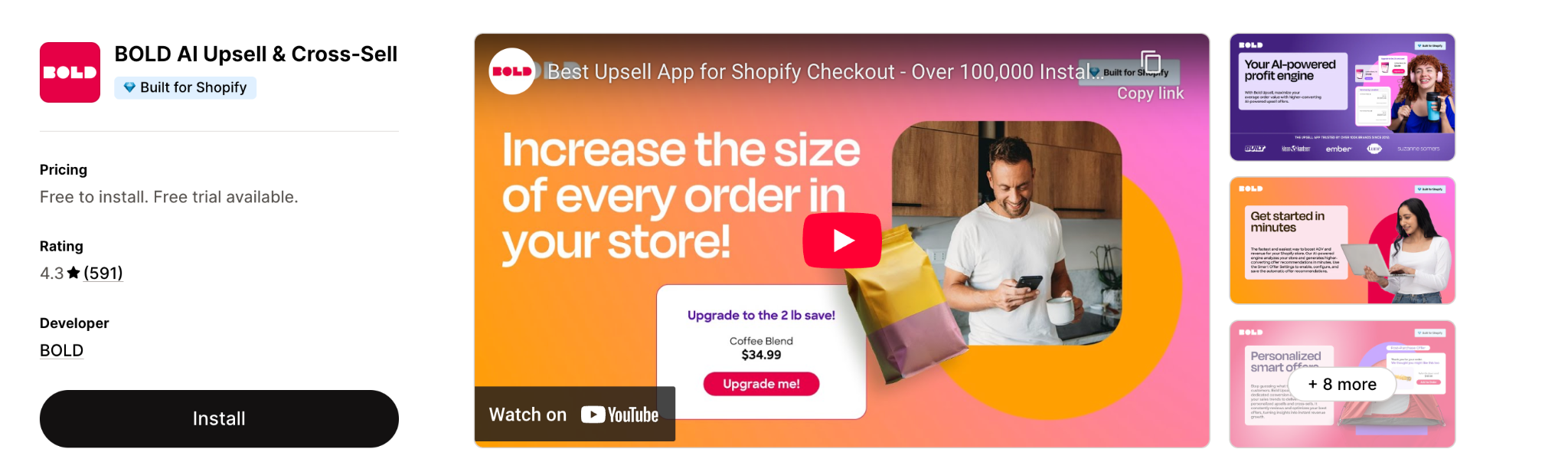
Best for: Scaling and Plus stores with larger catalogs and higher AOV that want structured funnels.
Where it shows: Product page, cart, checkout (Plus), post-purchase, and email.
What it does differently: SMART AI offers regenerate and optimize over time, and offers can be chained so each accept triggers the next opportunity, with a native subscription tie-in.
Pros:
- Full-funnel coverage plus BOGO, free gifts, and order bumps in one app.
- Good fit for subscription brands through Bold Subscriptions.
Cons:
- Commission-based pricing can get expensive on high-traffic stores.
- Feature depth means a steeper learning curve than plug-and-play tools, and its rating trails the category leaders.
Who should avoid it: Very small or single-product brands that do not need full-funnel complexity.
Example use case: A coffee brand shows "upgrade to a 3-bag subscription and save 15%" on the PDP, a bundle in cart, and a post-purchase grinder add-on.
7. Honeycomb Upsell Funnels
Shopify rating: 4.9/5 (~530 reviews)
Honeycomb is an all-in-one funnel builder with AI recommendations and, critically, built-in A/B testing, so you can prove which offer lifts AOV instead of assuming.
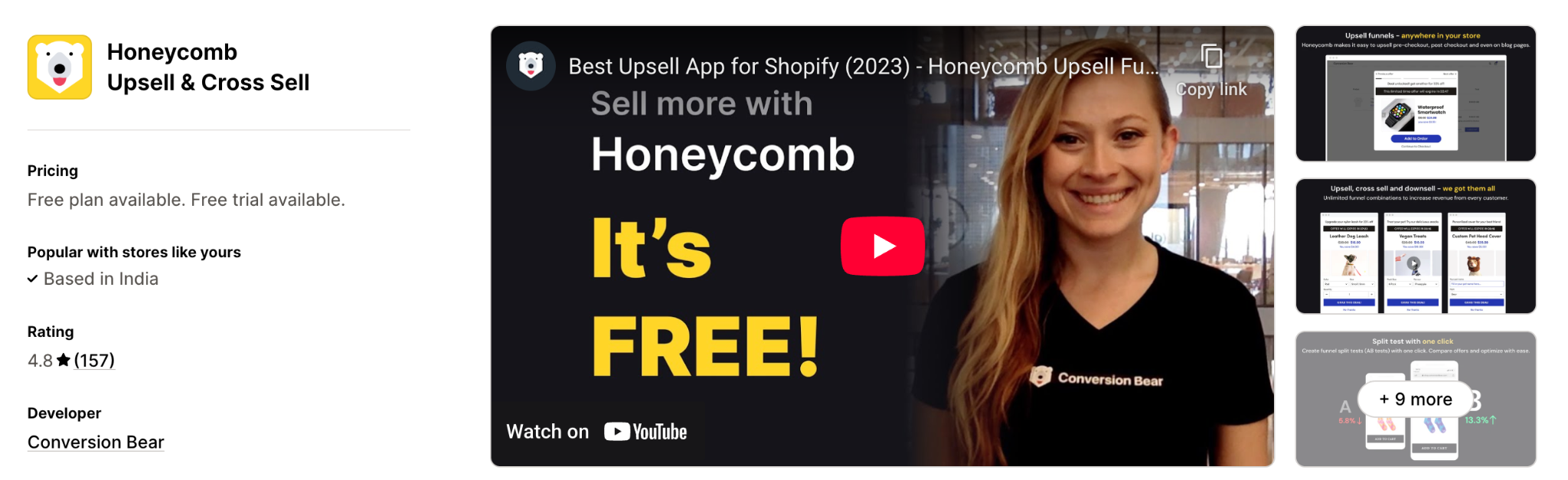
Best for: Growing brands that want one app for pre- and post-purchase funnels and will use the split testing.
Where it shows: Product page, cart, checkout (Plus), post-purchase, and thank-you page.
What it does differently: Multi-step funnels combine AI recommendations with genuine A/B split testing and an autopilot mode, and the free plan includes every feature.
Pros:
- Built-in split testing is rare at this price point.
- Free plan covers the full feature set for low-volume stores.
Cons:
- Paid tiers start around $49.99/mo, and the free tier caps funnel views.
- Overkill for a very early store that needs one simple placement.
Who should avoid it: Early-stage merchants on tight budgets who only need one or two basic offers.
Example use case: A fashion brand tests two post-purchase offers against each other and keeps the winner, while running a "complete the look" upsell on the PDP.
8. Selleasy
Shopify rating: 4.9/5 (~2,000 reviews)
Selleasy delivers Amazon-style frequently-bought-together and upsell add-ons across the funnel at a price that undercuts most of this list, with no revenue share.
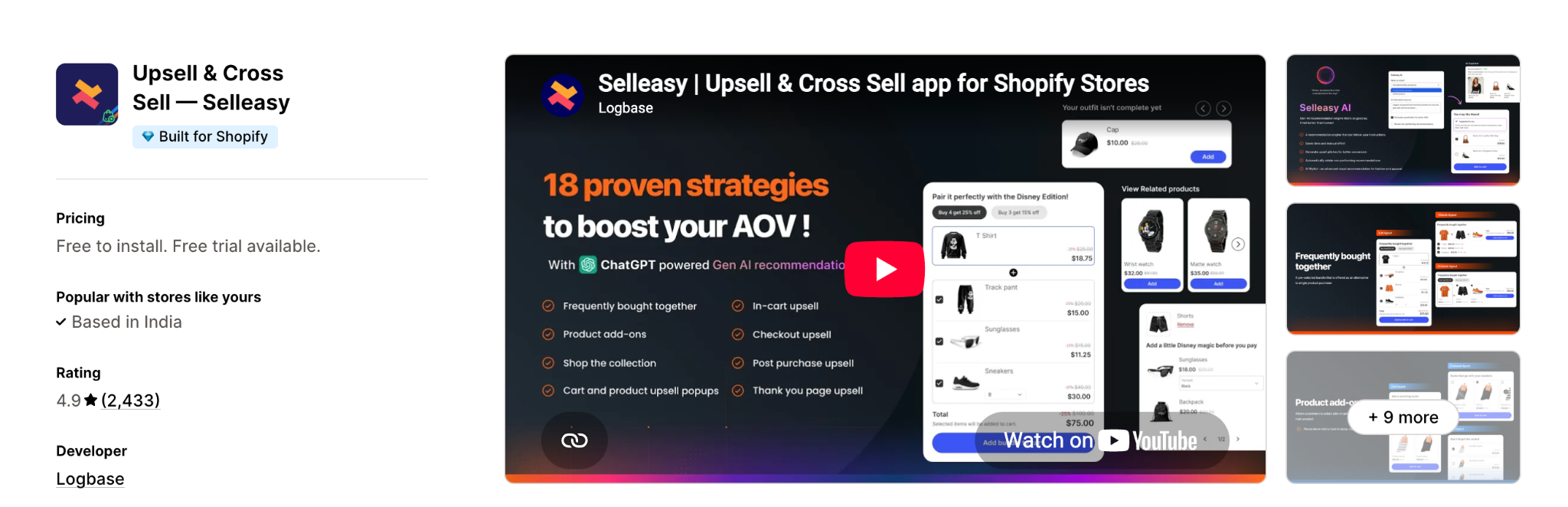
Best for: Budget-conscious stores that want solid cross-sell without a heavy monthly fee.
Where it shows: Product page, cart, checkout, and post-purchase.
What it does differently: It bundles broad placement coverage into a genuinely usable free plan (every feature free up to 50 orders a month) with no commission on upsell sales.
Pros:
- One of the most usable free plans in the category.
- Broad placement coverage at a low flat price.
Cons:
- Funnel logic is not as deep as AfterSell or Zipify (no upsell-to-downsell branching).
- The interface is functional rather than premium.
Who should avoid it: Stores that need advanced multi-step funnels and granular targeting.
Example use case: A homeware store adds a "frequently bought together" block on the PDP and a cart add-on for care kits, all on the free plan while testing.
9. Frequently Bought Together
Shopify rating: 4.9/5 (~2,300 reviews)
Code Black Belt's Frequently Bought Together is one of the most installed upsell apps on Shopify, and it drops an AI-driven bundle block on the product page that mirrors the Amazon pattern shoppers already trust.
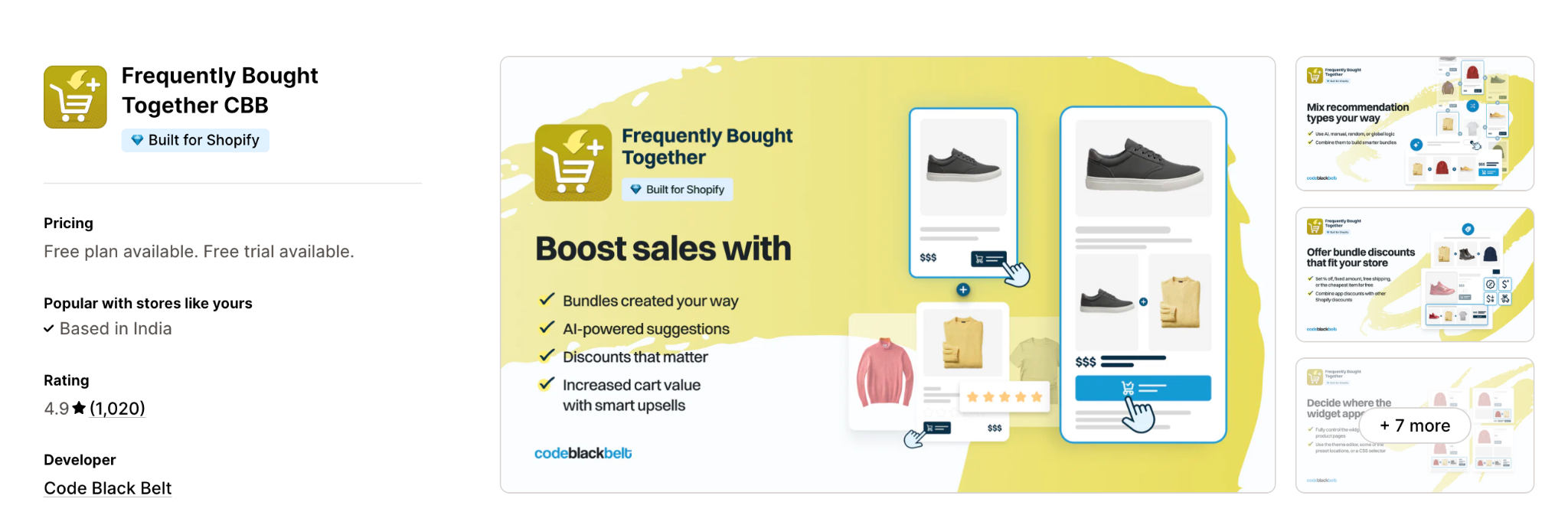
Best for: Catalog-heavy stores where related-product logic writes itself.
Where it shows: Product page and cart.
What it does differently: A mature AI recommendation algorithm surfaces genuinely relevant bundles, with custom and fixed bundle options and flat pricing with no revenue share.
Pros:
- Battle-tested AI recommendations with a huge install base.
- Flat $19.99/mo with no commission, plus Shopify POS and multilingual support.
Cons:
- PDP-focused, so it will not cover checkout or thank-you page.
- Fewer funnel and targeting controls than all-in-one tools.
Who should avoid it: Stores whose main need is post-purchase or checkout upsells rather than product-page bundles.
Example use case: An electronics store shows a camera with a memory card and case as a one-click "frequently bought together" set on the product page.
10. Candy Rack
Shopify rating: 4.8/5 (~190 reviews)
Candy Rack keeps things deliberately clean: a one-click upsell that fires at add-to-cart without stacking widgets, with a mobile-first design and a newer built-in slide cart.
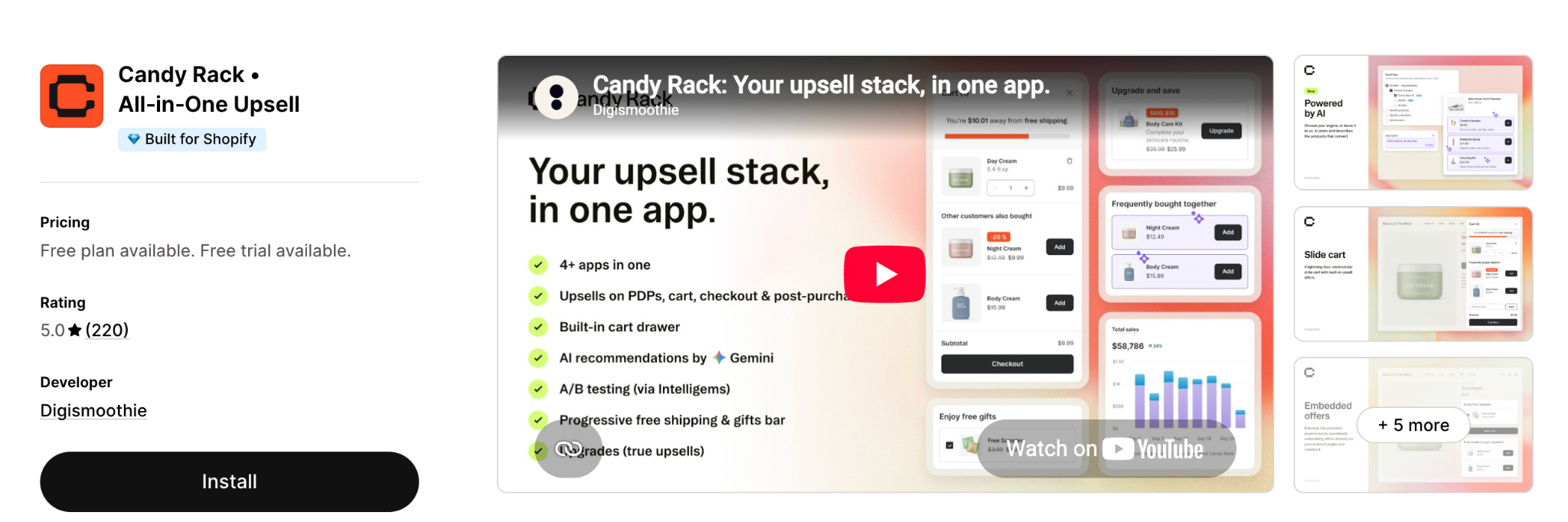
Best for: Design-conscious brands that want higher AOV without turning the store into a carnival of pop-ups.
Where it shows: Product page (at add-to-cart), slide cart, checkout, and post-purchase.
What it does differently: A polished, mobile-first single-click upsell backed by Gemini AI auto-upsell and ready-made templates that stay on-brand.
Pros:
- Clean, fast pop-ups that render well on mobile.
- Smart Auto-Upsell picks relevant products with minimal setup.
Cons:
- The starting price is higher than lightweight cross-sell tools.
- Less suited to deep multi-step funnels or split testing.
Who should avoid it: Brands that want funnel branching and heavy A/B testing rather than clean single offers.
Example use case: A skincare brand offers a discounted travel size the moment a serum is added to cart, then a matching mask post-purchase.
11. iCart Cart Drawer Cart Upsell
Shopify rating: 4.7/5
iCart turns the cart drawer into a mini sales funnel with AI upsells, progress bars, timers, and volume discounts, all through a no-code editor.
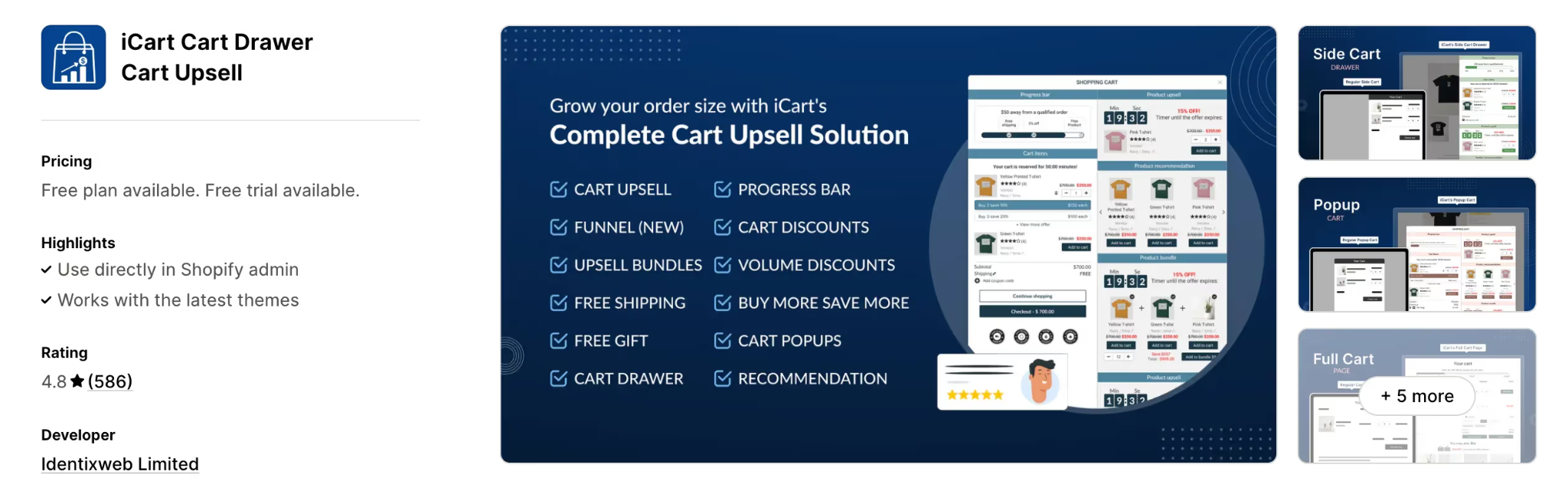
Best for: Small to mid-market brands that want to squeeze more from the pre-checkout moment with a highly customized side cart.
Where it shows: Slide cart drawer, cart popup, and full cart page.
What it does differently: A visual no-code cart editor pairs AI cart upsells with progress bars, free-shipping bars, timers, and volume discounts so the whole cart becomes a promotion surface.
Pros:
- Deep cart customization with drag-and-drop widgets.
- The free plan covers the first 100 orders a month with all features.
Cons:
- Cart-first focus, so it does not handle post-purchase or thank-you upsells.
- Over-configuring widgets can make the cart feel noisy.
Who should avoid it: Brands that want a minimal single-offer cart or need post-purchase coverage.
Example use case: A décor store shows a slide cart with a "you are $30 away from free shipping" bar, a timer on a matching cushion, and a two-for discount on throws.
12. UpCart
Shopify rating: 4.7/5 (~820 reviews)
UpCart is a branded slide-cart builder with in-cart upsells, free-shipping bars, rewards, and add-ons, focused on keeping the cart experience on-brand rather than bolted-on.
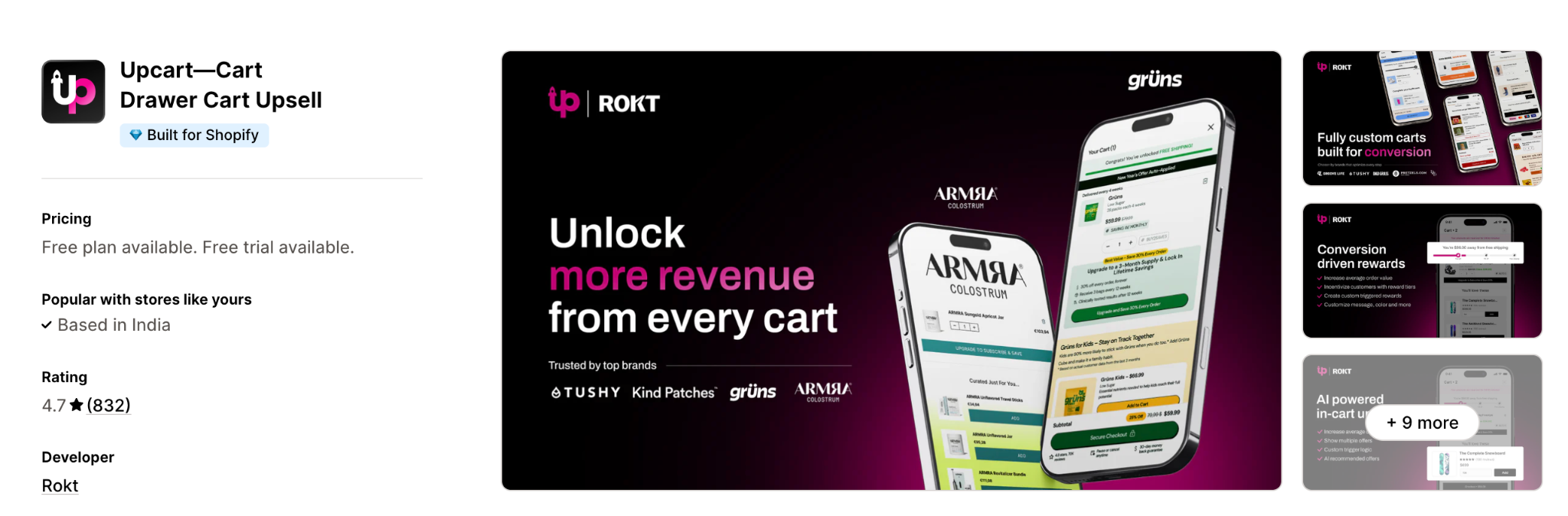
Best for: DTC brands that care about how the cart looks and want reliable in-cart upsells.
Where it shows: Cart drawer.
What it does differently: Deep design control (including custom HTML, CSS, and JSX) makes the cart match the storefront exactly, without redirecting shoppers or needing multiple apps.
Pros:
- Strong branding and design flexibility with a large, stable review base.
- Reliable across high-traffic sale periods.
Cons:
- Narrower than iCart: no bundles, timers, or real analytics dashboard.
- Higher entry price than some cart-drawer rivals.
Who should avoid it: Stores that need bundles, countdown timers, or analytics inside the same app.
Example use case: A fashion brand runs an on-brand slide cart with a free-shipping progress bar and an accessory add-on that matches the storefront design.
13. Fast Bundle
Shopify rating: 4.9/5 (~1,680 reviews)
Fast Bundle handles bundles, volume discounts, and mix-and-match offers with flexible bundle types and AI-powered frequently-bought-together suggestions.
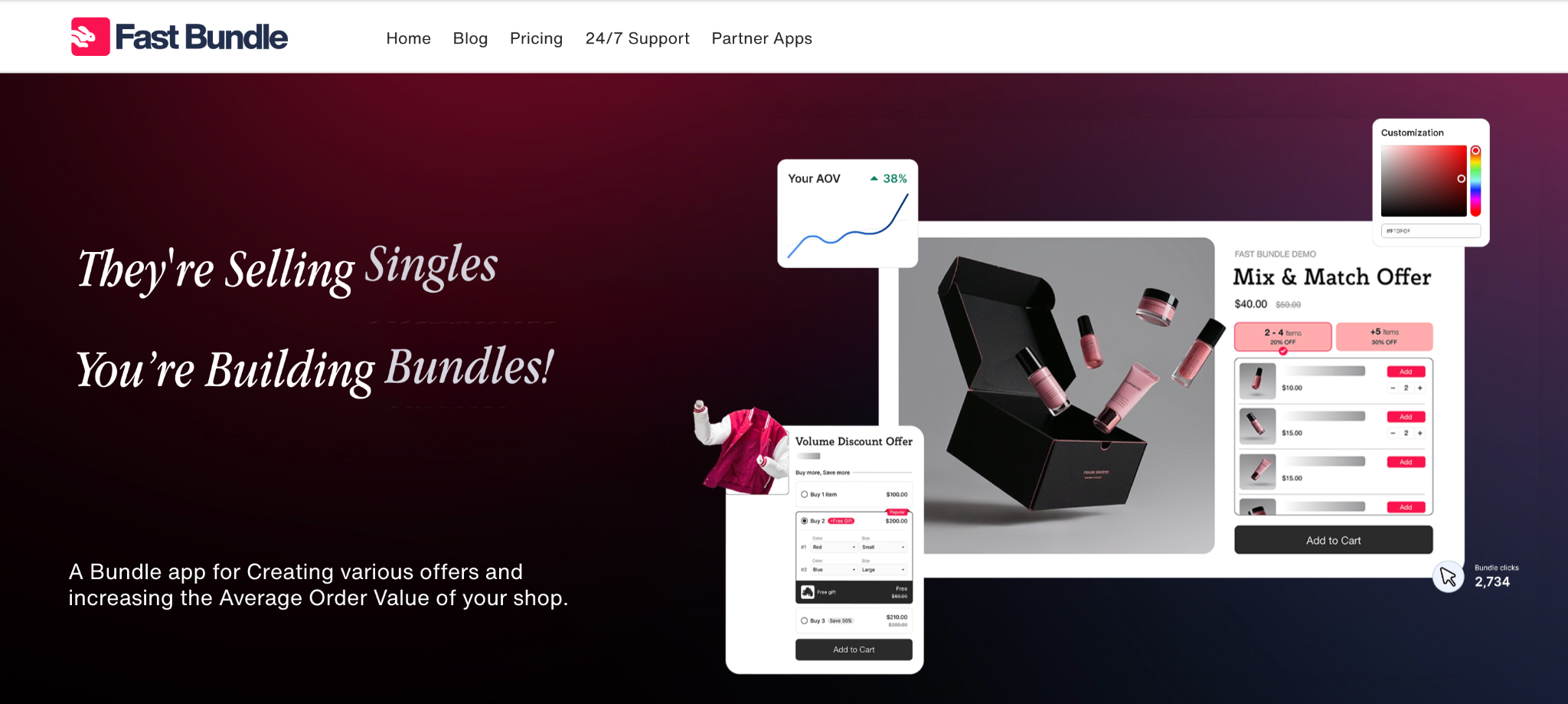
Best for: Stores where buying multiples is the natural behavior, such as supplements, beauty, and FMCG.
Where it shows: Product page bundles, cart, and Shopify POS.
What it does differently: More than ten bundle types (fixed, mix-and-match, BOGO, quantity breaks) plus an AI bundle image generator, all in one bundling-first app.
Pros:
- Wide range of bundle formats with strong widget styling.
- AI FBT suggestions and POS support for omnichannel stores.
Cons:
- Bundling-first, so it lacks a dedicated post-purchase funnel.
- Discount types cannot always be combined into tiered offers.
Who should avoid it: Stores whose main goal is post-purchase or checkout upsells rather than bundles.
Example use case: A supplements brand offers a "buy 2, get 1 free" bundle and a build-your-own stack on the product page, carried through to in-store POS.
How to choose the best Shopify upsell app
Before comparing ratings or pricing, narrow down what you're trying to improve. The right app depends on your store more than the feature list.
- Placement: Decide where you want the upsell to appear: product page, cart, checkout, post-purchase, or the thank-you page.
- Shopify plan: Some checkout upsells and advanced checkout customizations require Shopify Plus or Checkout Extensibility.
- Pricing model: Compare how apps charge. A low monthly fee with revenue-sharing can cost more than a higher flat-rate plan once your order volume grows.
- Catalog size: AI recommendations become more valuable as product catalogs grow, while smaller stores can often get excellent results with simpler rule-based offers.
- Integration Capabilities: The app should seamlessly integrate with your existing Shopify store and other tools you use. This ensures a smooth experience for both you and your customers.
One thing that's easy to overlook: merchants rarely outgrow an upsell app because it lacks features. They outgrow it because it no longer matches how they sell. A store that starts with manual bundles often needs AI recommendations later, while a brand adding subscriptions may find post-purchase offers more valuable than another cart widget.
Best free Shopify upsell apps
You do not need a paid plan to start upselling. Several apps here run a genuinely useful free tier, which matters if you want to prove incremental AOV before committing a budget.
Selleasy and iCart both offer free plans that cover real functionality rather than a crippled demo. ReConvert and Honeycomb include free entry tiers tied to order or view volume, so they scale cost as you scale revenue. Fast Bundle offers a free plan for lower-order stores testing bundles.
The honest caveat: free tiers usually cap orders, views, or offer types. Treat them as a way to validate that upsells move your numbers, then upgrade once the revenue lift covers the paid plan several times over. If you want the mechanics of building offers that convert, our guide to upsell and cross-sell strategies for Shopify breaks down placement and pricing in detail.
Best Shopify checkout upsell apps
Checkout is the highest-intent moment in the funnel and, on Shopify Plus, the hardest to touch without the right app. Native checkout upsells require the Checkout Extensibility framework, which is why this is a shorter list.
AfterSell is the strongest pick for in-checkout offers on Plus, with post-purchase coverage as backup. ReConvert and Zipify OneClickUpsell both add one-click offers immediately after checkout, which captures nearly the same intent without needing Plus. For most non-Plus stores, the post-purchase slot is the practical version of a "checkout upsell," and it converts at 15–25% (LaunchTip, 2026), so you are not giving up much.
Best upsell apps for DTC brands
DTC brands live and die on AOV and LTV, because at a $70 CAC on an $85 order at 50% margin, you are underwater on the first purchase. In math, the upsell is what makes unit economics work at all.
For DTC specifically, Rebuy fits catalog-driven brands that want AI to personalize offers at scale. Zipify OneClickUpsell suits founder-led brands that run structured funnels and test aggressively. ReConvert covers the post-purchase window every DTC store leaves on the table. And repeat customers are 35% more receptive to upsells than new buyers (Emarsys, 2025), so whichever app you pick, segment returning buyers and treat them differently.
Why your upsells underperform on mobile web
Mobile commerce is on track to reach 62% of global ecommerce in 2026 (Statista, 2025), yet mobile cart abandonment runs around 80% versus roughly 66% on desktop (Baymard Institute, 2026). Your upsell app can be perfectly configured and still leak revenue, because the surface it renders on is where buyers drop.
The reasons are structural, not fixable with a better widget. Mobile web means slower loads, smaller screens that bury a cart-drawer offer, and constant interruption from other apps and notifications. An upsell that reads clearly on a 27-inch monitor gets thumb-scrolled past on a phone. You are asking someone to add one more item in the exact context where they are most distracted and most likely to bounce.
That is why the highest-AOV brands stop treating mobile web as the finish line. They move their highest-intent moments into an environment they control, and on mobile that environment is a branded app.
Ready to see what a branded mobile app could do for your AOV and upsell acceptance? Book a demo with Appbrew.
How a Shopify mobile app amplifies upsells
By now you've probably noticed that the best upsell app isn't always the one that makes the biggest difference. We've seen stores swap apps expecting a lift in AOV, only to find the real challenge was the shopping experience itself. If most of your customers buy on mobile, the environment around the offer matters just as much as the offer. That's where a mobile app starts to change the equation.
1. Mobile-first shopping = more upsell opportunities
Most Shopify traffic and a huge share of sales now happen on mobile, which means the brands that live on the customer’s home screen get more chances to present relevant add-ons and upgrades. A native app gives you persistent visibility, faster UI, and a more controlled experience than mobile web, which reduces friction and makes it easier to say “yes” to upsell offers woven into the journey.
2. Push notifications as an upsell engine
Native app push notifications let you reach customers instantly with cart reminders, “complete your routine” bundles, price-drop alerts, and back‑in‑stock upsells, without waiting for them to open email or SMS. Because these messages appear directly on the lock screen and can be behaviour-triggered, they drive higher engagement and recover revenue from abandoned carts and missed upsell opportunities.
3. Personalized in-app journeys and recommendations
Mobile apps make it easier to personalize product feeds, recommendations, and in-app banners based on browsing, purchase history, and engagement patterns. This lets you surface tailored bundles, higher-margin alternatives, or cross-sells at exactly the right moment in the session, increasing both conversion rate and average order value.
4. Frictionless checkout and repeat purchases
Features like stored payment methods, one‑tap checkout, and saved addresses reduce friction, which is critical when you’re asking customers to add one more item or accept a post‑purchase upsell. Combined with loyalty, rewards, and in-app-only offers, a mobile app nudges customers back more often and turns upsells into a natural part of repeat buying rather than a one‑off tactic.
How Appbrew turns your Shopify store into an upsell-ready mobile app
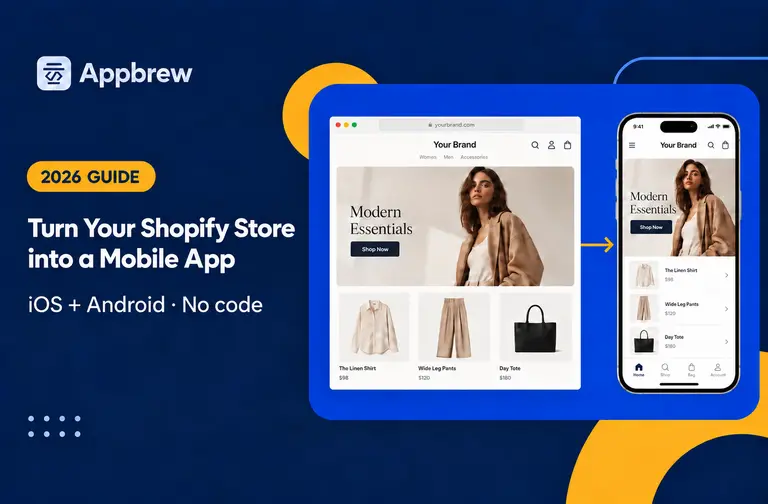
Appbrew is an AI‑native Shopify mobile app builder that turns your Shopify store into fully branded iOS and Android apps without needing developers, so you can launch and manage everything yourself. It syncs with your existing Shopify stack, supports 120+ integrations, and keeps your mobile app visually consistent with your storefront, which means upsell components and promotions feel on-brand across every touchpoint.
With Appbrew, you get unlimited push notifications, an evolved promotion engine for app‑only discounts, and built-in personalization, giving you a dedicated channel to run targeted upsell campaigns that drive higher conversion and retention than the mobile web alone.
FAQs
What is the best upsell app for Shopify?
There is no single winner, because the best app depends on where your funnel leaks. For post-purchase and thank-you page offers, ReConvert is the common default. For checkout upsells on Shopify Plus, AfterSell leads. For AI-driven recommendations on a large catalog, Rebuy is the strongest pick. And if predictable cost matters more than placement breadth, Libautech Bundles & Upsell is the only app here with a hard monthly ceiling. Match the app to the moment you are trying to monetize.
Is there a free upsell app for Shopify?
Yes. Selleasy, iCart, Honeycomb, ReConvert, and Fast Bundle all offer free plans. Free tiers typically cap orders, views, or offer types, so use them to confirm upsells lift your AOV, then upgrade once the revenue covers the paid plan.
What is the best upsell app for DTC brands?
DTC brands optimizing for AOV and LTV tend to land on Rebuy for AI personalization at scale, Zipify OneClickUpsell for structured funnels, or ReConvert for post-purchase capture. Segment returning customers, since they are 35% more receptive to upsells than new buyers.
Do upsells hurt conversion rate?
Poorly placed ones do. Cross-selling unrelated products cuts click-through by 60%, and upsells priced more than 30% above the original item spike abandonment. Relevant, well-timed offers within that price band lift AOV without denting conversion.
Which Shopify upsell app charges based on the revenue it generates?
Several bill on results rather than a flat fee, but the models differ. Libautech Bundles & Upsell bands its plans by attributed incremental revenue and hard-caps at $49.99/mo. ReConvert adds 0.75% of upsell revenue on top of its base fee. Zipify OneClickUpsell scales with upsell revenue, and Bold charges on views. If you want predictable cost at scale, a capped or flat model beats an uncapped percentage once order volume grows.
What is a good upsell conversion rate on Shopify?
It varies by placement. Product-page upsells convert around 5–12%, cart upsells 8–18%, and post-purchase one-click upsells 15–25%. Order bumps can go higher. Post-purchase is the highest-converting slot because the sale is already locked in.
What is the best checkout upsell app for Shopify Plus?
AfterSell is the leading choice for native in-checkout upsells on Plus via Checkout Extensibility. ReConvert and Zipify OneClickUpsell add one-click offers right after checkout, which captures similar intent on non-Plus plans.