



.png)
.webp)


Launch a high-performing Android app without code. Discover the best android app builders for Shopify, content, and complex workflows designed for publishing on Google Play.
If you’re serious about mobile, you can’t afford to ignore Android. With billions of active devices worldwide and a dominant share in key emerging markets, Google Play is often the first and sometimes only app store your customers ever see.
But actually getting an Android app designed, built, and successfully published can feel intimidating if you don’t have an in‑house engineering team or six figures to spend on a custom build.
That’s where Android app builders come in. Instead of wrestling with Java, Kotlin, or complex build pipelines, these platforms let you design and launch apps using visual editors and pre‑built components. Whether you’re running a fast‑growing ecommerce brand, monetizing content with ads, or shipping a simple MVP for your small business, the right builder can compress months of development into weeks or even days.
In this guide, you’ll find a curated list of the best Android app builders specifically for launching on Google Play, with a mix of specialized and underrated options.
Let’s dive right in!
At a Glance: Comparison Table of Android App Builders for Google Play
Choosing the right Android app builder starts with matching the tool to your use case: eCommerce, content, internal tools, or simple MVPs all have very different needs.
The comparison table below gives you a quick snapshot of how each platform positions itself for Google Play launches, so you can shortlist the right options before diving into the details.
Here’s a side‑by‑side look at the best Android app builders for publishing on Google Play:
| Tool | Best for | iOS app type | App Store publishing | Integrations & ecosystem | Pricing snapshot* |
|---|---|---|---|---|---|
| Appbrew | Ecommerce & DTC brands on Shopify | Fully native iOS & Android | Yes - team handles end-to-end submission | 100+ Shopify ecosystem integrations (Klaviyo, Recharge, Yotpo, GA, etc.) | From 499 USD/month |
| Adalo | Startups building custom MVPs & productized apps | True native iOS & Android + web from one build | Yes - built into paid plans, automated process | Built-in DB, 5,000+ integrations via Zapier and APIs | Paid plans from ~36 USD/month |
| Thunkable | Teams that like “Lego-style” logic & education use cases | Native iOS & Android with drag-and-drop + blocks | Yes - on Pro and higher plans | Integrations with Google Sheets, Airtable, Xano, Webflow, Firebase, etc. | Free tier; paid from low-teens/month depending on plan |
| Glide | Internal tools & lightweight business apps accessed on iOS | Web apps / PWAs optimized for mobile | Not focused on App Store; share via link or PWA | Strong data integrations (Sheets, Airtable, BigQuery, etc.) | Free tier; business plans scale with usage |
| Appy Pie | Budget-conscious SMBs needing simple branded apps | Hybrid apps for iOS & Android + PWAs | Yes – on Platinum tier for Apple App Store | Core integrations + Google Analytics, AdMob, etc. | iOS support on Platinum from ~60 USD/app/month |
| BuildFire | Feature-rich customer apps with plugins & scale | Native iOS & Android apps | Yes – app store publishing included in plans | 100+ plugins, API integrations, Zapier, enterprise options | Entry tiers around 100+ USD/month; higher for plugins & scale |
| GoodBarber | Content, media, and simple ecommerce apps | Native iOS, Android + PWA | Yes – on Premium and above | 190+ extensions (chat, loyalty, payments, etc.) | Starts ~36 USD/month (web/PWA); higher for app stores & ecommerce |
8 Best Android App Builders for Launching Apps on Google Play
1. Appbrew - Best for Shopify & DTC eCommerce Brands
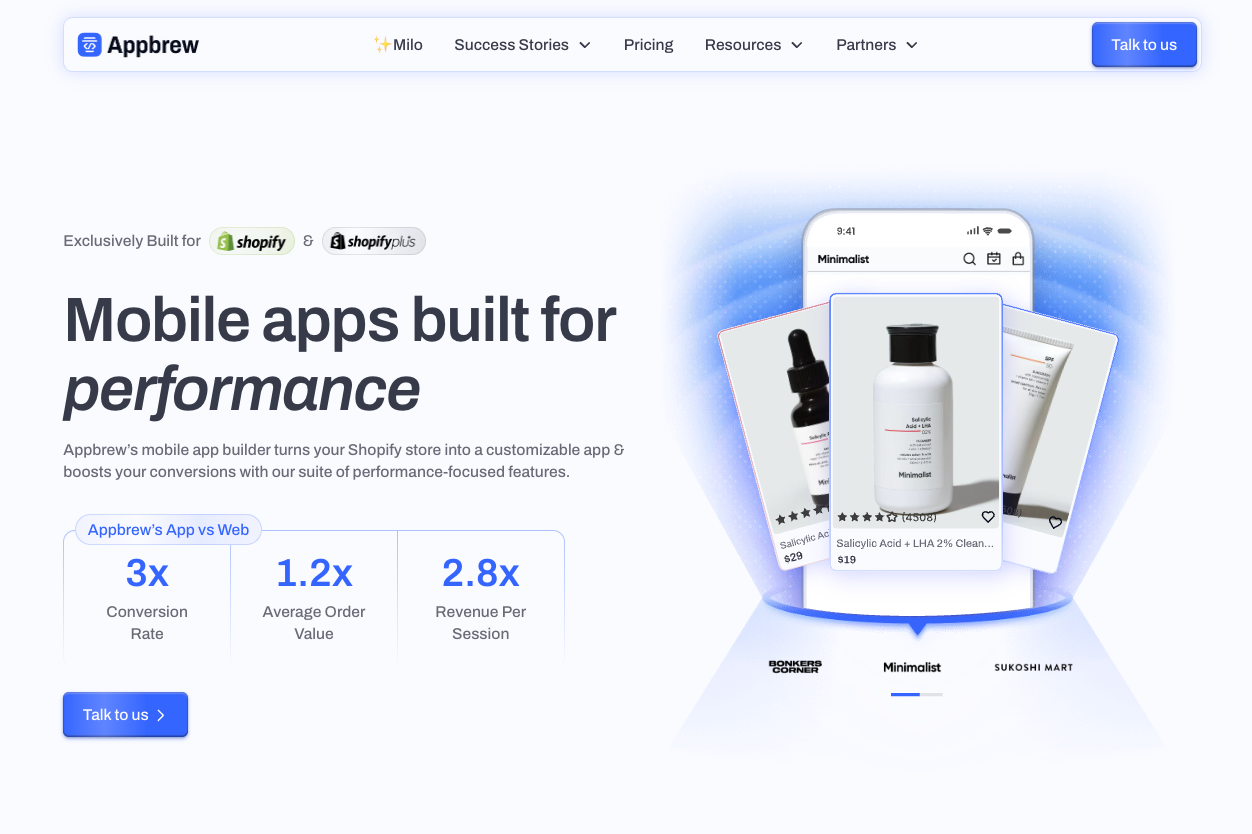
Appbrew is a purpose-built mobile app builder for Shopify and Shopify Plus brands that want high-performing native Android and iOS apps without touching code.
Instead of being a generic “one-size-fits-all” app maker, it’s designed around ecommerce use cases: deep Shopify integration, real-time product and inventory sync, support for subscriptions, loyalty, reviews, and complex discount logic.
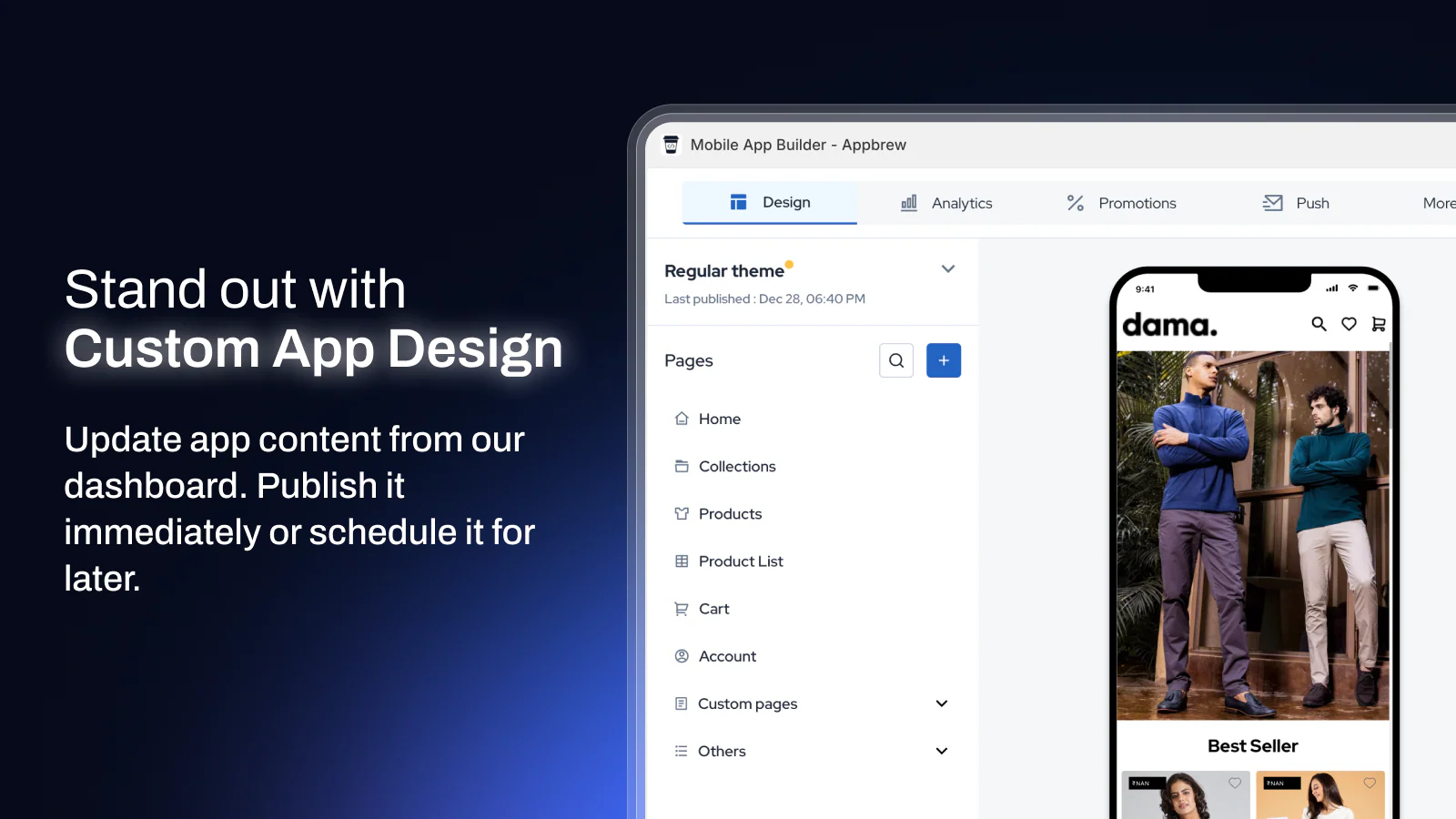
Brands get a drag‑and‑drop visual editor on top of a React Native codebase, so apps feel fast, modern, and on-brand while keeping the underlying performance of a custom build.
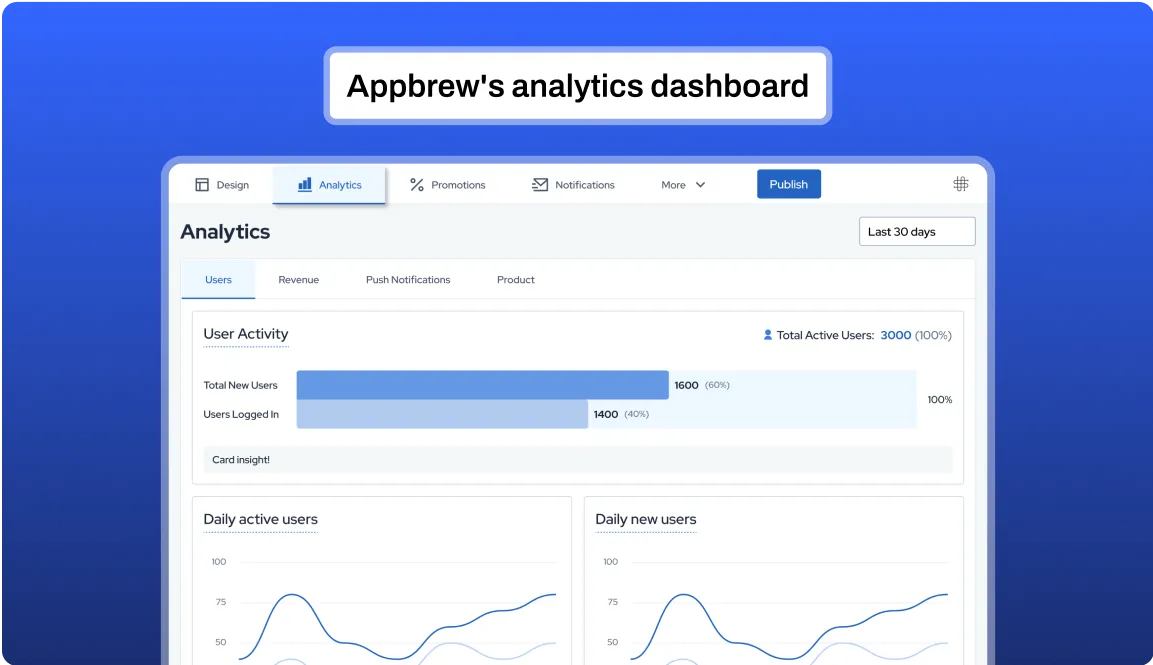
What really differentiates Appbrew is its growth stack: AI-powered features like guided shopping assistants and personalization, unlimited push notifications, marketing and analytics integrations, and an emphasis on conversion rate, AOV, and repeat purchases rather than just “having an app.”
On the launch side, Appbrew helps manage the entire Google Play submission process end‑to‑end, then lets merchants roll out new campaigns and design updates over the air, turning the app into a living, revenue-driving channel rather than a static project.
Core Capabilities & Architecture
- Built on React Native for truly native Android & iOS performance
- Apps that load in under ~1 second with smaller app size (<45MB)
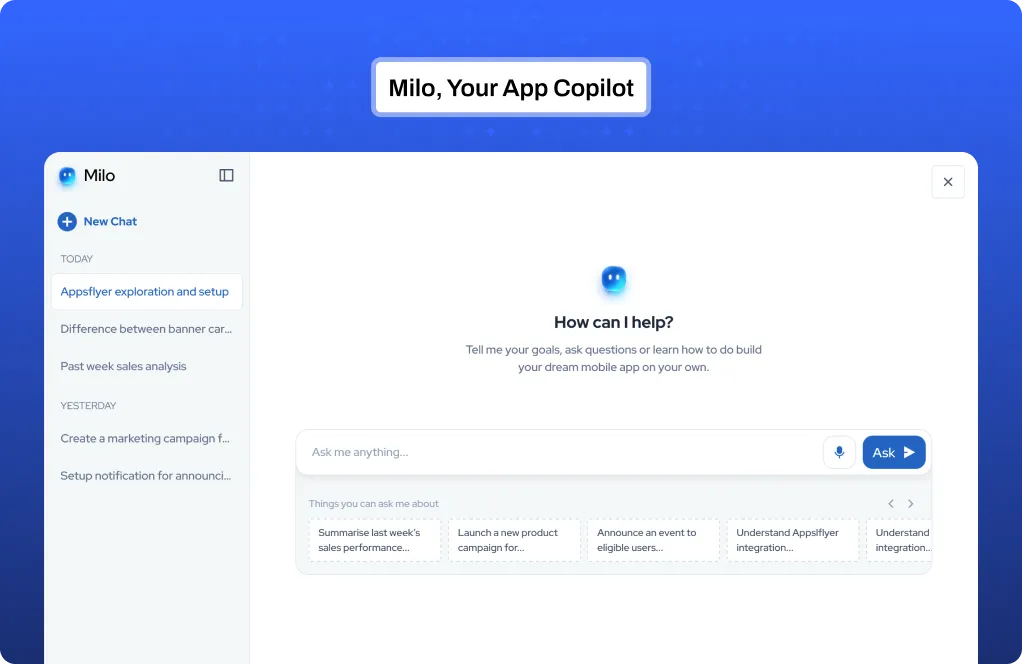
- Milo, the AI app growth assistant for faster setup and optimization
- AI Concierge for guided shopping & product Q&A
- AI Skin Analyzer for skincare brands
- Drag-and-drop UI builder and flexible design blocks
- CSS editor for pixel-level control
- Real-time device preview during design
- AI-powered CMS and page builder
eCommerce-First Features That Matter on Google Play
- Real-time sync with products, inventory, collections, discounts
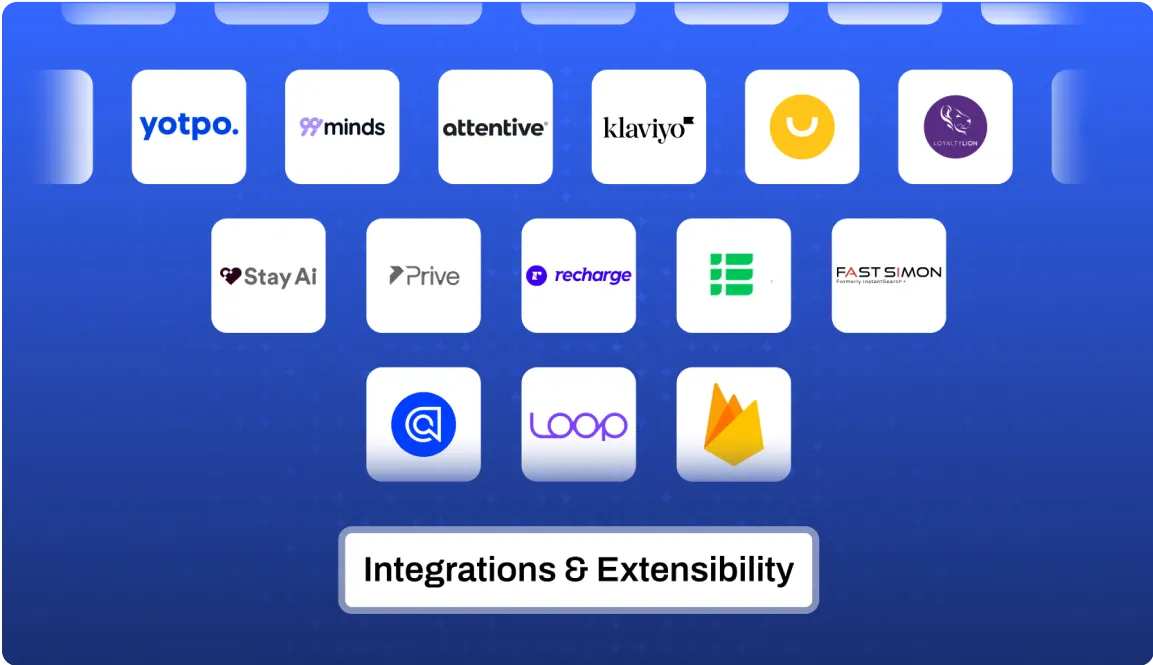
- Vast native Shopify integrations (Klaviyo, Recharge, Yotpo, etc.)
- App-exclusive offers and discounts modules
- Smart recommendation engine (similar styles, pair it with, you may also like)
- Native video shopping module
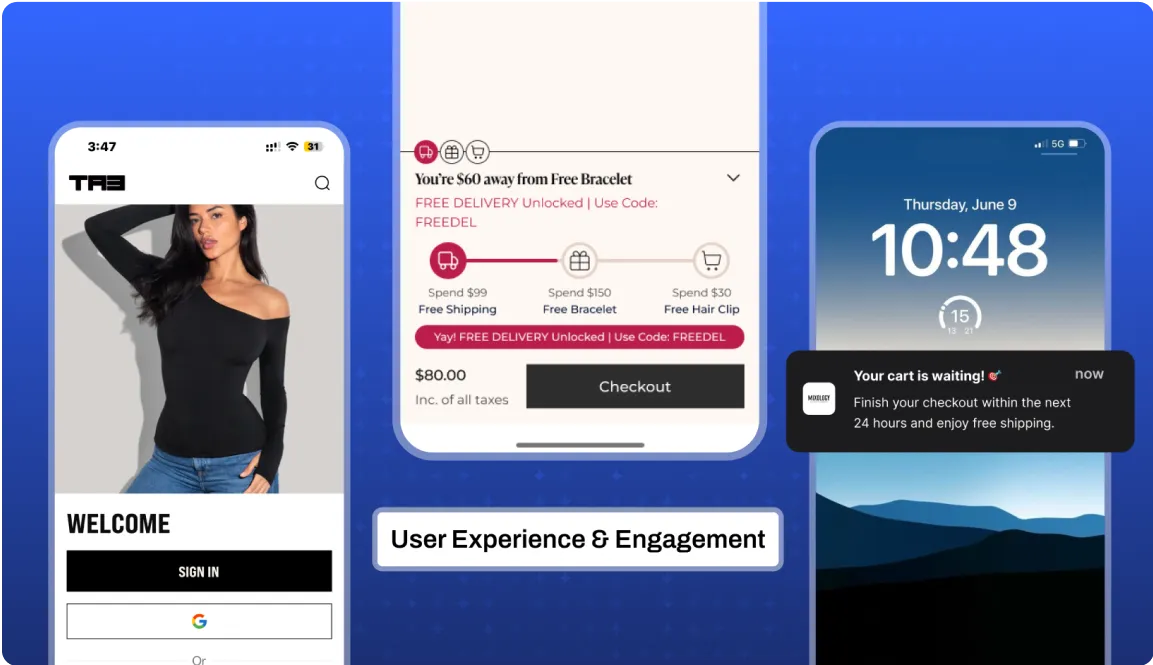
- Unlimited, free app push notifications to increase sales with deep linking
- In-app campaigns and promotions engine
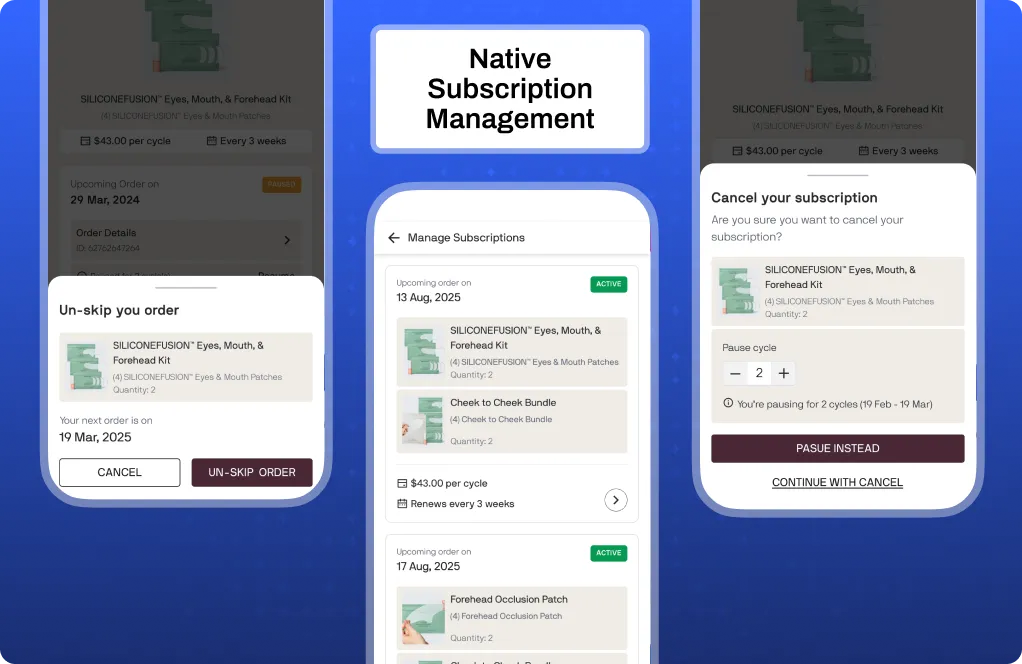
- Subscription management experiences inside the app
Google Play Launch & Post-Launch Workflow with Appbrew
- Store sync & MVP setup within days (or about a week with guided process)
- Appbrew handles App Store and Play Store submission end-to-end - forms, builds, metadata
- Real-time over-the-air app updates without re-submitting every small change
- Advanced app analytics and event tracking
- A/B testing potential via content blocks and campaigns
Pros, Limitations, and Ideal Fit
Pros:
- Purpose-built for ecommerce performance, not generic apps
- Most extensive Shopify integration ecosystem
- Dedicated success manager and strategy support for brands
- Unparalled user experience and engagement for your customers
Limitations:
- Premium pricing (mid-market/enterprise budgets, not hobby projects)
Best suited for:
- Scaling DTC brands ready to turn mobile into their strongest revenue channel.
- Shopify & Shopify Plus merchants who want a fully-managed, high-performance Android app presence.
2. Andromo - Best for Ad-Monetized Content & Media Apps
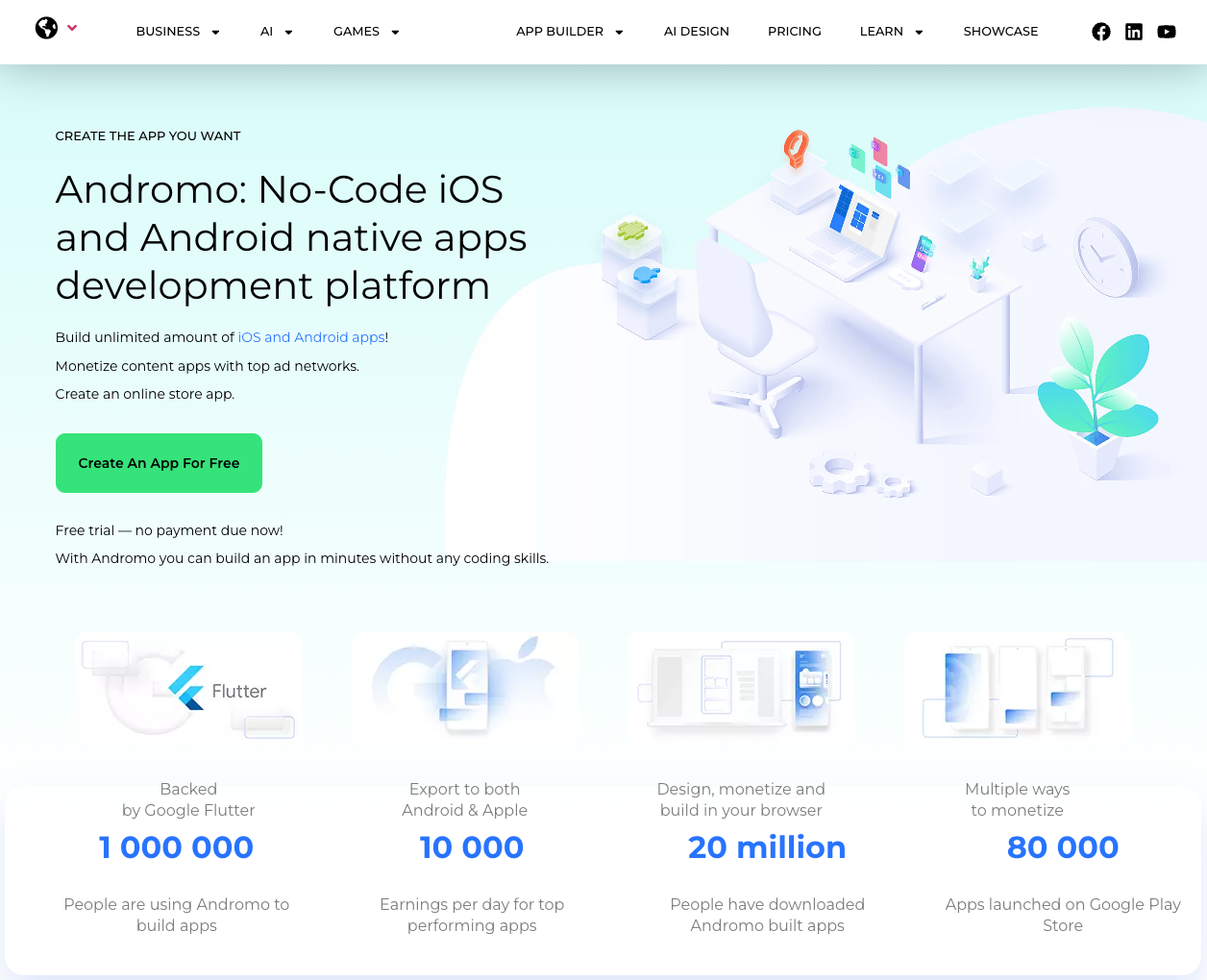
Andromo is an Android-focused app builder aimed at creators who want to spin up content-heavy apps and monetize them with ads. It’s popular for things like radio stations, music apps, podcasts, blogs, and simple utility tools, giving non‑technical users templates to quickly assemble screens, menus, and media sections without writing code.
Built‑in AdMob and other ad network integrations make it easy to add banners or interstitials, so the monetization layer is already wired in. Once the app is ready, Andromo generates production-ready builds and guides users through publishing on Google Play, making it a straightforward choice for anyone whose business model is content + advertising.
3. AppsGeyser - Best Free Android-Only Builder for Quick Launches
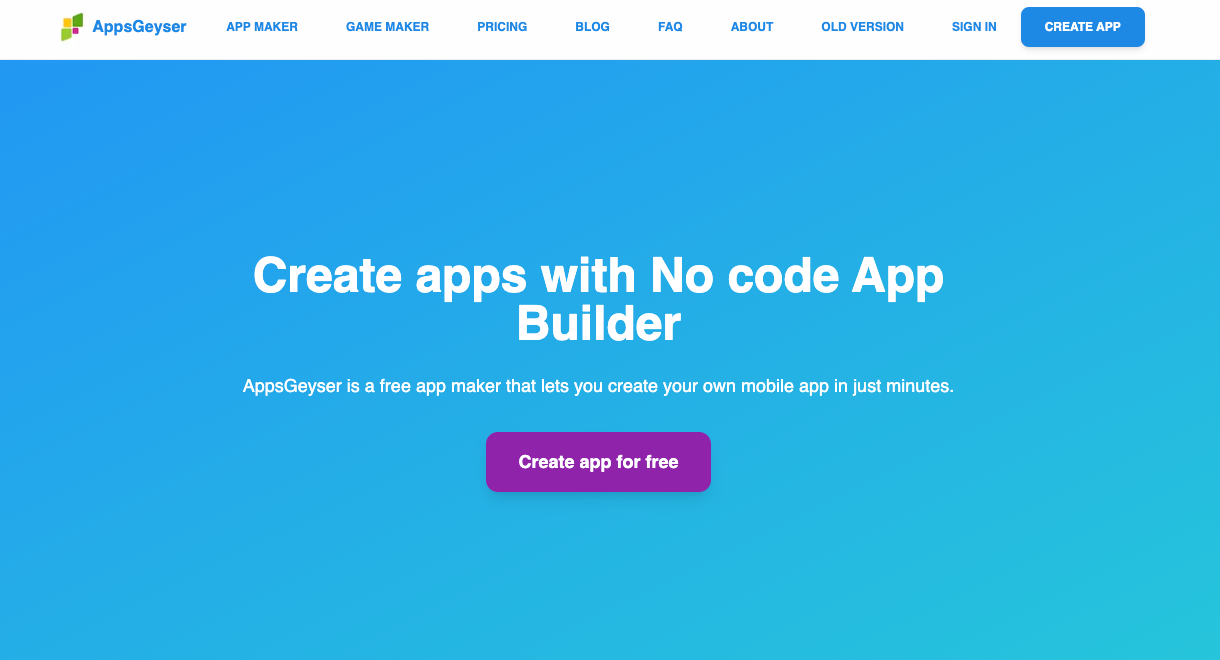
AppsGeyser focuses purely on Android and is optimized for speed: it lets you turn an idea into a basic APK in minutes with no coding experience.
Users can create webview wrappers, messengers, simple games, quizzes, and other lightweight apps using pre-made templates, making it ideal for side projects, experiments, and simple business apps on a tight budget.
The platform is free to start and includes options to enable advertising, so developers can earn from their apps with minimal overhead.
Because AppsGeyser concentrates solely on Android, it also provides simple guidance on generating APKs and getting them ready for upload to Google Play.
4. GoodBarber - Best for Content-Heavy & Local Business Apps
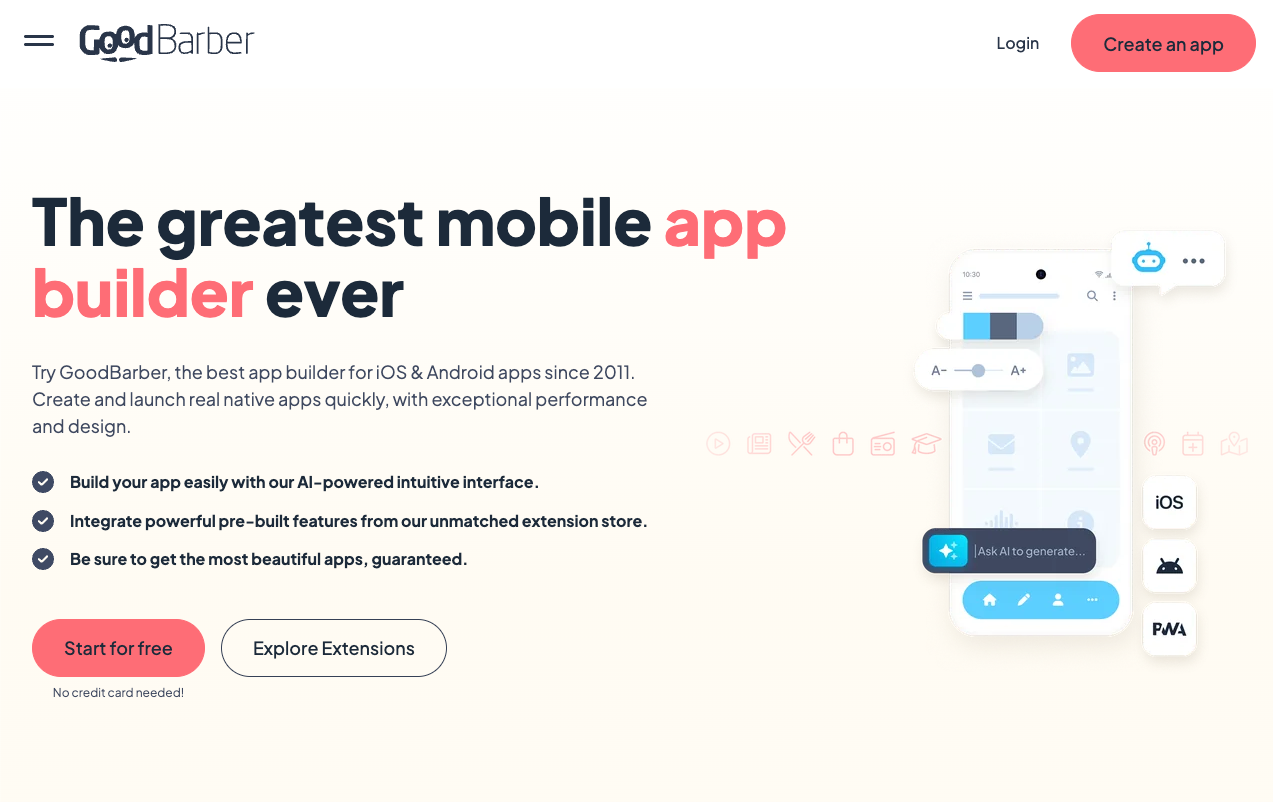
GoodBarber is a polished app builder that shines for content-driven and local business experiences, such as news sites, tourism and city guide apps, community portals, and small retail or service businesses.
It offers attractive templates, a built‑in content management system, and features like push notifications, in-app search, and optional ecommerce modules, so brands can deliver a professional mobile presence without bespoke development.
GoodBarber supports building native Android apps (with iOS as an option on certain plans) and provides workflows to package and submit those apps to the major app stores, making it appealing for teams that need a strong UX and reliable stack for publishing to Google Play.
5. Bravo Studio - Best for Figma-First, Design-Led Teams
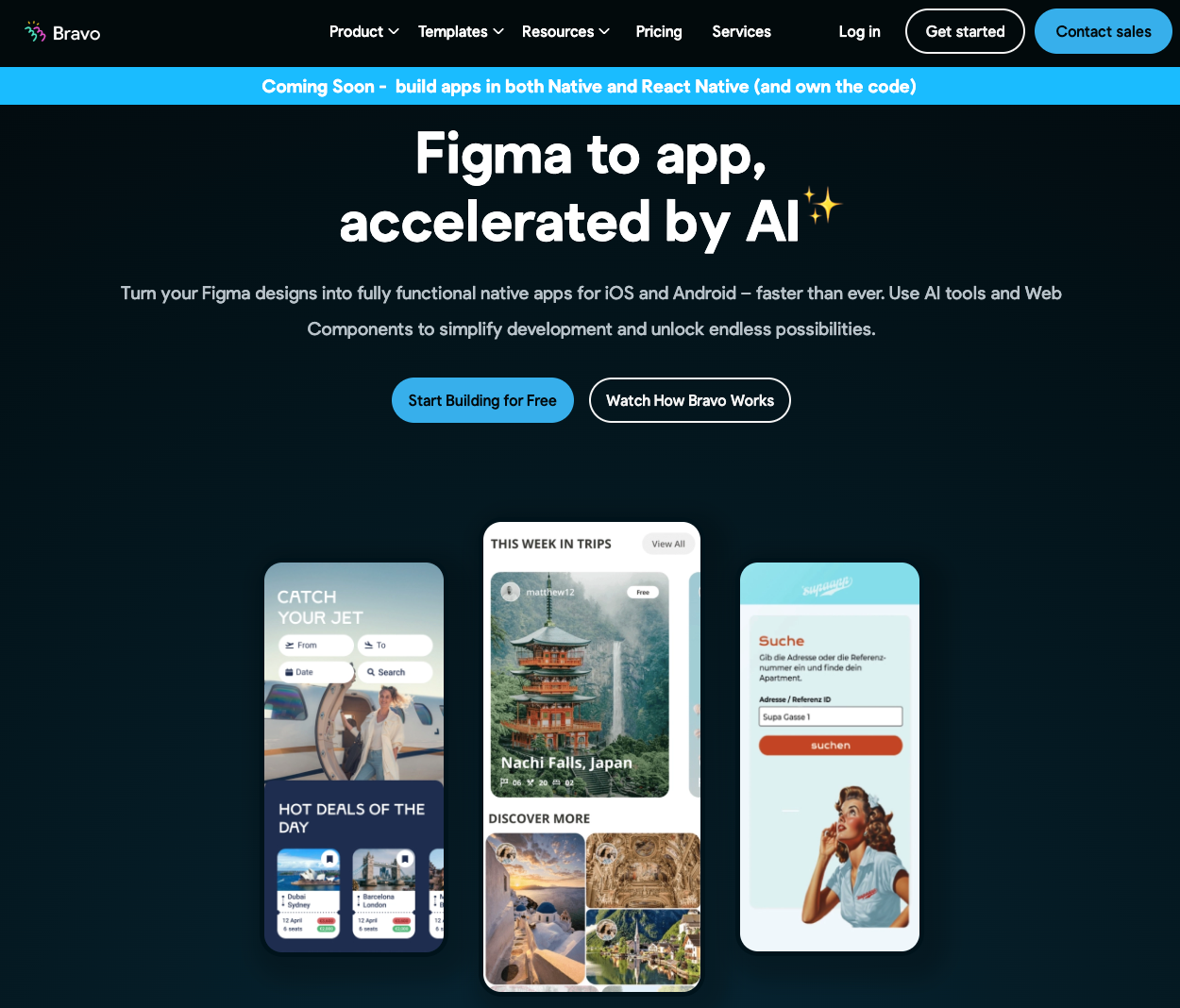
Bravo Studio is built for product teams and designers who already live in Figma and want to turn their designs into real native apps.
Instead of starting from templates, you design pixel-perfect screens in Figma, then use Bravo to add data bindings, navigation, and logic by connecting REST APIs and backend services.
The result is a fully native app that closely matches the design vision, making it ideal for brand‑heavy products, prototypes, and early-stage MVPs where UX differentiation matters.
Bravo’s publishing flow supports Android, so teams can push their Figma‑driven apps to Google Play once they are production-ready.
6. AppGyver (SAP Build Apps) - Best for Logic-Heavy Tools & Complex Apps
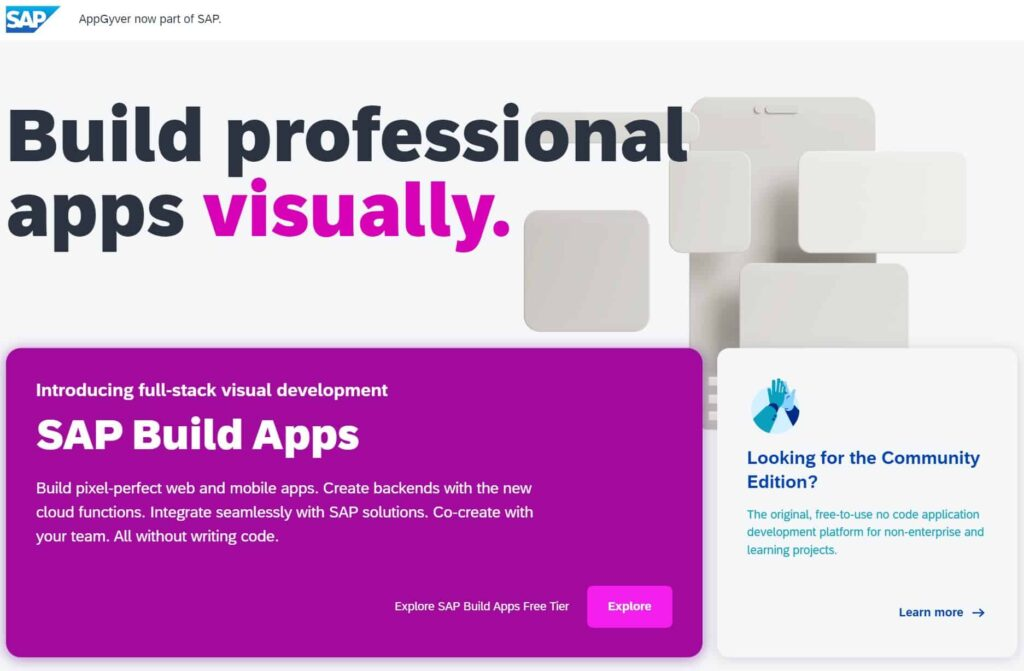
AppGyver, now part of SAP Build Apps, is a no‑code platform geared toward more complex, logic-heavy applications rather than simple brochure apps. It offers a powerful visual logic editor, robust data integrations, and flexible component composition, allowing teams to build sophisticated workflows, internal tools, dashboards, and process apps without traditional coding.
While it’s often used in enterprise or internal contexts, AppGyver can also output mobile apps that target Android, making it suitable for organizations that may eventually want to publish their tools to Google Play.
The tradeoff is a steeper learning curve, but in return you get significantly more control over app behavior and data flows than most entry-level builders provide.
7. Appy Pie - Best for Non-Technical SMBs Shipping Simple Apps
Appy Pie targets small business owners and non‑technical founders who want something live quickly without overthinking architecture or design systems.
Its drag‑and‑drop interface and pre-built feature blocks (booking forms, contact pages, basic ecommerce, loyalty cards, etc.) let users assemble simple functional apps for Android with minimal friction.
The platform includes guided support for generating store‑ready builds and submitting them to Google Play, which is valuable for users who are unfamiliar with the app store ecosystem.
While it’s not designed for highly complex or deeply customized products, it’s a pragmatic option for basic presence apps and MVPs.
8. Thunkable - Best for Learning, Education & Cross-Platform Prototyping
Thunkable is a block-based, visual app builder that’s especially popular in education, hackathons, and early-stage prototyping.
Inspired by environments like Scratch and MIT App Inventor, it lets users build cross‑platform apps for Android and iOS by snapping together logic blocks rather than writing code, making it accessible for students and non‑developers.
Creators can tap into device capabilities like the camera, GPS, and sensors, connect APIs, and then produce native builds suitable for publishing to the app stores, including Google Play.
For teams and individuals who want to understand app logic concepts and quickly test ideas before investing in a more specialized or production‑grade builder, Thunkable fits that niche well.
Final Thoughts: Which Android App Builder Should You Use for Google Play?
Choosing the right Android app builder isn't about finding the "best" platform in isolation - it's about finding the best fit for your business model, technical comfort level, and growth ambitions.
If you're running a content site that monetizes through ads, Andromo or AppsGeyser will get you live quickly without unnecessary ecommerce complexity. If you're a design-led team that lives in Figma, Bravo Studio lets you maintain pixel-perfect control. And if you're experimenting with a simple MVP or learning how apps work, Thunkable or Appy Pie offer accessible entry points with minimal friction.
But if you're a Shopify or DTC ecommerce brand that sees mobile as a serious revenue and retention channel, Appbrew is purpose-built for exactly that. Unlike general-purpose app builders that treat eCommerce as one feature among many, Appbrew's entire stack is designed around driving conversions, increasing average order value, and maximizing customer lifetime value through mobile.
You get deep Shopify integrations that sync products, inventory, discounts, and subscriptions in real time, plus AI-powered personalization, unlimited push notifications, and a library of conversion-focused features like app-exclusive offers, video shopping, and smart recommendations.
More importantly, Appbrew doesn't just hand you an APK and wish you luck. The platform includes done-for-you App Store and Google Play submission, so you're not navigating developer consoles and store policies alone.
Want to launch you eCommerce app on Google play? Book a demo today!














