



.webp)
Discover how to use mobile app push notifications to drive Shopify sales. Learn about types, campaigns, best practices, and how Appbrew enhances your mobile app's impact.
The world has never seen as many smartphone users as it does today. This surge has changed how businesses approach eCommerce and mCommerce, making mobile-first strategies a necessity.
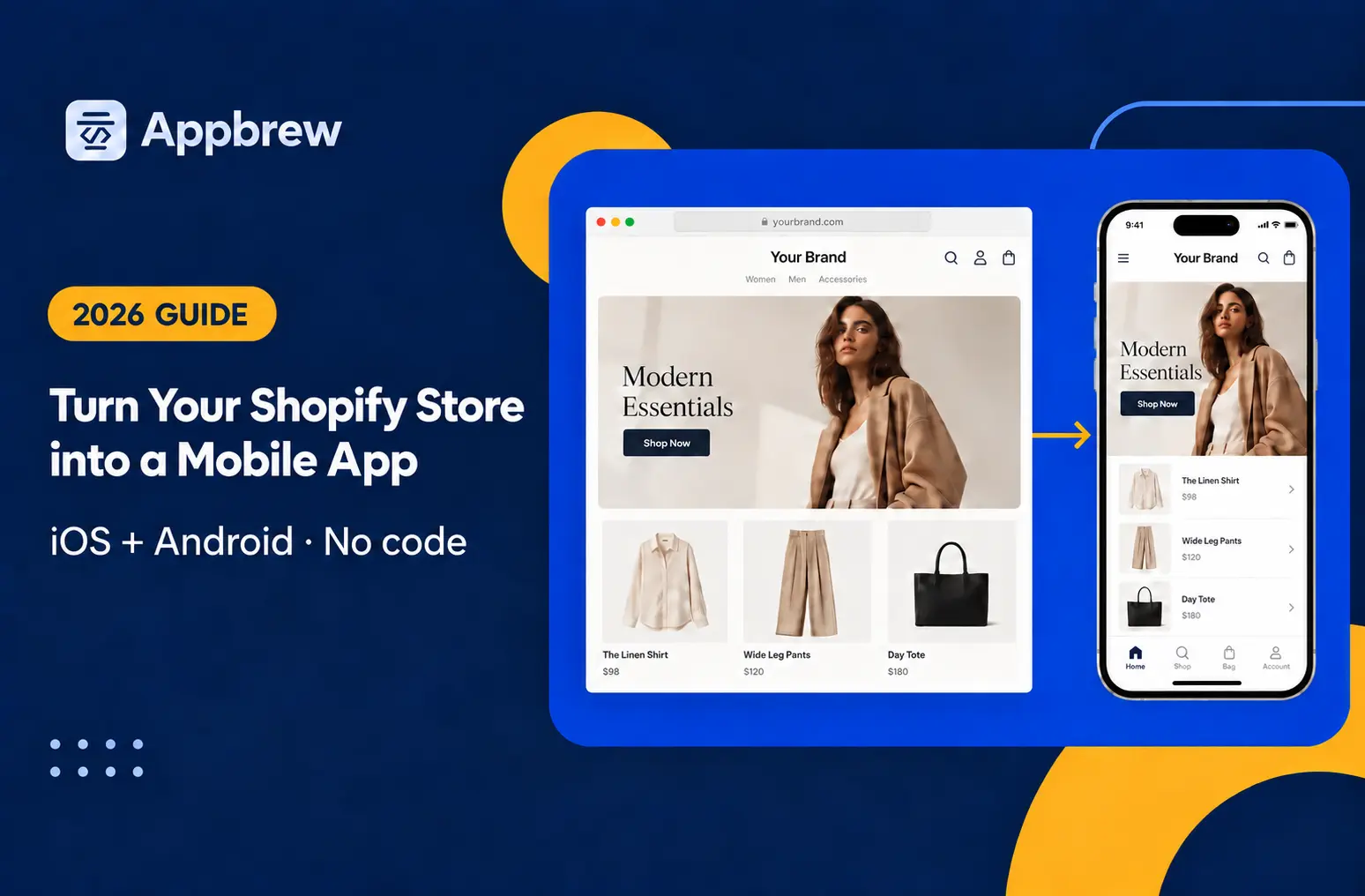
Customers now expect seamless shopping experiences directly on their devices, and this shift is shaping the future of online retail. One of the driving forces behind this change is the ease with which Shopify stores can now be turned into mobile apps, offering an unparalleled way to connect with mobile audiences.
But simply launching a mobile app isn’t enough anymore. The intense competition in the eCommerce space has made it essential for Shopify brands to look for direct marketing strategies to stand out.
One such powerful tool is mobile app push notifications—a modern, effective way to engage and re-engage users.
In this guide, we’ll explore everything you need to know about using push notifications to drive sales and build stronger customer connections. Let’s dive right in!
What are mobile app push notifications and how do they work?
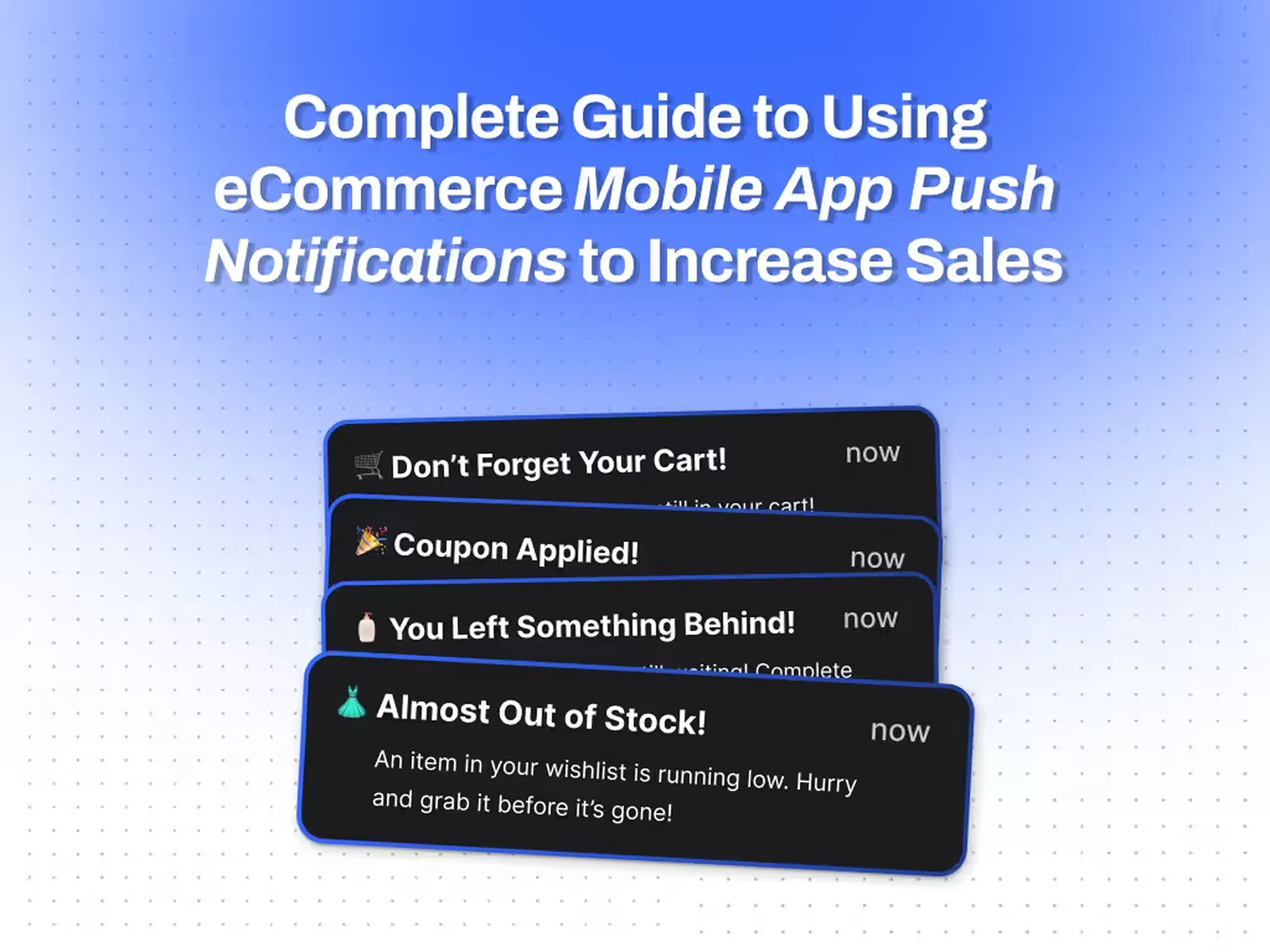
Mobile app push notifications are brief, clickable messages sent directly to a user’s smartphone through a mobile app.
For eCommerce businesses, these notifications can be used to engage customers in real time, reminding them of offers, abandoned carts, order updates, or even personalized recommendations.
Unlike emails or SMS, push notifications appear directly on the user’s device screen, ensuring higher visibility and instant impact.
Now that we understand what push notifications are, let’s look at how they work.
Push notifications rely on cloud messaging services to deliver messages to users. The process begins with creating the notification on a push delivery platform through a simple user interface. This platform filters the recipient list using parameters such as location, preferences, or behavior.
Next, services like Google Cloud Messaging (GCM) for Android or Apple Push Notification Service (APNS) for iOS handle the message distribution. These services ensure the notification reaches the user’s device, adhering to their settings and preferences.

A push notification is carefully designed to grab attention, typically including:
- Title: A catchy headline like "Limited Time Offer!"
- Message: A short, engaging body with actionable text.
- Image: A visual to enhance appeal.
- CTA: A button or link prompting immediate action.
This strategic mix makes push notifications an unmatched marketing tool for Shopify apps.
Benefits of using eCommerce mobile app push notifications?
Research shows that push notifications can boost app engagement rates by up to 88%, with users 3-4 times more likely to interact with personalized notifications.
Moreover, businesses that implement push notifications see up to a 40% higher click-through rate compared to email marketing.
With the global mobile app market projected to grow significantly, using push notifications is a proven way for Shopify brands to keep customers engaged, drive repeat purchases, and increase conversions.
Here’s what the retention rate across industries looks like with and without mobile app push notifications:

Here are the key benefits of using eCommerce mobile app push notifications:
- Instant Communication: Push notifications allow you to reach customers instantly, making them ideal for time-sensitive updates like flash sales or order updates.
- Higher Engagement: With their direct visibility on users’ devices, push notifications have higher open and click-through rates compared to traditional email marketing.
- Personalized Messaging: Tailor notifications based on user behavior, preferences, or purchase history to create a more personalized shopping experience.
- Cost-Effective Marketing: Unlike paid ads, push notifications are free to send after the initial setup, making them a cost-effective way to retain and engage customers.
- Increase Conversions: By using compelling CTAs and targeting the right audience, push notifications can drive customers back to the app, leading to 4X more sales and reduced cart abandonment.
6 Types of eCommerce mobile app push notifications
Push notifications come in various types, each designed to achieve specific goals for your Shopify app. Here’s an overview of six effective types of push notifications and how they can benefit your eCommerce business:
1. Informative notifications
Informative notifications keep your customers updated on critical details, such as order confirmations, shipping updates, or stock alerts. They are essential for building trust and improving the user experience.
"Your order #12345 has been shipped and will arrive by Friday. Track your package here."
2. Geolocation notifications
These notifications are triggered based on a user’s location, making them ideal for promoting store visits or localized offers. They help create personalized shopping experiences by targeting users near specific locations.
"You’re near our outlet! Visit today for an exclusive 20% discount on your favorite products."
3. Catch-up notifications
Catch-up notifications aim to re-engage inactive users or recover abandoned carts. These messages remind users about their unfinished actions and encourage them to return to the app.
"Still thinking about those sneakers? They’re waiting for you in your cart—grab them before they’re gone!"
4. Promotional notifications
These are designed to highlight offers, sales, or new product launches. They create urgency and excitement, motivating users to take immediate action.
"Flash Sale: 50% off on all winter collections! Offer ends at midnight—don’t miss out!"
5. Recurrent notifications
Recurrent notifications are sent on a regular basis, helping brands maintain a consistent connection with their audience. They are perfect for reminding users about loyalty points, subscription renewals, or replenishing consumable products.
"It’s time to restock your skincare essentials! Enjoy 10% off on your next order."
6. Survey notifications
Survey notifications allow you to gather feedback and insights from your customers, helping improve your app or products. Keeping the survey short and offering an incentive can increase response rates.
"Tell us how we did! Complete this 2-minute survey and get a 15% discount on your next purchase."
5 Types of mobile app push notification campaigns to increase sales
Here are five effective campaign types that you can implement to increase the sales from your Shopify mobile app.
1. Welcome campaign
The first interaction sets the tone for a lasting relationship. A welcome campaign introduces users to your app and encourages them to explore it further. Use these notifications immediately after app installation or user sign-up.
When to Use: After a user installs the app or creates an account.
Templates:
- "Welcome aboard, [Name]! Get 10% off on your first order. Start shopping now!"
- "Thanks for joining [Your Brand]! Explore trending collections today and enjoy exclusive app-only deals."
2. Reinforcement campaign
Reinforcement campaigns are designed to keep customers engaged by highlighting ongoing benefits, loyalty points, or reasons to return. These notifications work well for maintaining momentum after a purchase or sign-up.
When to Use: To re-engage active users or after a purchase.
Templates:
- "You’ve earned 200 reward points! Redeem them on your next purchase today."
- "Your exclusive deal is here: 20% off your next order! Shop now before it expires."
3. Re-targeting campaign
Target users who have abandoned their carts or browsed without making a purchase. Re-targeting campaigns use personalized messages to nudge users to complete their actions.
When to Use: For abandoned carts or inactive users.
Templates:
- "Hey [Name], your cart is waiting! Complete your purchase now and get free shipping."
- "Liked what you saw? The item you viewed is selling fast—grab it before it’s gone!"
4. Referral and rewards campaign
Encourage users to refer friends by offering rewards, such as discounts or loyalty points. This campaign not only increases sales but also helps expand your customer base.
When to Use: To grow your app audience through referrals.
Templates:
- "Invite your friends and earn $10 for every referral! Start sharing now."
- "Your friend just got a $15 discount. Now it’s your turn—refer and earn big today!"
5. Branding campaign
Branding campaigns focus on storytelling and building emotional connections. Highlight your values, share milestones, or promote brand-related content to deepen loyalty.
When to Use: To build brand awareness and customer loyalty.
Templates:
- "We’re celebrating 5 years of [Your Brand]! Thank you for being part of our journey."
- "Introducing our eco-friendly collection—shop sustainably and make a difference."
10 App push notification best practices to increase Shopify sales
Push notifications can be incredibly effective if done right. Follow these mobile app push notification best practices to increase engagement and boost sales for your Shopify store:
1. Personalize your notifications
Generic messages won’t grab attention. Use customer names, shopping preferences, or past purchase history to make notifications feel tailored.
Example: "Hi Sarah, your favorite dresses are now on sale. Shop today and save big!"
2. Time them right
Timing is crucial. Sending notifications during users’ active hours increases the likelihood of engagement. Avoid late-night notifications that may feel intrusive.
3. Add a clear CTA
Every push notification should include a clear call-to-action (CTA) that tells users what to do next.
Example: "Shop now to get 20% off. Offer ends at midnight!"
4. Keep it short and sweet
Mobile screens have limited space. Deliver your message concisely while retaining impact.
Example: "Flash Sale! 30% off on all winter wear. Hurry, ends soon!"
5. Use engaging visuals
Adding images, emojis, or GIFs can make your notifications more eye-catching and engaging. Ensure visuals are relevant to the message.
6. Leverage user segmentation
Segment your audience based on preferences, location, or activity. Targeted notifications are far more effective than broad campaigns.
Example: "Hey New Yorkers! Get free delivery this weekend on all orders above $50."
7. Create a sense of urgency
Notifications that evoke urgency can drive quick action. Use phrases like “Limited Time Offer” or “Only 3 Left in Stock.”
Example: "Hurry! Only a few pieces left in your cart. Checkout now before it’s too late!"
8. Avoid overloading users
Bombarding users with frequent notifications can lead to uninstalls. Stick to a consistent, non-intrusive schedule that balances engagement and retention.
9. Implement deep links
Shopify mobile app push notification deep link enhances the user experience by directing customers to specific app pages instead of the home screen. Whether it's a product page, category, or checkout, deep links reduce friction and make it easier for users to act.
Example: "Your cart is ready! Tap here to complete your purchase."
10. Test and optimize
A/B test different titles, content, and CTAs to understand what resonates with your audience. Use the results to optimize future notifications.
11. Comply with user preferences
Give users control over the types of notifications they want to receive. Respect opt-outs to maintain trust.
By adopting these best practices, Shopify brands can create push notification strategies that resonate with their audience, encourage app engagement, and drive sales effectively.
One key factor in making push notifications work is choosing a platform that offers advanced segmentation, automation, and real-time analytics. While many tools provide basic push notification functionality, the real game-changer is a solution that helps eCommerce brands send highly personalized messages based on user behavior—whether it’s reminding shoppers about an abandoned cart, announcing a flash sale, or re-engaging inactive users.
For brands looking to maximize conversions, it’s worth considering a platform that not only supports web and mobile push notifications but also integrates seamlessly with Shopify and other eCommerce platforms. With features like dynamic segmentation, triggered campaigns, and A/B testing, the right tool can turn push notifications into a powerful revenue-driving channel.
Build your Shopify mobile app with Appbrew to use push notifications to their maximum potential
Push notifications are a powerful tool to drive engagement and boost sales for your Shopify store. However, their full potential can only be realized with a native eCommerce mobile app.
Without a native app, you miss out on leveraging mobile device functionalities and advanced features like personalization, deep linking, and geolocation-based targeting.
By turning your Shopify store into a native mobile app with Appbrew, you can send highly effective push notifications that make a real impact. Appbrew ensures your mobile app integrates seamlessly with all device capabilities, allowing you to craft notifications that engage users at the right moment and place.
Plus, Appbrew’s support for deep links enhances the user experience by directing them straight to relevant pages, increasing the likelihood of conversions.
Ready to improve your Shopify store with a mobile app that maximizes the potential of push notifications? Book a demo today to see how Appbrew can help!














