


.webp)
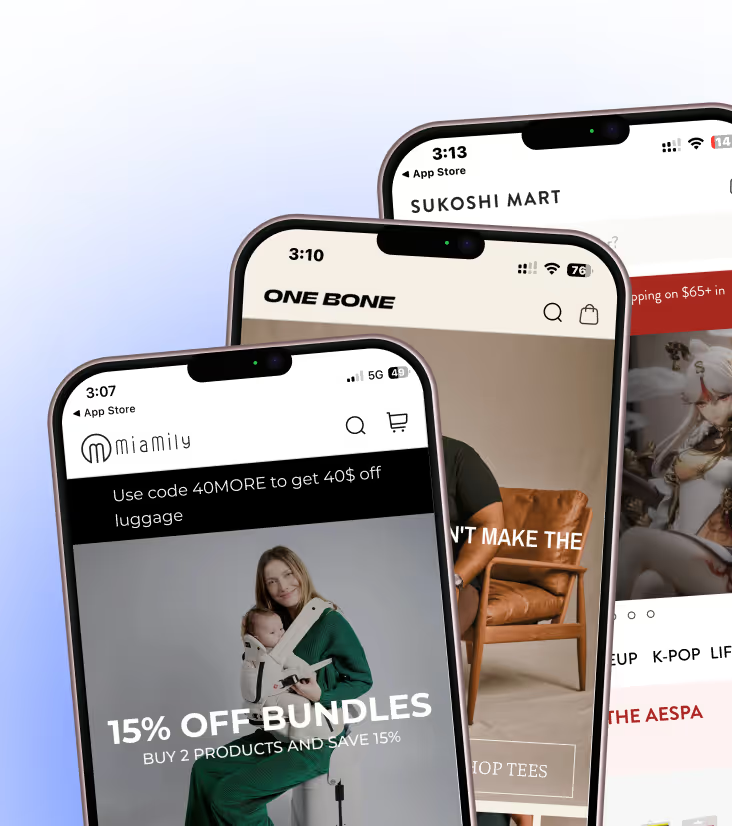
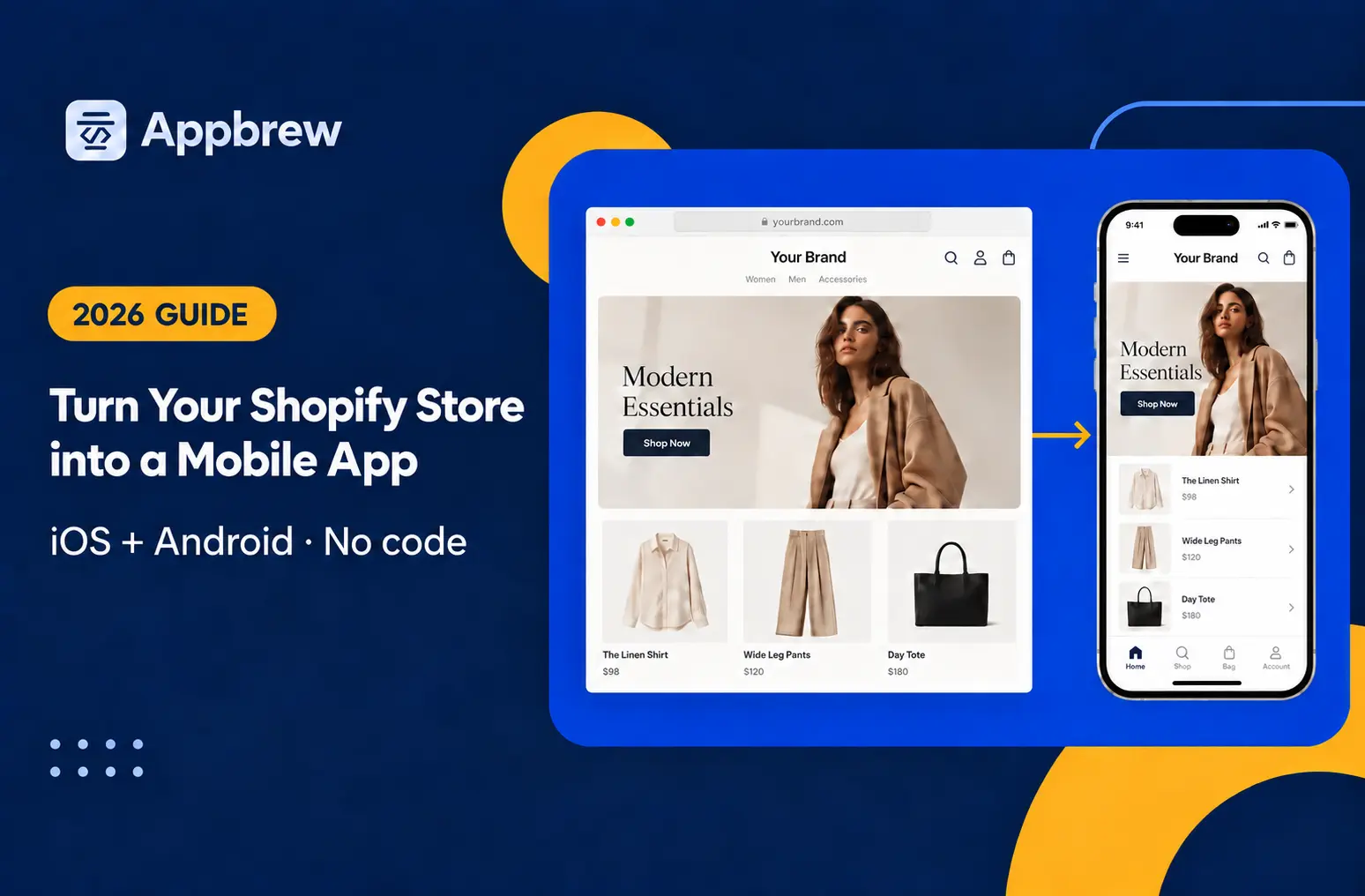
Yes, you can turn your Shopify store into an iOS & Android app without code. Compare 4 ways, costs and timelines, then launch in 7 steps.
Your mobile site already does most of your selling. It also loses most of your carts: 70.22% of online shopping carts get abandoned, according to Baymard Institute. A faster theme won't fix that on its own. Your best customers, the ones who buy again, have no reason to come back to a browser tab. Every return visit costs you another ad click.
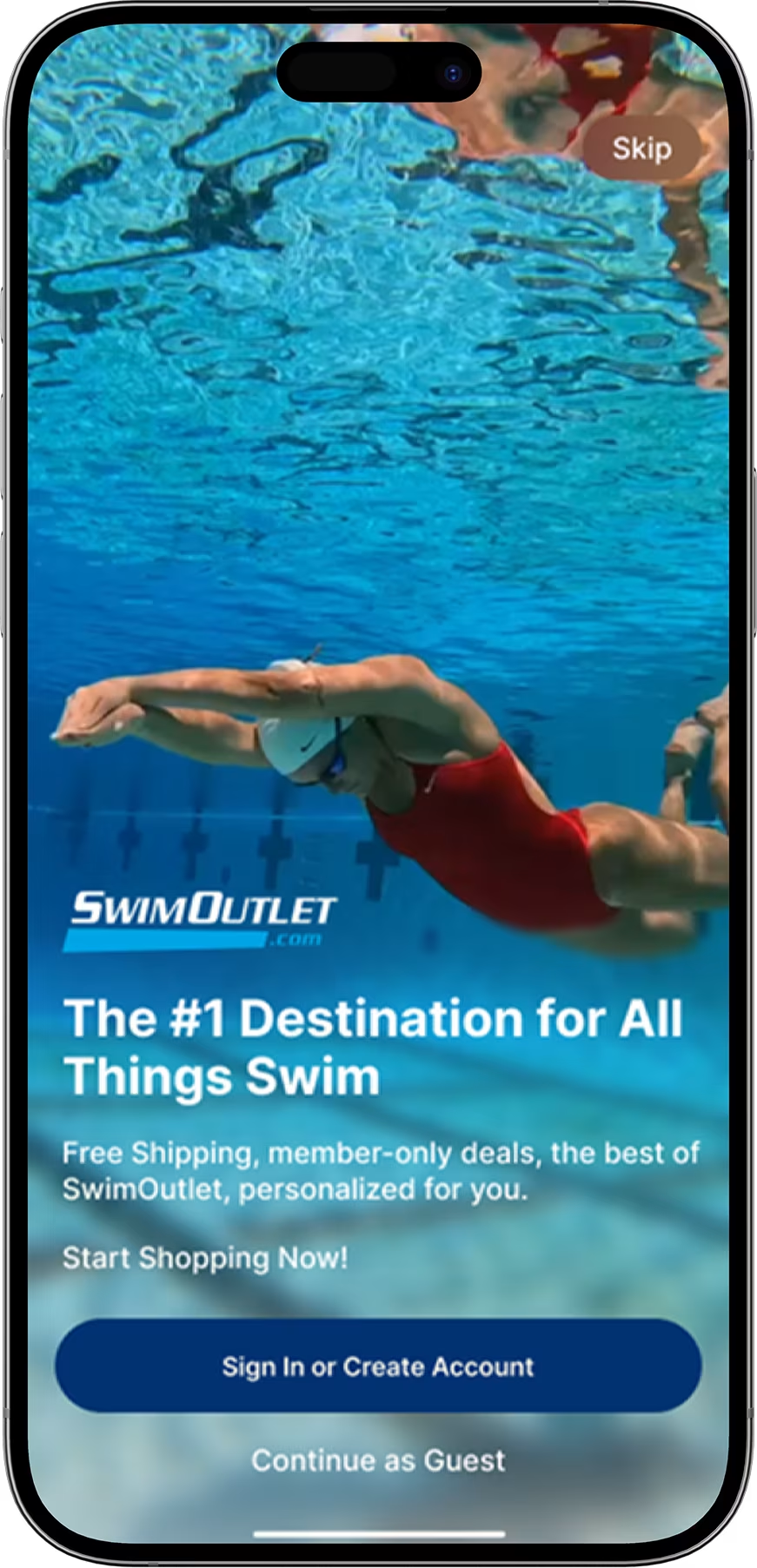
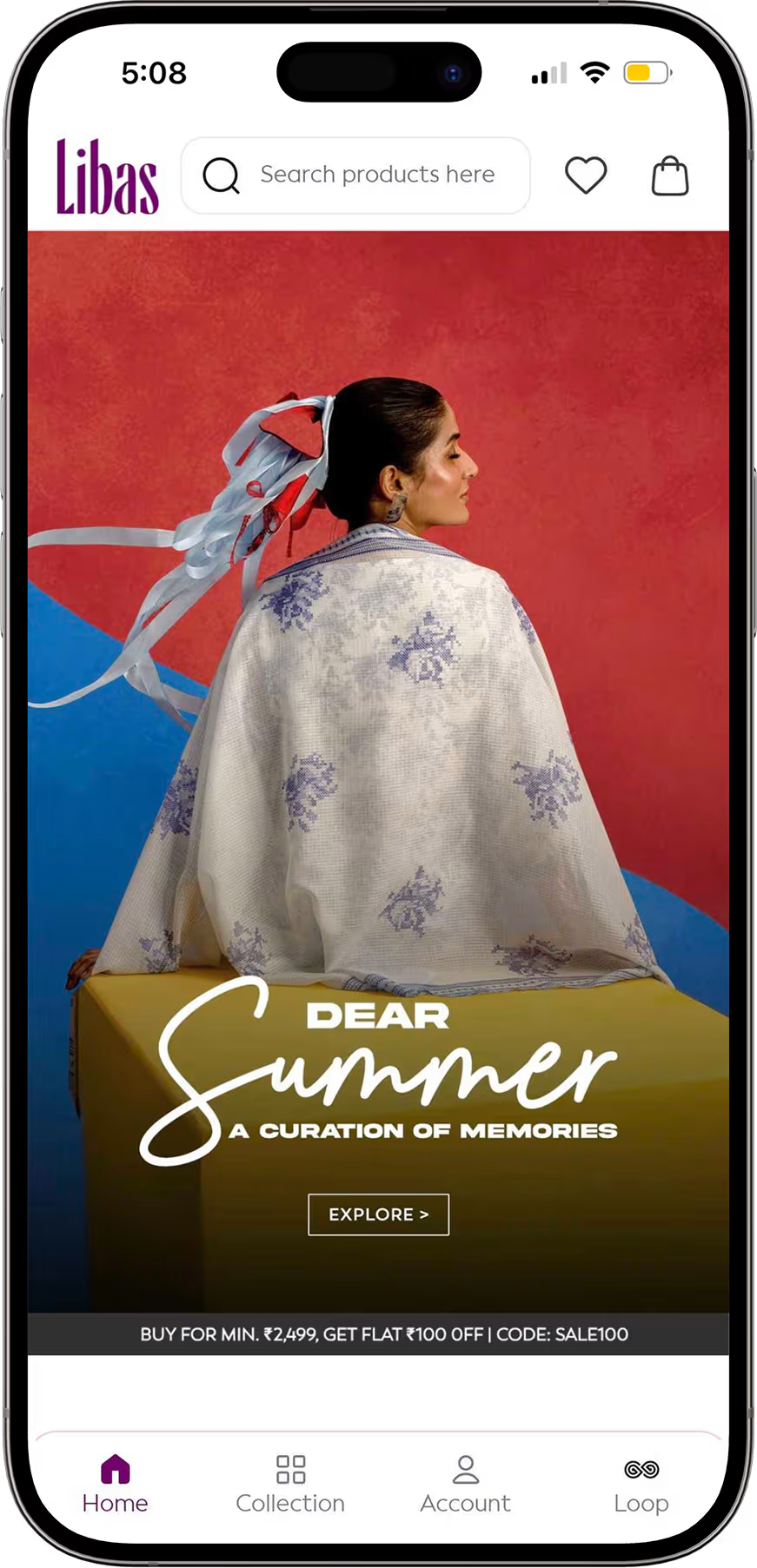
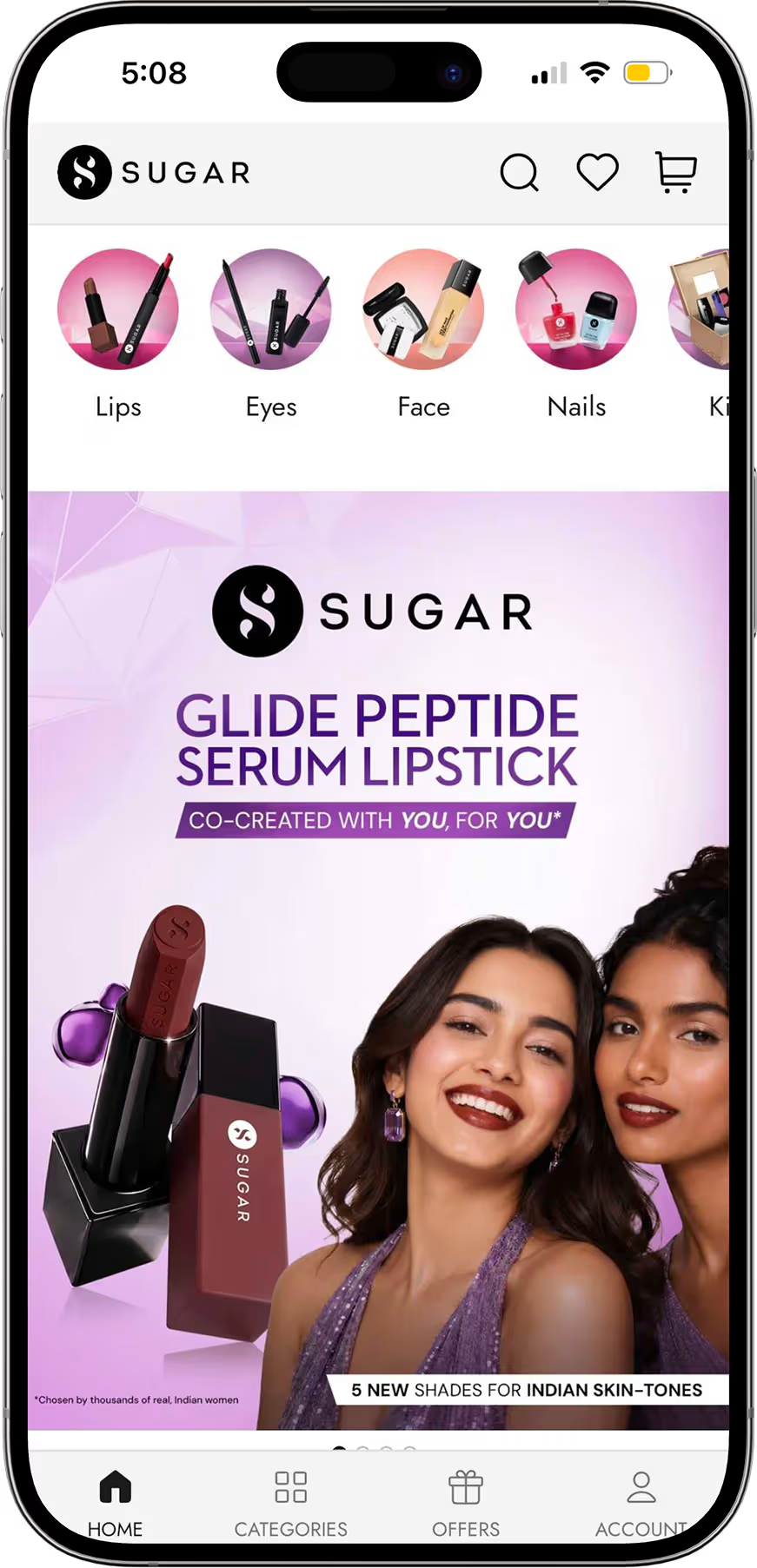
This guide shows you how to turn your Shopify store into a mobile app, what it costs, and the seven steps to launch an app on iOS and Android without code. You will also see how real Shopify brands successfully turned their stores into apps and the results they achieved, including higher conversion rates, AOV and app-driven revenue.
Can you turn your Shopify store into an app without code?
Yes, and you don't need a developer to do it. Your products, collections, customer accounts and orders already live in Shopify. So the app doesn't replace your store. It becomes a second storefront running on the same backend.
Anything you change in the Shopify admin shows up in the app too, whether that's a new product, a price drop or a sold-out variant. You manage one catalog, not two.
The real decisions are what kind of app you build and who builds it. Those two choices set your cost and your launch date, and they decide whether Apple approves the app at all.
Does Shopify have its own mobile app builder?
No. Shopify doesn't give merchants a way to build a branded app for their own store. The Shopify app on your phone is for running your store from the admin side. The Shop app is Shopify's shopping app for buyers, where your products sit alongside thousands of other brands.
Shop helps with discovery and order tracking. But you don't get your own icon on the customer's home screen, and your products compete for attention with every other brand in the feed. For the full breakdown, see Shopify mobile app vs Shop app.
What Shopify does provide is the plumbing. Its Storefront API is what app builders and developers use to pull your catalog and cart into a native app.
The 4 ways to convert your Shopify store into a mobile app in 2026
There are four ways to turn a Shopify store into an app: a no-code app builder, an agency, an in-house team or a PWA. They differ sharply on cost, speed and how much you own once the app is live.
Every route that gets you into the app stores also needs developer accounts: Apple charges $99 a year and Google charges a one-time $25.
The agency and in-house numbers aren't only the build cost. You also own every iOS update, every Shopify API change and every bug fix after launch. A builder absorbs that maintenance into the subscription.
A builder does limit how far you can customize, and this is where builders differ most. If your store runs unusual checkout logic or heavy Shopify Plus customization, check that the builder supports it before you commit. For the full cost breakdown, see the cost of building a Shopify mobile app.
How to turn your Shopify store into a mobile app in 7 steps
Creating a mobile app for your Shopify store is simpler than most brands expect. You don't need a development team, a six-figure budget, or months of runway. A good Shopify mobile app builder handles the heavy lifting. Your job is to make the right decisions at each stage so the end product actually reflects your brand and drives revenue.
Here's how the process works from start to finish.
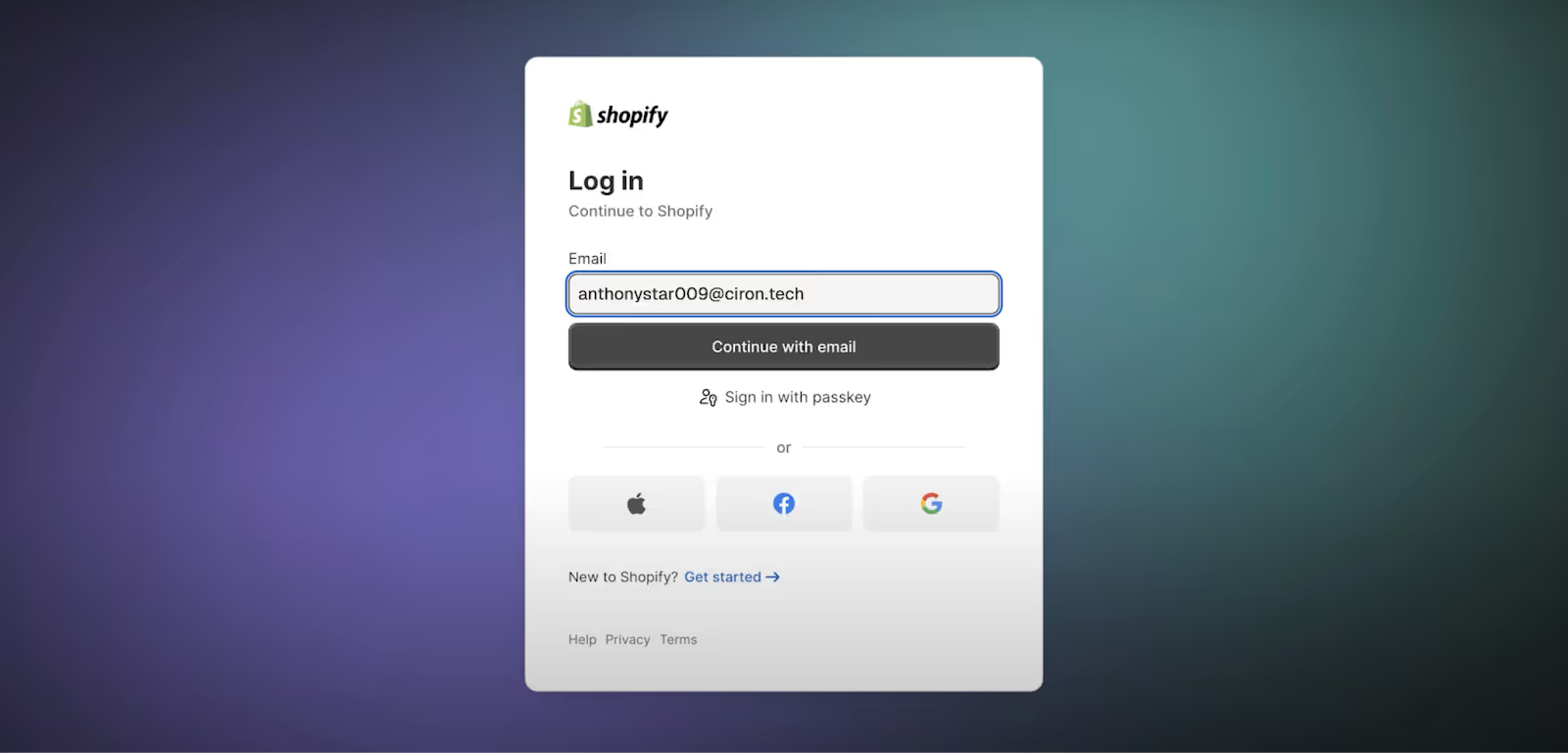
Step 1: Log into Shopify and get your store ready
Before you touch any app builder, make sure your Shopify store is in order. Products should be live, collections organized, and your basic store setup complete. Any gaps in your catalog or messy collection structure will carry over into the app, so it's worth spending 30 minutes cleaning things up first.
Then log into your Shopify admin dashboard. That's your starting point for everything that follows.
Step 2: Find and install a mobile app builder
Head to the Apps section in your Shopify admin panel and search the Shopify App Store for a mobile app builder.
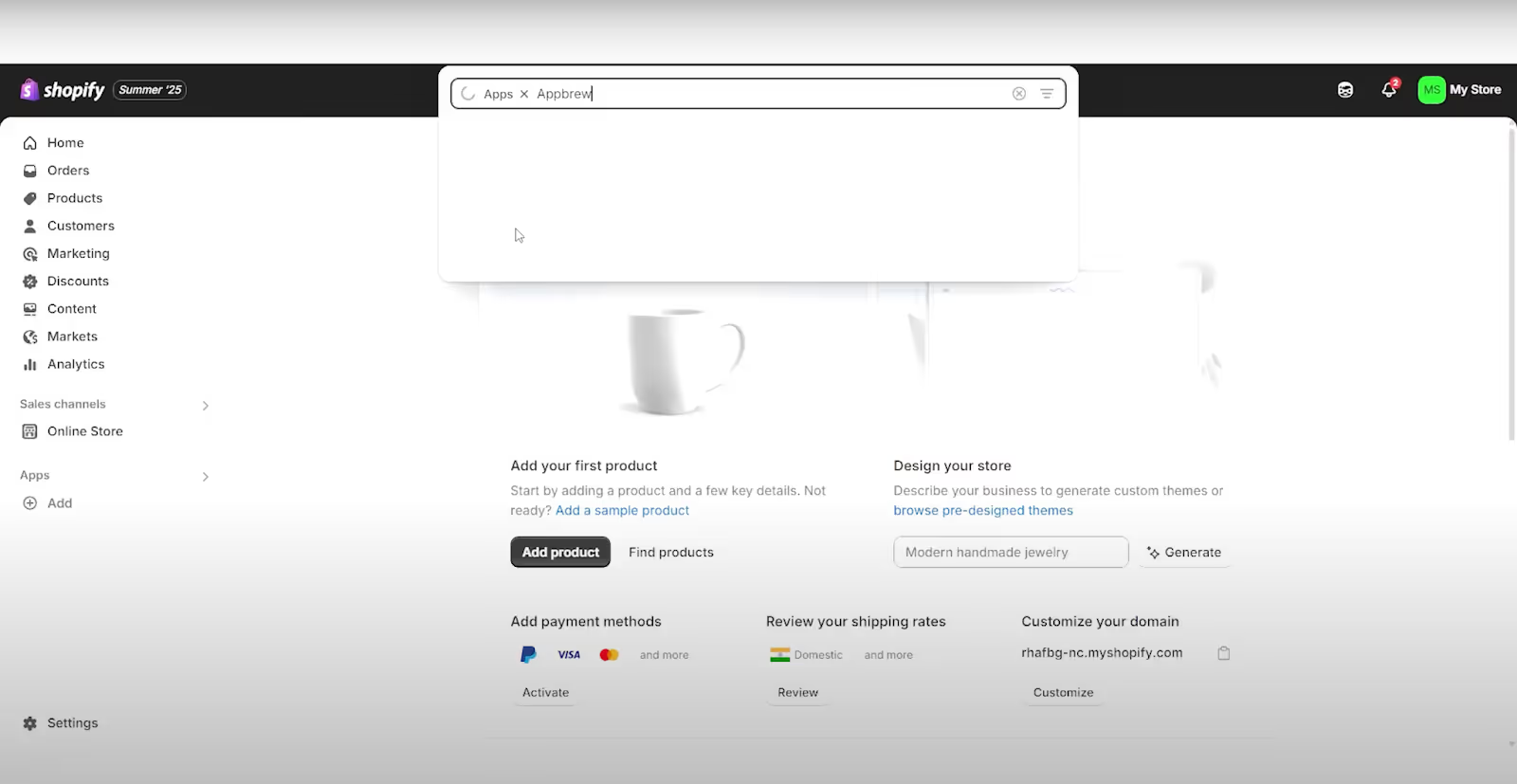
The builder you choose shapes everything downstream. A weak builder means slow load times, limited customization, and push notifications that nobody clicks. Weigh it like a platform decision, not a plugin.
Compare platforms using four criteria:
- Native technology: Confirm that the platform builds a genuinely native app, not your mobile website inside an app shell.
- Integrations: Check support for your reviews, loyalty, subscriptions, search, analytics and marketing tools.
- Pricing: Look beyond the starting fee. Check for revenue sharing, push-notification limits, integration fees and charges for additional markets.
- Support: Ask who handles design, testing, app-store submission, updates and technical problems after launch.
Use this comparison of the best Shopify mobile app builders to create your shortlist.
Once you've picked a builder, install it, follow the prompts, and authorize the connection to your store. The authorization step matters. It's what allows the builder to pull in your product catalog, customer data, collections, and orders in real time. Sync typically takes one to two hours depending on catalog size.
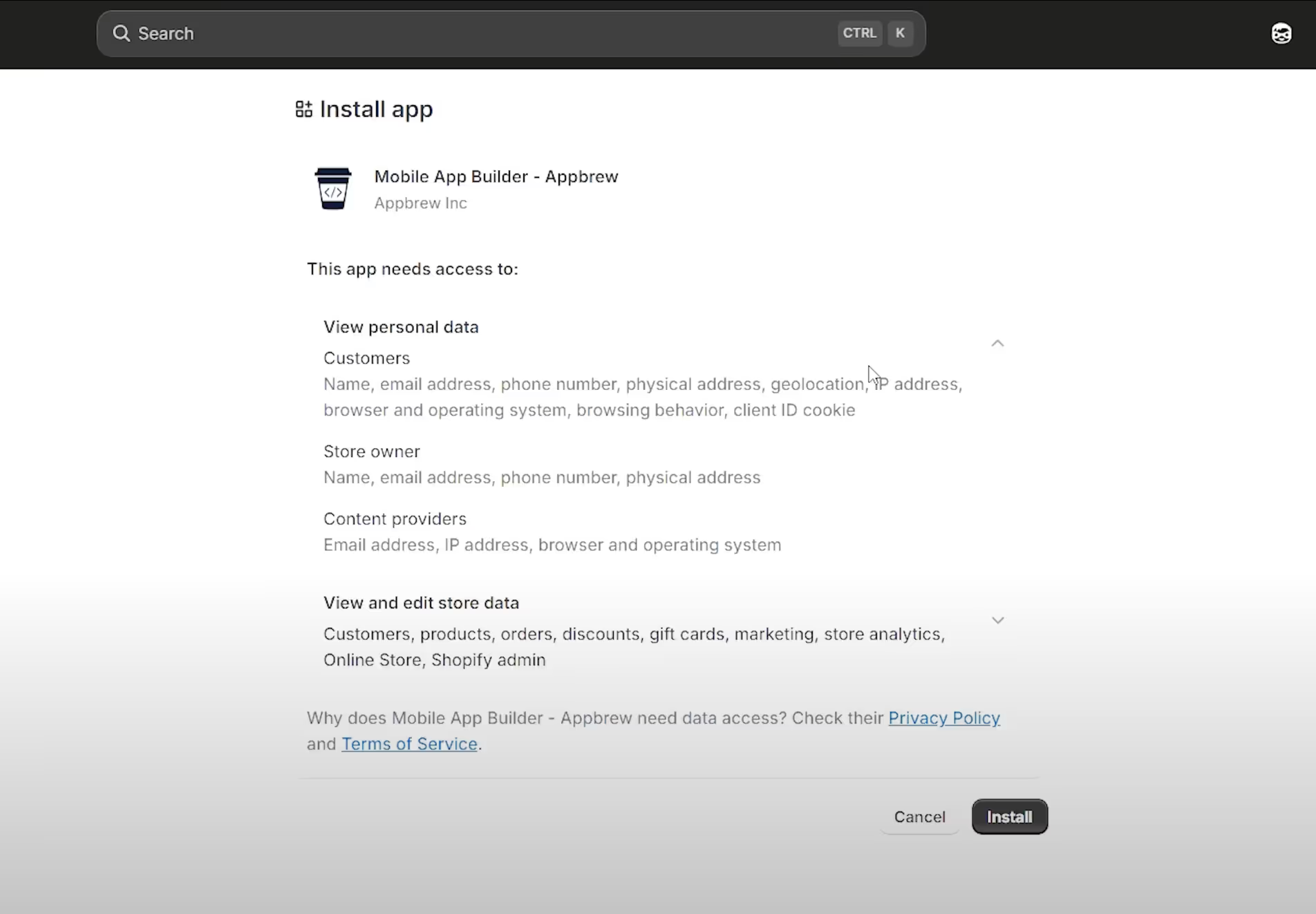
Step 3: Fill out your design and brand guidelines
This is where most brands underinvest, and it shows in the final product. Don't just upload a logo and call it done. Give the builder everything:
- your color palette (hex codes, not just "navy blue")
- typography preferences
- how you want collections laid out
- what the homepage should prioritize
- any reference apps or brands you like the look of
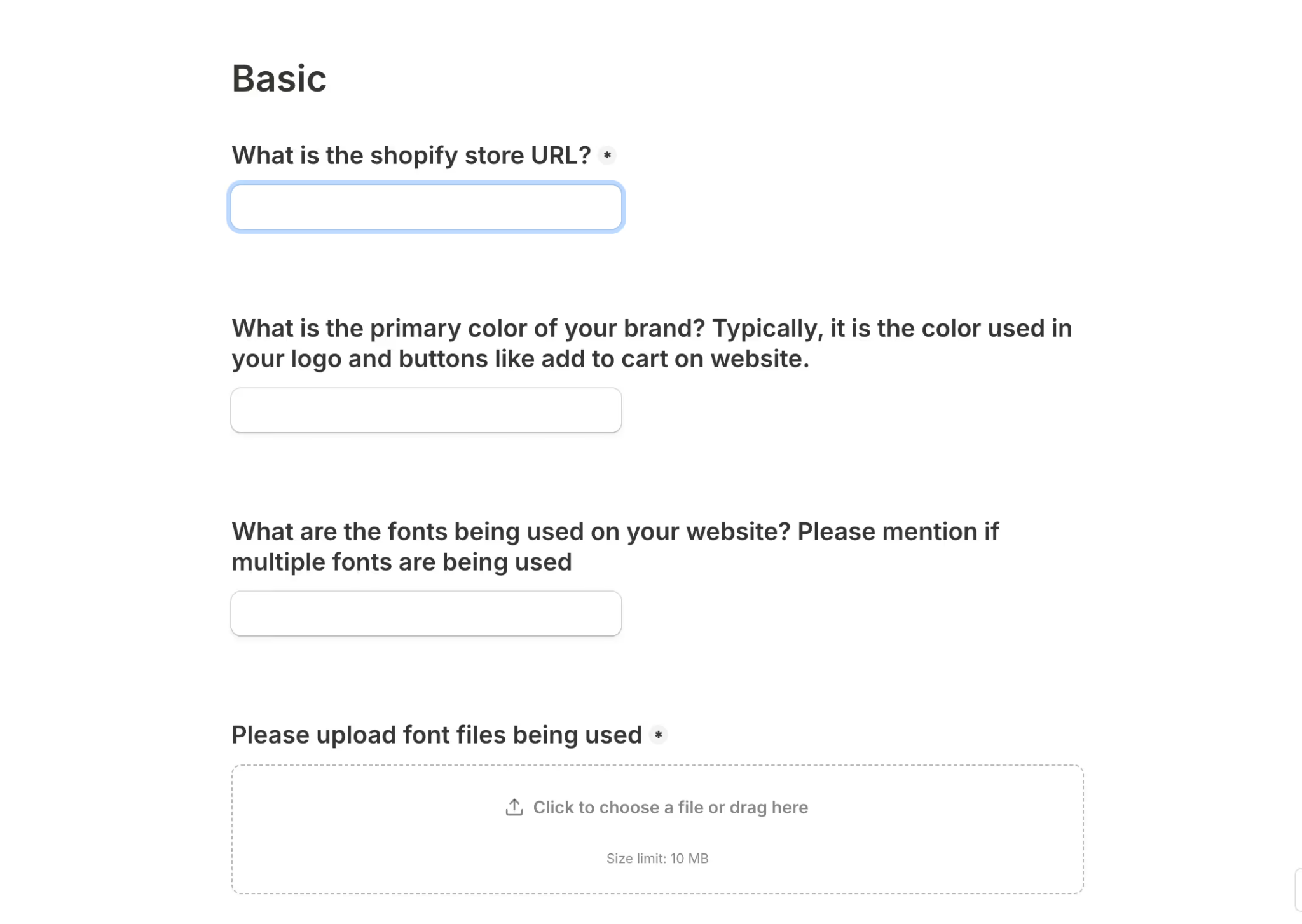
The more specific you are here, the less back-and-forth you'll have later. If your builder pairs you with a dedicated designer, as Appbrew does, treat that brief like you would any serious design handoff.
{{cta}}
Step 4: Configure integrations and features
Before development begins, list out every tool in your current tech stack. That means email and SMS platforms like Klaviyo or Attentive, loyalty programs, subscription management tools, review apps, and attribution platforms.
A well-built Shopify mobile app builder will have native integrations for most of these, which means no custom dev work and no data gaps.
What carries over from your Shopify store (and what doesn't)
Your app runs on the same Shopify backend as your website, so most of your setup syncs automatically. Check your stack against this list before development starts.
Syncs to your app:
- Products, collections, pricing and inventory
- Shopify checkout, discounts and gift cards
- Shopify Markets, multi-currency and multi-language
- Customer accounts and order history
- Reviews, loyalty and subscription apps such as Yotpo, Loox, Smile.io and Recharge
- Klaviyo or Attentive for email, SMS and push
- Attribution tools such as AppsFlyer or Branch
Needs rebuilding as an app feature:
- Custom Liquid sections in your theme
- Theme-only scripts and code snippets
- Theme app extensions that only render on the website
Nothing in the second list is lost. It needs to be rebuilt inside the app, which a good builder's team does during setup.
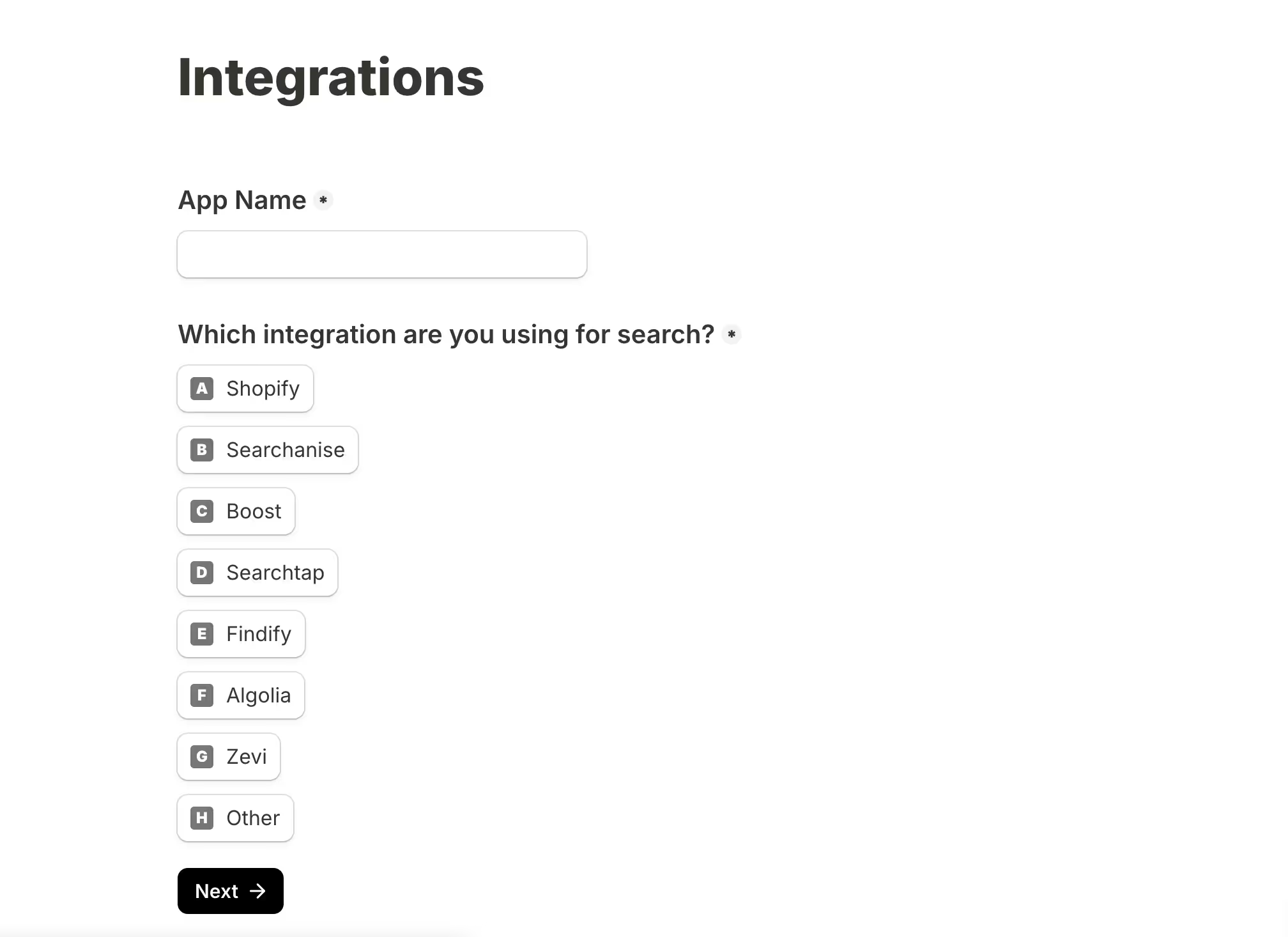
On the features side, decide what actually needs to be in v1. Push notifications, social login, and one-click checkout are table stakes. Beyond that, think about what your customers actually need: an AI-powered search experience, a shopping assistant, personalized product recommendations, or subscription management built into the app UI.
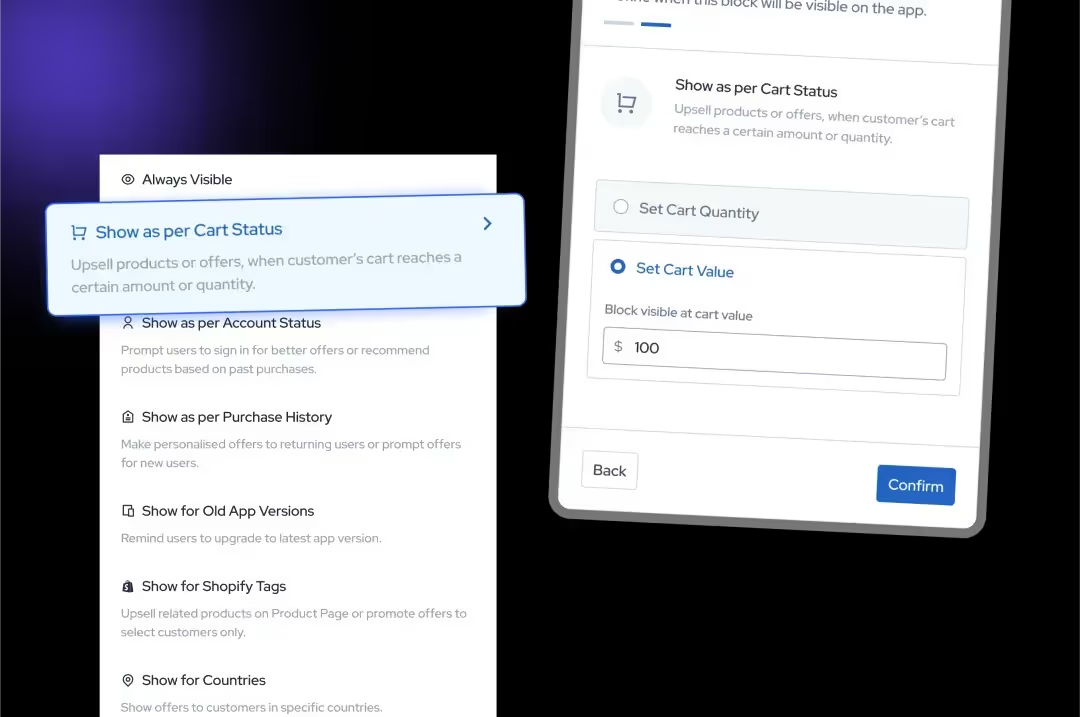
Prioritze the eCommerce app features that brings sales and revenue over the ones that are gimmicky. It's tempting to enable everything, but a focused feature set ships faster and performs better.
Step 5: Review the Build and Test Thoroughly
Once the builder's team has developed your iOS and Android apps, you'll receive test versions to download on your own devices. This stage is not a formality, use it properly.
Test the full purchase flow on both platforms. Check push notification delivery, social login, loading speeds on a slow connection, and how the app handles edge cases like out-of-stock products or expired discount codes. If you have integrations running, verify that data is flowing correctly between your app and your third-party tools.
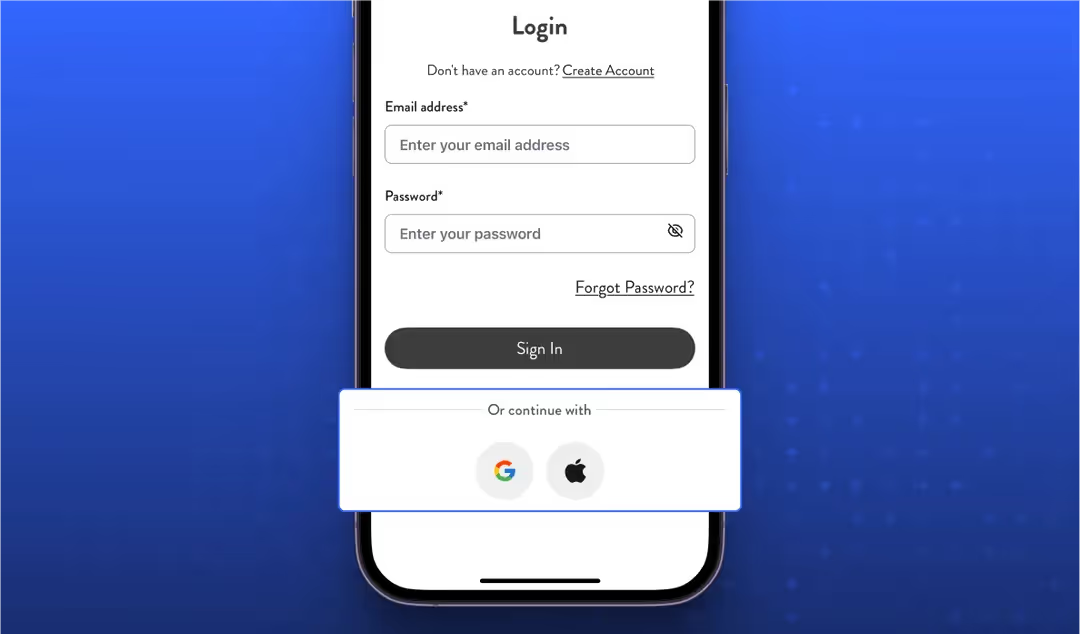
Share specific, detailed feedback. Vague notes like "the homepage feels off" create unnecessary loops. Screenshots with annotations, or a short screen recording, will get changes made faster.
Step 6: Submit to the App Store and Google Play
Company accounts on both platforms need a D-U-N-S number, a free business ID from Dun & Bradstreet. Request it as soon as you decide to build an app, because it can take anywhere from a few days to a few weeks to arrive.
Once submitted, Apple and Google review every app before it goes live. Review usually takes a few days, and a good Shopify mobile app builder handles the whole process for you: store listings, screenshots, app descriptions, policy compliance and any follow-up questions from reviewers.
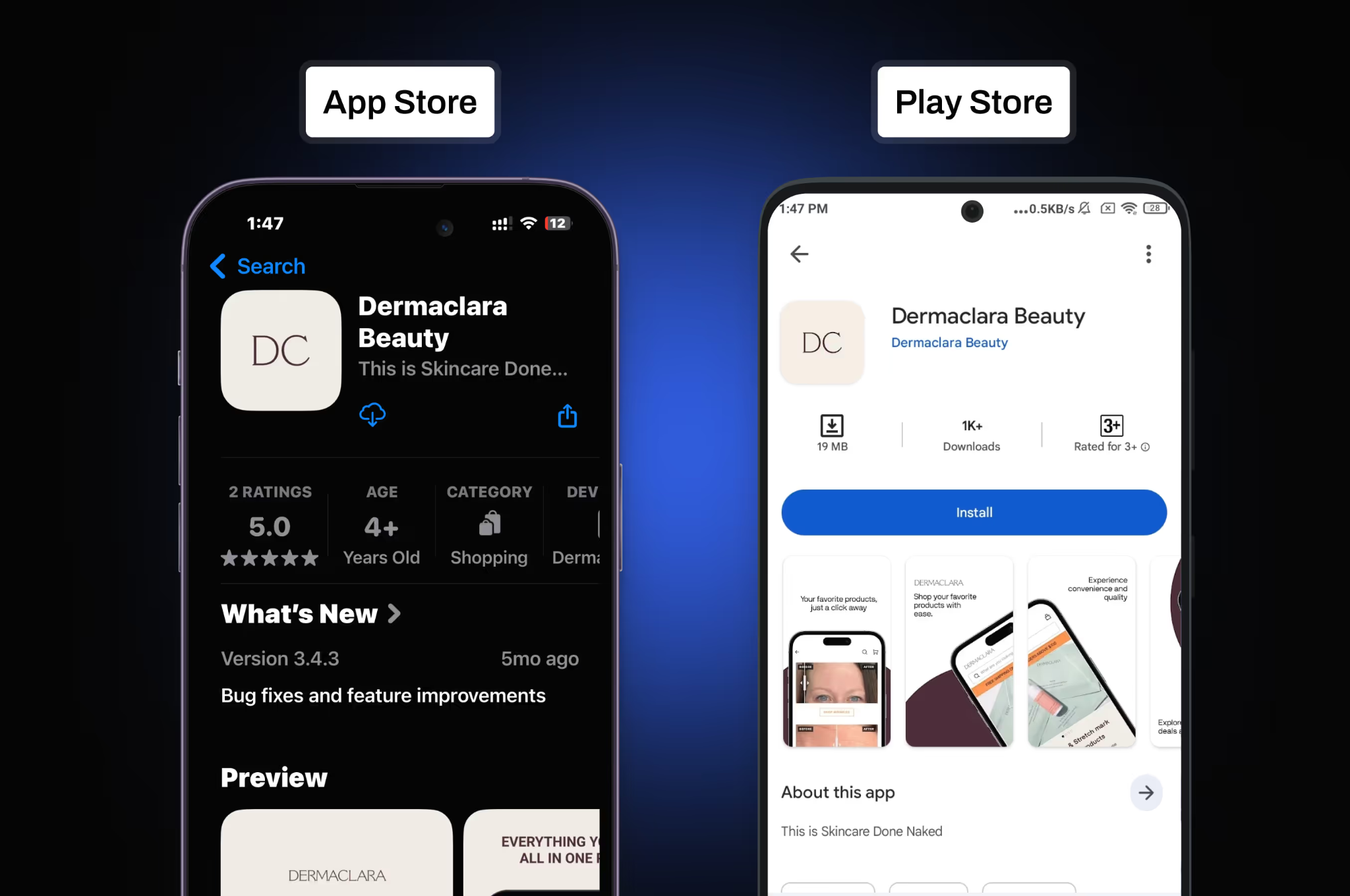
If you're managing this yourself, read both platforms' developer guidelines carefully before submitting. Rejections almost always come from skippable mistakes.
Two rules catch ecommerce apps most often:
- Apple's Guideline 4.2, "Minimum Functionality". It requires an app to offer more than a repackaged website. This is why thin web wrappers often get rejected, while native apps with push notifications, saved accounts and app-only features pass.
- Google Play's closed testing requirement. New personal developer accounts must run a closed test with at least 12 testers for 14 days before the app can go live. Organization accounts skip this step.
Step 7: Drive downloads and build your user base
Publishing the app will not automatically bring users. The first few weeks after launch are critical for establishing download momentum, which affects your App Store ranking over time.
A staged rollout can help you catch problems before promoting the app to everyone. Begin with your most engaged customers, monitor crashes and checkout completion, collect feedback and then expand the campaign.
Once customers start installing the app, track more than downloads. Measure activation, login rate, conversion rate, repeat purchases, push opt-ins and the share of total revenue generated through the app.
The process of creating a Shopify mobile app is genuinely manageable. Pick the right builder, put real effort into the design brief, test the build properly, and give the launch the attention it deserves. Most brands that struggle with mobile apps cut corners on at least one of those four things.
Why do Shopify apps get rejected by Apple and Google?
Most Shopify apps get rejected for one of five reasons: the app is only a repackaged website, it has no in-app account deletion, Apple's reviewer can't log in, the privacy details are incomplete, or a new Google Play account skipped closed testing. All five are easy to avoid if you check them before you submit.
Delays that aren't rejections
Some launches stall before the app is even submitted. The most common cause is the D-U-N-S number: company developer accounts on both platforms need one, and it can take a few days to a few weeks to arrive. The legal company name and address on your D-U-N-S record must match what you enter in Apple and Google's developer forms exactly, or account verification stalls.
Do you have to use Apple's in-app purchases?
No. Apple's in-app purchase system and its commission apply to digital goods, like subscriptions to app content. Physical products, such as clothes, cosmetics or coffee, use your normal Shopify checkout, so you keep your existing payment setup and Apple takes no cut of those sales.
Shopify brands that turned their stores into successful mobile apps
The value of a mobile app becomes clearer when you look at what happens after launch. These Shopify brands used native apps to remove shopping friction, improve retention and increase the value of each customer.
1. Kut from the Kloth (denim and apparel)
In denim, fit is what decides a purchase, and Kut from the Kloth's app ensures that in three ways:
- It opens with a Fit Quiz.
- Navigation is organized by fit type: wide leg, barrel and skinny.
- Reviews and loyalty rewards appear while shoppers browse.
.webp)
Results:
- 2.3x higher conversion rate: 5.4% on the app vs 2.3% on web
- 10% higher AOV from app shoppers
- 19 minutes of engagement per active user, vs about 1 minute on web
As Steve Morales, Head of Growth at Kut from the Kloth, put it:
Right after that first purchase, we get them right into the app. And that's where we've seen the most success.
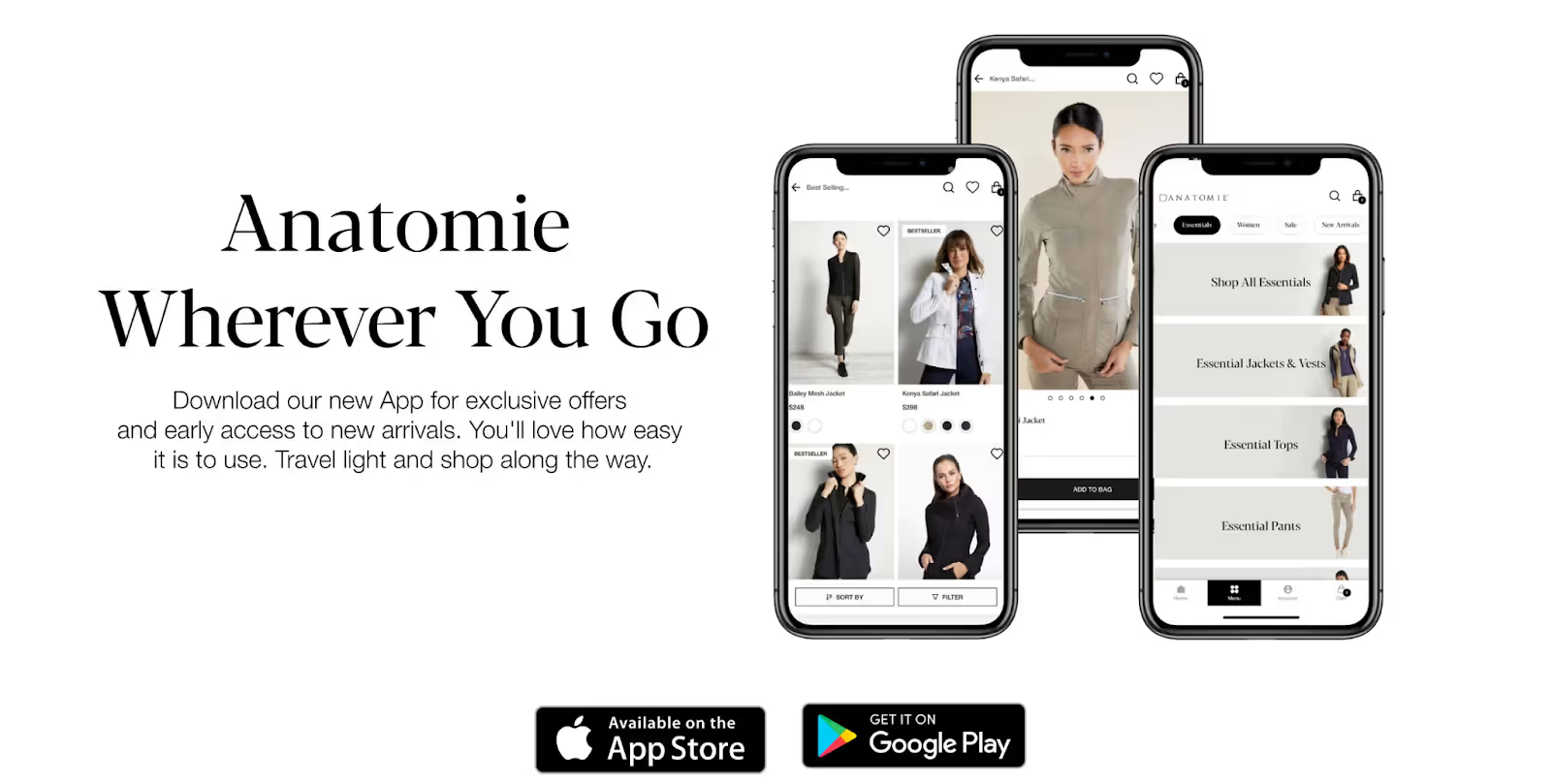
2. Anatomie (fashion)
Anatomie's mobile-first audience was held back by slow load times, limited integrations and little personalization on the website. Its first native app fixed all three.
Results after launch:
- 3x higher conversion rate than web
- 5x higher customer lifetime value
- 1.2x higher AOV
3. Mixology (fashion boutiques)
Mixology built its business in physical stores, where a loyal customer base valued the boutique experience. Its first app brings that experience to mobile:
- Instagram-style shoppable videos and Shop the Look recreate in-store discovery.
- Offline and online loyalty now work as one program.
- Location-based push notifications connect the stores and the app.
.avif)
Results after launch:
- 2x higher conversion rate than web
- 50% higher order values
- 3x stronger engagement
- 15% of revenue from the app within weeks of launch
4. Svaha USA (STEM-inspired apparel brand)
Svaha USA migrated from an app that struggled with filtering, wishlists, promotions and loyalty features.
The rebuilt native app made product sizes easier to find, added organized wishlists and improved access to rewards and referral links. Promotions also became consistent across the website and app.
After the migration, Svaha’s repeat-purchase rate increased from 31.3% on the web to 43% on the app. App customers also delivered 42% higher lifetime value, 20% higher AOV and nearly 3x the conversion rate.
These examples show that the strongest results do not come from simply placing a Shopify store inside an app. They come from improving the experience around discovery, personalization, loyalty and repeat purchases.
What to do in the first week after launching your app?
In the first week, focus on three things: time your iOS push permission prompt well, put a smart banner on your mobile site, and send your first push notification. Together they decide how many customers you can reach through the app for the rest of its life.
Sources: Appbrew data from 250 brands over the last 180 days. Android 13 figures from the Batch Push Notifications Benchmark 2025 and Airship Mobile App Push Notification Benchmarks 2025.
Also check your crash reports and store reviews every day that week. While your app has only a few ratings, one bad review about a bug is easy to fix and reply to. Once you have hundreds of ratings, the average is much harder to move.
Is a mobile app worth it for your Shopify store?
A mobile app is worth it if your customers buy from you more than once. The app earns its money on repeat purchases, so the more often people come back, the faster it pays for itself.
Two things make that happen.
1. Push notifications give you a free way to reach customers.
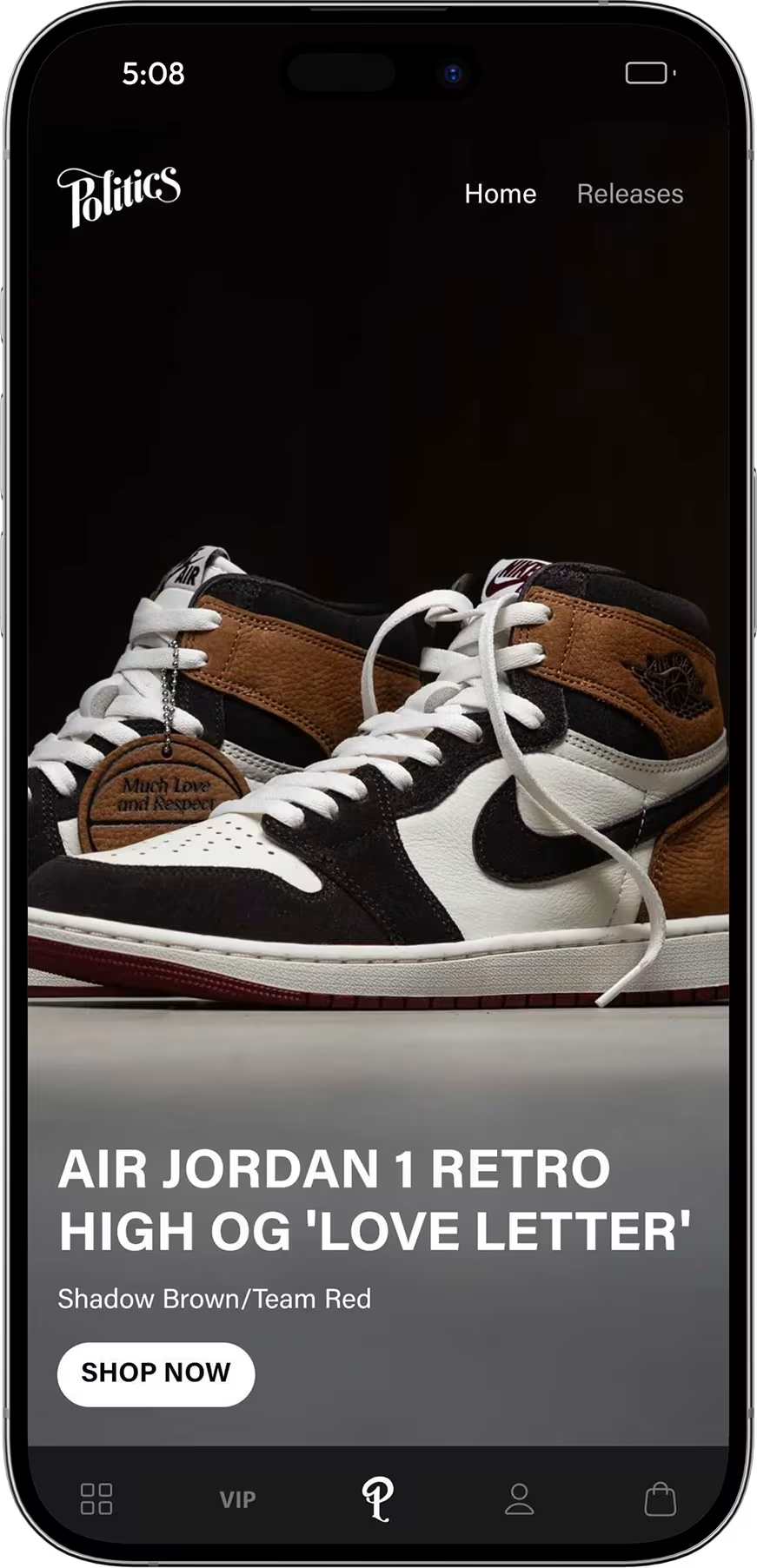
A restock alert or an app-only offer lands on a customer's lock screen without an ad auction or a spam folder in the way. At Sneaker Politics, push notifications drove 58% of all in-app purchases.
2. The app stays on the phone and keeps customers coming back.
Customers stay logged in, their payment details are saved, and your icon sits on their home screen. At Sneaker Politics, 30.4% of app customers bought again, compared with 12.8% on its website.
When a mobile app isn't worth it yet
An app isn't the right move if most of your customers buy once and never return. That's typical of stores selling mattresses, wedding dresses or other one-off products. It's also too early if you don't yet have a base of returning customers to download it, because an app grows out of the customers you already have. A new store with no repeat buyers will get more from fixing its mobile checkout first.
If repeat buyers already drive a meaningful share of your revenue, a mobile website is holding back your best customers. For a side-by-side breakdown, see Shopify mobile app vs mobile website.
{{cta2}}
FAQs
Can I create a mobile app with Shopify?
Shopify doesn't have a built-in tool for building your own branded app. You create one with a mobile app builder from the Shopify App Store, which connects to your store and publishes native iOS and Android apps. The other option is to have your own developers build on Shopify's Storefront API. The Shop app is Shopify's marketplace app for shoppers, not an app for your store.
Can I turn my Shopify store into an app for free?
Not completely. Some app builders offer free trials or free plans, but free plans often limit features like push notifications or custom branding. You'll also pay the app store fees to publish: $99 a year to Apple and a one-time $25 to Google.
Should I launch my Shopify app on iOS, Android or both?
Both, in most cases. A no-code builder publishes the iOS and Android apps from the same setup, so the second platform adds no build cost, and your customers are split across both. If you want to focus your launch promotion on one, check the device split in your Shopify analytics first.
How long does it take to launch a Shopify mobile app?
With an app builder, most brands launch in 1–4 weeks, including App Store and Google Play review. An agency build usually takes 3–6 months, and an in-house build 6–12 months.
How much does a Shopify mobile app cost per month?
App builders charge a monthly fee. Appbrew plans start from $199 a month, plus Apple and Google's developer fees. Custom development costs far more: an agency charges $50k–$200k+ to build the app, and an in-house team costs $100k+ to build and $10k–15k a month to maintain.
Do I need coding skills to turn my Shopify store into an app?
No. An app builder syncs your products, collections and customers from Shopify. You design the app with drag-and-drop, and the builder's team handles development and app store submission. You only need developers if you build in-house on the Storefront API.
How do I convert my Shopify store to an Android app and list it on Google Play?
Use an app builder that publishes native Android apps, create a Google Play developer account (a one-time $25), and submit the app for review. New personal developer accounts must first run a closed test with at least 12 testers for 14 days. Organization accounts skip this step. Once submitted, review usually takes a few days.
Will my app update automatically when I change products in Shopify?
Yes. The app pulls from your Shopify store in real time. New products, price changes and inventory updates show up in the app without any extra work, so you only manage one catalog.
Why do Shopify apps get rejected by Apple and Google?
The most common reason is Apple's Guideline 4.2: apps that are only a repackaged website get rejected, while native apps with push notifications, saved accounts and app-only features pass. Other common reasons are missing in-app account deletion, no demo login for Apple's reviewers, and privacy details that don't match what the app collects. On Google Play, new personal developer accounts must also run a closed test with at least 12 testers for 14 days before launch.