

Shipping an iOS app used to mean months of specs, sprints, and back-and-forth with developers. For most SMBs and early-stage startups, that’s just not realistic.
No-code and low-code iOS app builders have completely changed that. Today, you can go from idea to a live app on the Apple App Store in days or weeks instead of quarters, without touching Xcode or Swift.
In this guide, you’ll find: a quick comparison table of seven iOS app builders and a deep dive into each platform.
If you want the shortest path from “we should build an app” to “it’s live on the App Store,” this is for you.
Let’s dive right in!
Quick Comparison: Best iOS App Builders at a Glance
1. Appbrew – Best iOS App Builder for Ecommerce & Shopify DTC Brands
If your business runs on Shopify and your primary goal is to grow ecommerce revenue, Appbrew is in a different league from generic app builders.
It’s a no‑code, AI‑native mobile app builder that turns your Shopify store into a fully native iOS and Android app, with deep commerce features, high performance, and a marketer‑friendly dashboard. Instead of wrestling with code or juggling agencies, your marketing team can control the app experience end‑to‑end.
What is Appbrew?
Appbrew is the best Shopify mobile app builder that helps DTC brands launch high‑conversion native apps for both iOS and Android. It syncs directly with your Shopify store (catalog, collections, inventory, discounts, customer accounts, and most of your existing apps) so your mobile app always reflects your live storefront.
Brands typically launch in about a week because Appbrew handles both the build and the heavy lifting around App Store submissions.
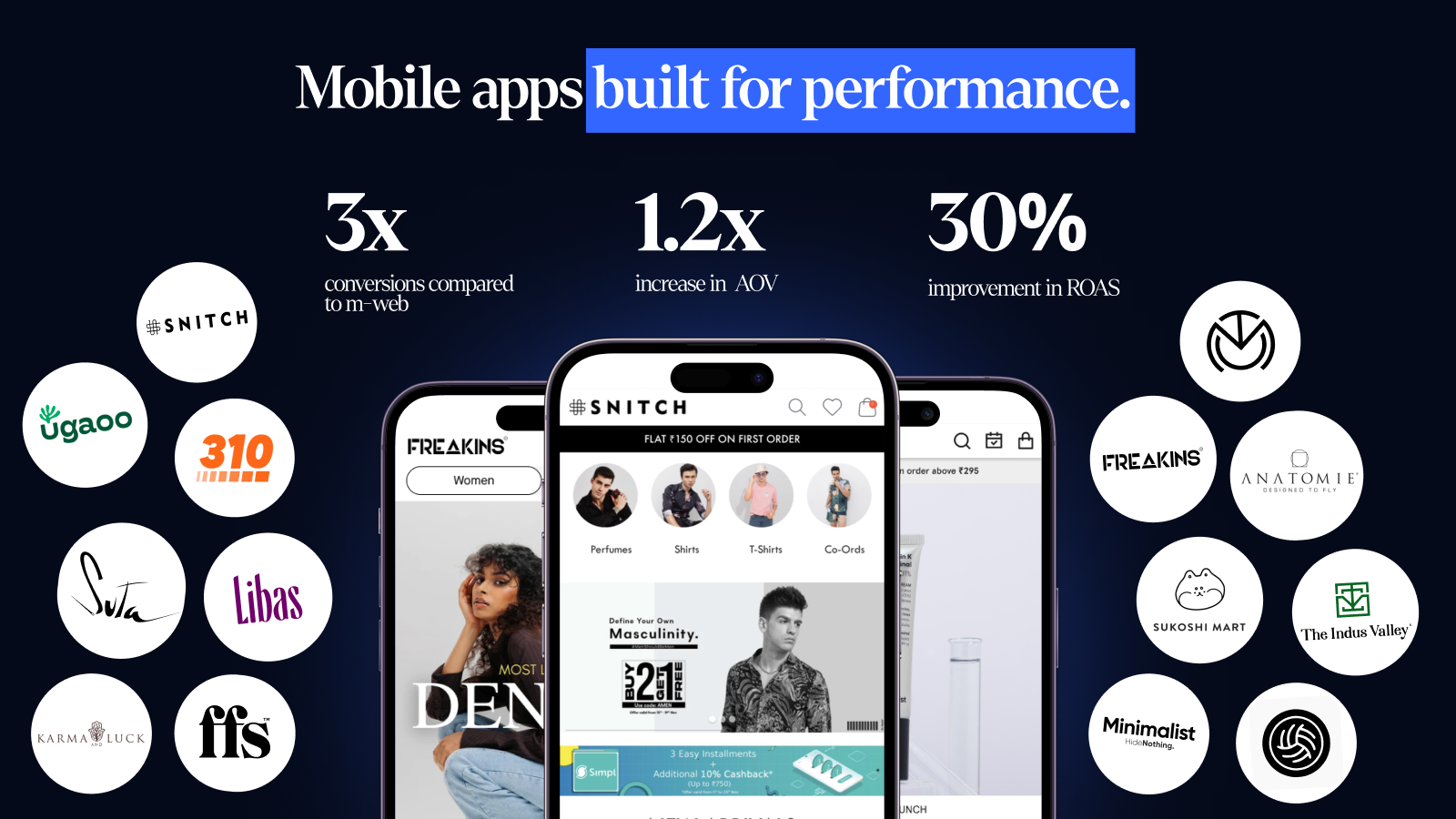
Who Appbrew is best for
- Shopify and Shopify Plus brands
- DTC teams who care about conversion rate, AOV, and LTV more than vanity “we have an app” metrics
- Marketers who want to own the app experience without depending on dev sprints
- Stores already investing in Klaviyo, Recharge, Yotpo, reviews, and similar tools they want to mirror inside the app
How Appbrew helps you launch faster on the App Store
Appbrew connects directly to Shopify, pulls in your products, collections, and checkout, and sits on top of a pre‑built native app framework. You don’t start from a blank canvas.
- Your catalog, promotions, and integrations are synced in real time, no duplicate setup.
- Their team guides (or fully manages) the Apple App Store submission process, so you avoid provisioning, certificate, and rejection headaches.
- Milo, Appbrew’s AI app agent, helps generate content, automate campaigns, and personalize experiences so you’re not manually configuring every screen.
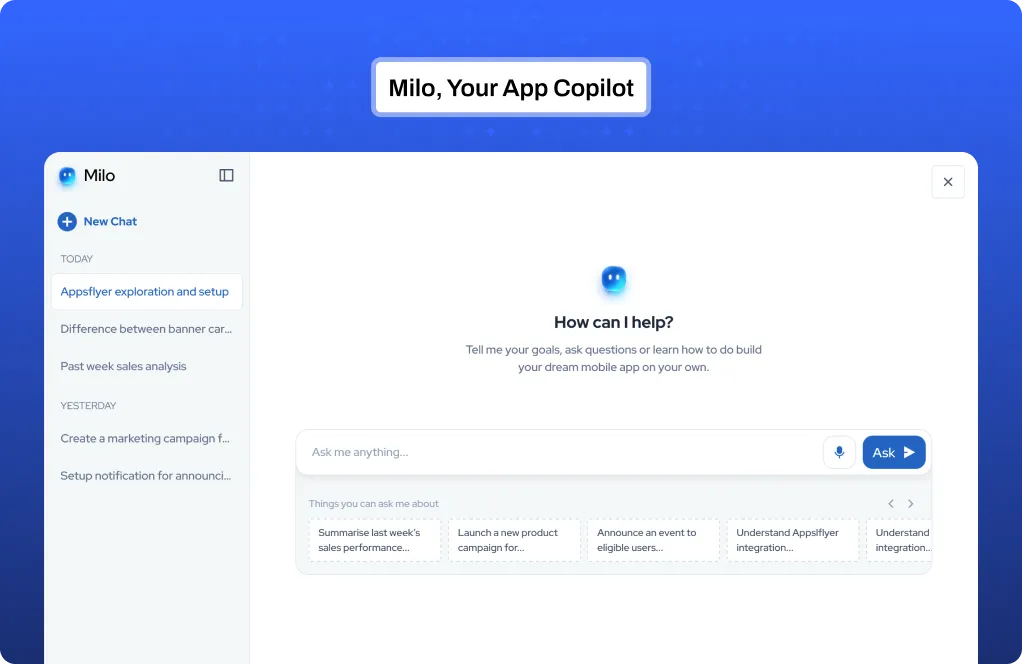
The end result: you can go from “we should have an app” to live on the App Store in roughly a week, then keep iterating from a marketer‑friendly CMS instead of raising dev tickets for every change.
Standout capabilities (why Appbrew deserves the top spot for eCommerce)
- Fully native iOS & Android apps optimised for ecommerce performance; not just web views in a wrapper.
- Deep Shopify integration with real‑time sync for products, collections, inventory, discounts, and customer accounts.
- AI‑native builder with Milo, an AI growth assistant that helps configure flows, content, and campaigns faster.
- AI Concierge for guided shopping & product Q&A and AI Skin Analyzer for skincare brands.
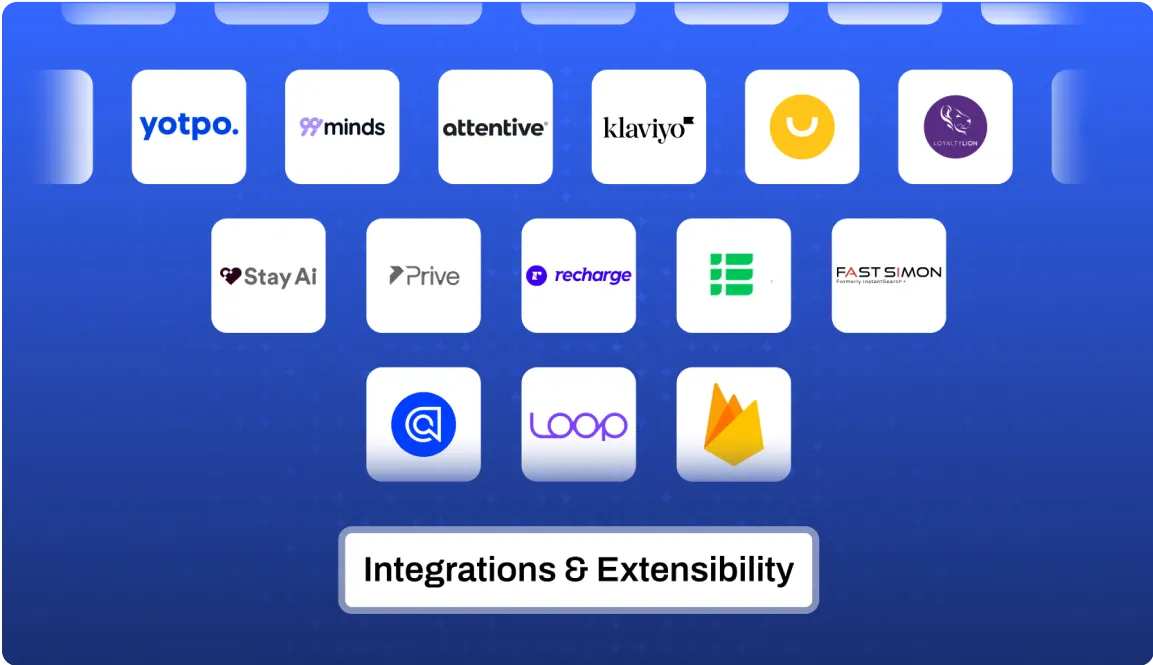
- 100+ integrations across the Shopify ecosystem (Klaviyo, Recharge, Yotpo, Stamped, Facebook SDK, Google Analytics, and more).
- Unlimited app push notifications so you can drive repeat purchases without worrying about limits.
- Evolved promotion engine to run app‑only offers, bundles, and personalized campaigns that boost AOV.
- Native video shopping and rich content modules to showcase product tutorials, drops, and lookbooks.
- Marketing‑friendly CMS so non‑technical teams can launch landing pages, update layouts, and run experiments without dev help.
- Advanced analytics with conversion funnels, DAU, cohort behaviour, and push performance in one place.
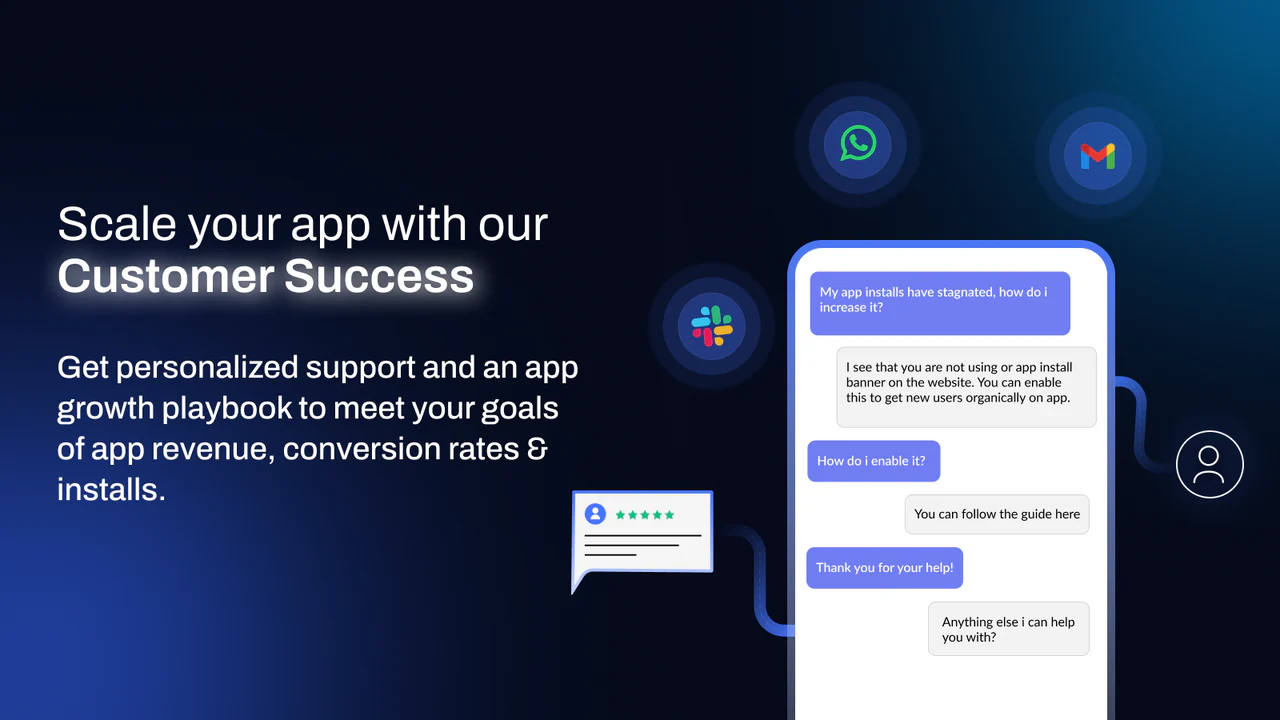
- Dedicated customer success to help with strategy, rollout, and ongoing optimisation.
Where Appbrew may not be the right fit
If you’re not on Shopify, or your app idea has nothing to do with eCommerce, Appbrew is overkill. It’s built specifically for brands that live and die by revenue, retention, and repeat purchases. For general‑purpose or internal apps, one of the next platforms will make more sense.
2. Adalo - Best for Custom MVPs & Startup Apps
If you want to build something that feels truly “product‑y” rather than a templated marketing app, Adalo is a strong contender.
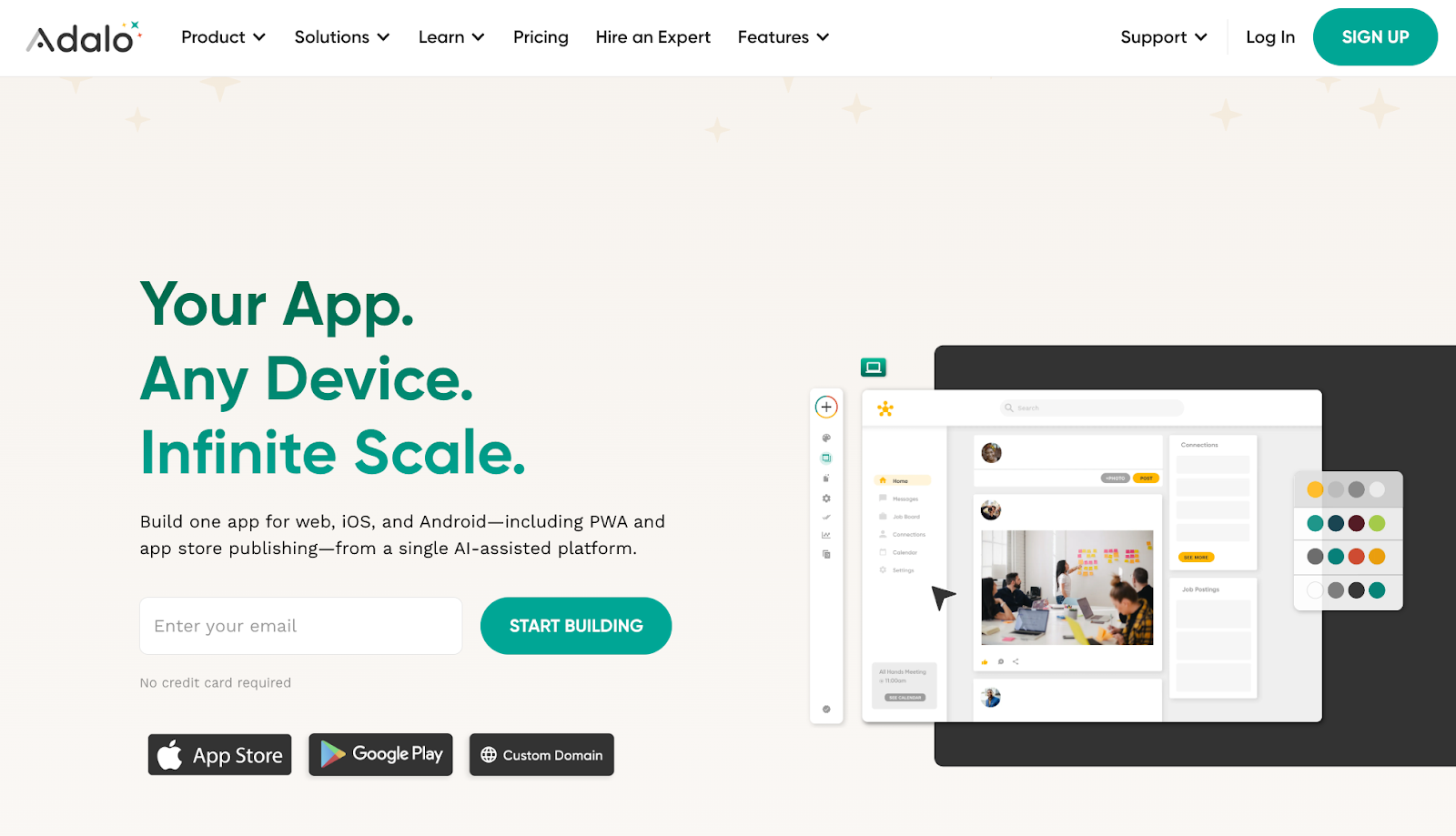
Adalo is a no‑code platform for building native iOS and Android apps plus web apps from a single codebase. It’s popular for MVPs, customer‑facing apps, and internal tools where you want more UX freedom than most template‑driven builders allow.
Adalo’s App Store publishing is built into paid plans and handled from inside the platform, which removes a lot of friction around certificates and provisioning.
Key features
- True native compilation for iOS and Android, not just web wrappers.
- Visual drag‑and‑drop builder with a built‑in relational database and logic actions.
- AI assistants like Magic Start and Magic Add to generate app foundations and features from natural‑language prompts.
- 5,000+ integrations via Zapier and APIs for payments, email, automation, and more.
- Freemium model with paid plans from around 36 USD/month, including App Store and Play Store publishing on higher tiers.
3. Thunkable - Best for Logic‑Heavy Apps & Learning No‑Code
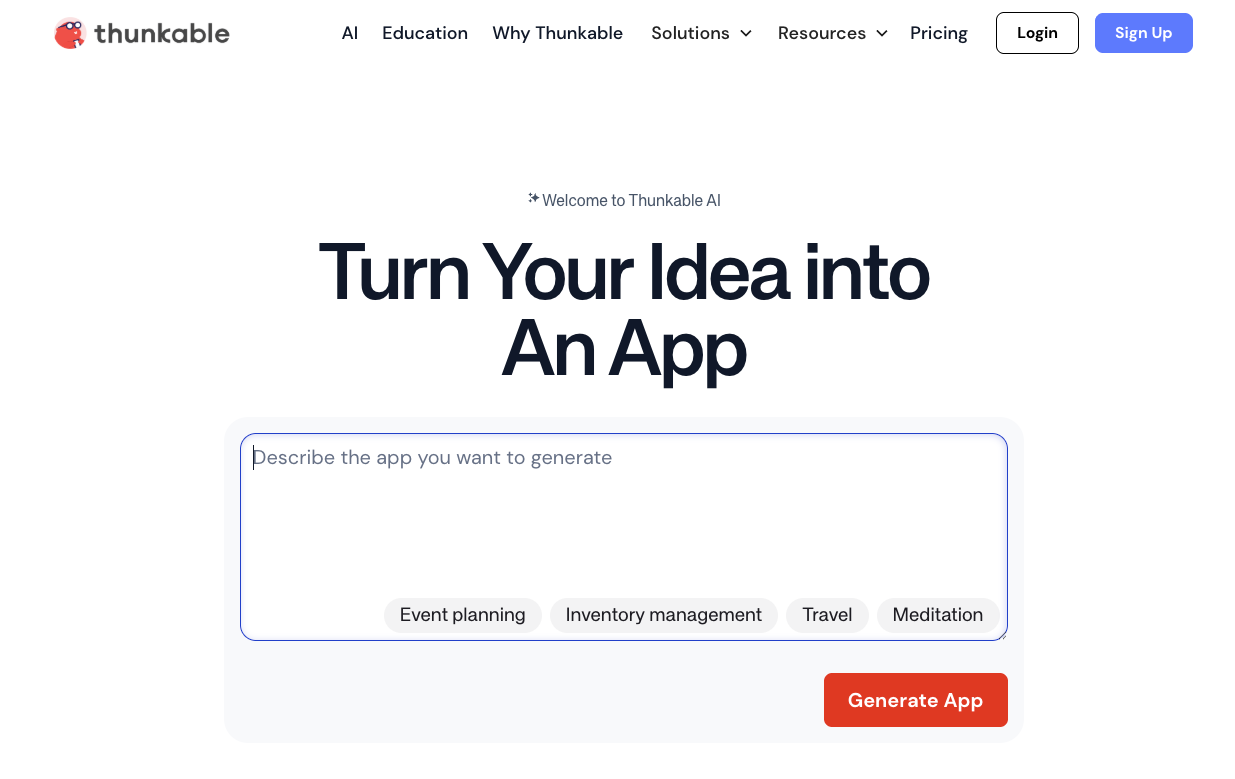
Thunkable takes a more “builder‑meets‑learning‑tool” approach. It uses a drag‑and‑drop interface with block‑based logic, which feels a bit like LEGO for app flows.
You can ship native iOS and Android apps and publish to both stores from within the platform once you’re on the right pricing tier. It’s popular for education, prototypes, and teams that want to think in logic blocks rather than forms and templates.
Key features
- Block‑based logic builder with separate Design and Blocks views for UI and behaviour.
- Native iOS & Android publishing, plus limited web apps on higher plans.
- Integrations with Google Sheets, Airtable, Xano, Webflow, Firebase, and Backendless for data storage.
- Free plan to experiment, with paid plans unlocking private projects, branding, and higher download limits.
- Business and Team tiers with custom branding, priority support, and collaboration features.
Choose Thunkable if you’re comfortable thinking in logic blocks and want flexibility over how your app behaves, but don’t mind a slightly steeper learning curve than pure drag‑and‑drop tools.
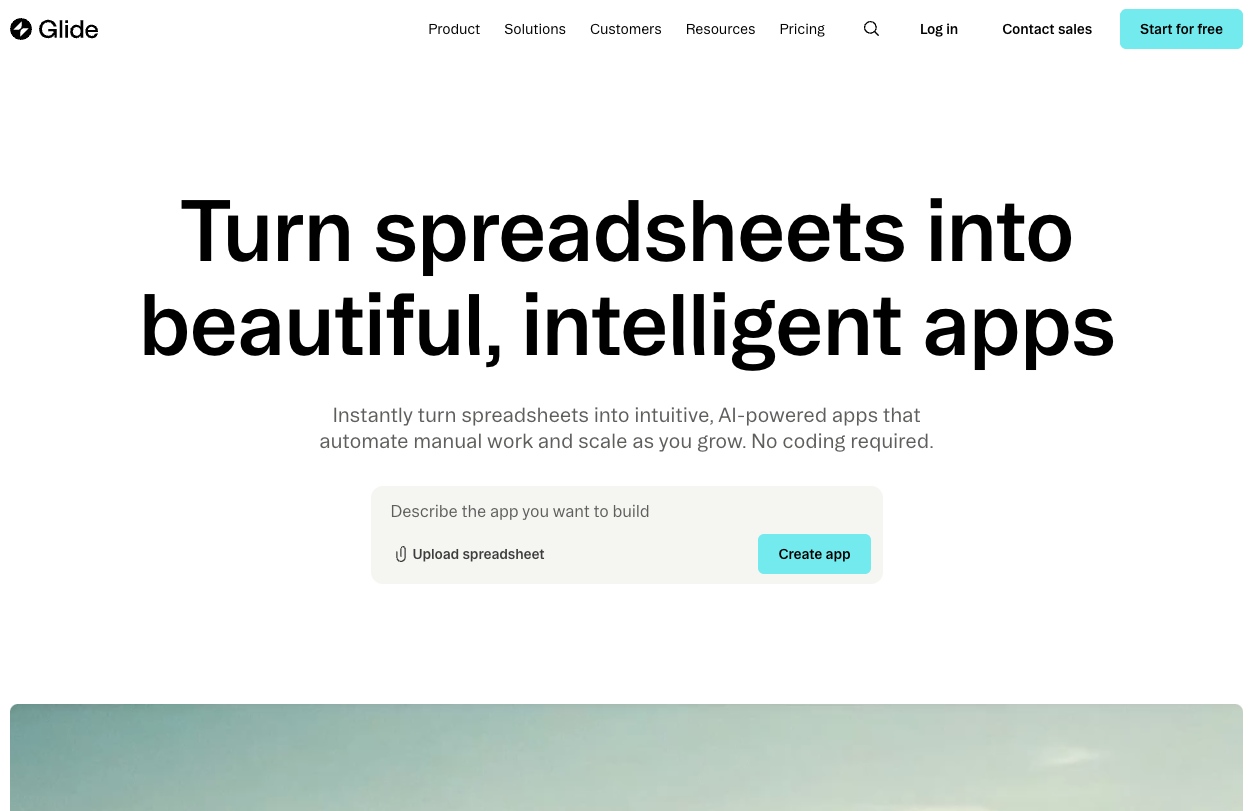
4. Glide - Best for Internal Tools & Operations Apps People Use on iOS
If your main goal is to arm your team with better internal tools that run beautifully on phones and tablets, Glide is a strong option.
Glide turns data sources like Google Sheets, Airtable, and databases into mobile‑optimised web apps and PWAs that feel app‑like on iOS devices. It’s perfect for CRMs, field ops tools, inventory, and dashboards you want people to access from their iPhones, without the overhead of App Store submission.
It’s not primarily focused on publishing apps to the Apple App Store; instead, you share apps via links, QR codes, or installation as a PWA.
Key features
- No‑code builder that maps UI components directly to your data (Sheets, Airtable, SQL, and more).
- Mobile‑first responsive experiences that behave like native apps when added to the home screen.
- Rich business components (tables, Kanban, maps, signatures, approvals, file uploads, etc.).
- AI‑powered features and automations in higher plans for smarter internal tools.
- Free and paid tiers that scale with users, usage, and storage.
Use Glide when “works perfectly on iOS” matters more than “listed on the App Store.” For anything internal‑facing, it’s often faster and simpler than going full native.
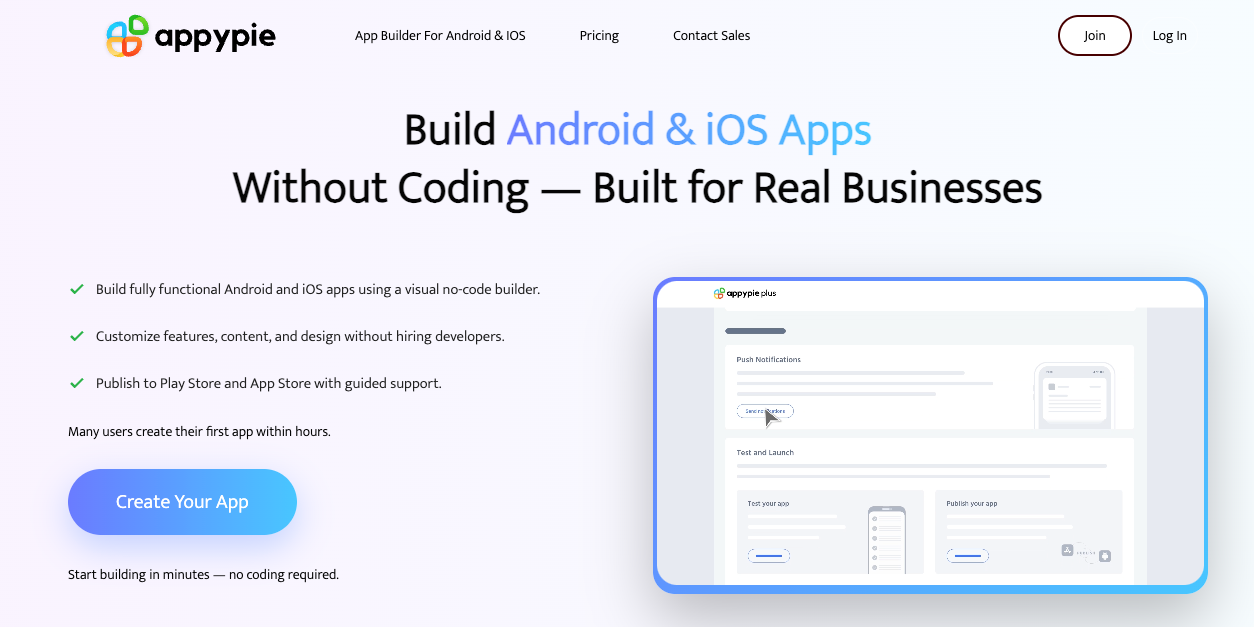
5. Appy Pie - Best Budget iOS App Builder for Simple Branded Apps
When cost is the main constraint and you just need a straightforward branded app, Appy Pie is usually one of the first names that comes up.
It’s a long‑standing no‑code platform that lets you build apps for iOS, Android, and PWA from templates, with drag‑and‑drop components for features like push notifications, basic ecommerce, and content feeds.
Appy Pie’s Platinum plan is where iOS support kicks in, you can publish to both Google Play and the Apple App Store from there.
Key features
- Template‑driven builder for basic business apps, local businesses, and simple ecommerce experiences.
- Supports iOS on Platinum tier, including App Store publishing support.
- Unlimited bandwidth and hosting, even on lower plans.
- Built‑in monetisation and ads via AdMob and Appy Pie’s own ad tools.
- Analytics and first‑time submission support, so non‑technical teams can get through the initial App Store review.
Appy Pie is best when your bar is “we need something live and branded” rather than high‑end UX or complex logic.
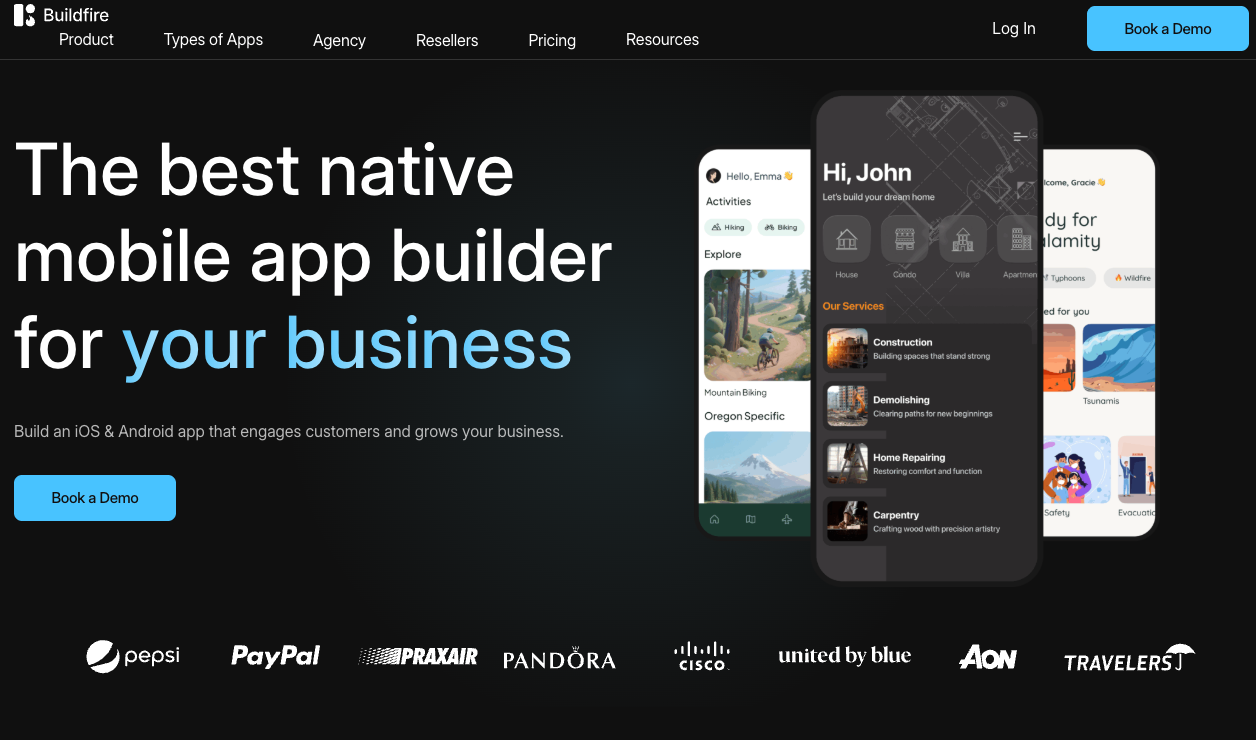
6. BuildFire - Best for Feature‑Rich Customer Apps with Plugins & Scale
If you’re aiming for a more ambitious customer‑facing app - think memberships, content libraries, communities, or multi‑feature customer apps - BuildFire is worth a look.
BuildFire is a no‑code app builder for native iOS and Android apps with a big focus on extensibility: a plugin marketplace, custom plugins, and enterprise‑grade deployment options. You can start with templates, then layer in more advanced features as you grow.
Its built‑in tooling helps with publishing to the Apple App Store and Google Play, including deployment packages and, on higher tiers, deeper API support.
Key features
- Native iOS & Android apps with a strong plugin ecosystem (push, loyalty, content, events, and more).
- Drag‑and‑drop app builder plus custom plugin development for more complex requirements.
- In‑app purchases, user management, geofencing, and loyalty programs for richer customer experiences.
- App Store publishing support and enterprise deployment options (APK/IPA, SSO, server‑to‑server APIs on higher tiers).
- Tiered pricing with entry‑level plans around 100+ USD/month, scaling up for more downloads and plugins.
BuildFire is ideal when you need more depth than a budget builder, but still want to avoid a fully custom development project.
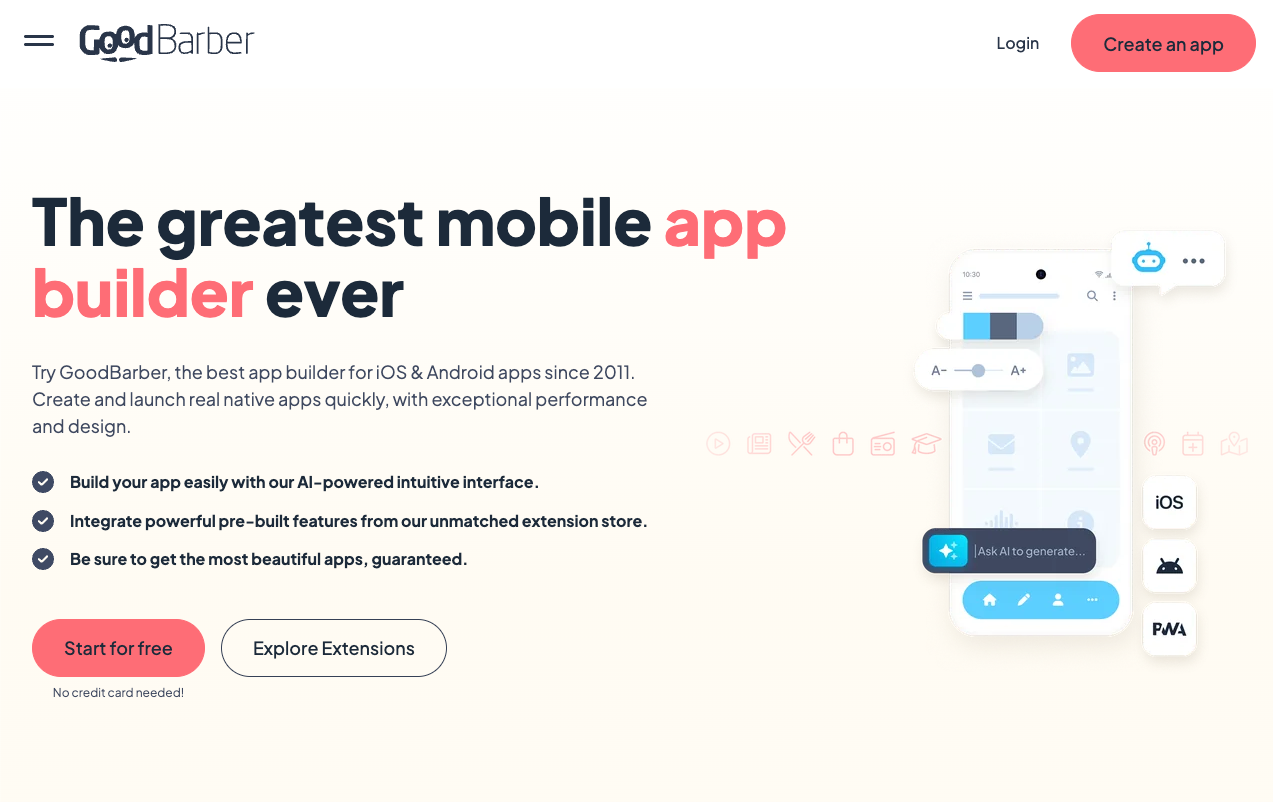
7. GoodBarber - Best for Content & Media Apps (Plus Simple Shopping)
GoodBarber has been around for years and focuses on helping non‑technical teams create polished apps for content, media, and ecommerce.
You can build native iOS and Android apps plus PWAs, starting with pre‑built templates for blogs, magazines, radio, tourism, and shopping. Apple App Store publishing is available on Premium and above plans.
For small media brands, local businesses, or simple shopping experiences, it gives you a solid visual builder without needing to architect everything from scratch.
Key features
- Template‑driven builder for content, community, and ecommerce apps.
- Native iOS, Android, and PWA support, with App Store publishing at higher tiers.
- 190+ extensions, including push notifications, loyalty cards, chat, payments, and memberships.
- Built‑in analytics, multilingual support, and SEO‑friendly PWAs for cross‑channel reach.
- Tiered pricing starting around the mid‑30 USD/month for web/PWA, with higher tiers for app stores and ecommerce features.
GoodBarber shines when your app is fundamentally about publishing and selling content or products with minimal complexity.
How to Choose the Right iOS App Builder
Here’s a quick way to frame the decision:
Heavily eCommerce, on Shopify, and serious about conversion?
Go with Appbrew. It’s built precisely for that, with native apps, deep Shopify sync, AI‑driven marketing features, and a team that handles the App Store grind for you.
Building a new product/MVP with custom logic and UX?
Look at Adalo or Thunkable depending on whether you prefer visual design (Adalo) or block‑based logic (Thunkable).
Need fast internal tools your team can open on iPhones and iPads?
Glide will get you there quickly without the overhead of App Store listings.
On a tight budget and just need a basic branded app?
Appy Pie is the easiest entry point, especially if you’re okay with templates and lighter UX.
Planning a richer, multi‑feature customer app with room to grow?
BuildFire or GoodBarber give you more depth and plugin ecosystems without going fully custom.
For eCommerce brands specifically, Appbrew is the clear fit: it compresses weeks of app development and App Store wrangling into a guided, no‑code flow, and then keeps marketers in the driver’s seat for campaigns, offers, and on‑brand experiences.
Launch your Shopify mobile app next week with Appbrew. But book a demo today!


