

.webp)
.webp)


Learn how non-technical teams build production-ready apps with no-code app builders. Discover the best platforms, features, and strategies for successful app development in 2026.
Software development is no longer limited to engineers and long sprint cycles. The no-code revolution has changed how apps are built, who builds them, and how fast ideas move to production.
Today, teams across marketing, operations, CX, and product can launch real applications without touching code. This shift is only accelerating.
By 2026, 65% of all app development activity is expected to happen on no-code or low-code platforms. That number signals the scale at which these platforms are being used.
App development is now democratized, enabling non-technical teams to build secure, scalable, production-ready apps using visual tools, workflows, and prebuilt integrations, without writing a single line of code.
In this blog, we discuss everything you should know about no-code app builders. Let’s dive right in!
TL;DR
- No-code platforms enable non-technical teams to build production-ready apps without coding knowledge
- The no-code market is experiencing explosive growth, with 65% of app development activity using these platforms by 2026
- Organizations achieve 362% ROI and 90% faster launch times with no-code development
- Citizen developers (non-technical builders) will outnumber professional developers 4:1 by 2026
- No-code platforms deliver 50-70% cost savings compared to traditional development
- Production-ready apps can be built in weeks instead of months, accelerating time-to-market by 60-80%
- Leading no-code app builders include Appbrew for Shopify Mobile Apps, FlutterFlow, Adalo, Glide, and Softr, and more; each serving different use cases
What Are No-Code App Builders?
No-code app builders are platforms that let people create applications without writing code. Instead of relying on programming languages, they use visual development environments where users design apps by assembling components.
You build screens, workflows, and logic using drag-and-drop interfaces, form builders, and rule-based actions. Pre-built components handle common functions like authentication, data storage, APIs, and integrations, so teams do not need to solve technical problems from scratch.
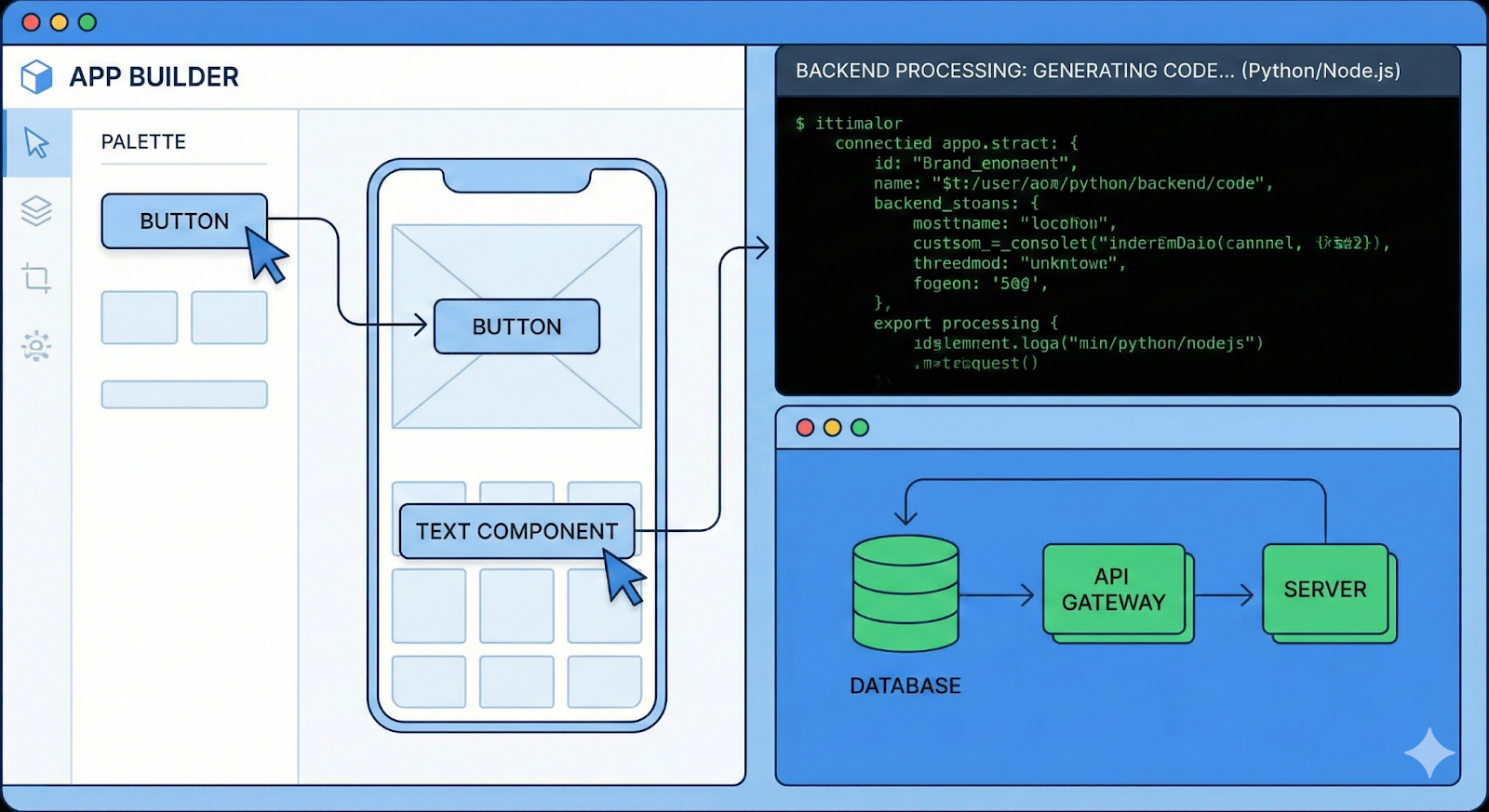
This approach differs from traditional development, where engineers write, test, and deploy code across multiple layers of the stack. No-code platforms abstract that complexity and turn it into configurable blocks. As a result, app creation becomes faster and easier to learn.
The accessibility is clear in adoption data: 24% of no-code users had zero coding experience before starting.
Why Non-Technical Teams Are Turning to No-Code
Convenience, as you might have guessed, is not the only reason. They are doing it because the model fits how modern businesses need to operate.
1. Faster Time-to-Market
No-code platforms cut development time by 60–80% by removing long build cycles and handoffs. Teams design, test, and iterate in the same environment, which speeds up decisions and execution. What once took months now takes weeks, allowing teams to respond faster to customer needs and internal gaps.
2. Cost Efficiency
No-code significantly reduces development costs by 50–70%. Teams avoid hiring specialized engineers or relying on expensive agencies. With built-in features and scalable infrastructure, organizations also see strong returns, with a reported 362% ROI from no-code investments.
3. Empowering Business Users
Sales, marketing, operations, and CX teams can build tools that align with their workflows without waiting in IT queues. This autonomy helps teams solve real problems as they appear, rather than postponing solutions due to resource constraints.
4. Reduced Maintenance Burden
No-code platforms manage infrastructure, security updates, and system upgrades. This built-in support lowers ongoing maintenance costs by 30–40% and frees teams from operational overhead, so they can focus on improving the app instead of maintaining it.
Key Capabilities of Modern No-Code Platforms
No-code app builders are built to support real applications. People across the globe are deploying solutions and scaling their products. These platforms are no longer just the means for internal tools or quick prototypes. They combine ease of use with the technical depth required for scale and reliability.
1. Visual Development Interface
These platforms offer drag-and-drop builders that let teams design screens, workflows, and logic visually. Pre-built templates and component libraries reduce setup time and help teams maintain consistent UI and behavior across the app.
2. Database Management
No-code platforms include built-in databases or integrate with external data sources. Teams can define schemas, manage relationships, and control access without writing queries or managing servers.
3. API & Integration Support
Integration capabilities allow apps to connect with CRMs, payment gateways, analytics tools, and automation platforms. API support ensures data flows smoothly across systems and keeps apps connected to existing business tools.
4. AI-Powered Features
AI-assisted building helps teams create apps faster by automating setup and suggesting workflows. Intelligent automation reduces manual effort and improves app logic.
5. Multi-Platform Publishing
With a single codebase, teams can deploy apps to the web, iOS App Store, and Google Play Store. This capability shortens launch cycles and ensures a consistent experience across platforms.
5 Best No-Code App Builders for Production-Ready Apps
Here are some of the best no-code app builders for mobile apps, web apps, and for different use cases:
1. Appbrew
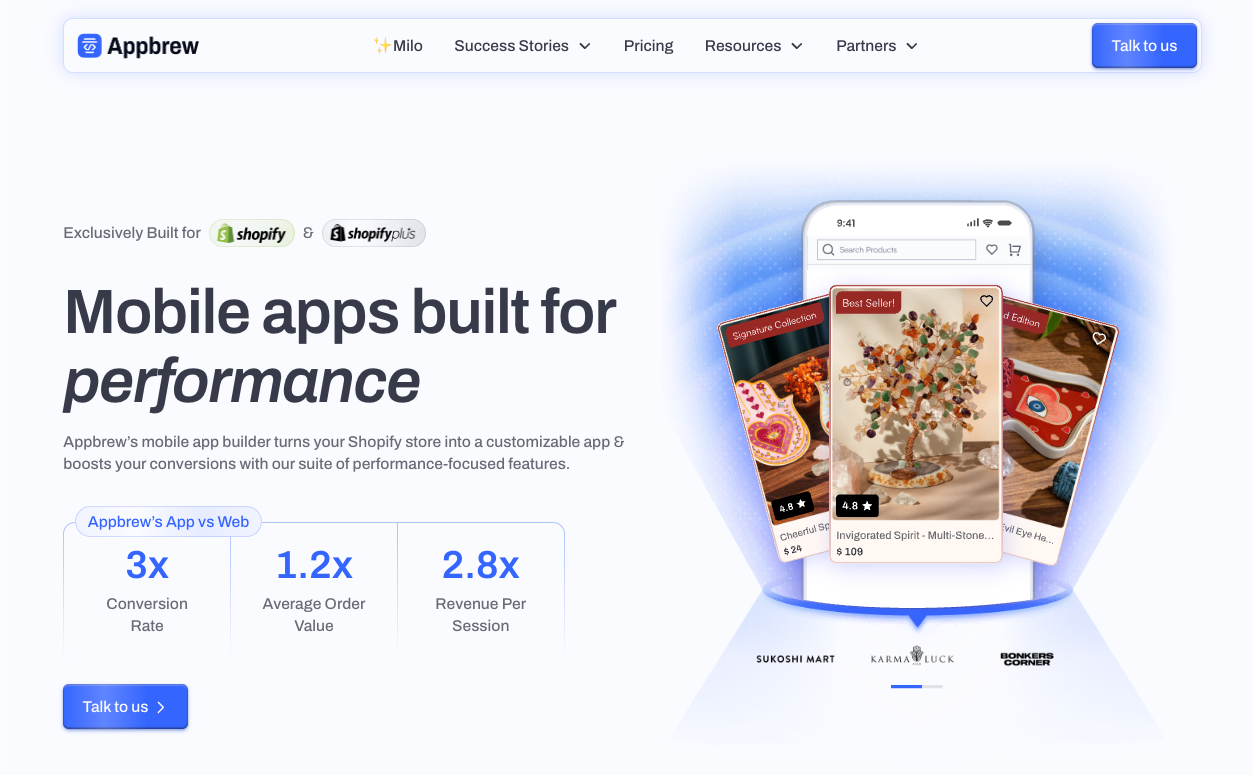
Appbrew is a premium no-code Shopify mobile app builder, designed exclusively for Shopify merchants who want to launch high-performing mobile apps without writing a single line of code.
If you run a Shopify store and are ready to go mobile, Appbrew is the smartest choice. Unlike generic app builders, Appbrew prioritizes performance, conversions, and deep Shopify integration - not just putting your store in an app wrapper.
True Native Apps, Zero Code Required
With Appbrew, you get real native iOS and Android apps. The platform features an intuitive CMS with AI-powered generation tools, advanced analytics, and real-time Shopify sync. Product updates, pricing changes, inventory levels, and metafields sync instantly, making app management fast and marketer-friendly, no developers needed.
AI That Actually Boosts Revenue
Appbrew's AI capabilities go beyond basic chatbots. The AI Concierge helps shoppers discover products, answer questions, and reduce cart abandonment in real time.
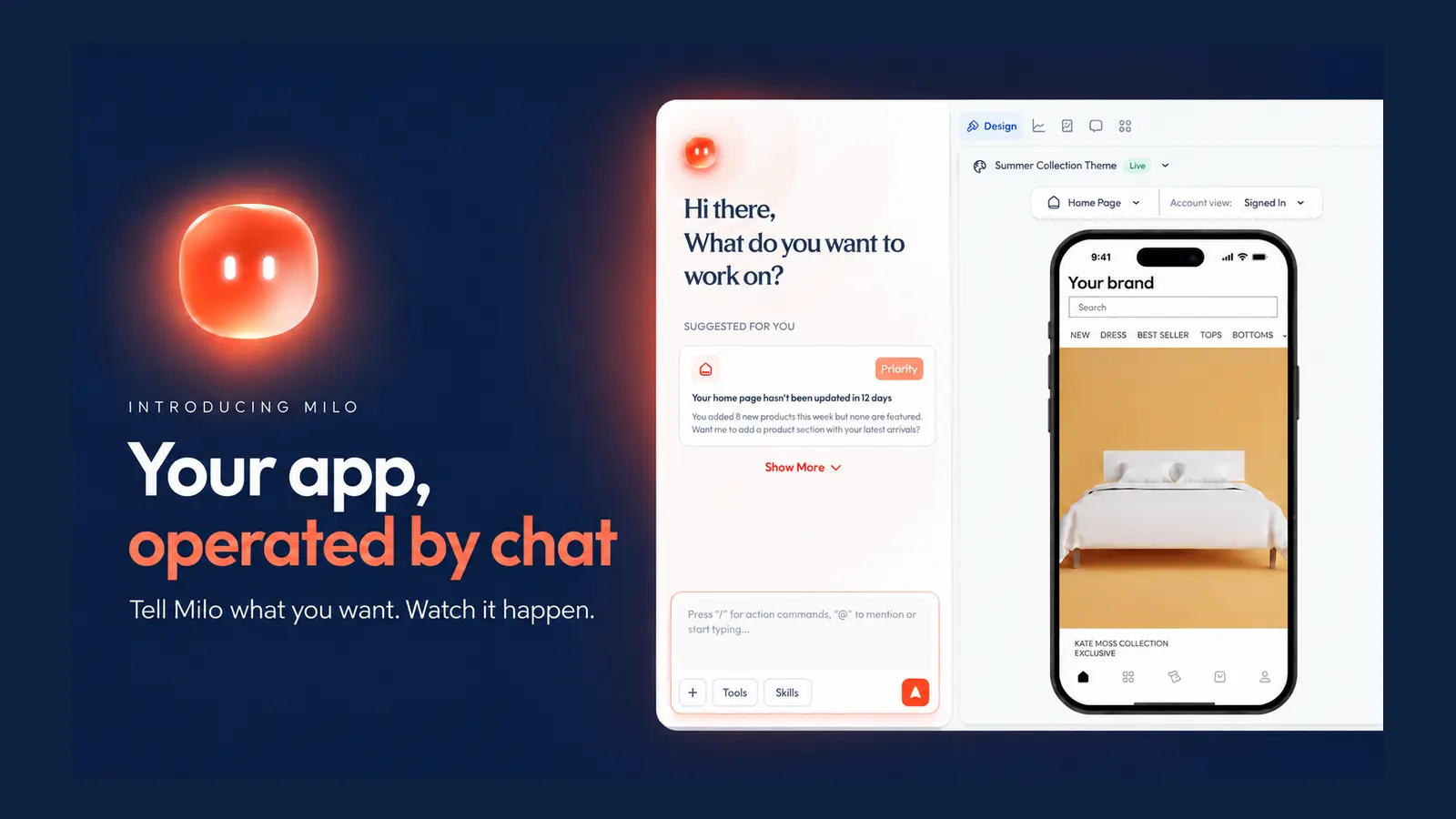
You also get Milo, an AI App Agent that sets up personalized experiences, orchestrates smart campaigns, automates workflows, and provides actionable suggestions - all through a simple, natural language interface.
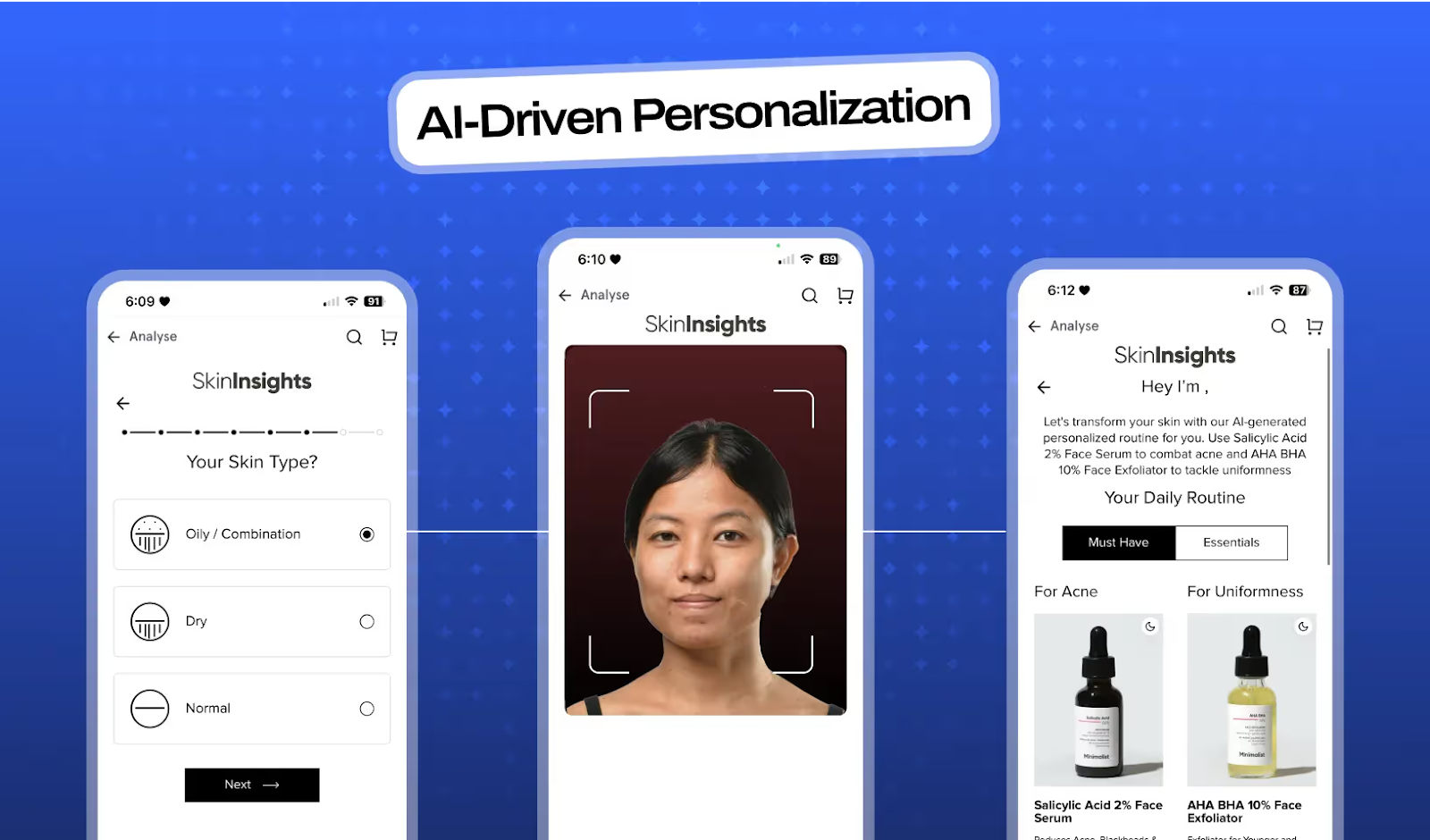
For beauty and cosmetics brands, Appbrew offers an AI Skin Analyzer that delivers hyper-personalized recommendations to increase AOV and customer retention.
Minimalist Doubled Their Conversion Rate. Here's How.
India's leading skincare brand was stuck with a 2.3-star app, fragmented analytics showing 30% data discrepancies, and mobile sales under 5% of revenue. After switching to Appbrew and implementing AI-powered personalization features like their Skin Analyzer, everything changed: 2x higher conversion rates, 4.5-star ratings, and mobile now drives 40% of their DTC sales.
{{cta}}
Enterprise Features, No-Code Simplicity
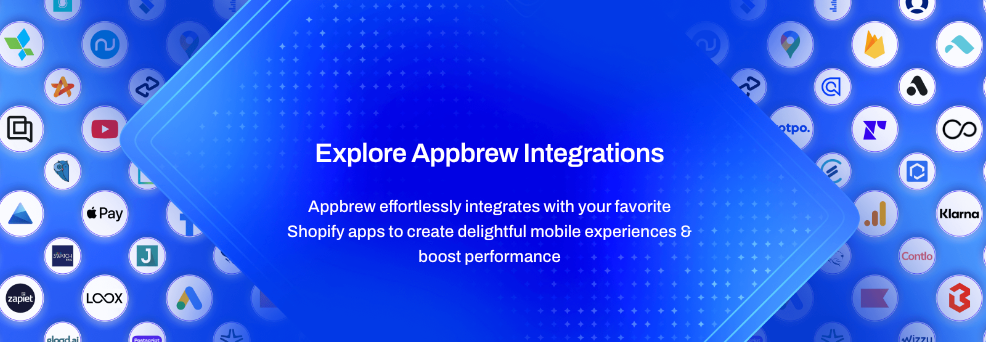
Appbrew includes everything growing brands need: unlimited push notifications, post-purchase upsell flows, app-exclusive offers, seamless third-party CRM integrations, and a dedicated customer success team. You get enterprise-grade power without the complexity or technical overhead.
Pricing That Reflects Real ROI
You'll find cheaper platforms out there. But when you compare performance, customer retention, and actual return on investment, Appbrew consistently delivers more value. It's free to install and test, with Pro plans starting at $499/month - pricing built for brands focused on results, not just features.
When you factor in the ongoing Shopify mobile app development cost of custom builds (developer time, maintenance, optimization), Appbrew becomes the more predictable, scalable, and cost-effective choice.
Your Mobile Revenue Is Growing. Just Not in Your Store.
The most successful Shopify brands don't debate whether they need a mobile app, they already have one. While you're reading this, your competitors are capturing mobile customers at 3-5x higher conversion rates. Appbrew has launched over 1,000 apps that collectively generate millions in mobile revenue. The question isn't whether a native app works. It's whether you would want to to wait another quarter while mobile commerce leaves you behind.
{{cta2}}
2. FlutterFlow
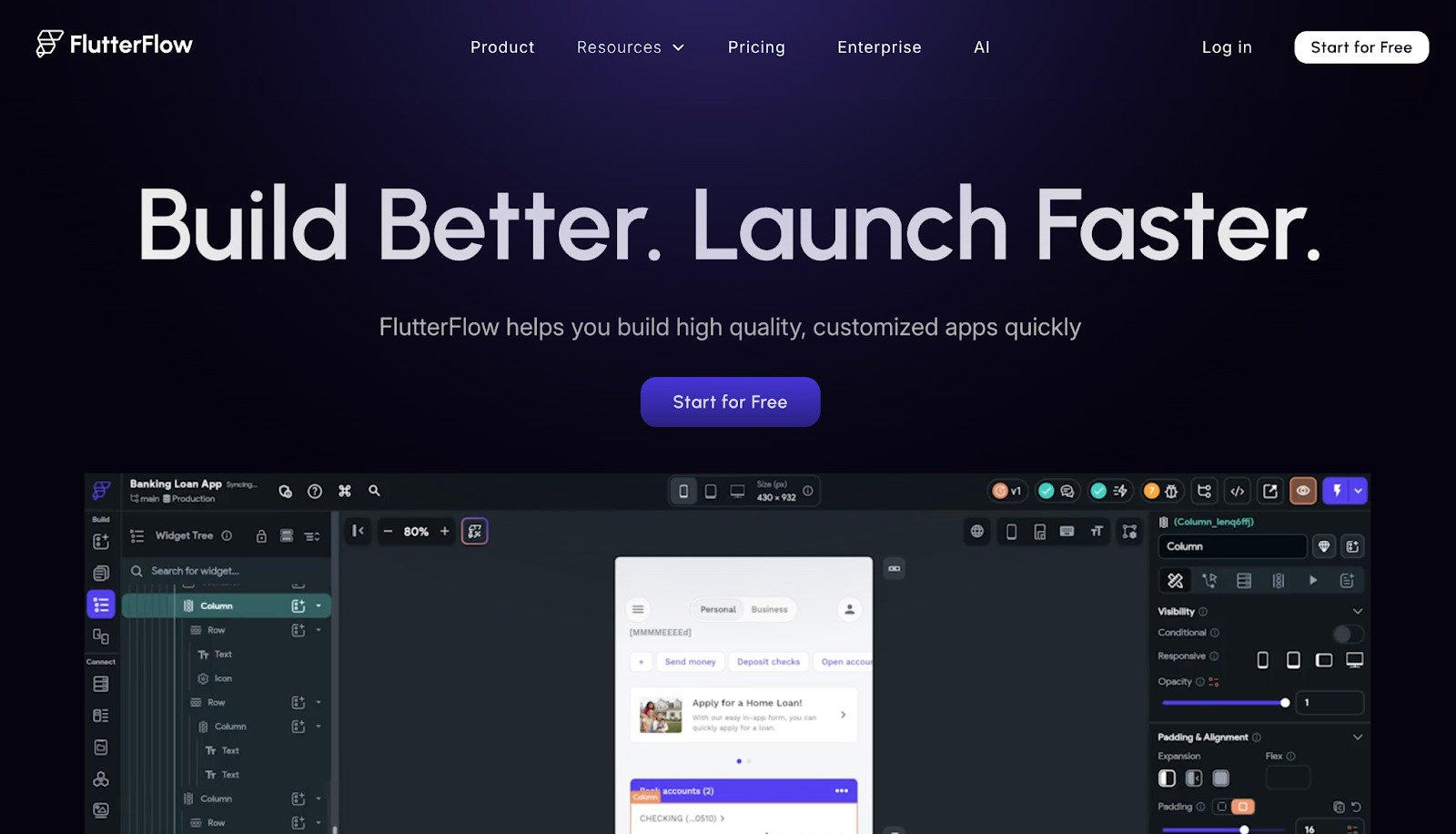
FlutterFlow uses Google's Flutter framework to create native mobile apps for both iOS and Android. It bridges the gap between no-code simplicity and professional code flexibility.
Key Features:
- Cross-platform app development (iOS and Android) from a single codebase
- Firebase integration for backend services
- Full Flutter code export capability for advanced customization
- Native app performance with smooth UI
- Visual logic builder with drag-and-drop interface
Limitations:
- Requires external database setup and management (not included)
- Second-tier pricing at $70/month per user
- More technical than pure no-code platforms, better suited for users with some coding understanding
- Steeper learning curve for complete beginners
Best For: Native mobile app development, projects requiring code export, and developers who want no-code speed with coding flexibility
3. Adalo
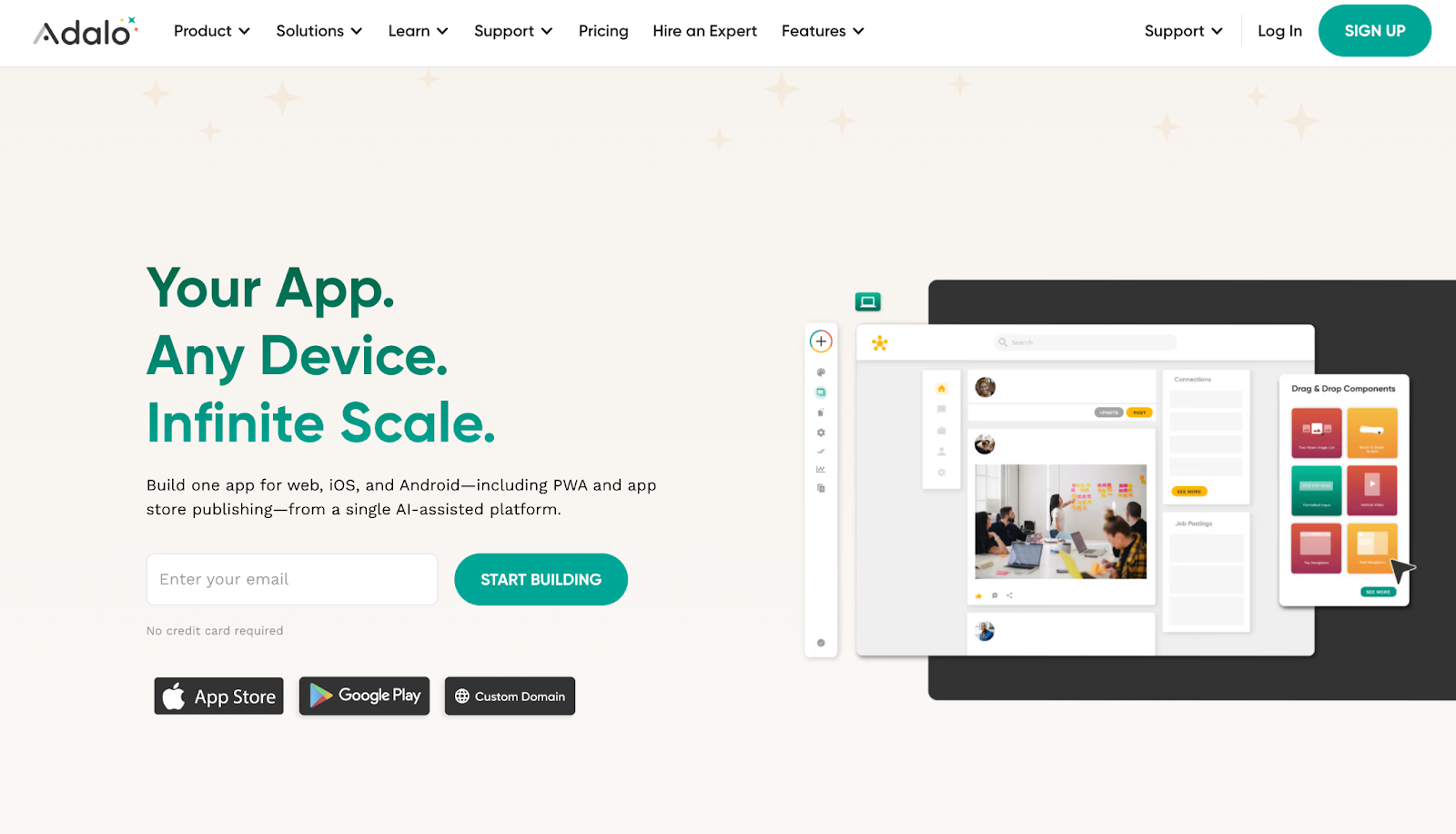
Adalo is an AI-powered no-code platform that creates true native iOS and Android apps with a focus on simplicity and speed. It's designed for beginners while maintaining production-ready capabilities.
Key Features:
- AI-assisted building with the Magic Start feature that generates app foundations from descriptions
- True native app compilation (not web wrappers)
- Unlimited database records on paid plans with no usage caps
- Push notifications and geolocation features
- One-click publishing to Apple App Store and Google Play Store
Limitations:
- Can experience performance lag on highly complex projects
- No code export capability, creating platform dependency
- Limited customization compared to Bubble for intricate workflows
- May not scale as effectively for apps requiring complex business logic
Best For: Beginners, quick mobile app prototypes, simple to medium-complexity native apps
4. Glide
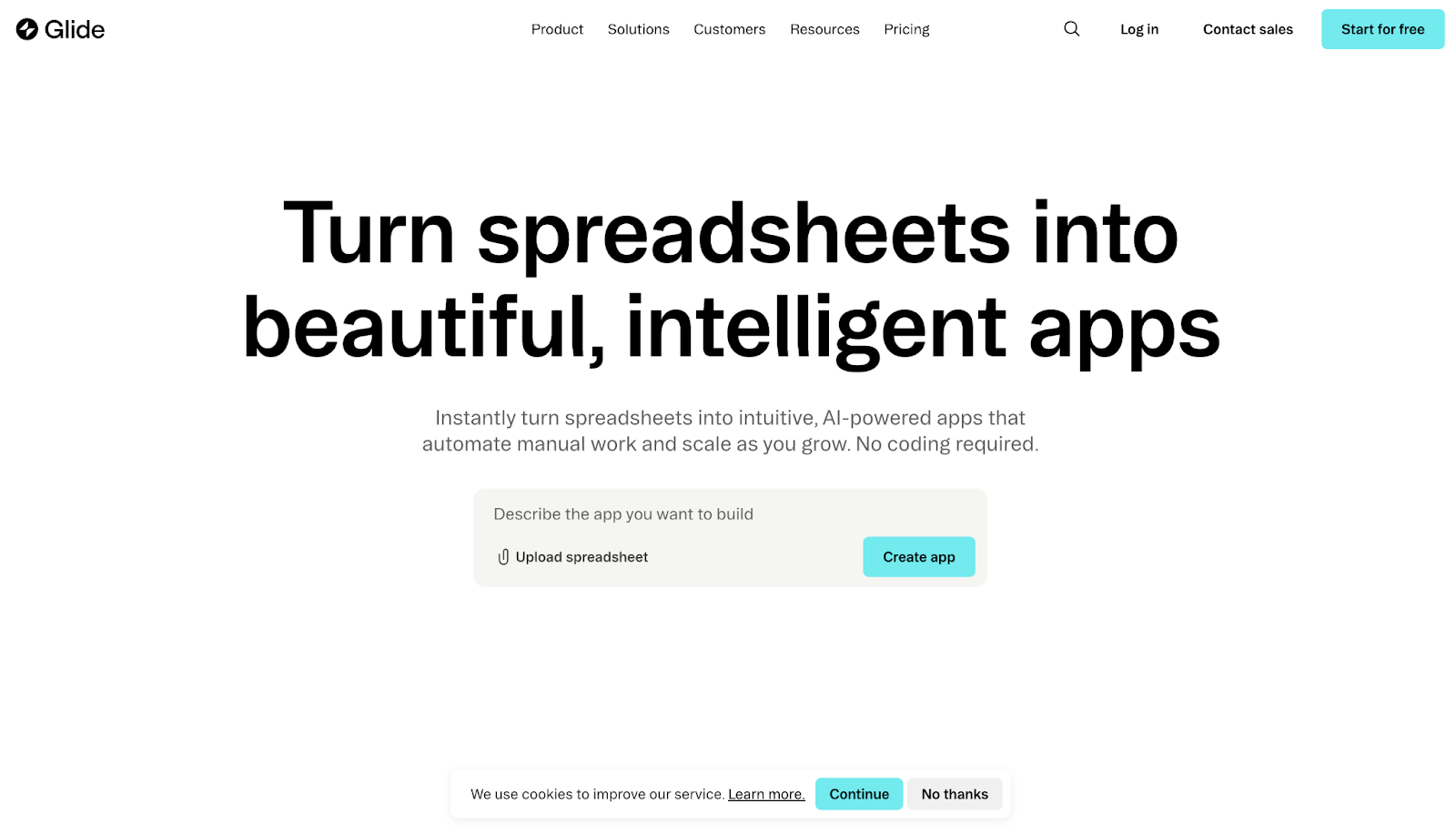
Glide specializes in building AI-powered business apps that connect data and tools, with a focus on internal tools and business workflows. It offers rapid deployment capabilities for data-driven applications.
Key Features:
- AI-powered app generation through Glide Agent - describe what you want to build and AI assembles the structure
- Visual workflow automation builder (Glide Workflows)
- Native integrations with Make and Zapier for advanced automation
- Mobile-ready apps by default with PWA conversion
- Advanced user permissions and granular access controls
Limitations:
- Primarily focused on business/internal tools rather than consumer-facing apps
- Less suitable for complex native mobile apps compared to FlutterFlow or Adalo
- Limited customization for highly specific UI/UX requirements
- Data source integrations may have limitations depending on plan tier
Best For: Internal business tools, client portals, dashboards, data-driven applications, and workflow automation
5. Softr
Softr enables users to build professional web applications, client portals, and internal tools using Airtable (and other data sources) as the backend. It excels at creating secure, branded portals without coding.
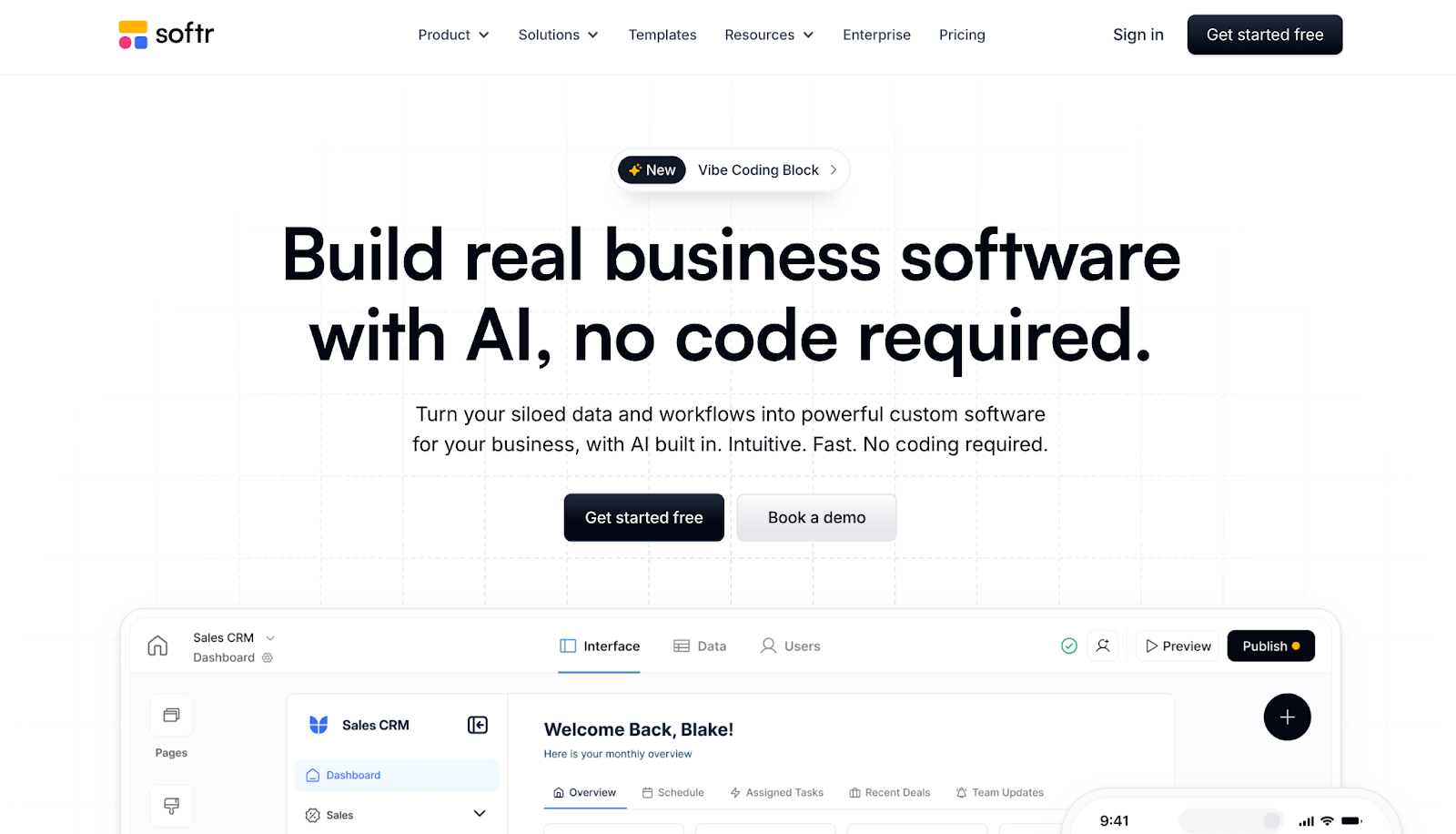
Key Features:
- Real-time 2-way sync with Airtable and 15+ other data sources
- Granular permission controls and custom user groups
- Pre-built templates for CRM systems, marketplaces, and internal tools
- Softr Workflows for building automations directly inside apps
- SOC2 and GDPR compliant security
Limitations:
- Heavily dependent on external data sources (primarily Airtable)
- Limited native mobile app capabilities compared to dedicated mobile platforms
- Customization constrained by template-based approach
- May require combining with other tools (Make, Zapier) for complex workflows
Best For: Client portals, membership sites, internal dashboards, Airtable-powered applications
Challenges and Considerations With No-code App Builders
No-code platforms unlock speed and access, but teams still need to evaluate them with a clear understanding of their limits and trade-offs.
1. Platform Dependency
No-code apps run on the provider’s infrastructure, which creates a level of vendor dependency. Teams should assess long-term platform stability, roadmap clarity, and data portability before committing. Choosing a reliable provider reduces future migration risk.
2. Complexity Limitations
No-code works best for defined workflows and standard use cases. Highly complex logic, deeply custom UI behavior, or advanced performance tuning may push beyond platform limits. Teams should map requirements early to avoid hitting constraints mid-build.
3. Security Concerns
Security remains a critical factor. Teams must evaluate how platforms handle data privacy, encryption, access controls, and compliance standards. Selecting platforms with recognized security certifications helps protect sensitive data and reduces risk.
4. Scalability Questions
Not all no-code platforms scale the same way. Teams should test performance under real-world loads and review how the platform manages traffic spikes and growing datasets. Evaluating scalability early ensures the app can support increasing users without rework later.
Best Practices for Building Production-Ready Apps
To ensure no-code apps perform reliably in real-world environments, teams should follow a set of proven best practices from the start.
- Start with wireframes and clear blueprints before building the app
- Choose a platform based on project complexity and team technical skills
- Evaluate the total cost of ownership, including usage limits and hidden charges
- Test scalability early using performance and load monitoring
- Plan data models and workflows before adding features
- Set up role-based access and permission controls from the start
- Validate security, compliance, and data privacy requirements early
- Use staging or test environments before pushing updates to production
- Track analytics and user behavior to guide iterations
- Plan data migration and platform exit strategies to reduce long-term risk
On a Concluding Note
No-code app builders are changing how teams build software, and the impact is real. They make app development faster, more accessible, and far more cost-effective for non-technical teams.
That said, outcomes depend heavily on the platform you choose. Not every no-code tool is built for scale, security, or long-term growth.
For Shopify store owners looking to launch a mobile app, a platform like Appbrew offers the structure, performance, and flexibility needed to ship with confidence. It removes limitations around scalability, integrations, and maintenance while keeping the build process simple.
When chosen carefully, no-code accelerates innovation.
If you’re ready to turn your Shopify store into a high-performing mobile app without technical overhead, book a demo and see how the right platform makes all the difference.
FAQs
1. Can no-code apps handle production-level traffic and users?
Yes, modern no-code platforms are designed for production environments. Platforms like Appbrew scale to 1M+ monthly active users without breaking a sweat in an industry (eCommerce) where demand spikes are common.
2. How much can I save by using no-code platforms instead of traditional development?
Organizations typically achieve 50-70% development cost savings and 362% ROI. Projects deliver 60-80% faster time-to-market, with ongoing maintenance costs reduced by 30-40%.
3. Do I need any technical skills to build apps with no-code platforms?
No. 24% of no-code users had absolutely zero coding experience before starting. Platforms use visual interfaces with drag-and-drop components, making them accessible to non-technical teams.
4. What happens if I need to migrate away from a no-code platform?
Platform dependency is a valid concern. Some platforms like FlutterFlow offer full code export, while others like Bubble and Adalo don't. Evaluate exit strategies and data portability before committing to a platform.
5. Are no-code apps secure enough for business-critical applications?
Yes, reputable platforms like Appbrew implement enterprise-grade security with SOC2 and GDPR compliance. However, evaluate each platform's security certifications, data encryption, access controls, and deployment options based on your specific requirements.