
Milo tells you when it’s done
Tap Notify me, switch tabs, and Chrome or Safari pings you the moment Milo finishes.
Milo’s bigger tasks can take three to five minutes. You no longer have to watch the chat while he works.
When a task runs past 15 seconds, the chat says This may take some time and offers Notify me. Tap it and allow notifications once. Then switch tabs and get on with your day.
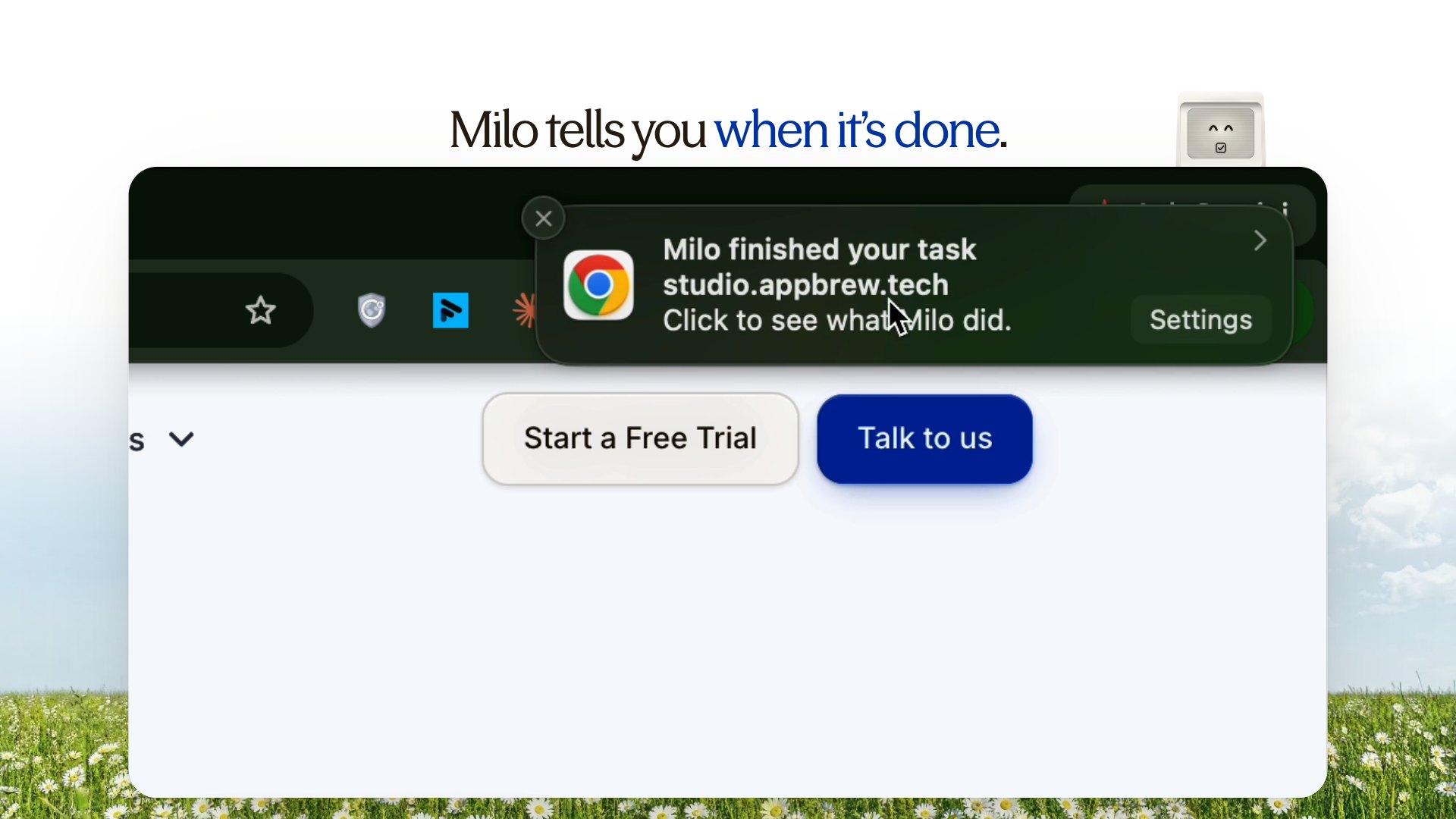
When Milo finishes, your browser shows a notification: Milo finished your task. Click it to go back to Studio and see what Milo did.
Try it on a bigger task, like:
Make a holiday gift guide page for my top 12 products
Don’t see the notification?
Turn on notifications for your browser in your computer’s settings, and for studio.appbrew.tech in your browser’s site settings.
Not yet
Going to Home, switching chats or opening Settings still stops a running task. Stay on Studio’s other pages while Milo works.








