Every app build, step by step
Follow each app build from verify to done with a time estimate, get Android builds as APK or AAB, and an email when it ends.

Manage Builds now shows every app build step by step: verify, build, completed. Next to it you see how long the build has been running and how long one usually takes.
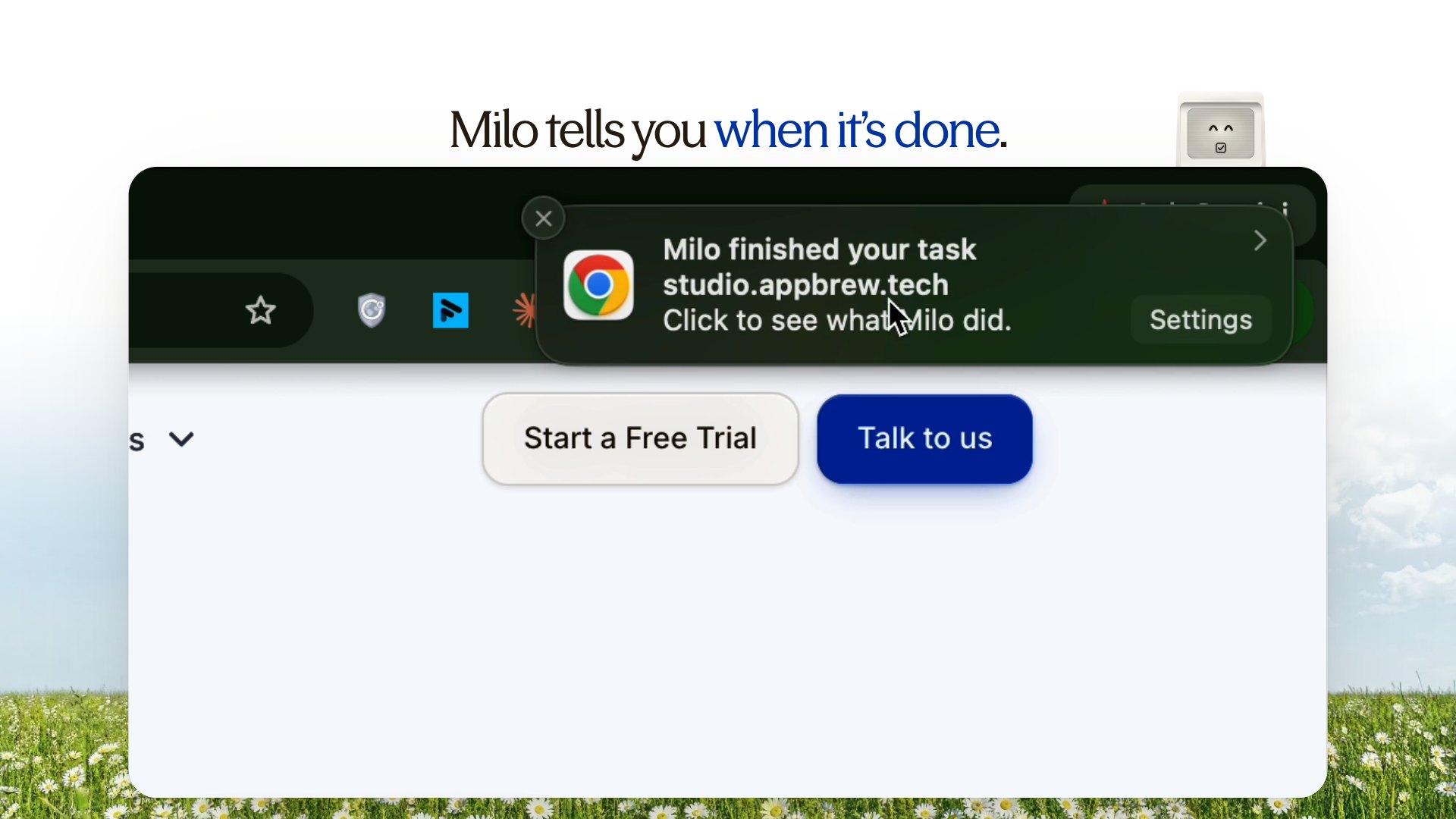
Before you start a build, you see the next build number and the last release on each platform. While builds run, the browser tab shows how many are active, and a toast appears when one finishes.
Every build in one list
Build history has cleaner dates and a clearer mark on any build that failed. Open a row for its logs and downloads. Android builds download as an APK, to install and check, or as the AAB you upload to Google Play.
An email, however it ends
Whoever started a build gets an email when it ends: a success, a failure, a sanity flag, a timeout or a cancellation. It carries the version and build number, how long it took, install links, the sanity recording, and the reason if it failed.