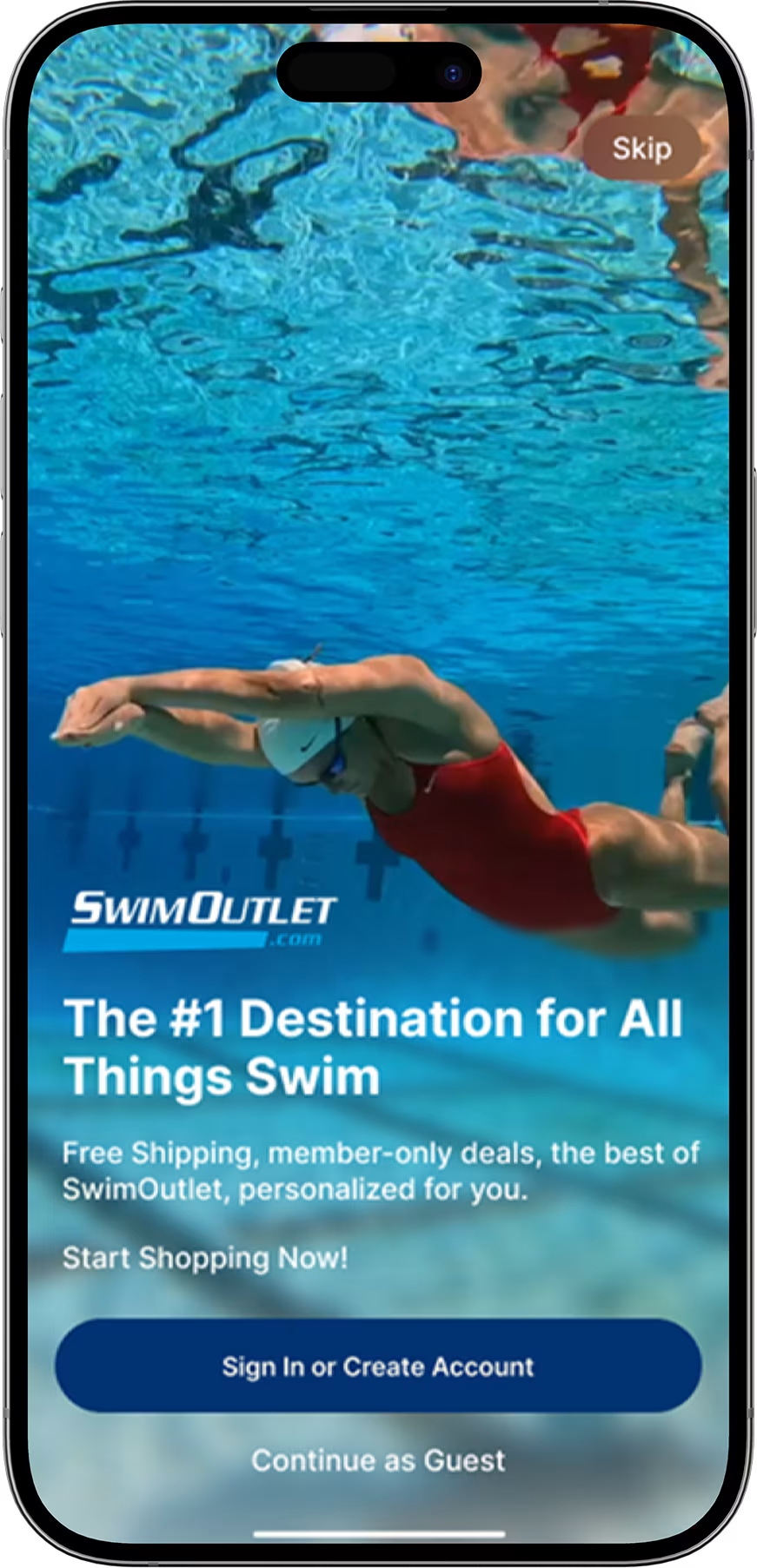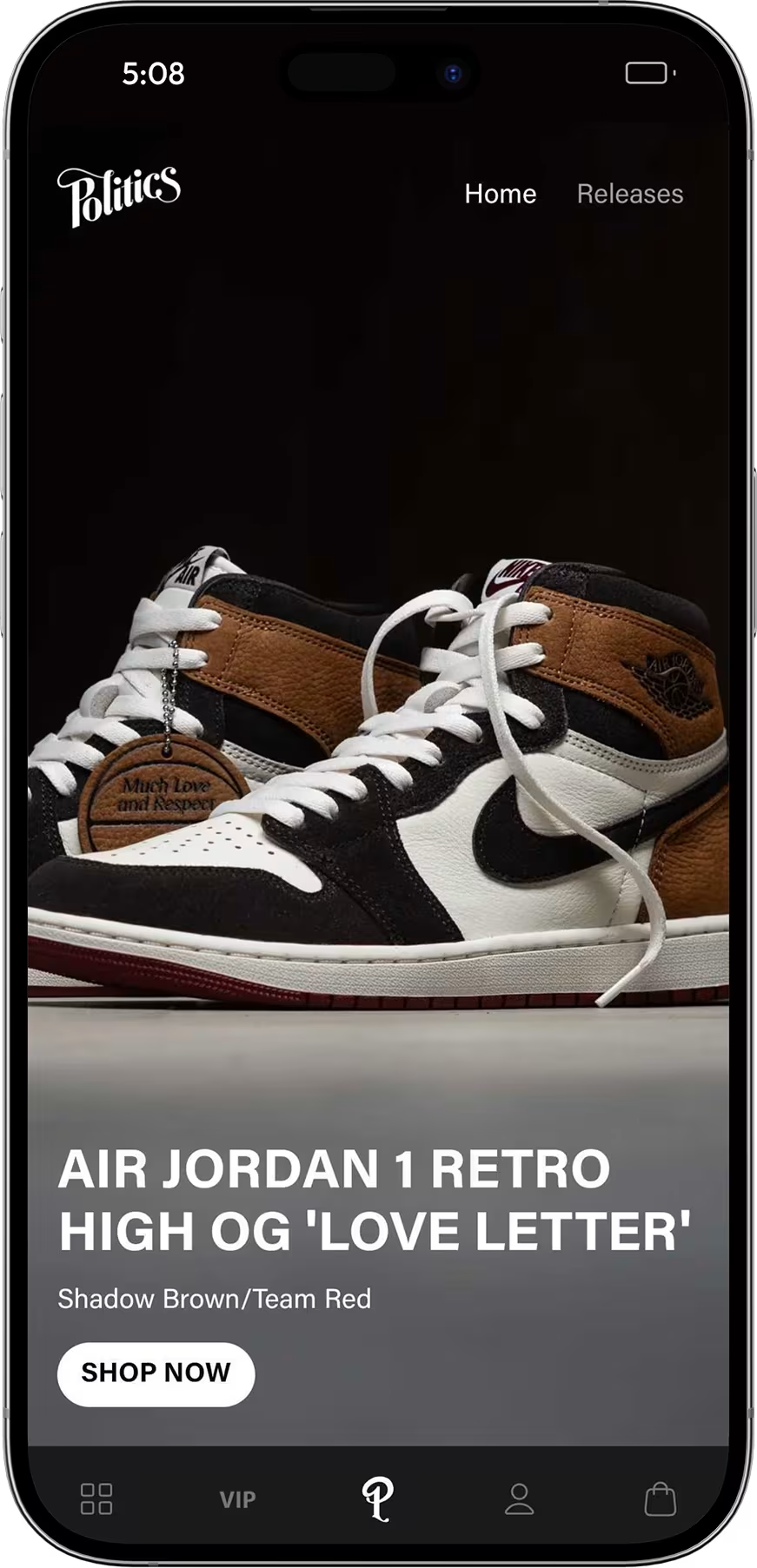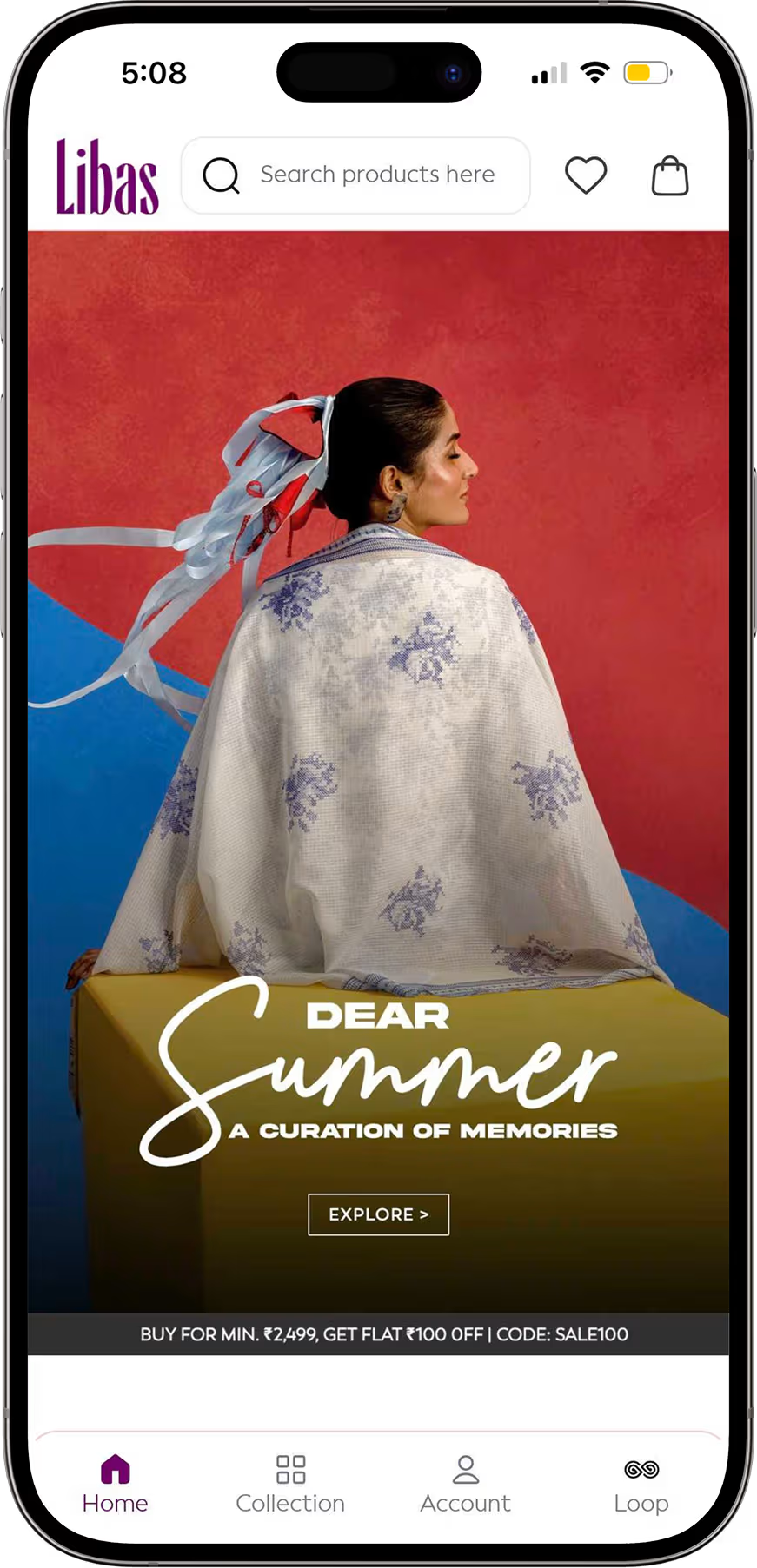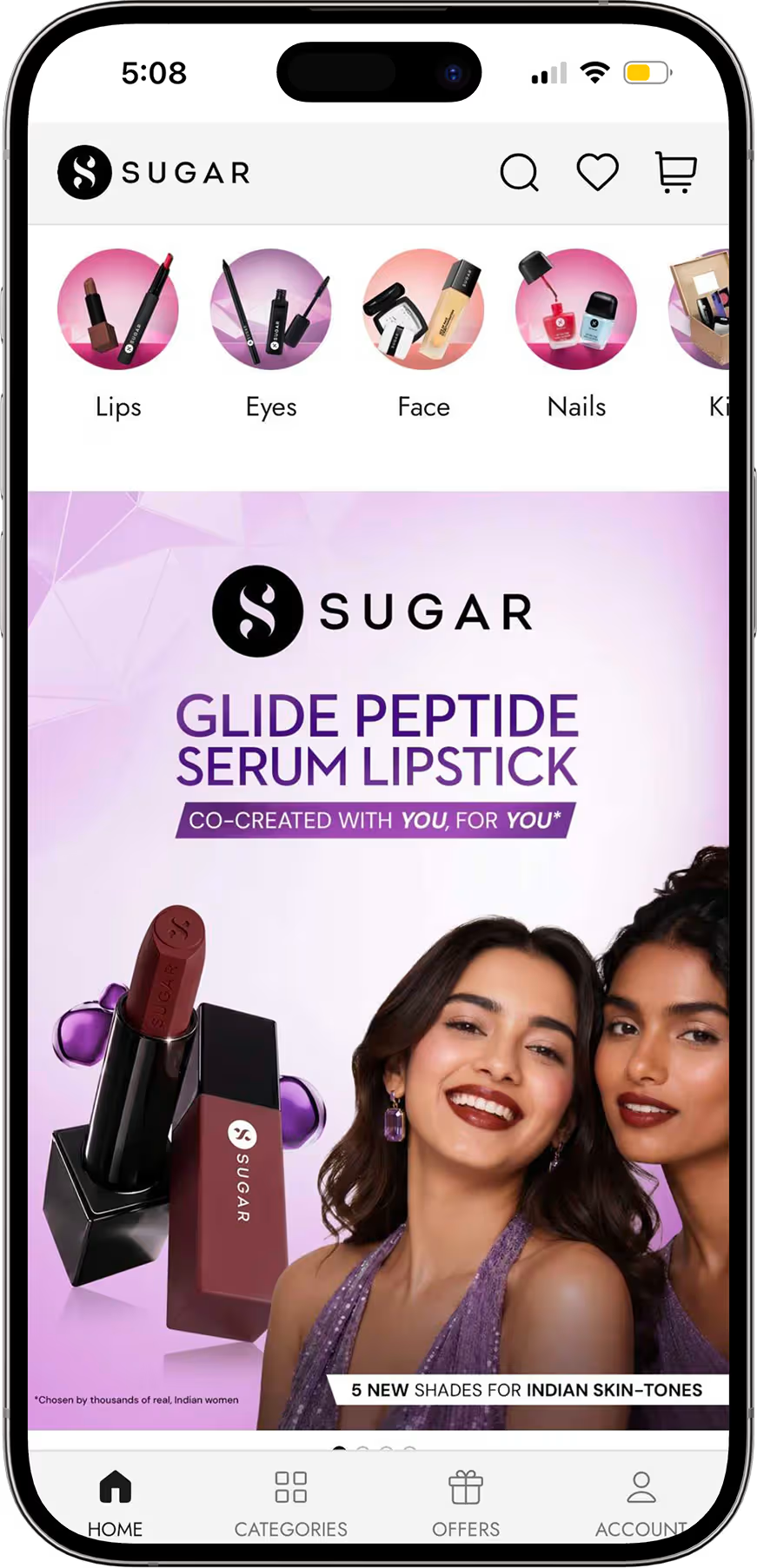






AI merchandising explained: how AI ranks and personalizes products, real examples, and the Shopify tools to use, with prices checked in November 2026.
Your best sellers sit on page three of a collection. A new drop gets buried under last season's stock. Someone on the team still re-sorts the homepage by hand every Monday, and by Wednesday it's out of date.
That isn't a staffing problem. Manual merchandising makes one decision for every shopper, then waits a week to make the next one. AI merchandising makes a fresh decision for each visit, using what the shopper is doing right now.
This guide explains what AI merchandising is, how the systems behind it work, what it looks like on real stores, and which tools a Shopify brand can use today, with prices checked on November 5, 2026.
TL;DR
- AI merchandising uses machine learning to decide which products each shopper sees, in what order and next to what. It covers search ranking, collection sorting, recommendations, bundles and personalized landing screens.
- Shoppers expect it. McKinsey found that 71% of consumers expect personalized interactions and 76% get frustrated when they don't get them (McKinsey, 2021).
- The payoff is measurable but not magic. McKinsey puts the typical revenue lift from personalization at 5% to 15% (McKinsey, 2023).
- Shopify stores can start for free. Shopify's Search & Discovery app adds AI recommendations, product boosts and synonyms at no cost, though its App Store rating sits at 2.6 out of 5 (November 2026).
- The mobile app is the strongest place to run it. A logged-in app knows the shopper, so the home screen itself can change with behavior.
What is AI merchandising?
AI merchandising is the use of machine learning to decide which products a shopper sees, in what order and alongside what. It replaces fixed sort orders and hand-picked collections with rankings that update from live data such as clicks, purchases, stock levels and margin. The merchandiser sets the goals and rules. The model does the sorting.
Traditional merchandising is a set of decisions a person makes in advance: pin these ten products, feature this banner, sort this collection by best selling. AI merchandising turns those static choices into a system that learns.
| Traditional merchandising | AI merchandising | |
|---|---|---|
| Who decides placement | A merchandiser, by hand | A model, inside rules the merchandiser sets |
| How often it changes | Weekly or per campaign | Every session |
| What it uses | Sales reports and gut feel | Clicks, add-to-carts, purchases, stock, margin, returns |
| Who sees what | Everyone sees the same page | Each shopper sees their own ranking |
| Where the human time goes | Sorting and re-sorting | Setting goals, guardrails and campaigns |
Analysts now treat it as one category. Forrester principal analyst Emily Pfeiffer told BizTech Magazine in July 2026 that search, recommendations, personalization and merchandising have converged into a single technology category. If a vendor sells you "AI search" today, it is selling you merchandising too.
How does AI merchandising work?
AI merchandising works as a loop: collect shopper and catalog data, score every product for every context, place the highest-scoring products, then measure what shoppers did and feed it back in. Each pass through the loop sharpens the next ranking.
In practice, the loop has four parts:
- Signals. Product views, searches, add-to-carts, purchases and returns on the behavior side. Price, stock, margin, tags and launch dates on the catalog side.
- Models. Ranking models score products for a query or collection. Recommendation models find products that are bought or viewed together. Similarity models match products by attributes and images.
- Placement. Scores turn into a search result order, a collection sort, a "complete the look" row or a home screen feed.
- Feedback. Clicks and sales on those placements go back into the models, and A/B tests check whether the AI ranking beats the manual one.
The part most guides skip is the rules layer. A good system lets you pin a hero product, bury out-of-stock items, boost high-margin lines or hide a collection in one region. The model ranks inside those limits. That's the difference between merchandising with AI and handing your store to a black box.
Data quality decides how well any of this works. A model can't recommend a matching belt if half your catalog has no color tag. Clean product titles, tags and metafields matter more than which vendor you pick.
AI merchandising examples
AI merchandising shows up in six places on a typical store. Most brands already run one or two of them without calling it merchandising.
- Search ranking. The model reorders results by what shoppers who searched the same term went on to buy, and handles typos and synonyms ("sneakers" and "trainers").
- Collection sorting. Instead of "best selling" for everyone, each shopper sees the collection ranked by their own browsing and the products trending with similar shoppers.
- Recommendations and bundles. "Frequently bought together", "complete the look" and "you may also like" rows built from purchase data. Our guide to personalized product recommendations covers how to set these up.
- Margin and stock-aware boosting. Products with deep stock or better margin get a lift when relevance is close, and products about to sell out step back.
- Personalized landing screens. Returning shoppers see banners and product rows built around what they browsed last time.
- Generated product content. AI writes descriptions, tags and alt text at scale, which also feeds better data to the ranking models.
Named retailers show what this looks like at scale. Algolia reports that Clarks moved from manual seasonal merchandising to AI ranking so seasonal products surface earlier, and that JD Sports uses it for personalized product tiles and remembered filter preferences on mobile (Algolia, 2025). Neither case study publishes a revenue figure, so treat them as patterns, not proof.
For proof, look at what happens when merchandising moves into an owned channel. Appbrew brands report these results for their app against their own mobile website:
- mCaffeine (beauty): 2.3x higher conversion rate on app vs web
- Kiyoko Beauty (beauty): 60% higher conversion rate on app vs web
- Dista: 3x higher conversion rate vs web
Source: Appbrew personalization feature page, November 2026.
{{cta}}
How do I personalize my app's home screen with AI?
Use a mobile app platform that changes home screen content with shopper behavior. On Appbrew, feeds and banners change with what each shopper browses and buys, and this comes with the Pro plan at $599/month. It never changes prices or creates discounts on its own: offers stay in your hands. See AI Concierge for how it works.
The home screen is the most valuable merchandising slot you own, and on the web it's usually the least personal. A website visitor is often anonymous. An app shopper is logged in, has a purchase history and opens the app with intent.
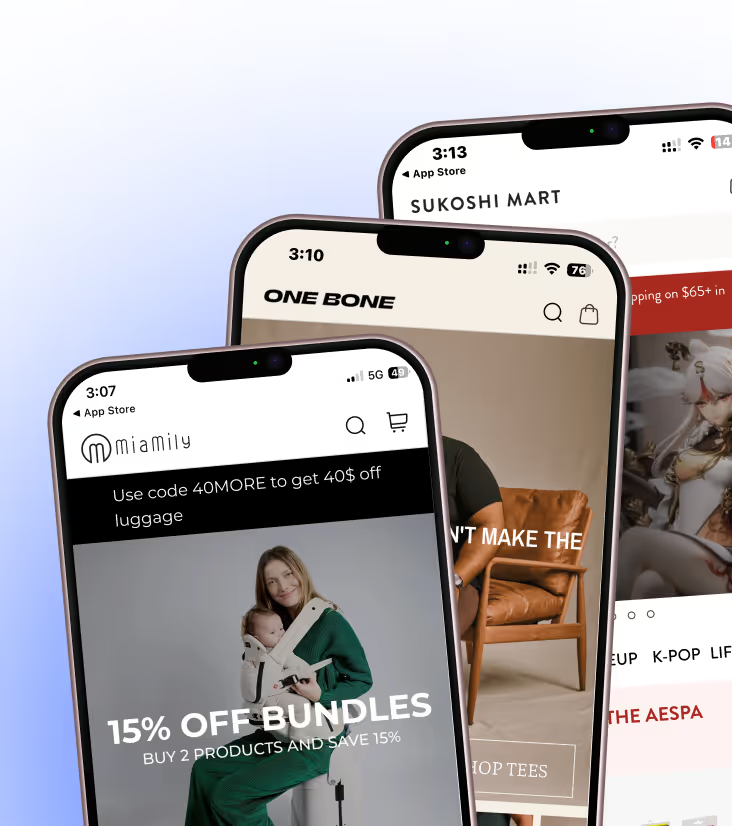
That changes what you can merchandise. A shopper who bought running shoes last month opens the app to a feed led by running apparel and socks, not the brand's new candle line. Someone who abandoned a cart sees that collection first. The Appbrew personalization layer targets banners, collections and content by behavior, cart activity, customer tags, purchase history, location and device.
Then pair the home screen with the next touchpoint. A personalized feed brings shoppers back into products they care about, and push notifications bring them back into the app in the first place.
AI merchandising tools for Shopify stores
The right tool depends on where you sell and how big your catalog is. For most Shopify brands, the choice is between Shopify's free app, a dedicated search and merchandising app, an enterprise platform or a mobile app that merchandises inside the app.
| Tool | What it merchandises | Price (checked November 5, 2026) |
|---|---|---|
| Shopify Search & Discovery | Web search, filters, AI recommendations, product boosts, synonym groups | Free (rated 2.6 out of 5 from 514 ratings) |
| Searchanise | AI search, voice search, merchandising, upsell recommendations | Free under 25 products, then $19 / $39 a month, $49 for Shopify Plus |
| Nosto | AI search, recommendations, merchandising rules, personalized content, A/B tests | Free to install; Nosto account priced on request |
| Algolia | AI search ranking and personalization for headless and large catalogs | Free tier; Grow Plus (AI Ranking, Advanced Personalization) from $0 plus $1.75 per 1K extra searches; Elevate custom |
| Bloomreach, Salesforce Commerce Cloud | Enterprise search, merchandising and agentic workflows | Quote-based |
| Appbrew | Native iOS and Android app with personalized home screen, PDP and PLP blocks, push | Starter $199/month, Pro $599/month, Enterprise custom; 30-day free trial |
Prices come from each vendor's Shopify App Store listing or pricing page on November 5, 2026. Searchanise bills in your store's currency.
A few things the price column hides:
- Shopify Search & Discovery is free, and it shows. Recent reviews complain that results got less relevant after an update. It's the right first step, not the last one.
- Usage pricing scales with traffic. Algolia charges per thousand searches beyond the included amount, so a big sale month costs more.
- Web tools stop at the web. Every tool above except the app platform merchandises your website. If a large share of your repeat revenue comes through a branded app, the app needs its own merchandising layer.
For a wider list across categories, see our guide to the best AI tools for ecommerce.
How to start with AI merchandising
Start with one placement and one metric, not a platform migration. Ananda Chakravarty, research vice president at IDC Retail Insights, put it plainly to BizTech Magazine: "the winning platform is not necessarily the one with the longest AI feature list" (July 2026).
A workable order for a Shopify brand:
- Fix the catalog first. Consistent titles, tags, colors, sizes and metafields. This one step improves every tool you add later.
- Pick the placement that loses the most money. Usually site search (high intent, poor results) or the top collection page.
- Turn on AI ranking there, with rules. Pin your launches, hide out-of-stock items, set margin guardrails.
- A/B test against your manual version for at least two weeks. Measure conversion rate and revenue per visitor, not clicks on the widget.
- Expand to recommendations, then to the app home screen, once the first test proves out.
Expect gains in the range McKinsey reports for personalization, 5% to 15% of revenue (McKinsey, 2023), not a doubling. Anyone promising more without your data hasn't seen your data.
What AI merchandising won't do for you
AI merchandising ranks what you already sell. It won't fix weak products, thin catalogs or poor photography, and it doesn't replace the merchandiser.
Three limits to plan for:
It needs volume. A store with 40 products and a few hundred sessions a day doesn't give the model much to learn from. Rules and good collections do most of the work at that size.
It optimizes what you tell it to. Set the goal to clicks and you get clickbait products at the top. Set it to revenue per visitor, with margin rules, and you get a store that makes money.
It doesn't decide strategy. Which line to launch, which product to discount and which story to tell this season are still human calls. The merchandiser's job moves from sorting products to setting the goals, rules and campaigns the model works within.
That last point is how Appbrew approaches AI inside the app. Milo, the AI in Appbrew, builds from your store, drafts each change and waits for a yes before anything goes live. Milo doesn't run unattended.
{{cta2}}
FAQ
Will AI replace merchandisers?
No. AI takes over the repetitive sorting, re-ranking and reporting, and the merchandiser's work shifts to setting goals, rules and campaigns. Bloomreach and Salesforce both describe AI changing how merchandisers work rather than removing the role, and every serious tool still lets a person pin, boost and hide products.
What data does AI merchandising need?
It needs behavior data (views, searches, add-to-carts, purchases and returns) and clean catalog data (titles, tags, variants, prices, stock and margin). Catalog quality matters most for small stores. A model can't match a product to a shopper's taste if the attributes that describe that taste are missing.
Is Shopify Search & Discovery enough for AI merchandising?
It's enough to start. The free app adds AI recommendations, product boosts, synonym groups and filters to your web store. Larger catalogs, or brands that want personalized ranking per shopper, usually move to a dedicated app such as Searchanise or Nosto, or to Algolia for headless stores.
What's the difference between AI merchandising and product recommendations?
Product recommendations are one part of AI merchandising. Recommendations fill a widget ("you may also like"), while AI merchandising also decides search order, collection sorting, home screen content and which products get boosted or hidden across the whole store.
Does AI merchandising work in a Shopify mobile app?
Yes, and it often works better there. App shoppers are logged in, so the app knows their history from the first screen. On Appbrew, home screen feeds and banners change with shopper behavior on the Pro plan at $599/month.
The store that sorts itself
Manual merchandising was built for a store where everyone walked through the same front door. Online, every shopper gets their own door, and AI merchandising is how you decide what's behind it. Start with one placement, measure it honestly and keep the human on the rules.
See what a personalized home screen does for your repeat buyers: book a demo with Appbrew.
AI Concierge helps shoppers find the right product inside your Appbrew mobile app.